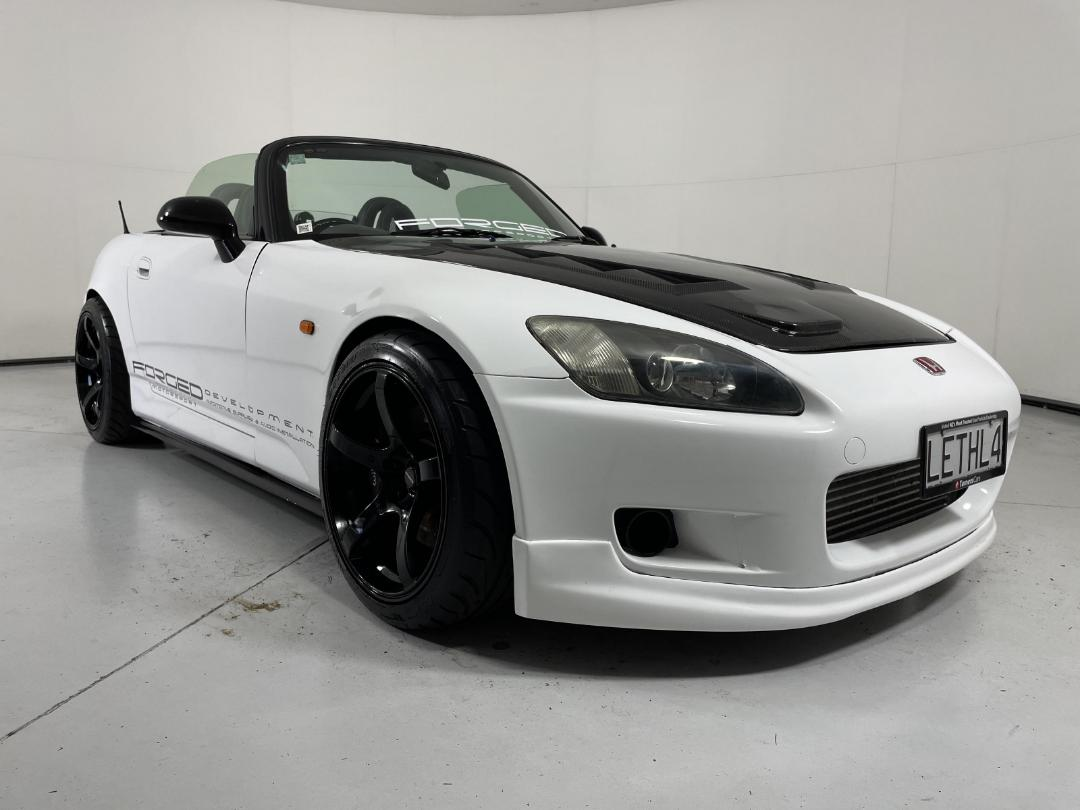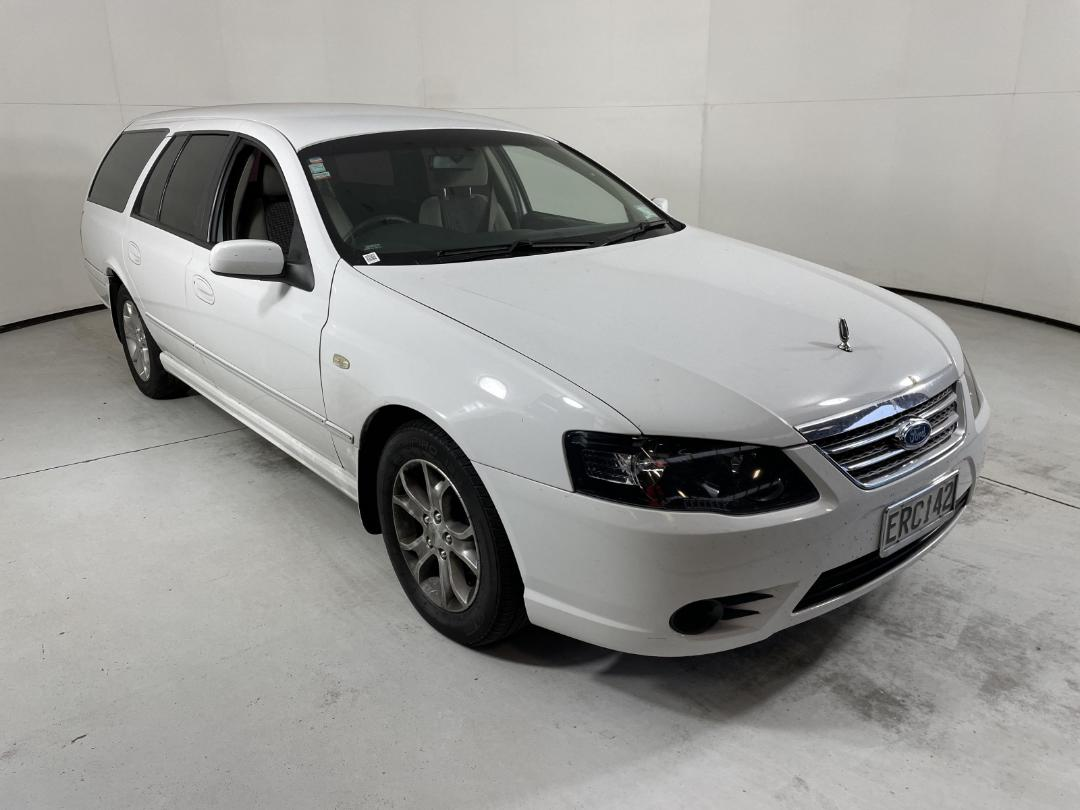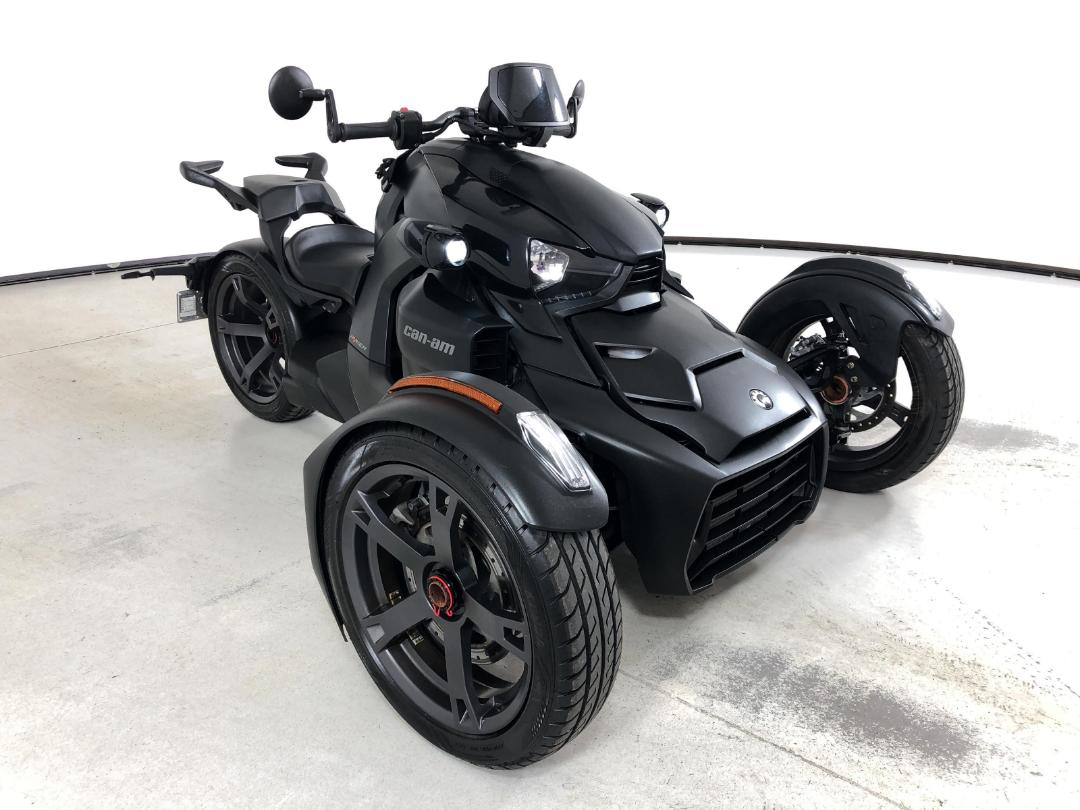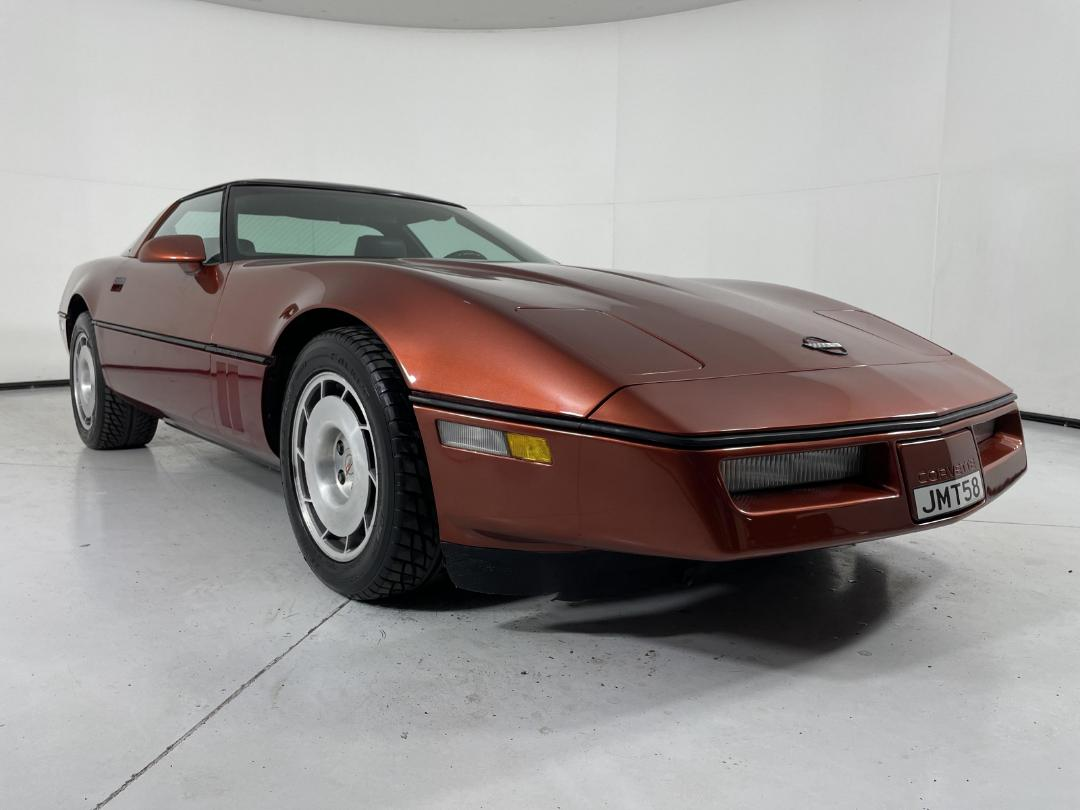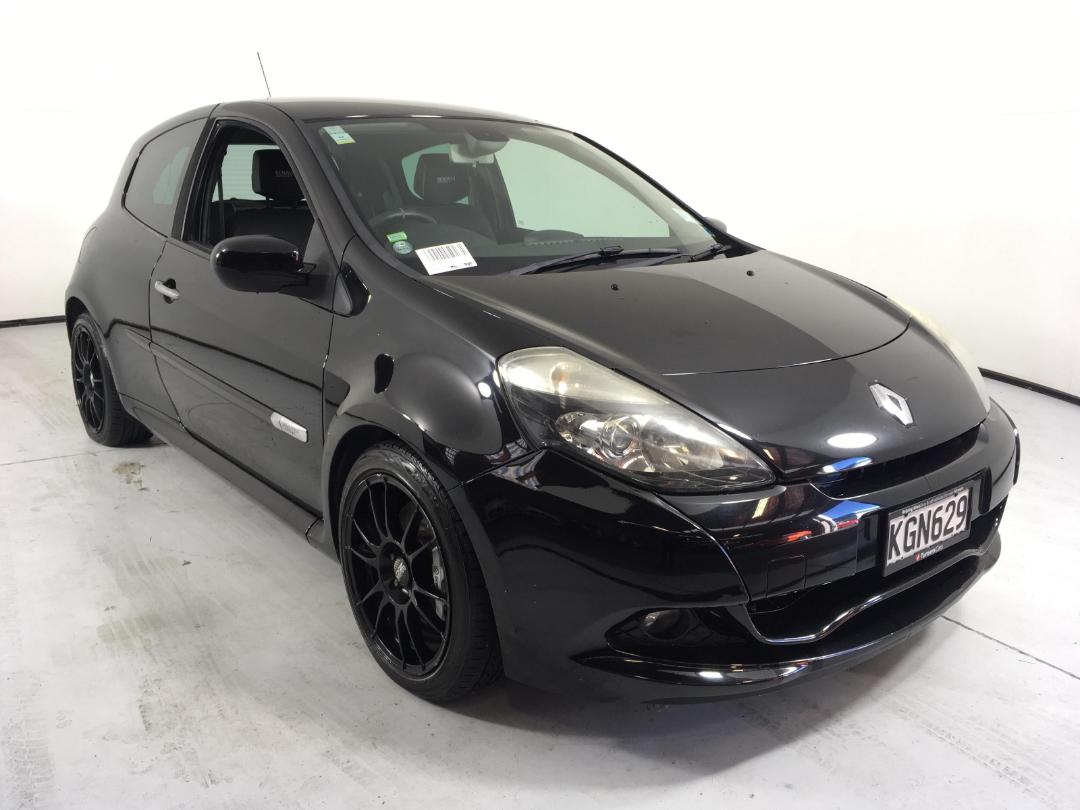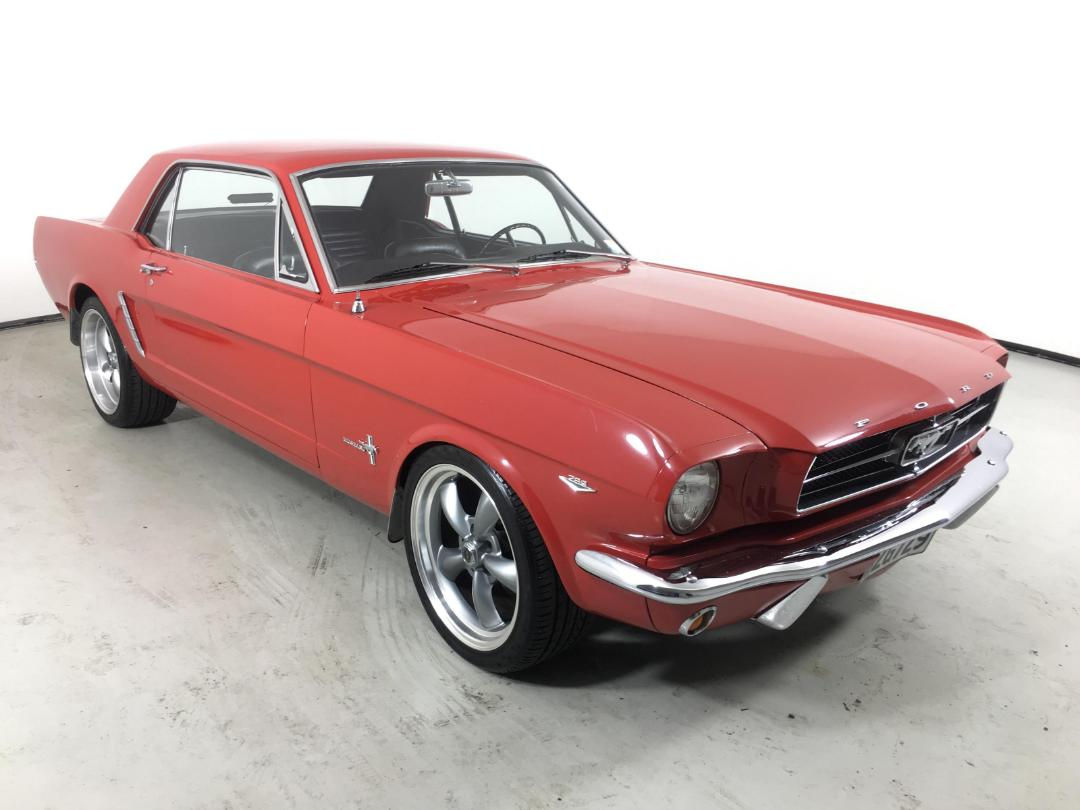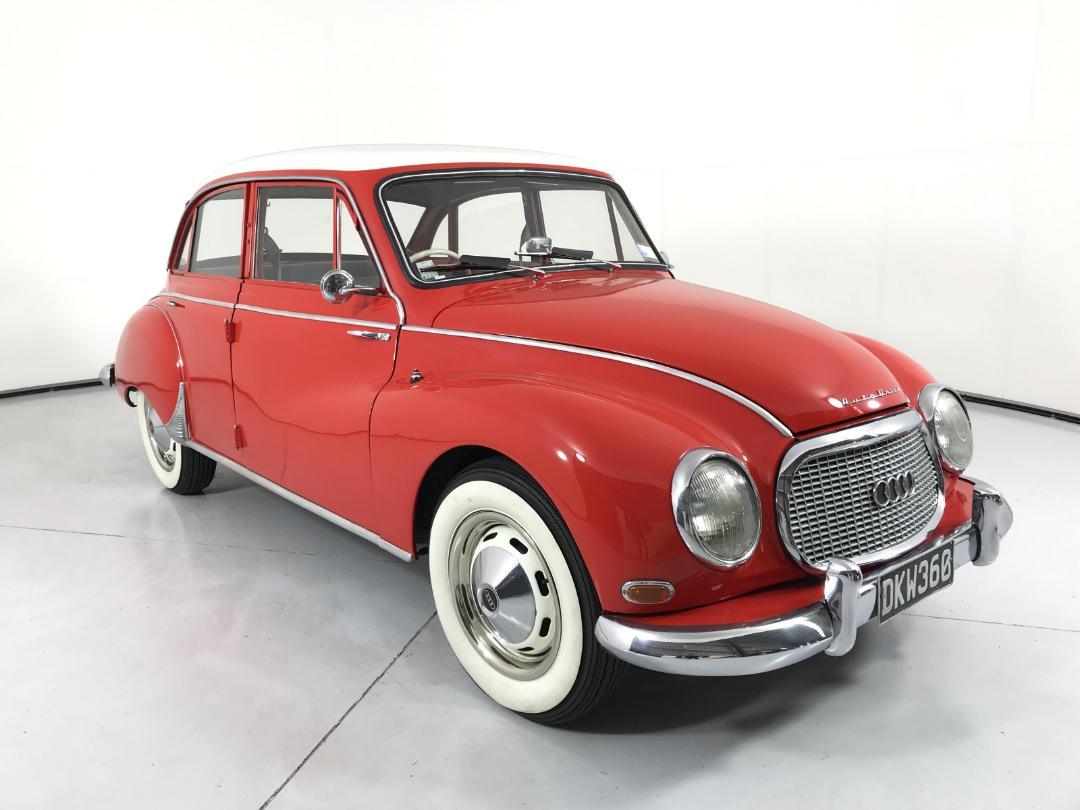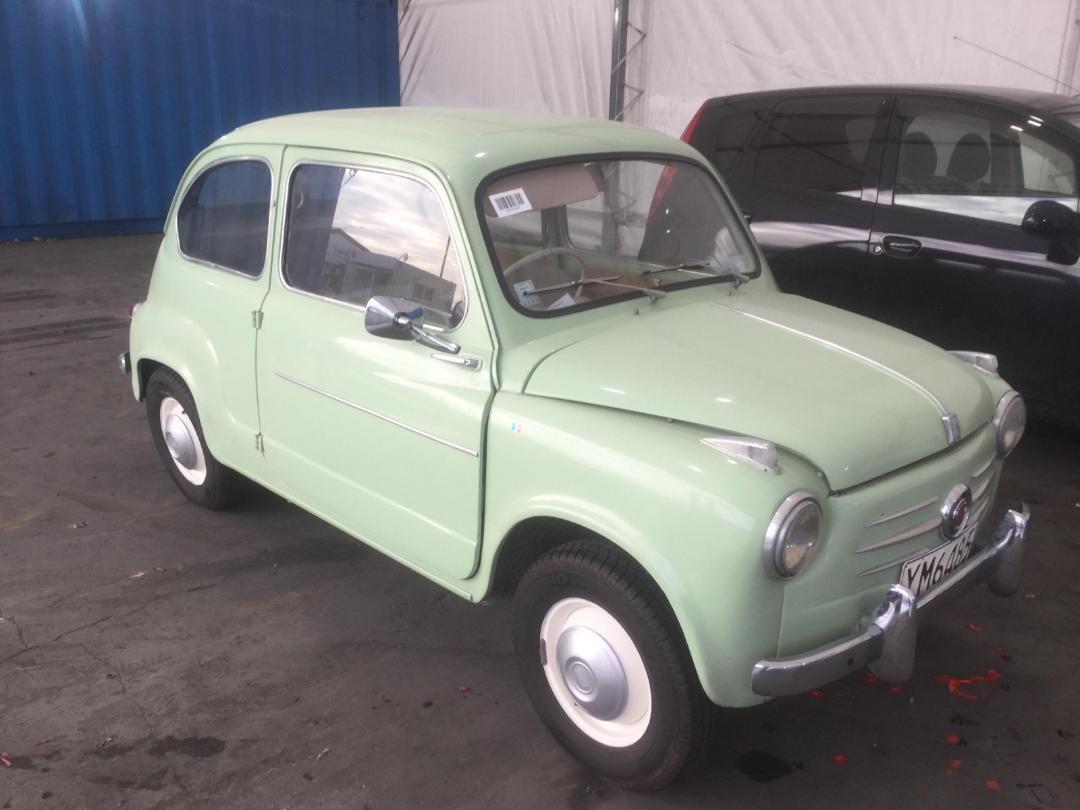
Big Engine, Little Car – The Old Trick that Never Gets Old
Jun 11, 2026
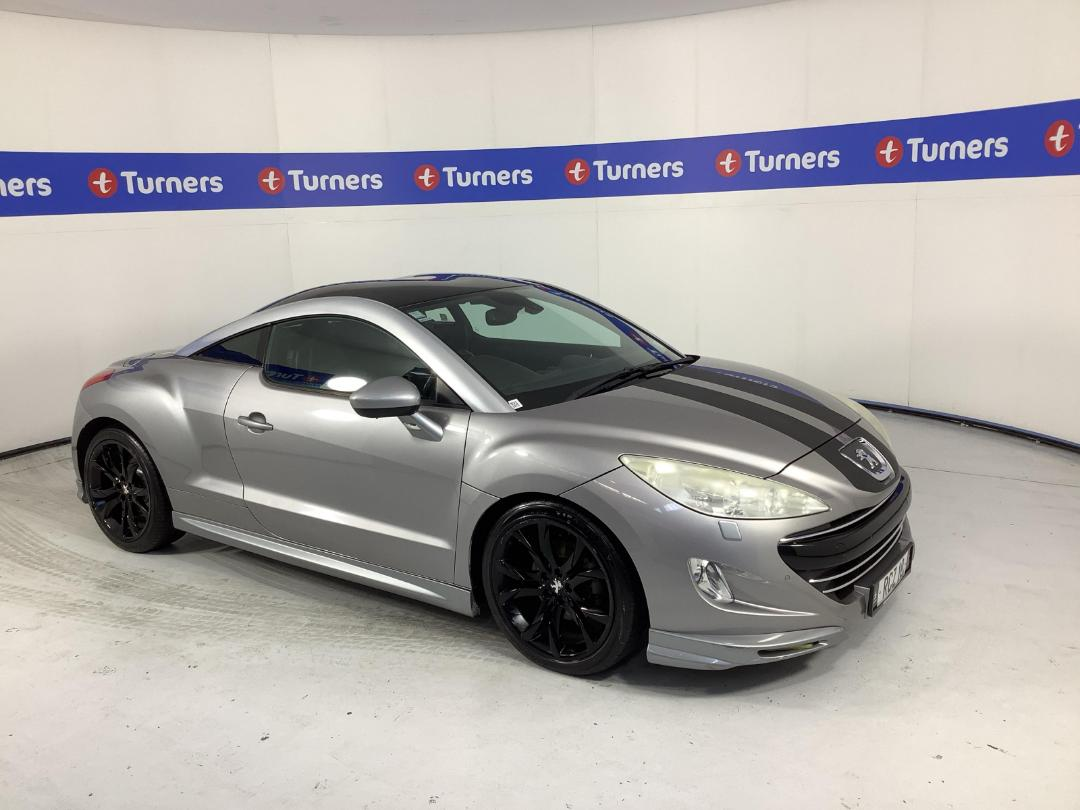
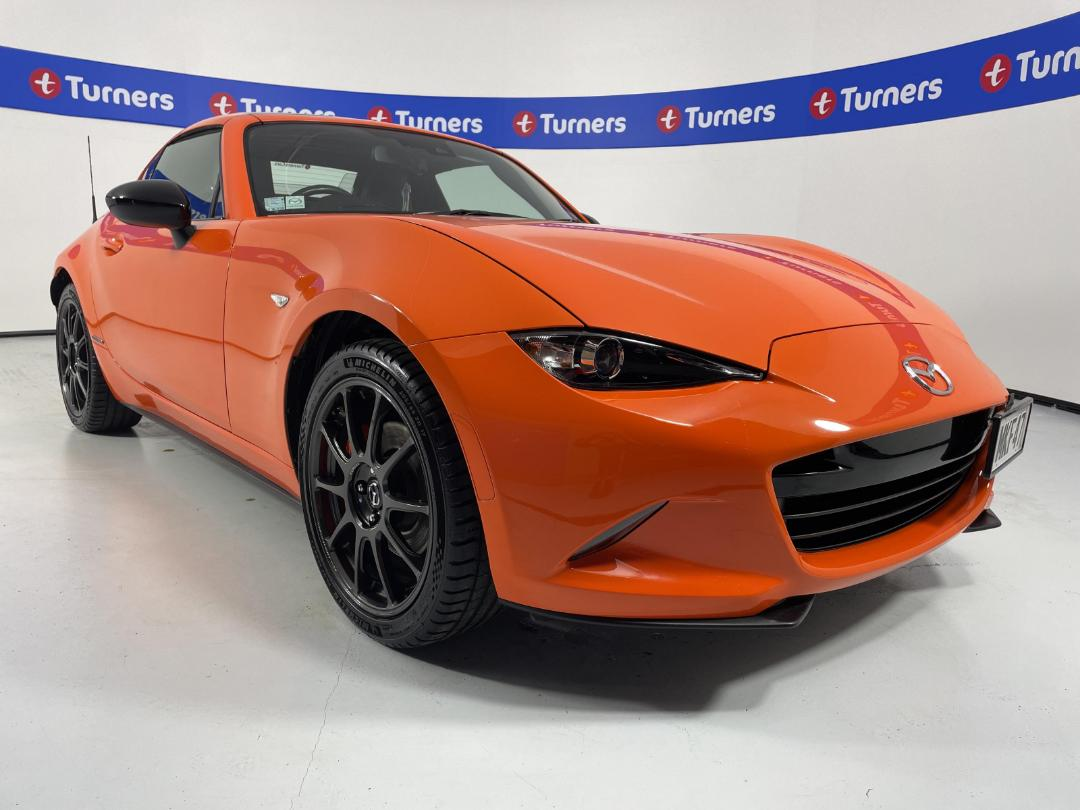
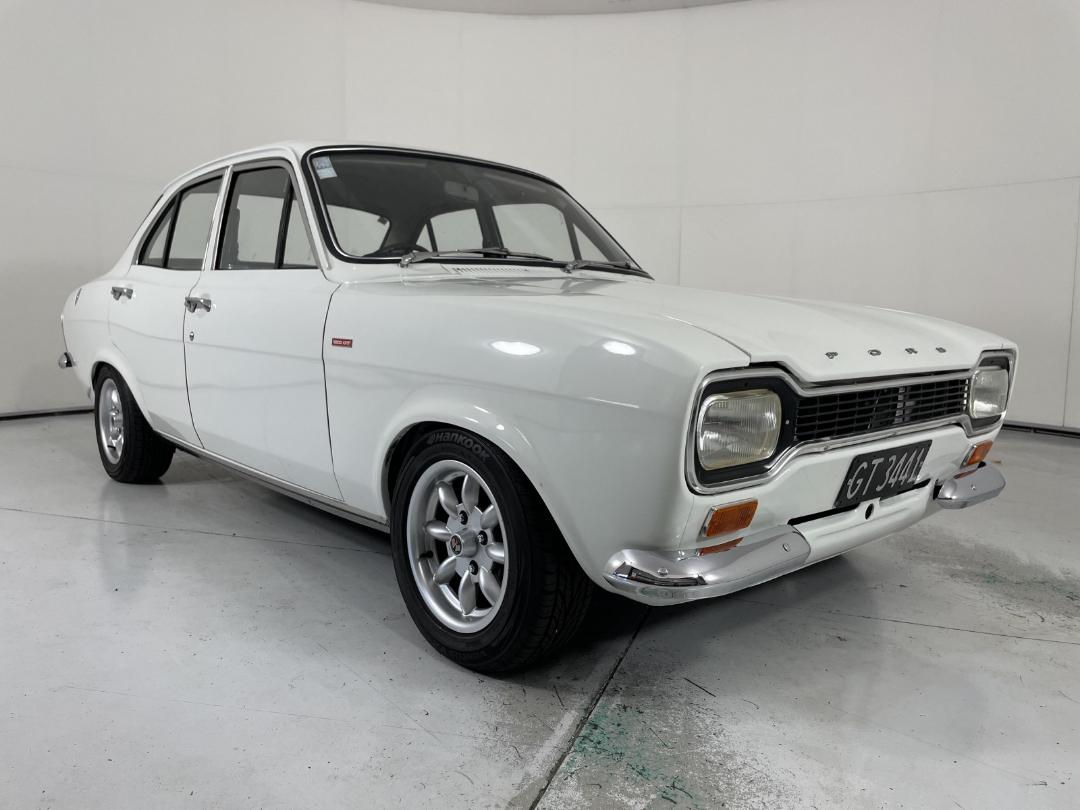
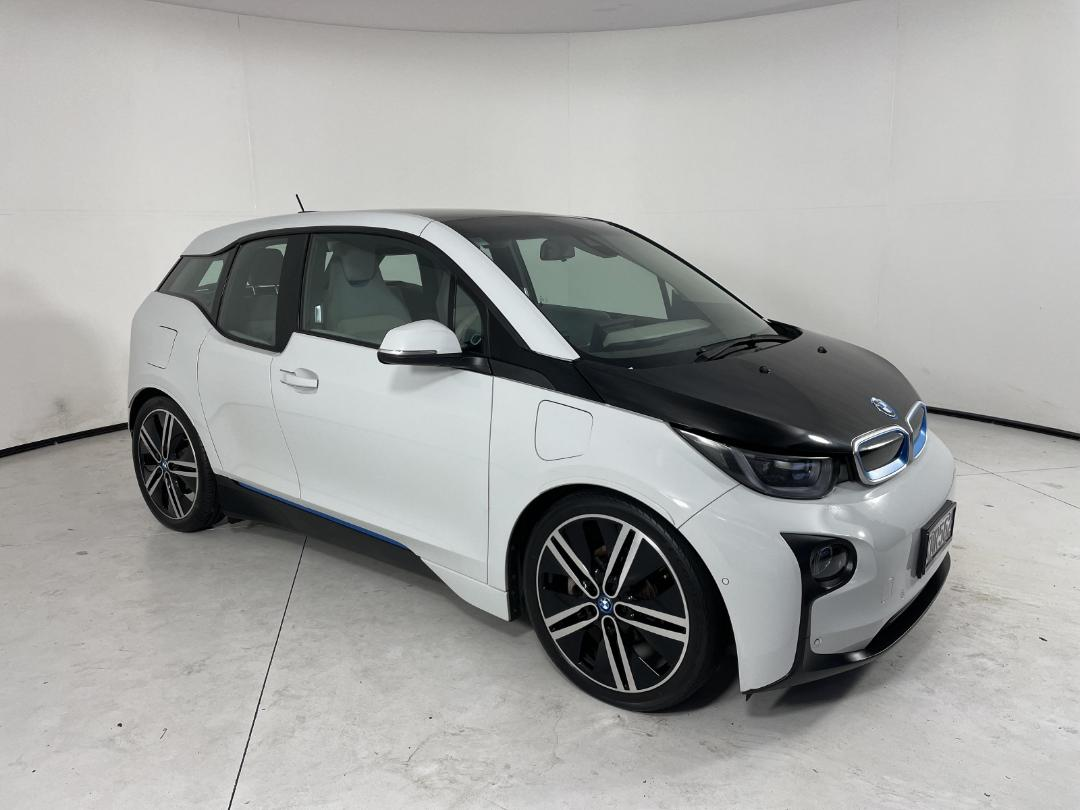
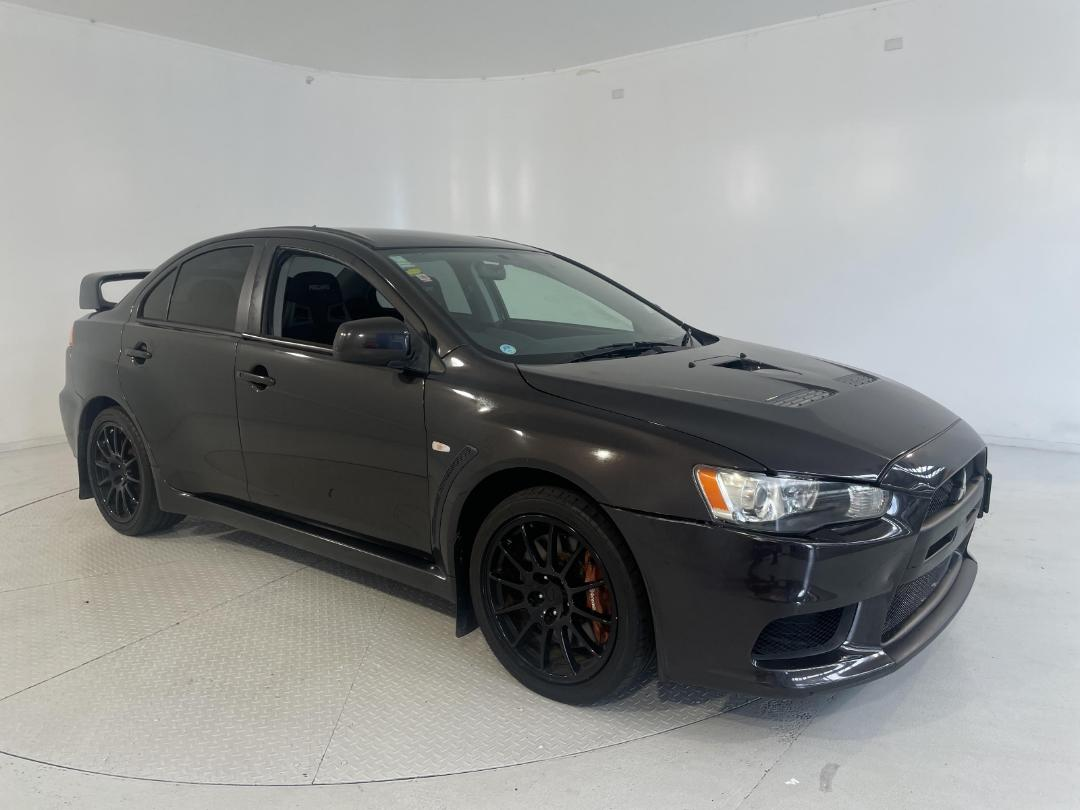
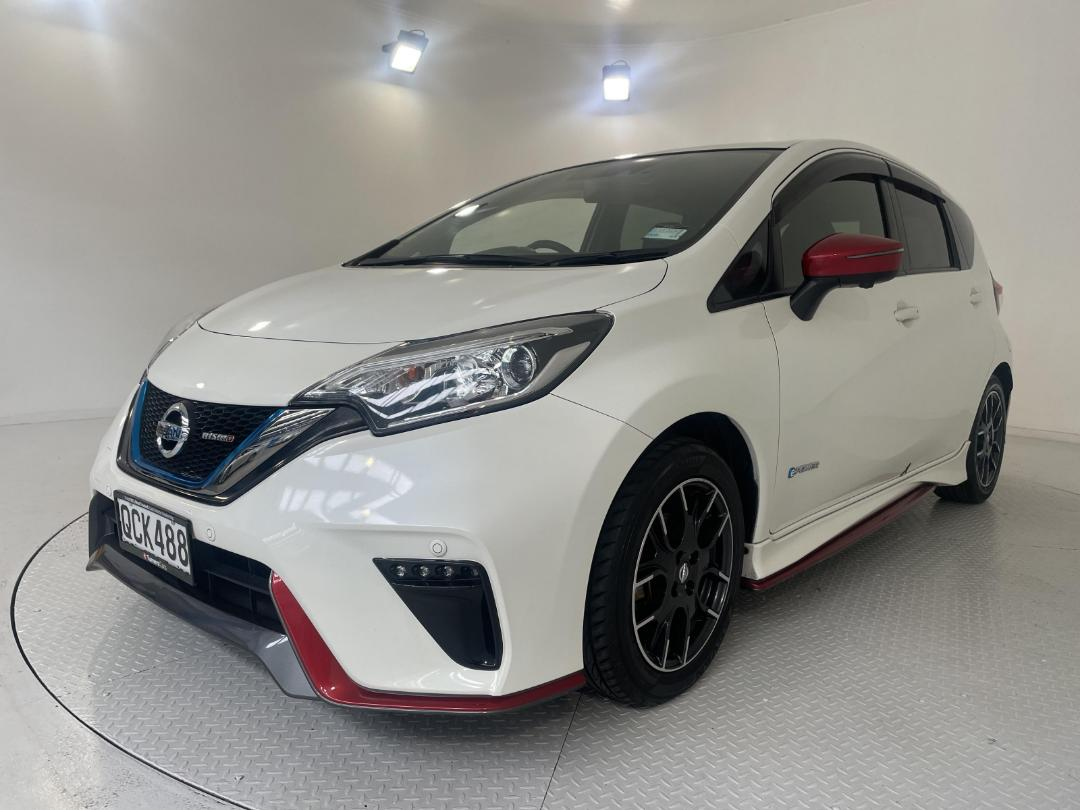
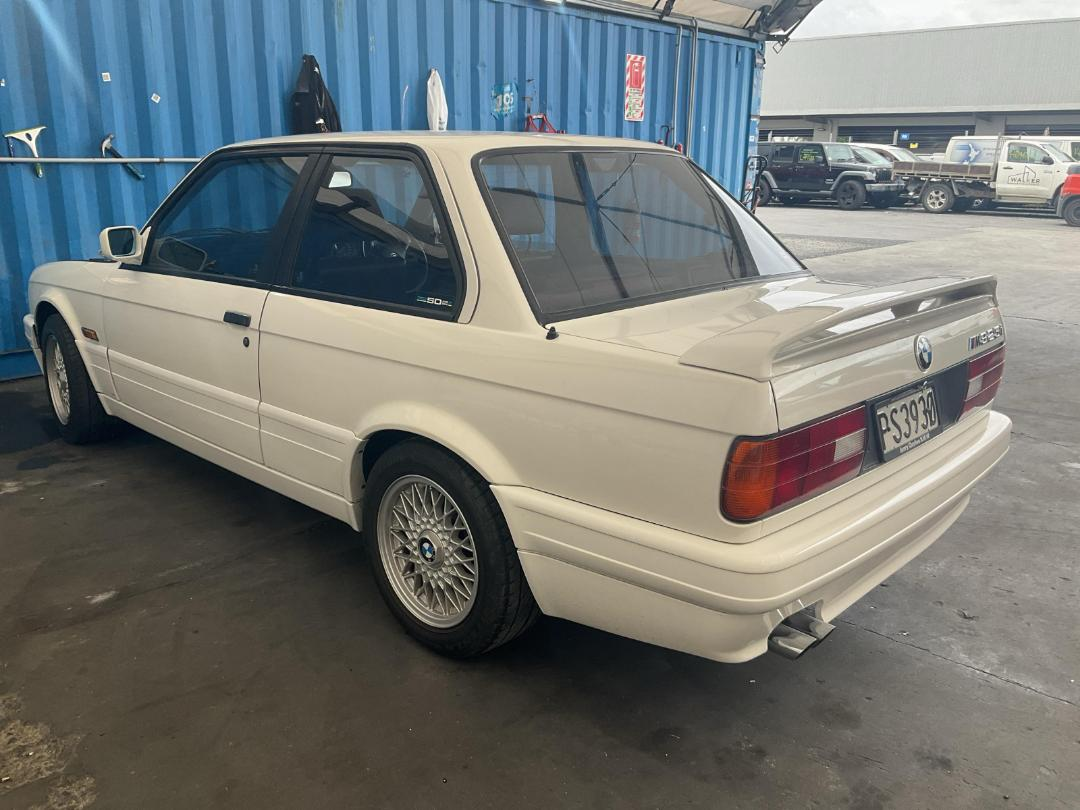
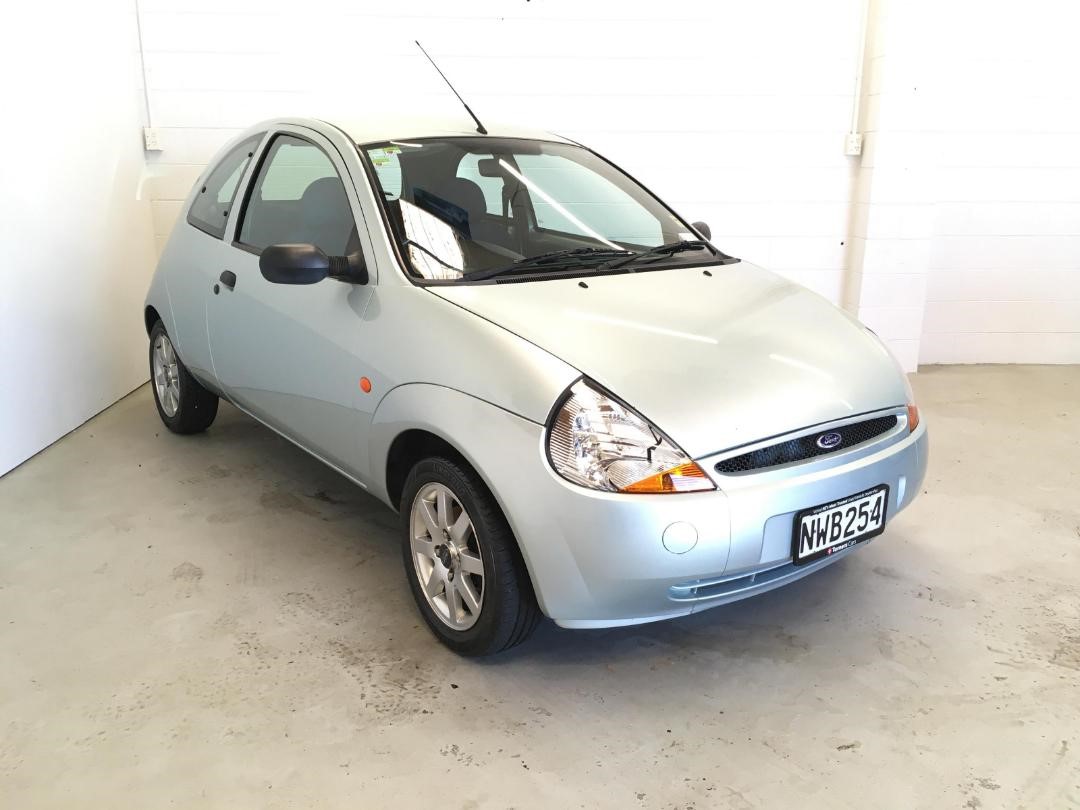
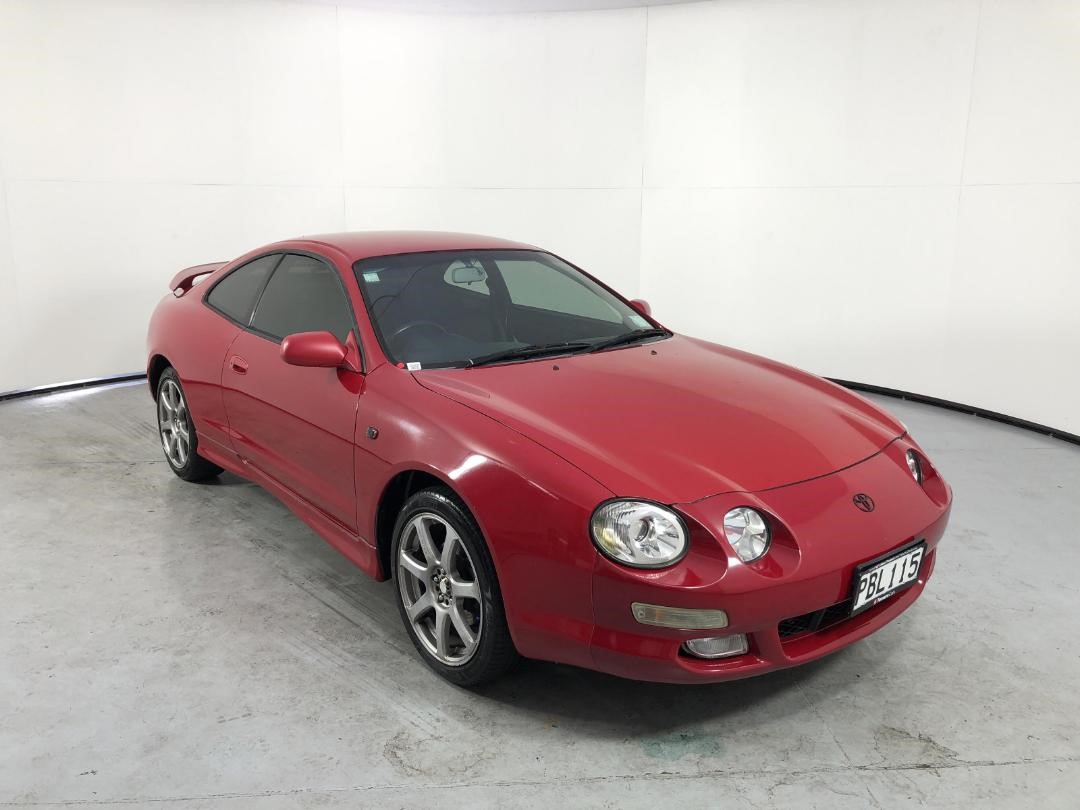
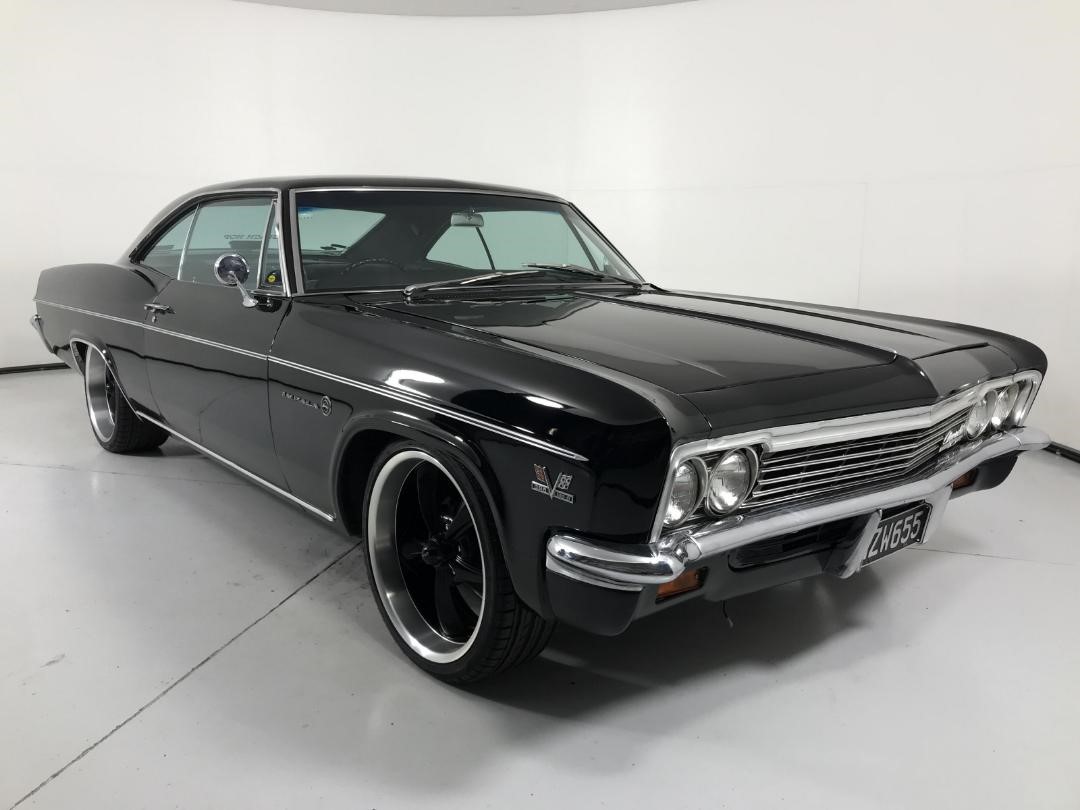
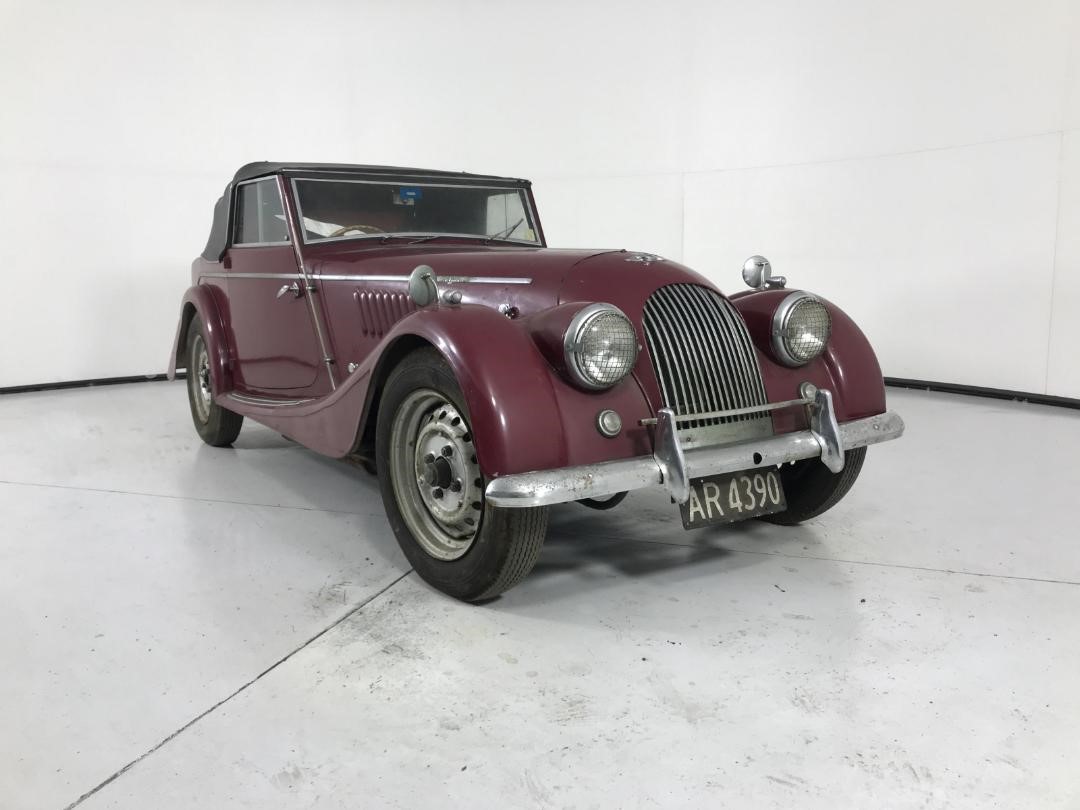
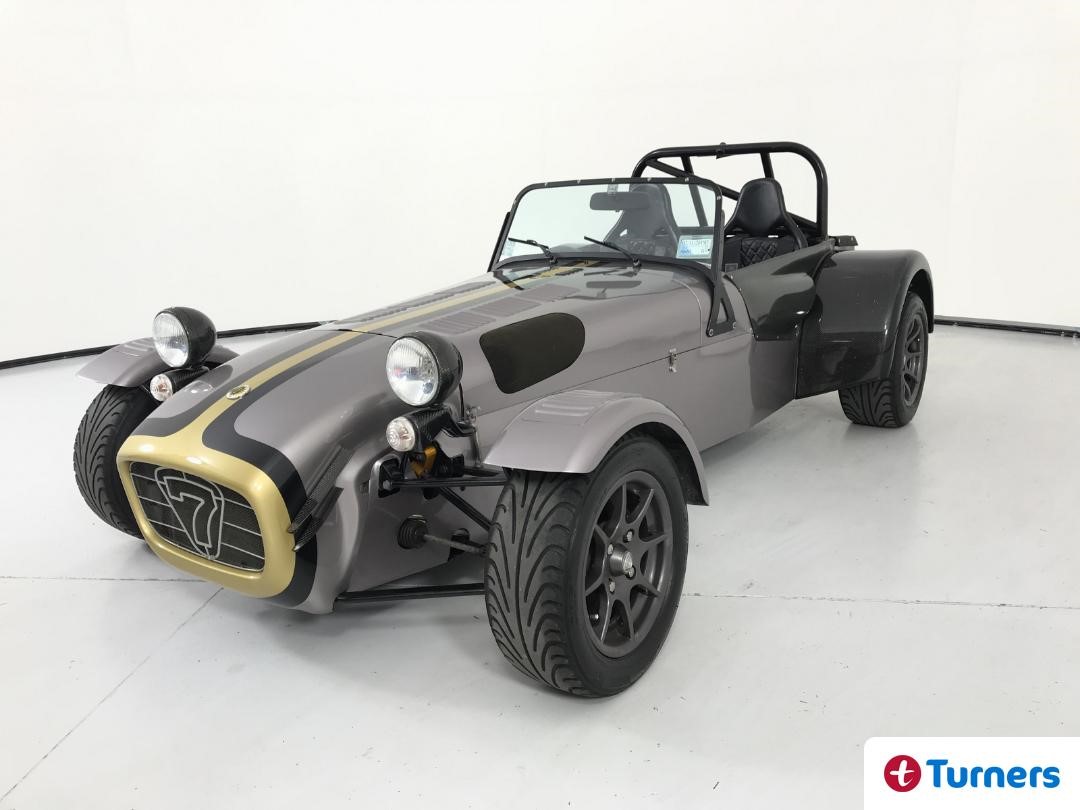
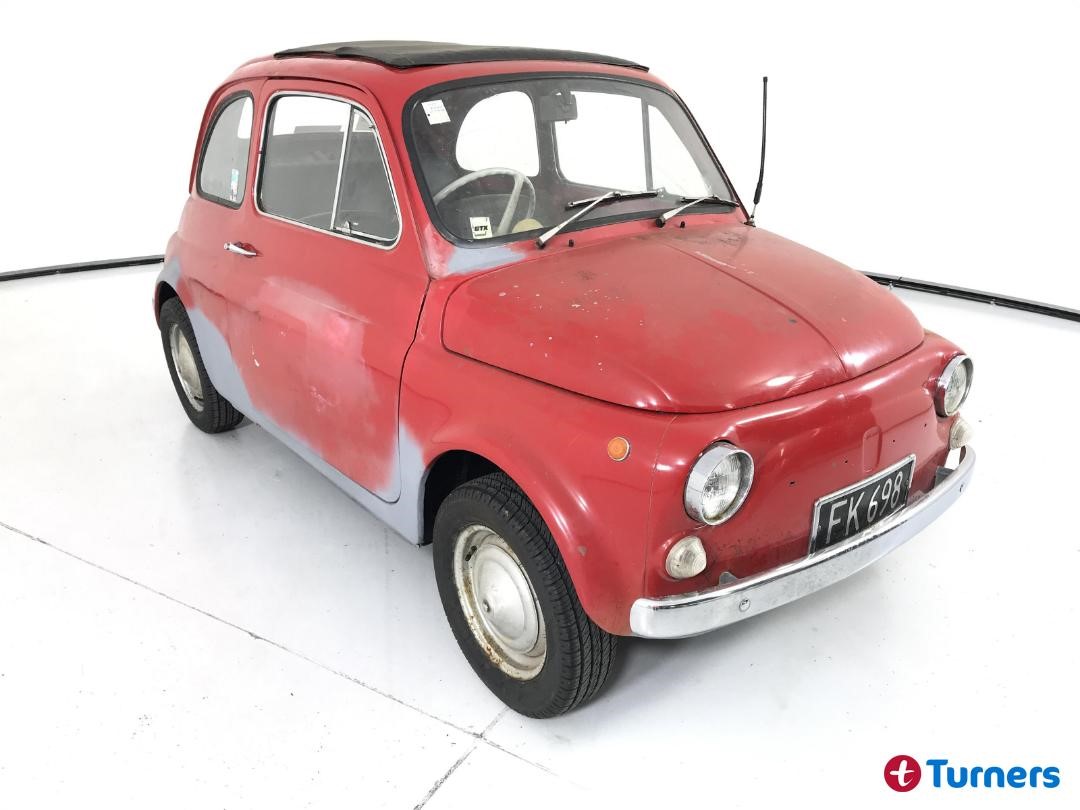
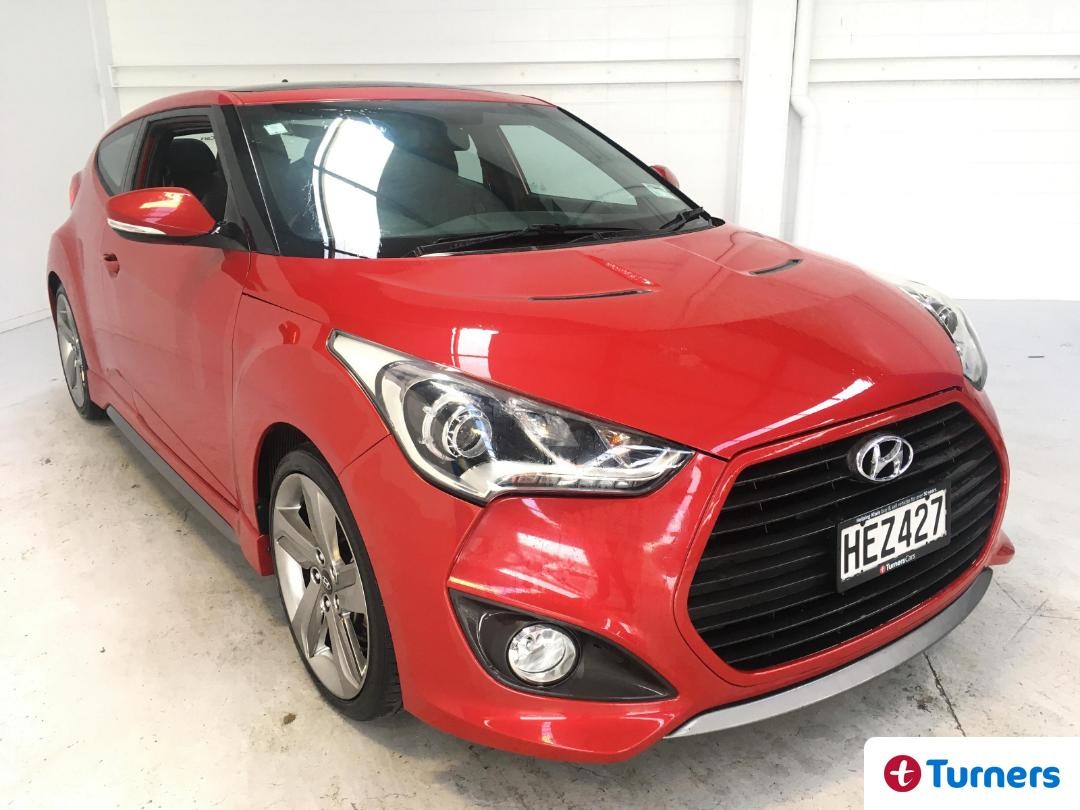
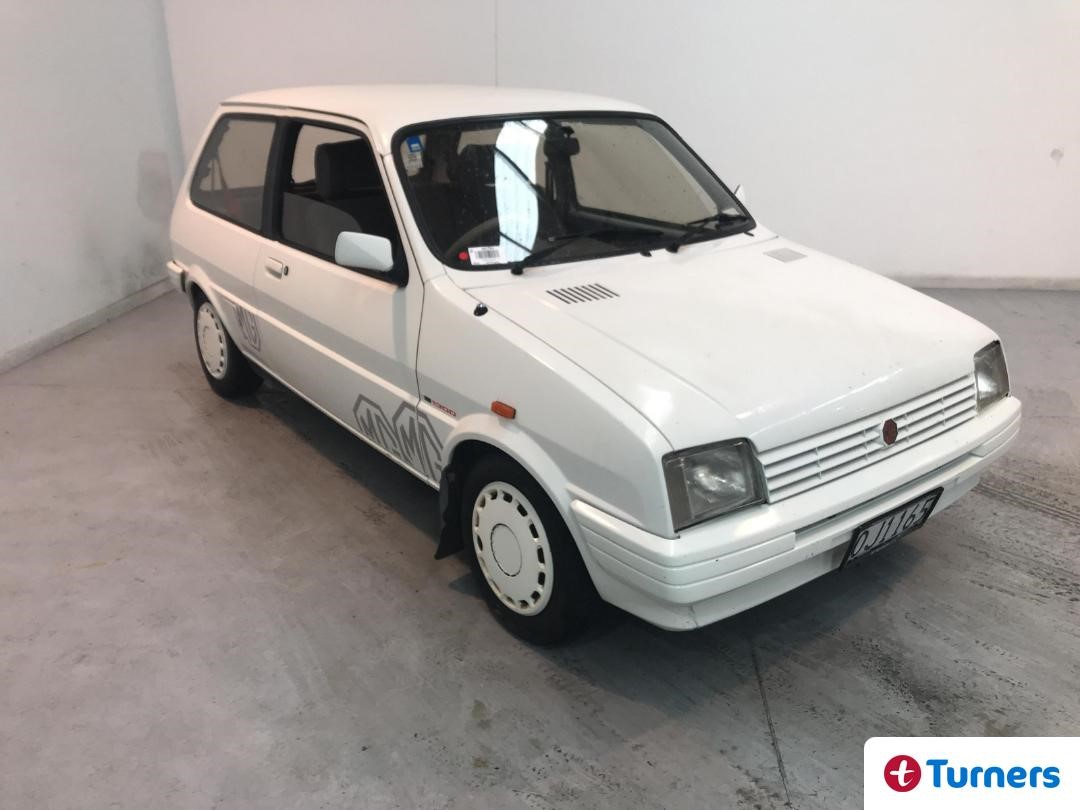
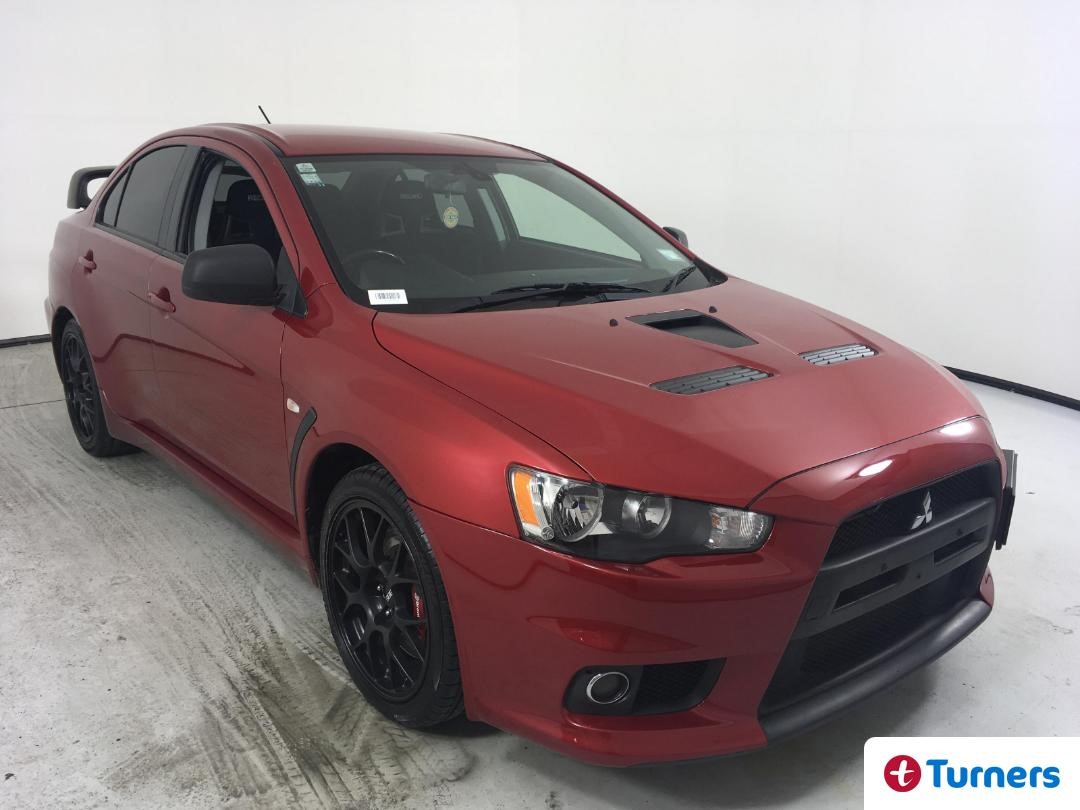
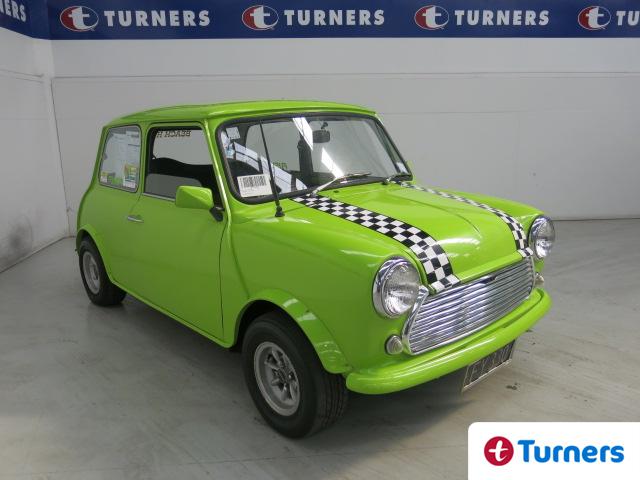
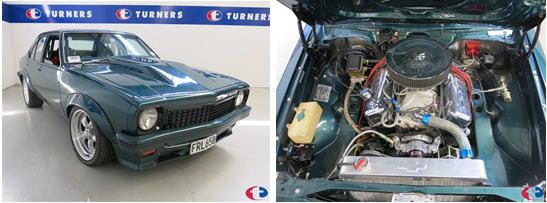
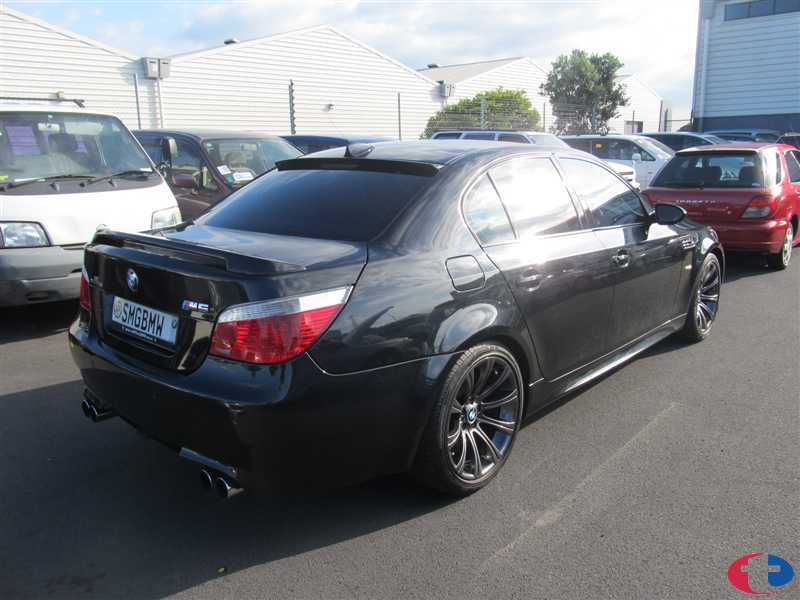
Putting a big engine in a little car is not a new trick but it is a good trick. The 135i dispensed with the 4 pot engines usually found in the 1 series and squeezed in a 300hp twin turbo straight six and sent all the grunt to the rear wheels. It’s a trick that never gets old and it’s not all that expensive either. This example at Turners Tauranga provides plenty of bang for buck. Read on...
Read More