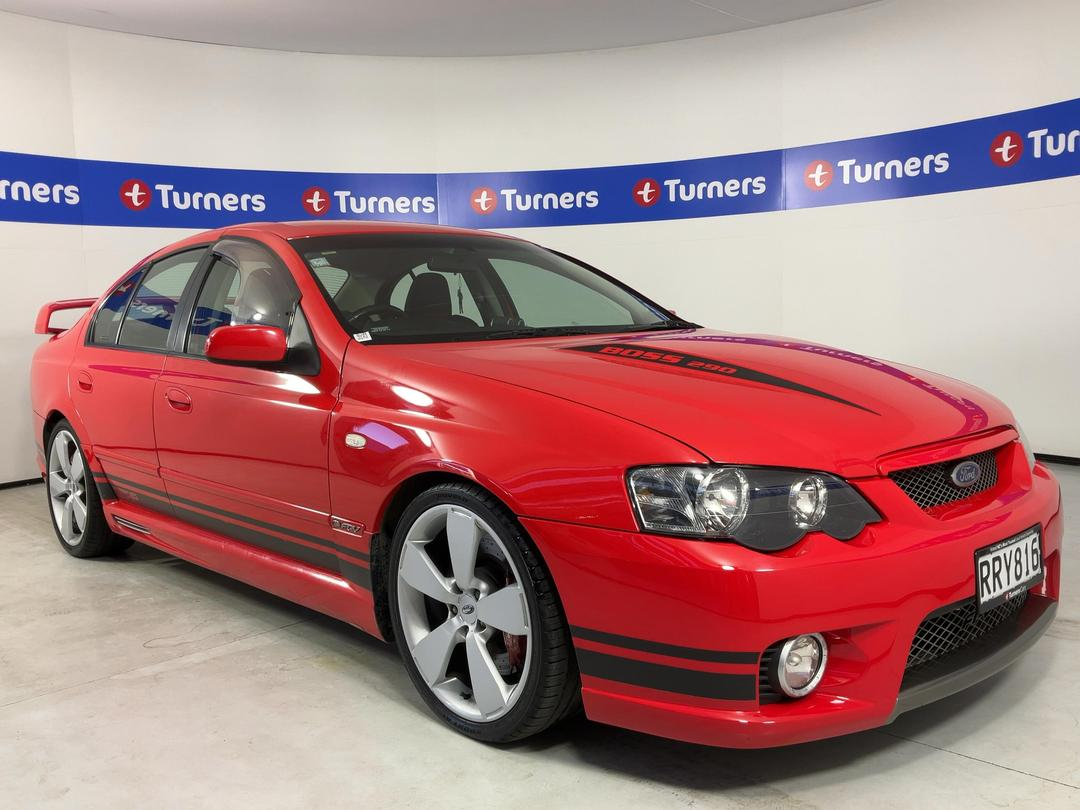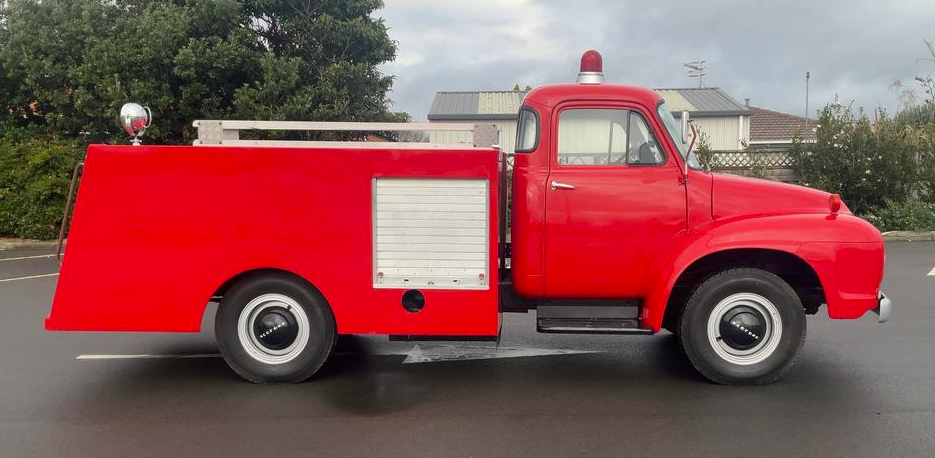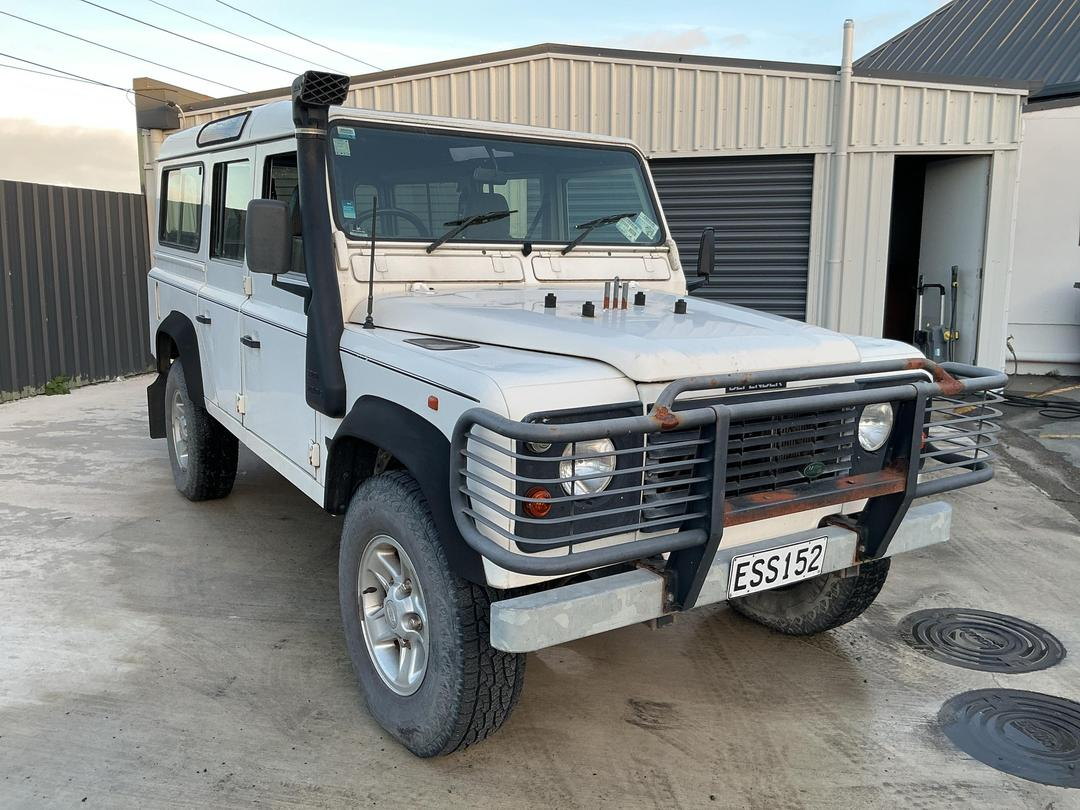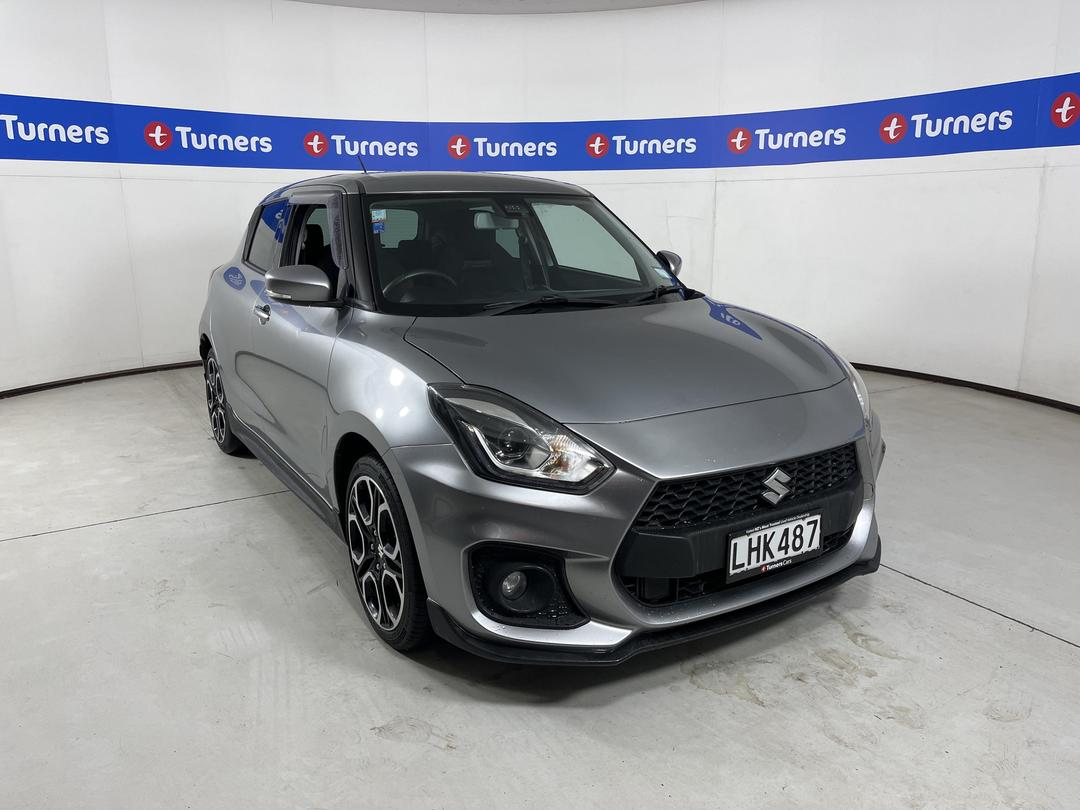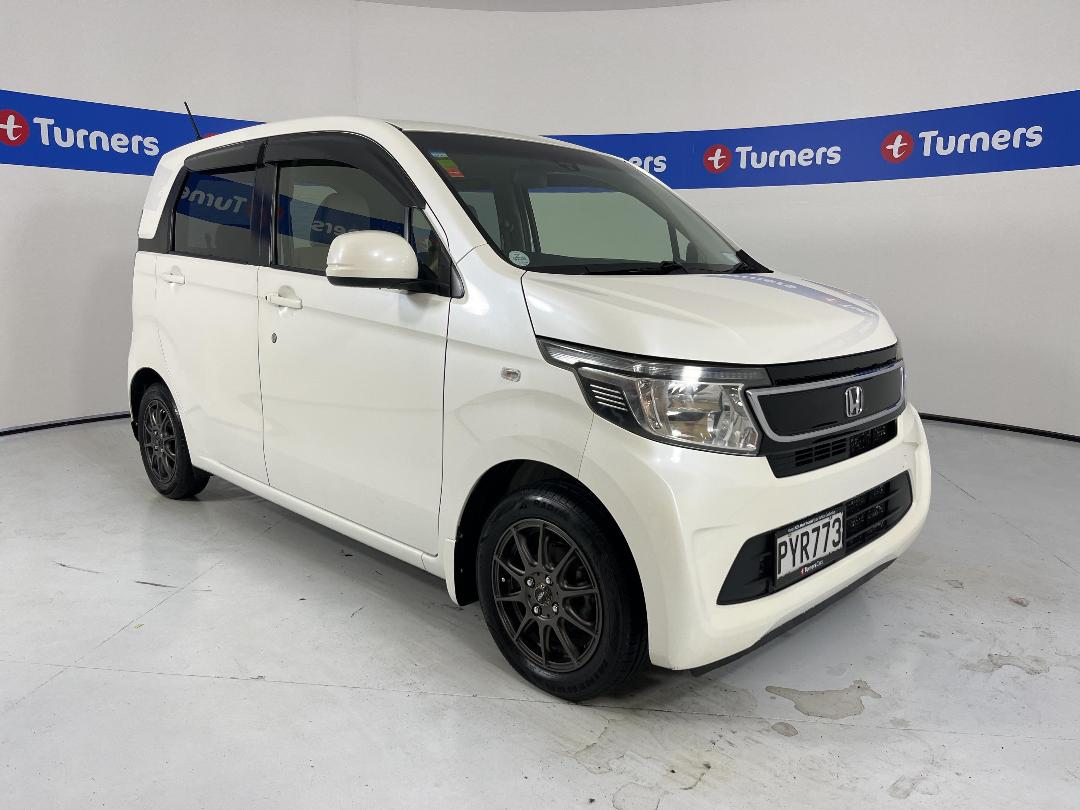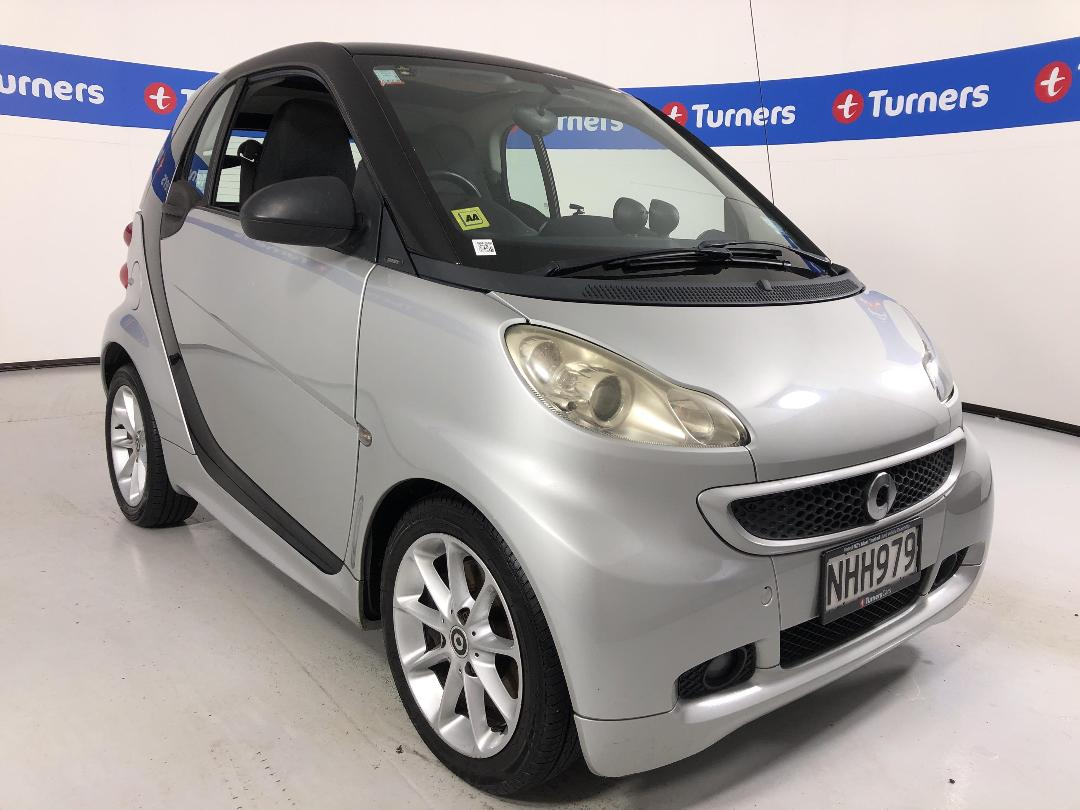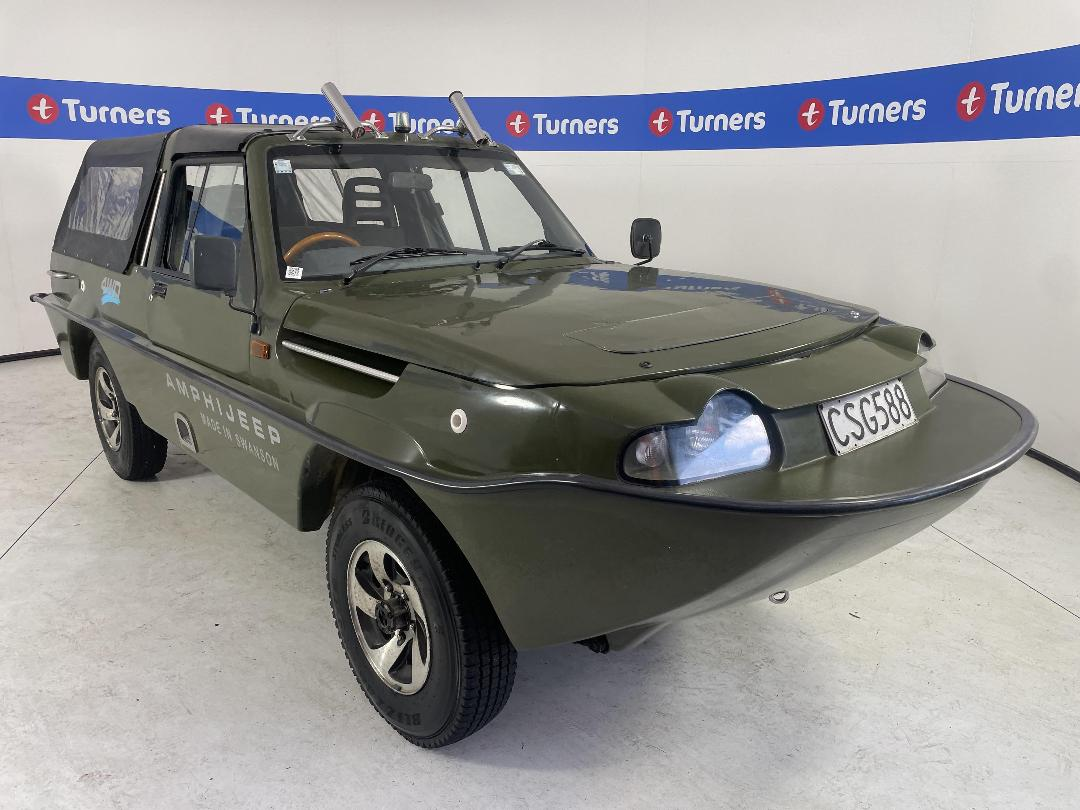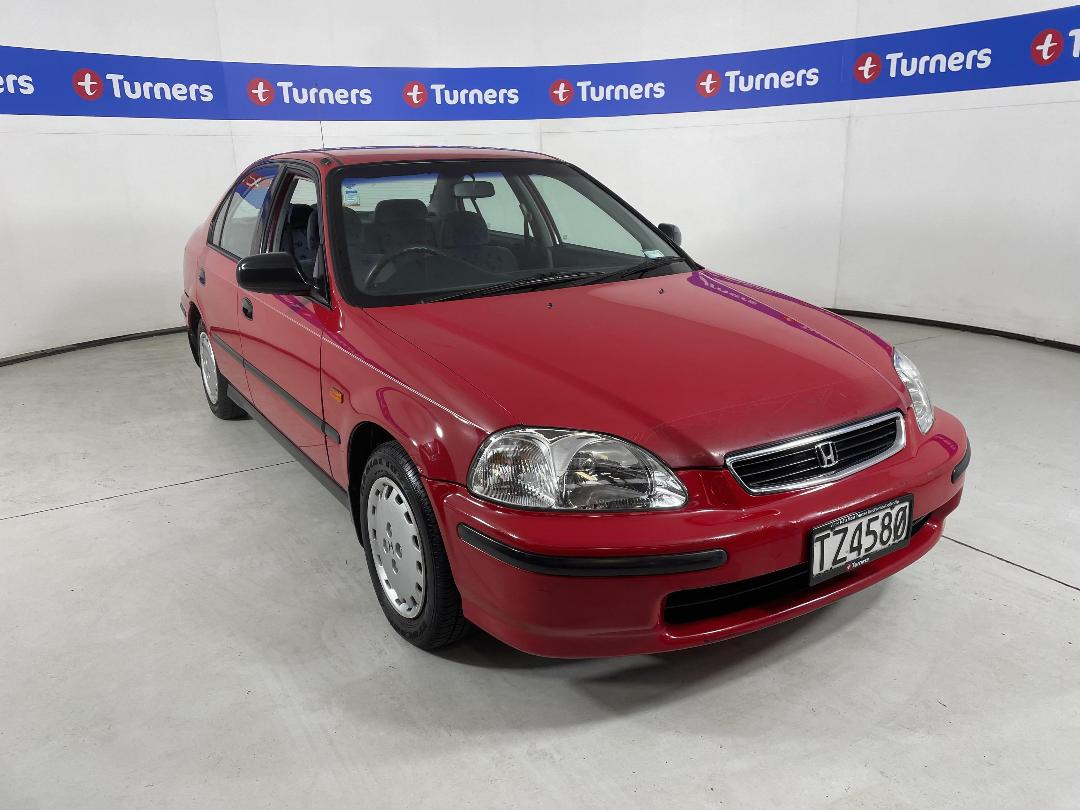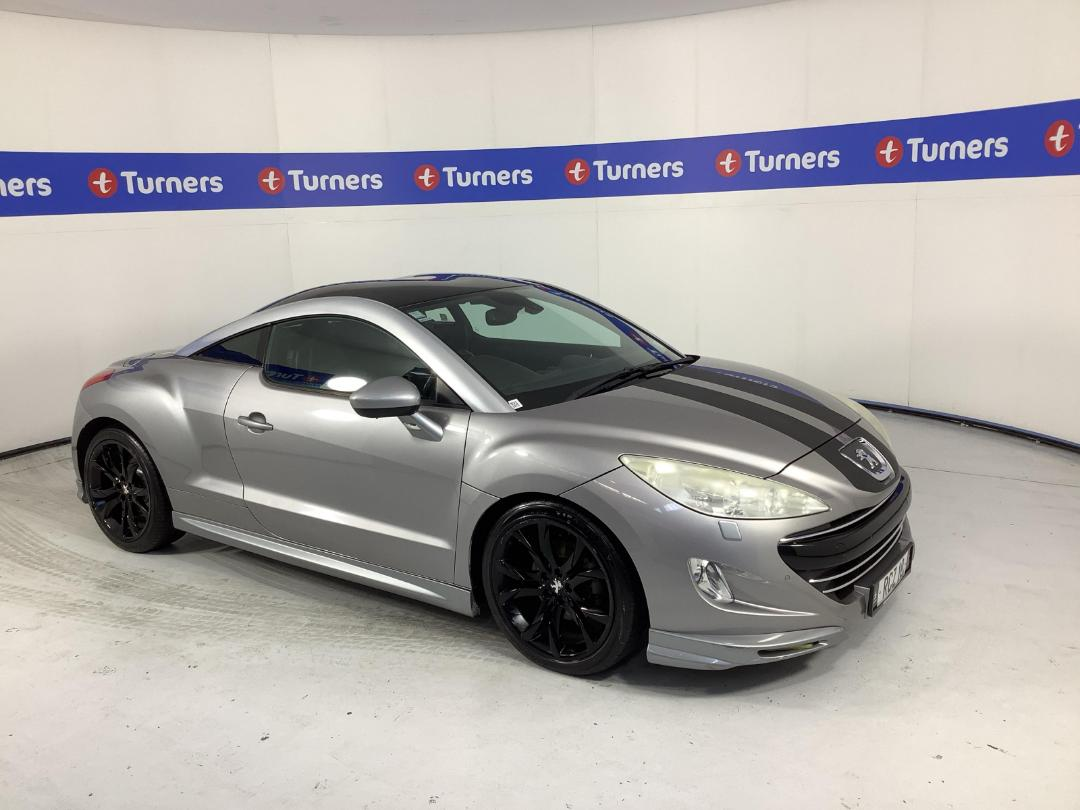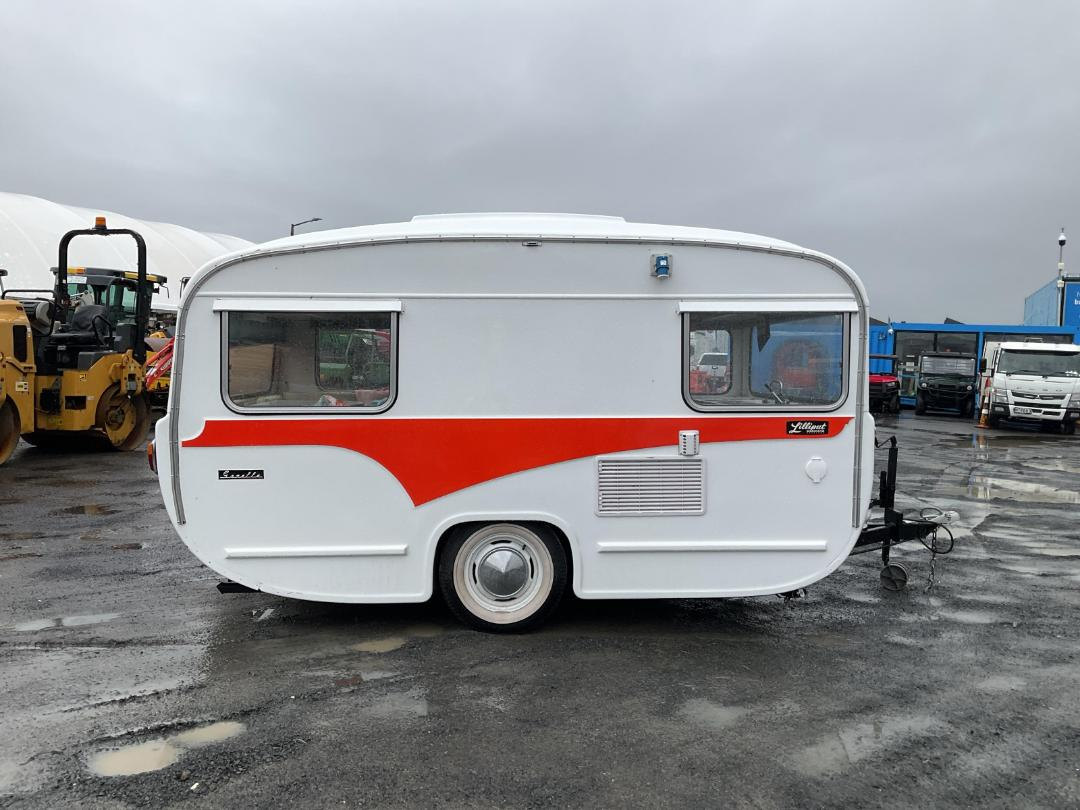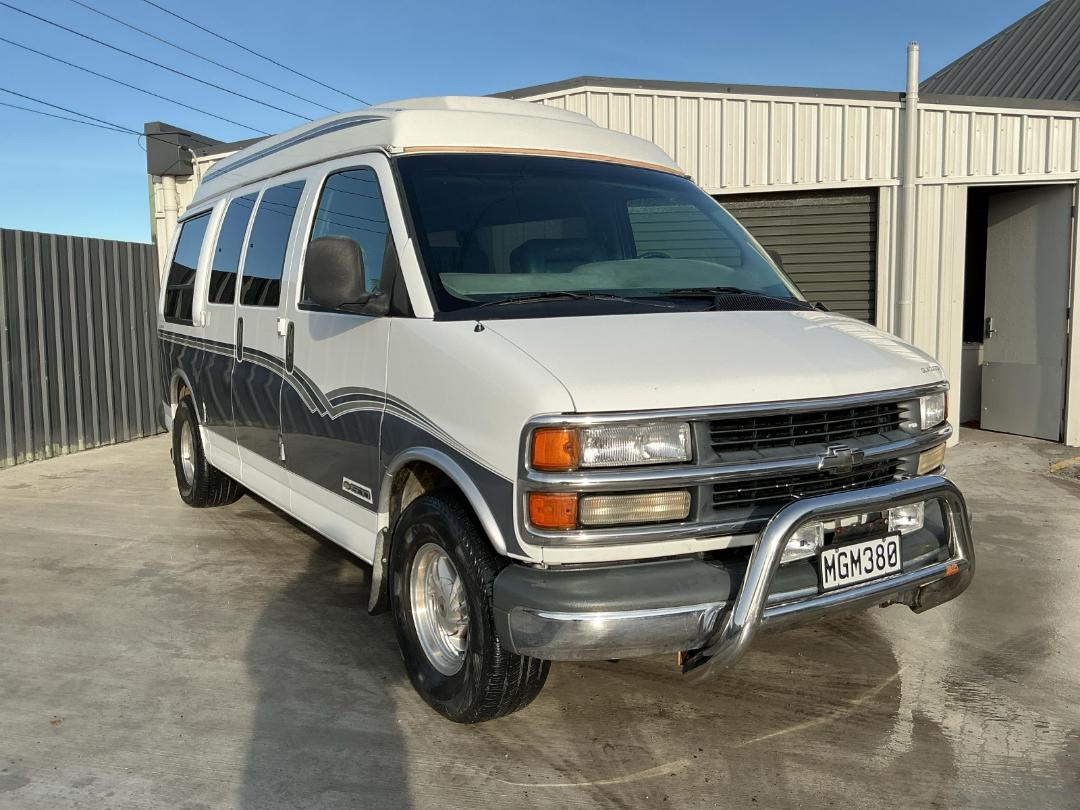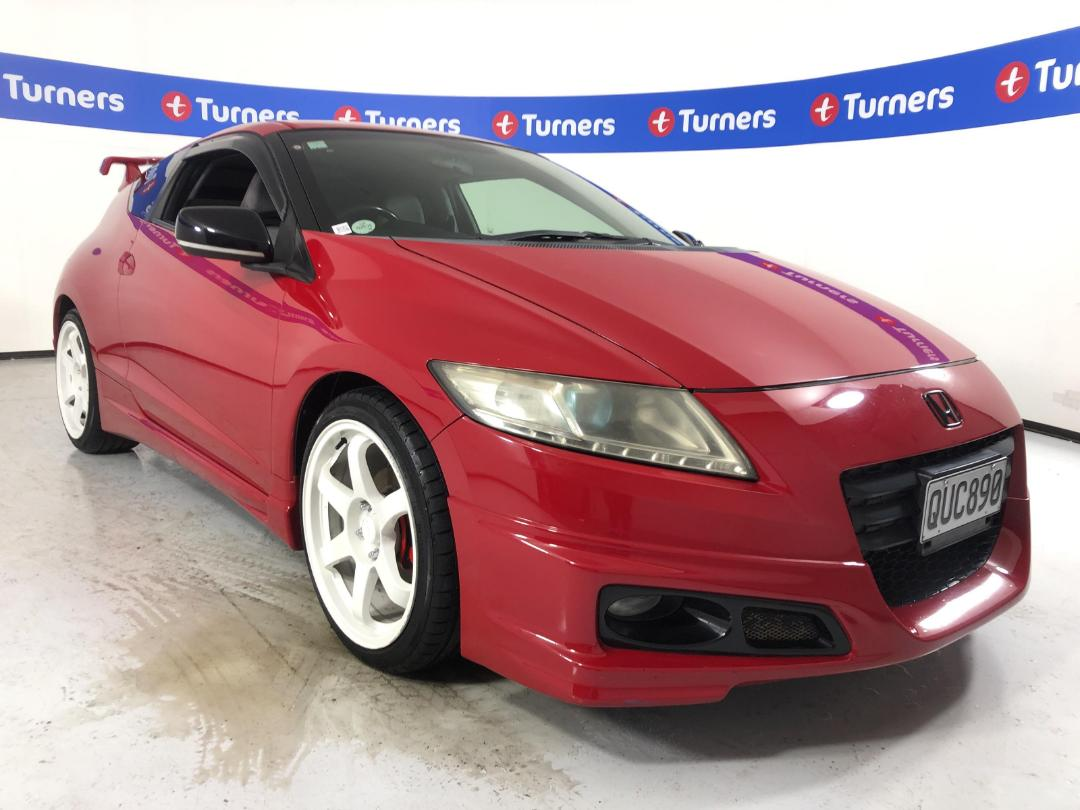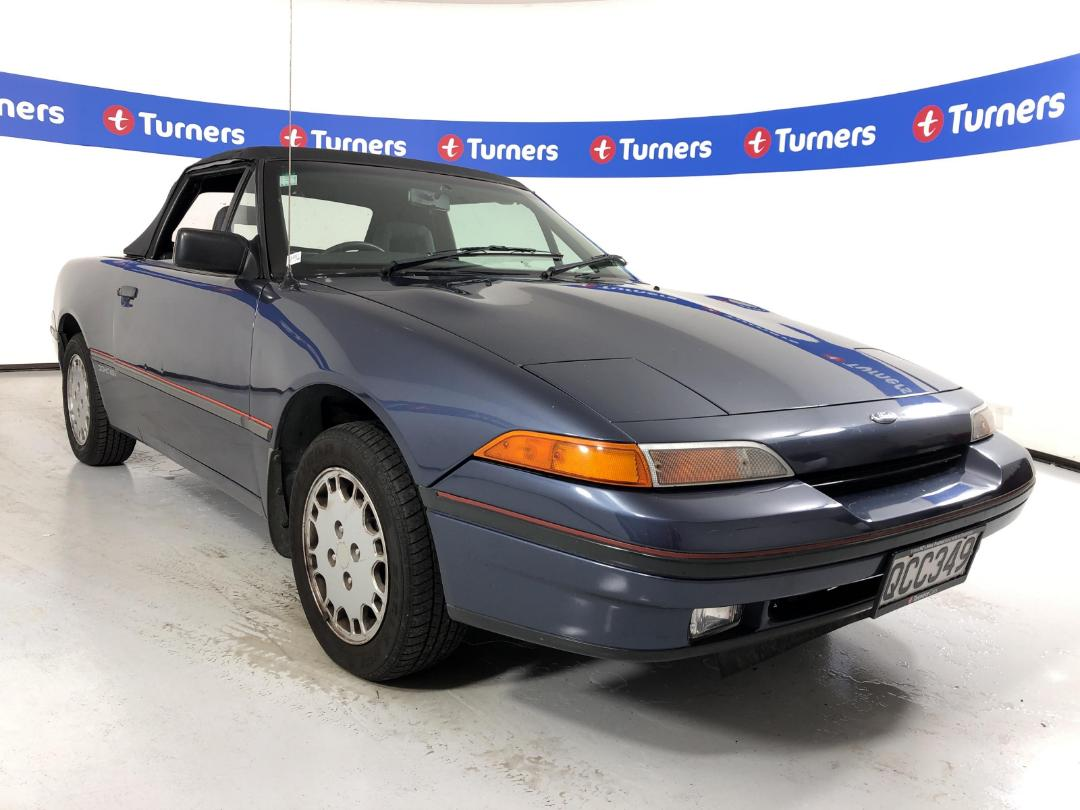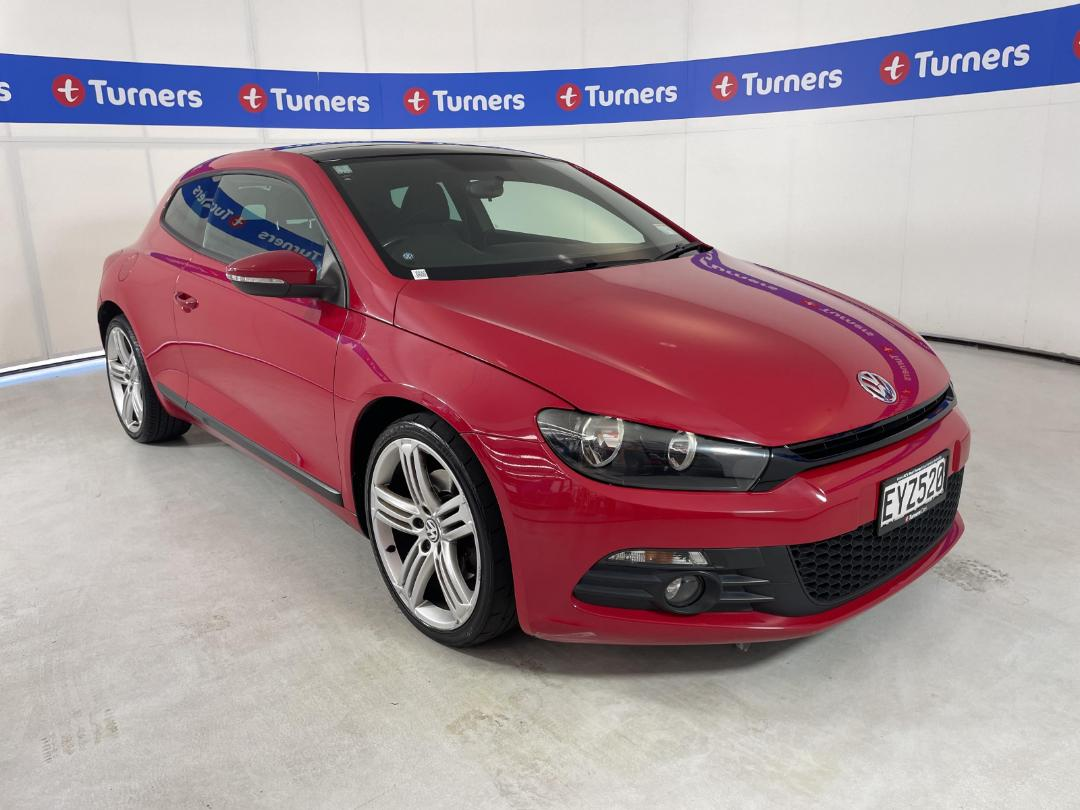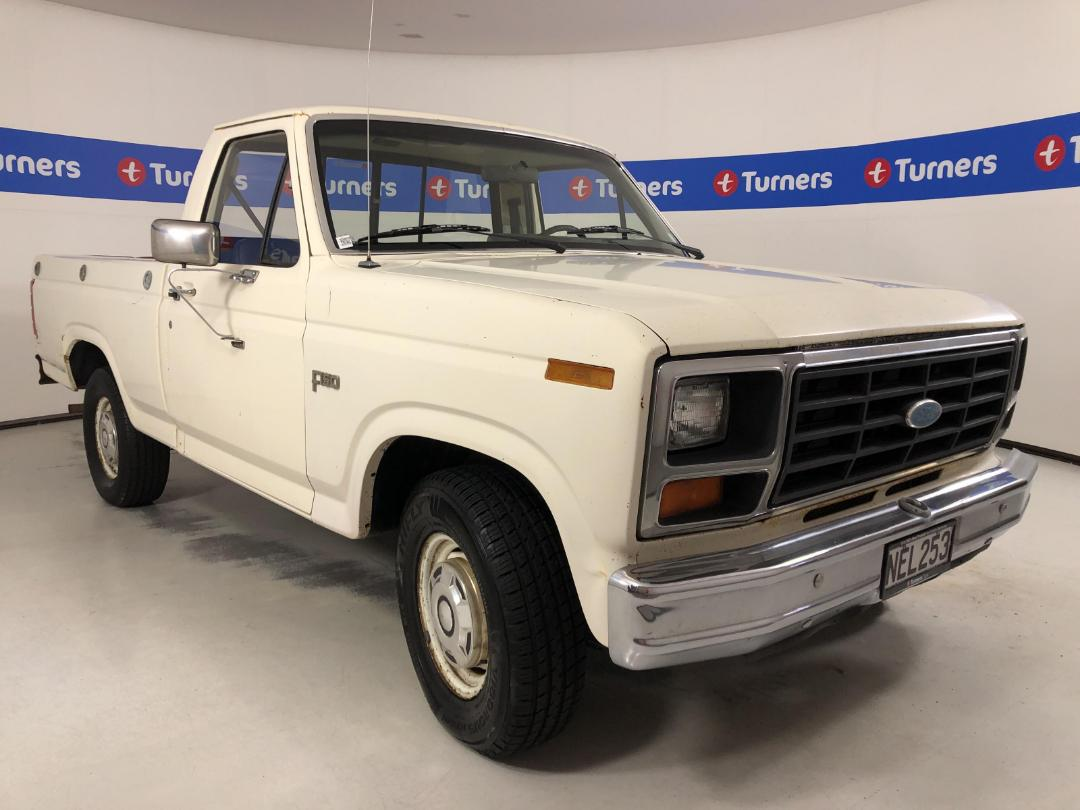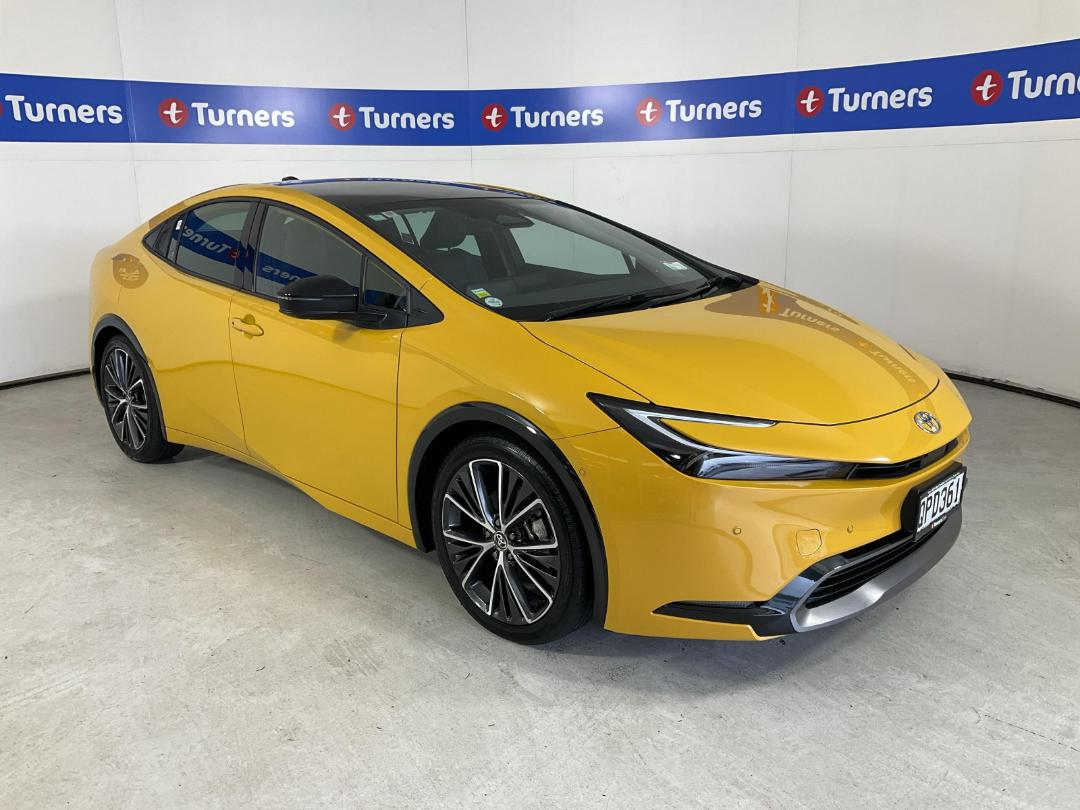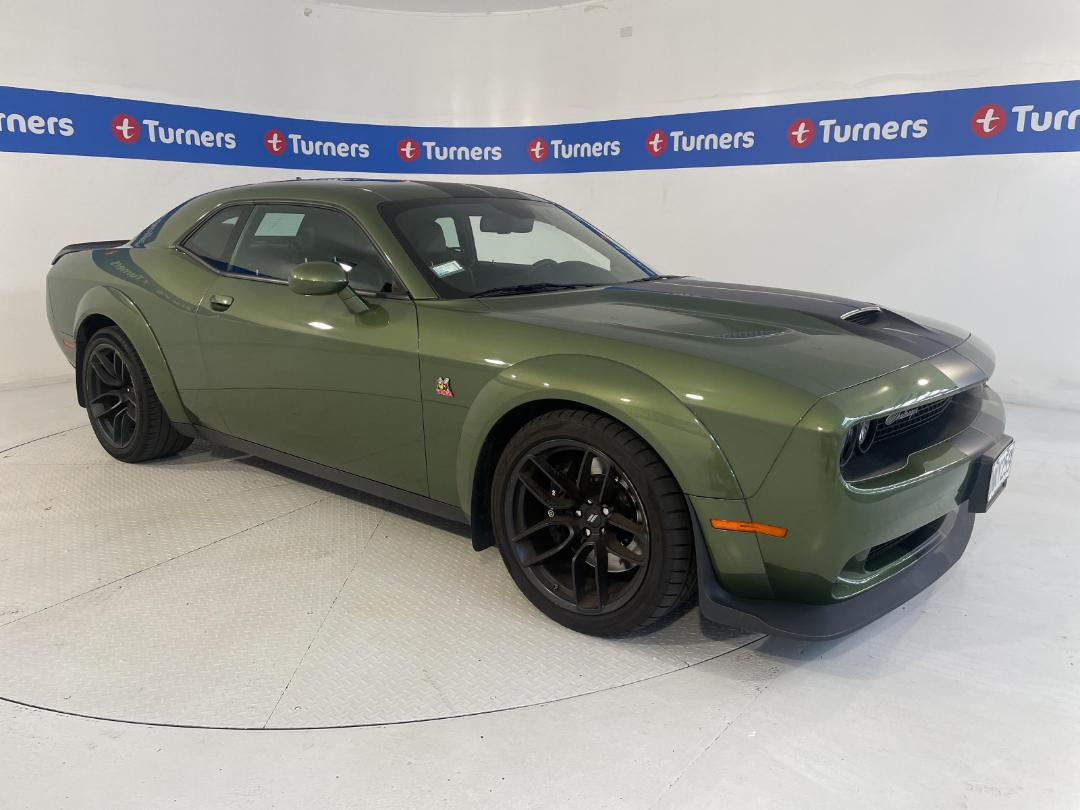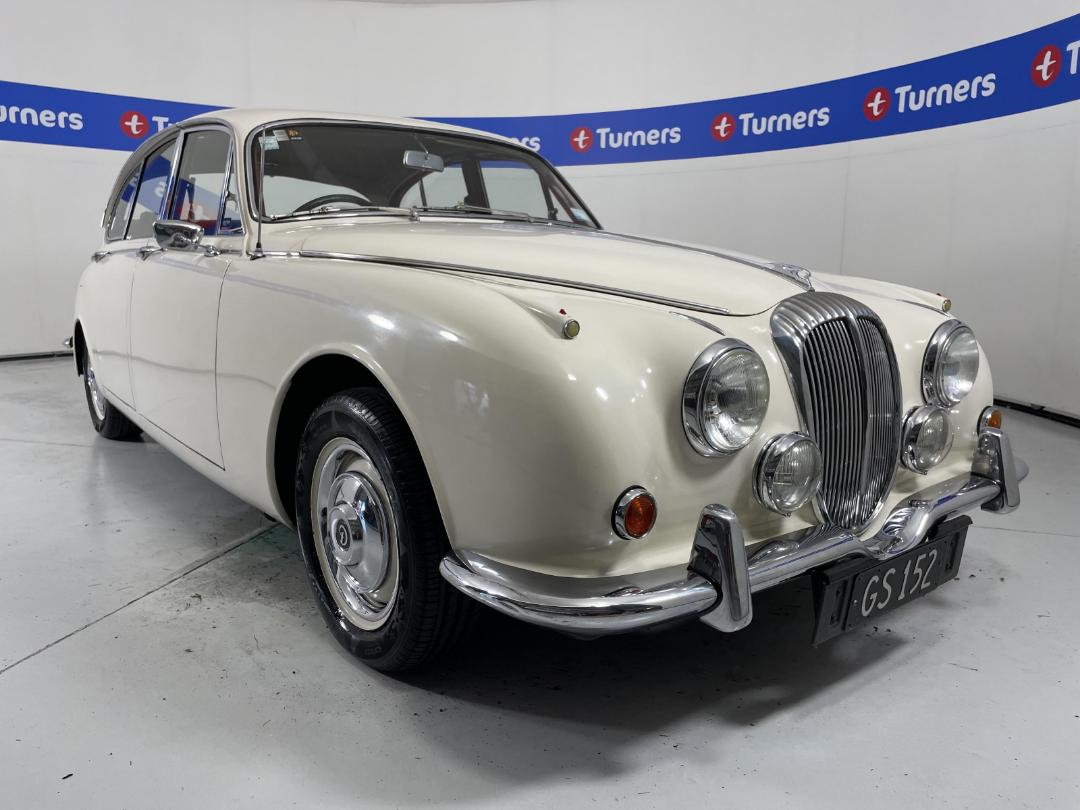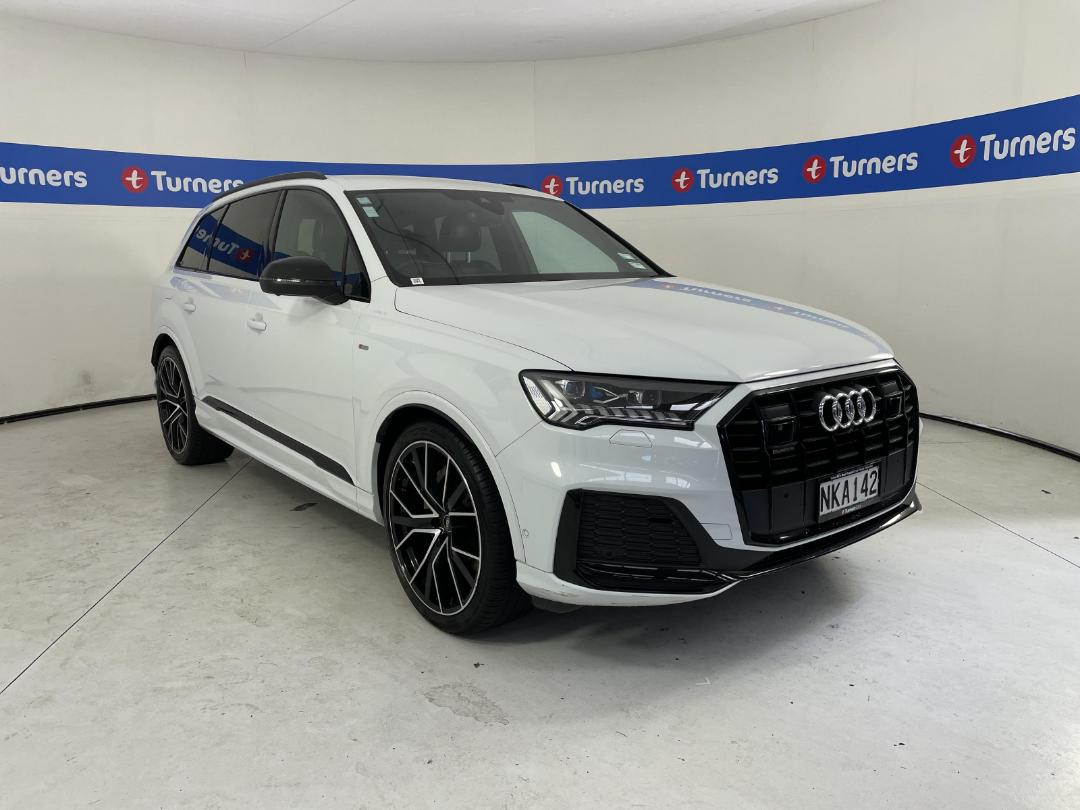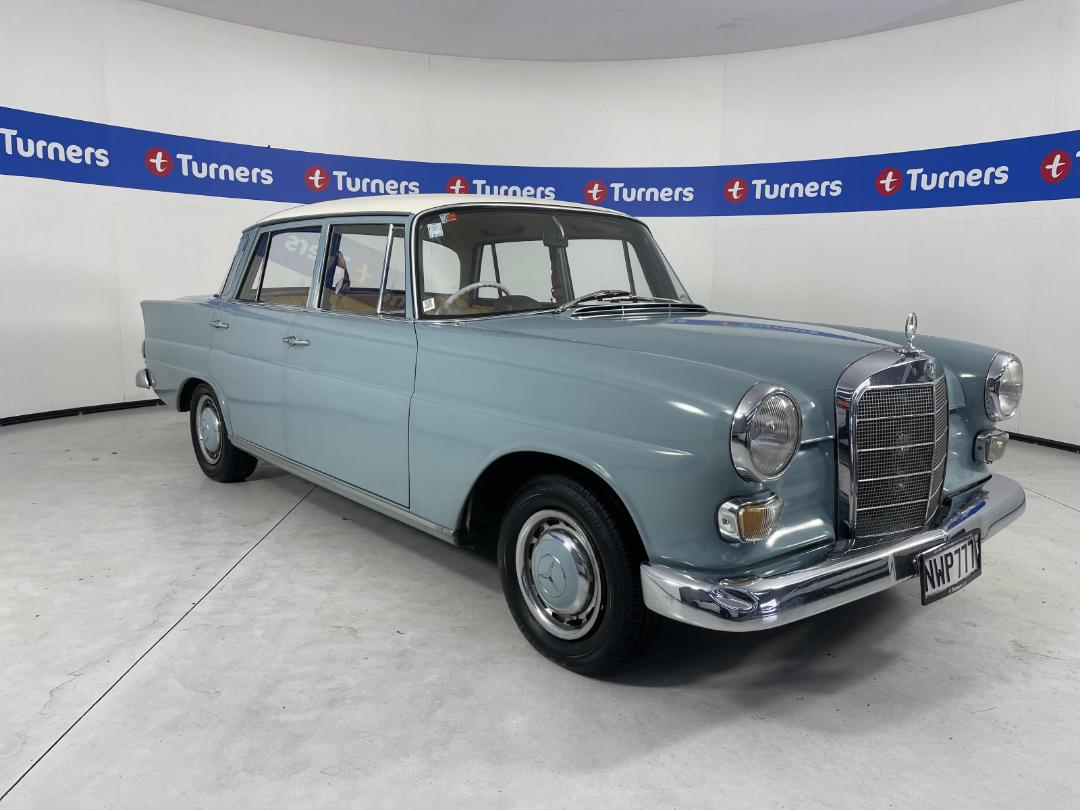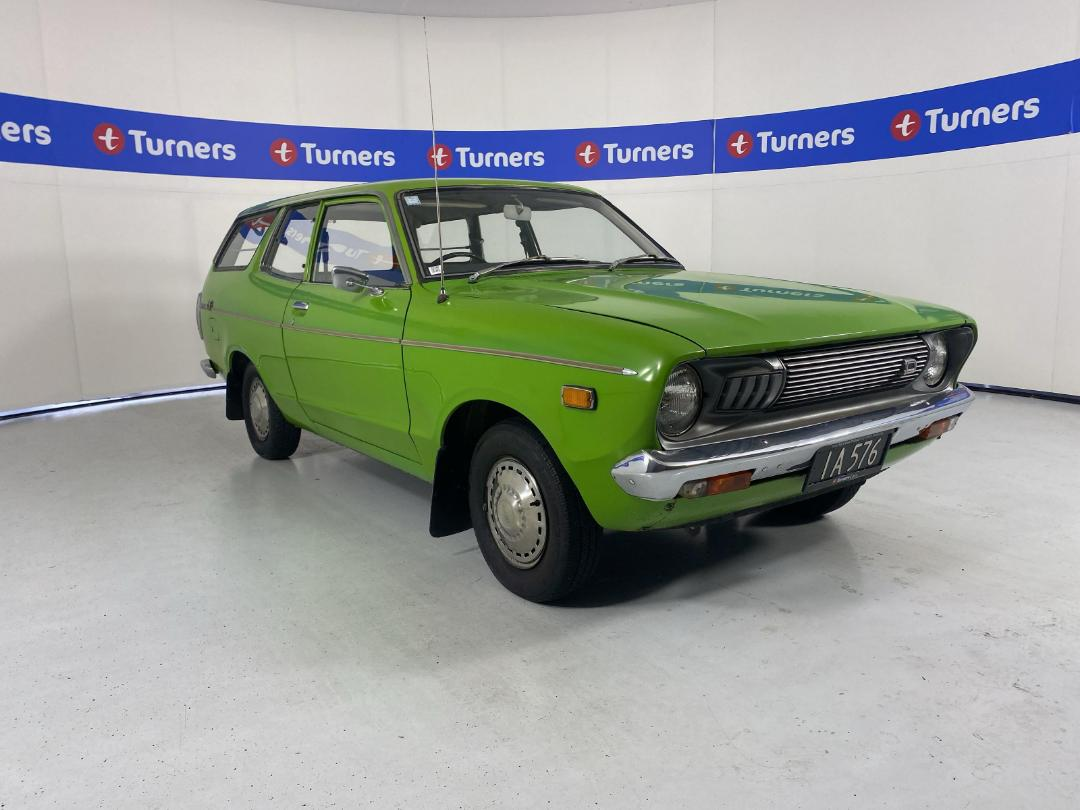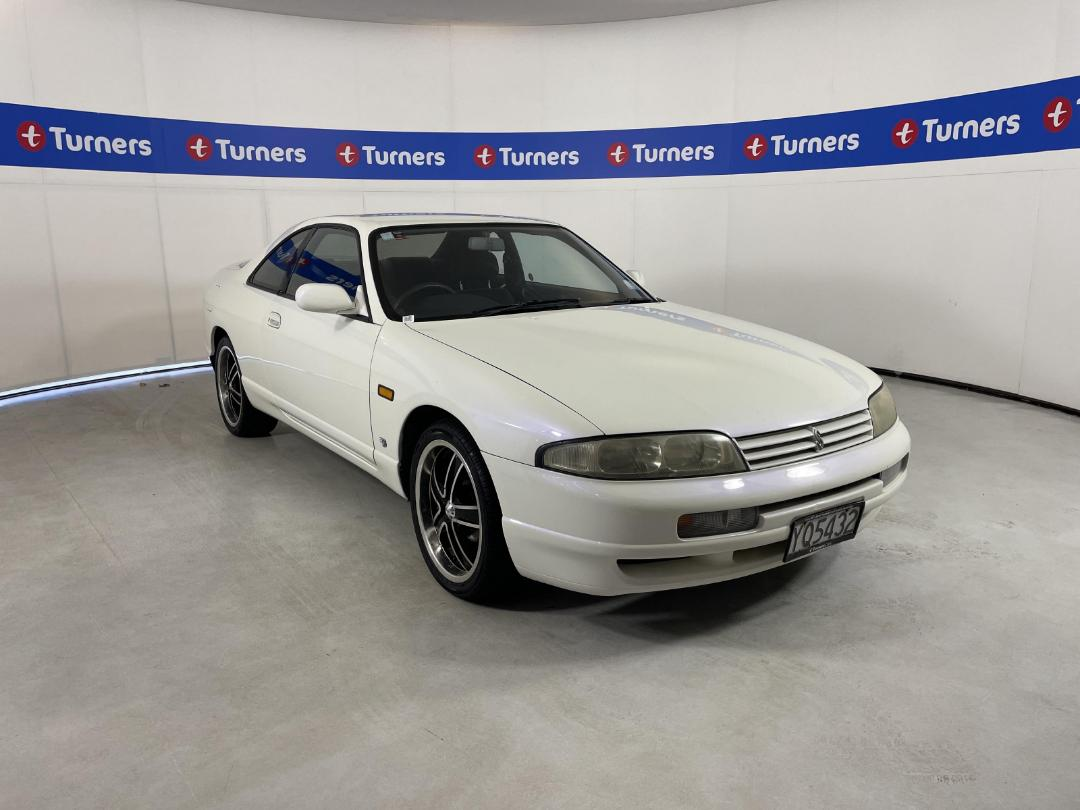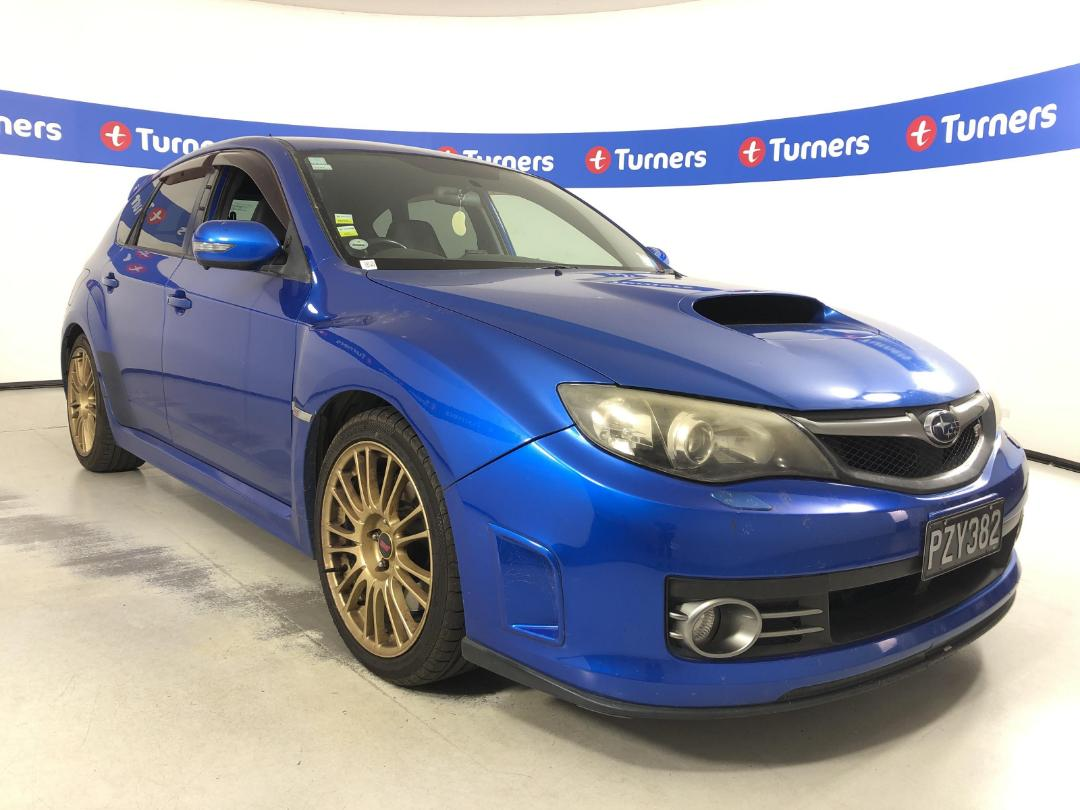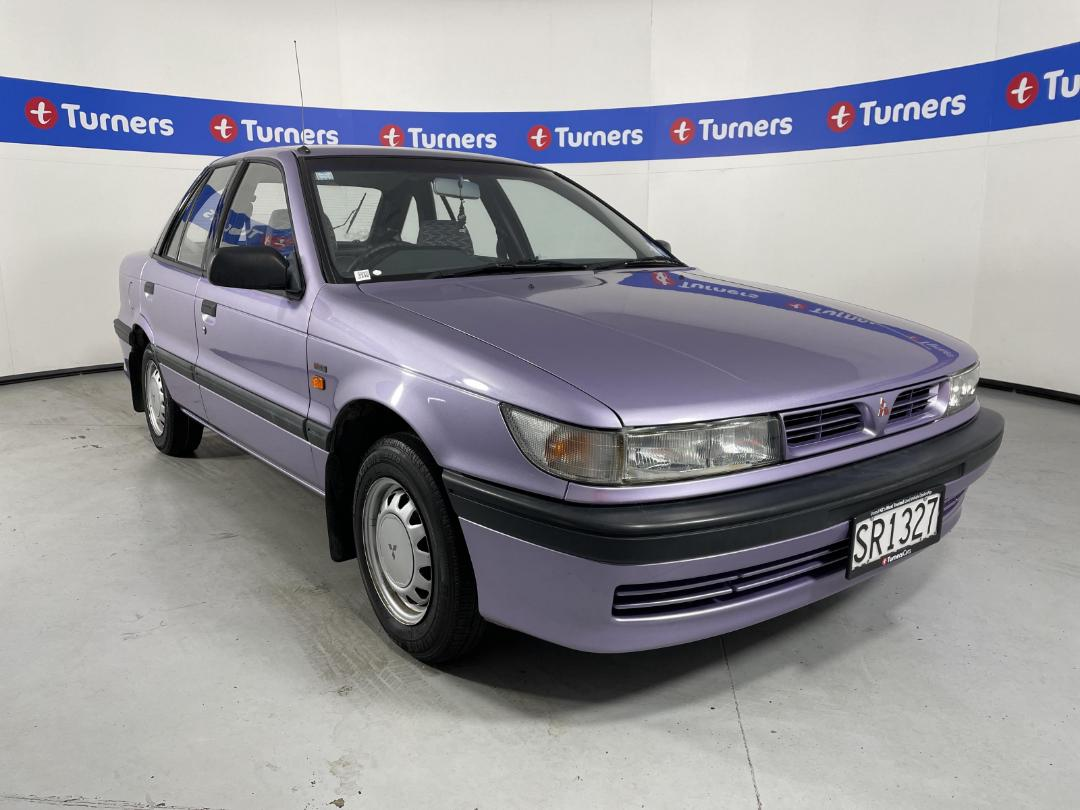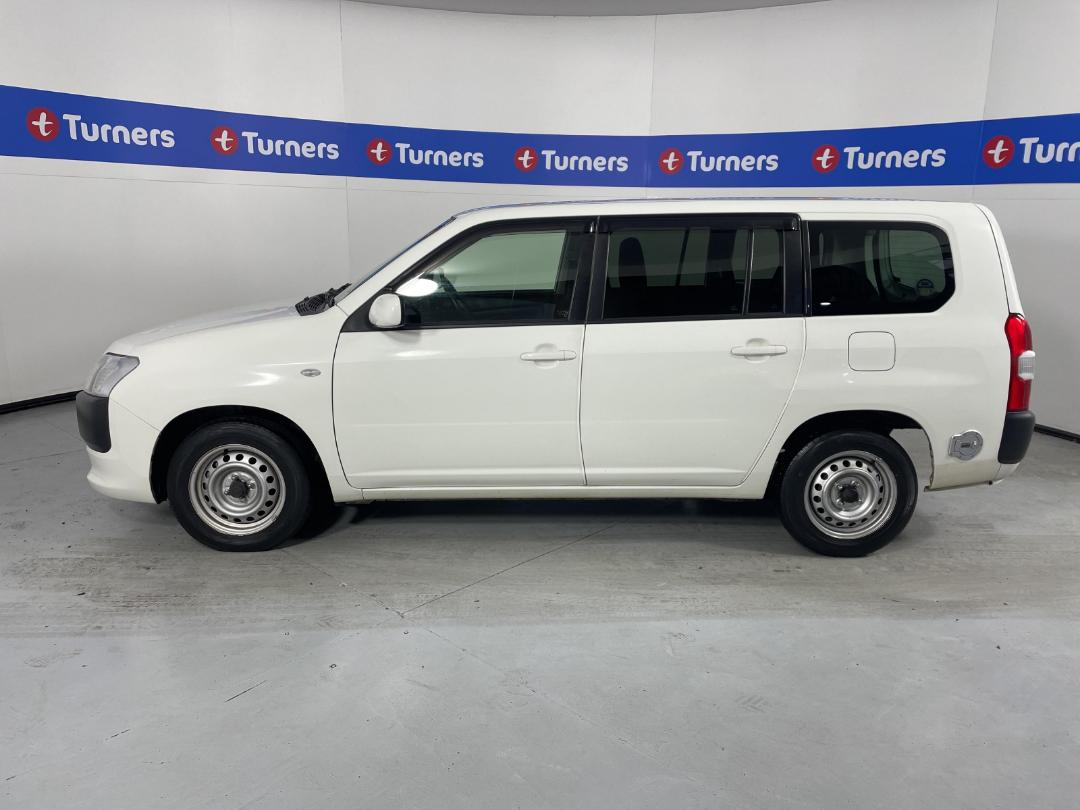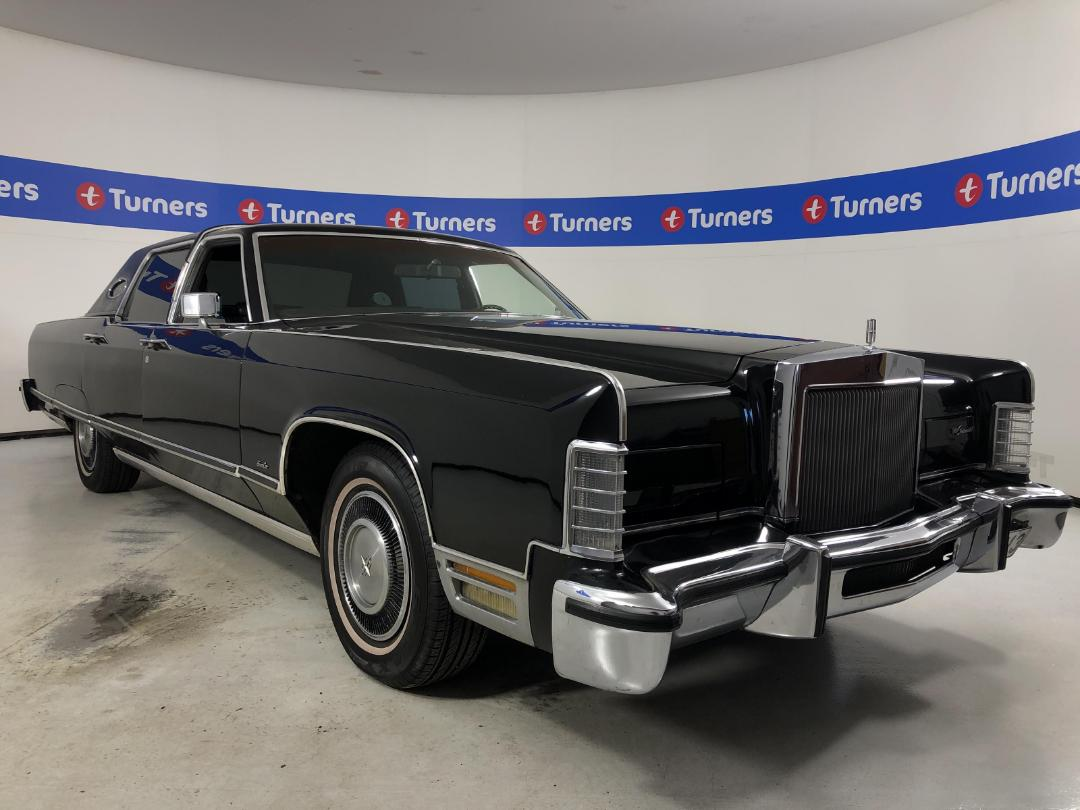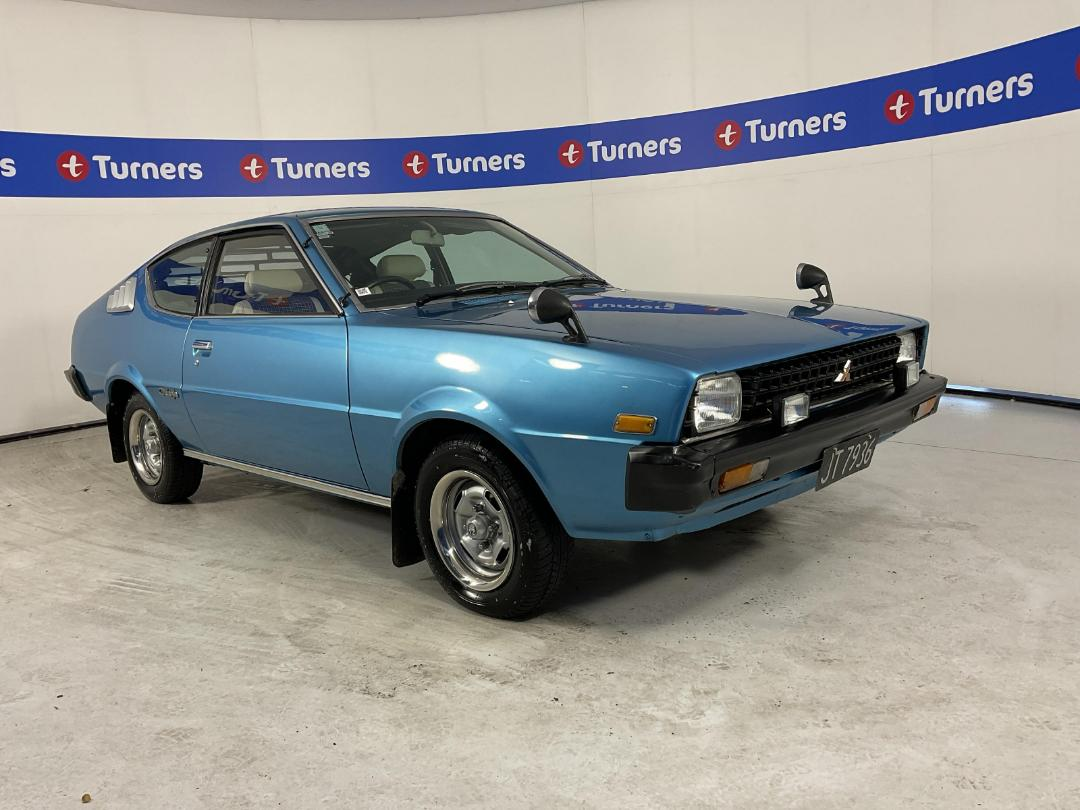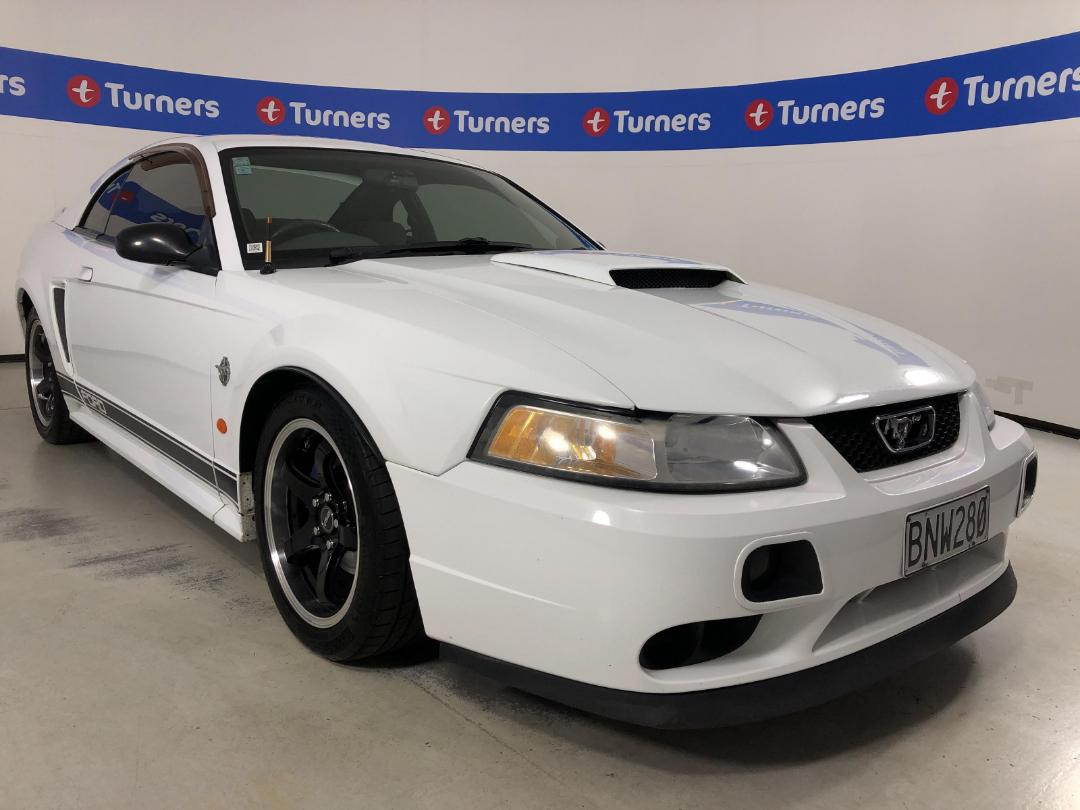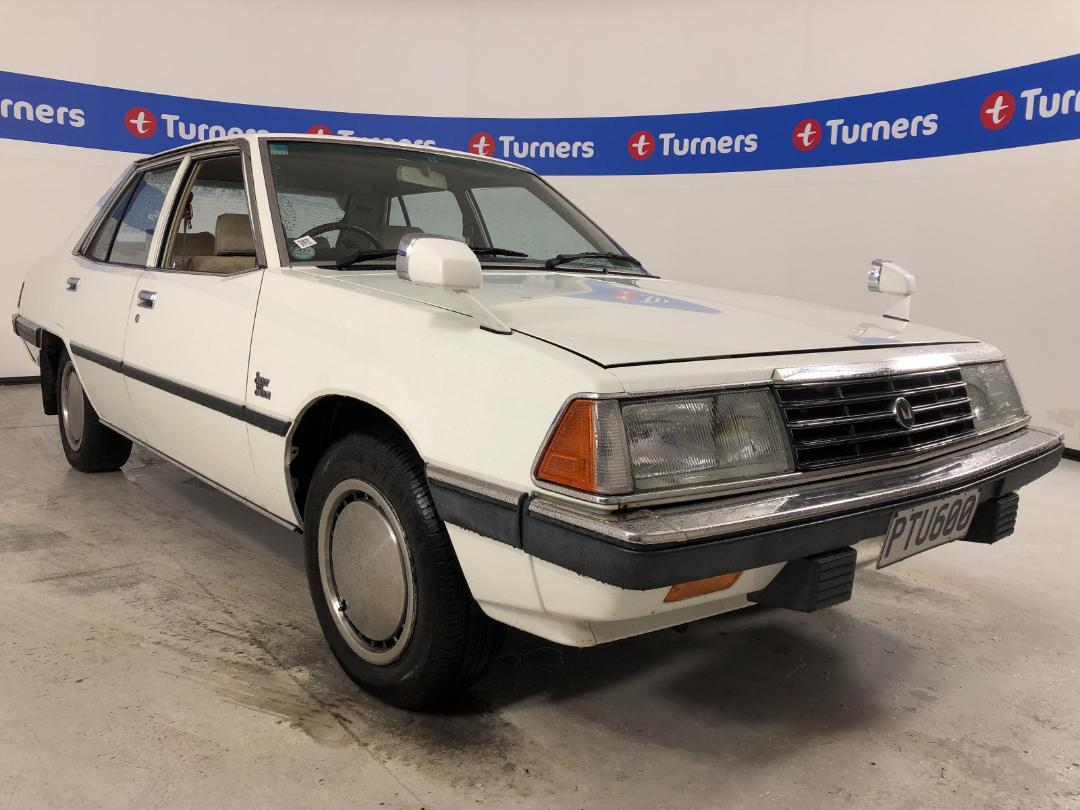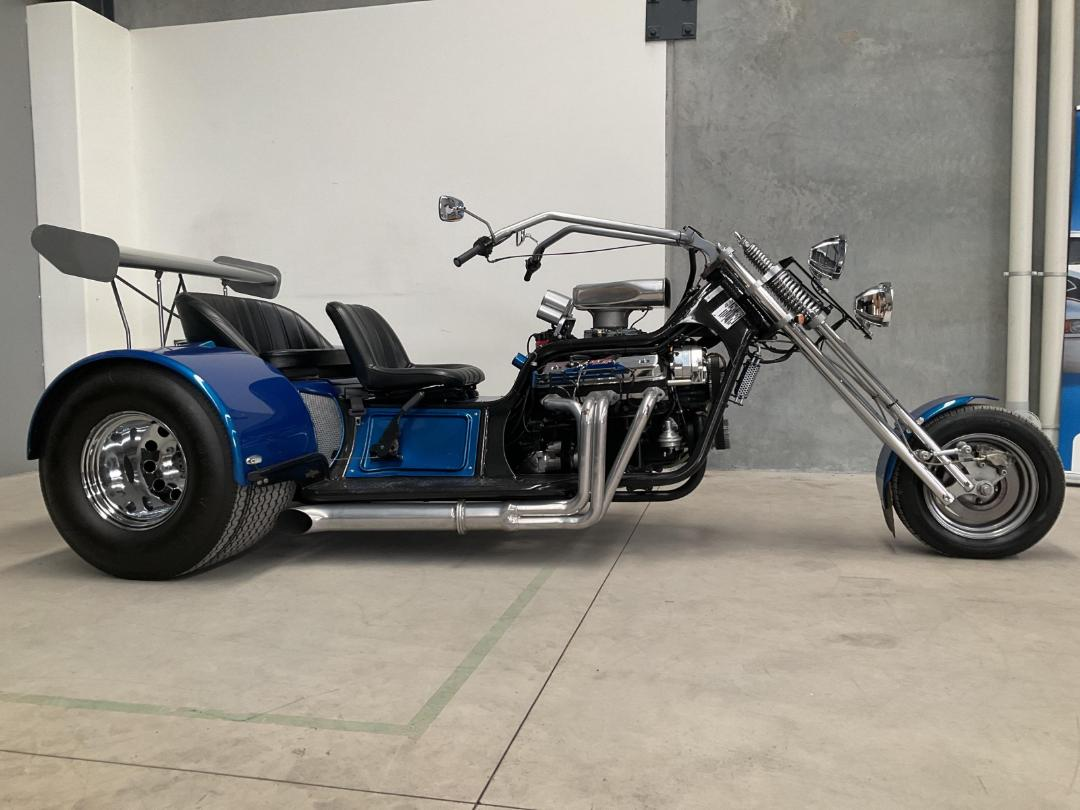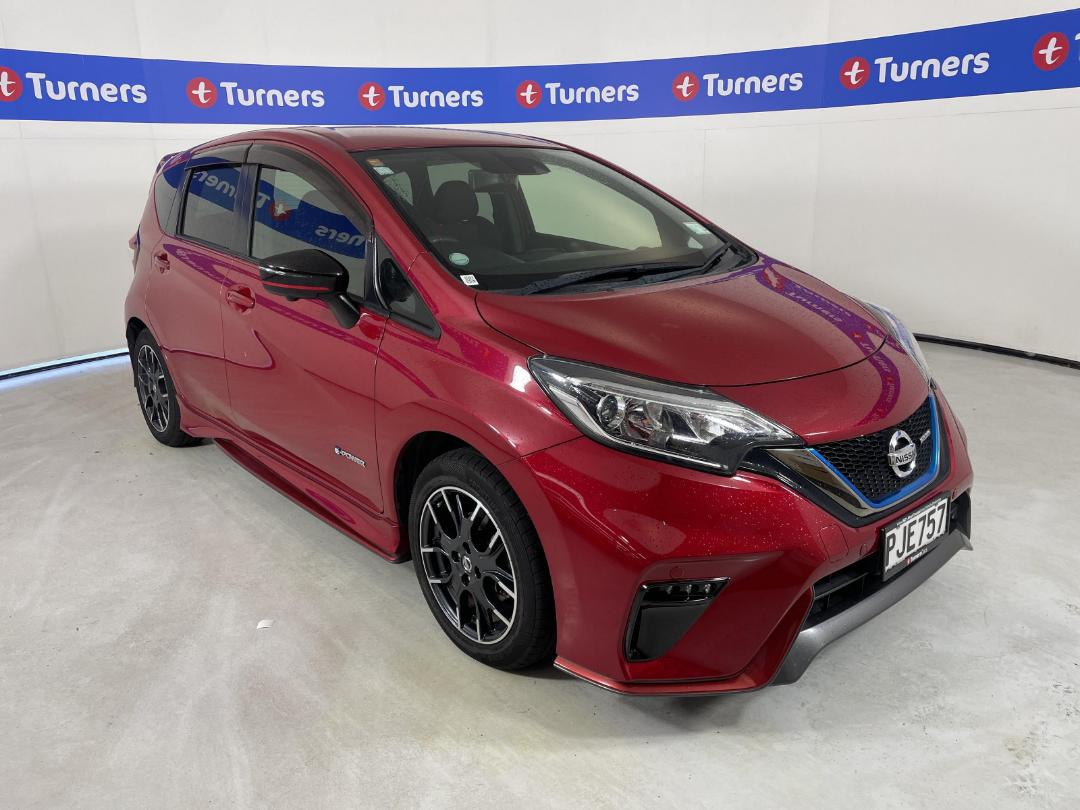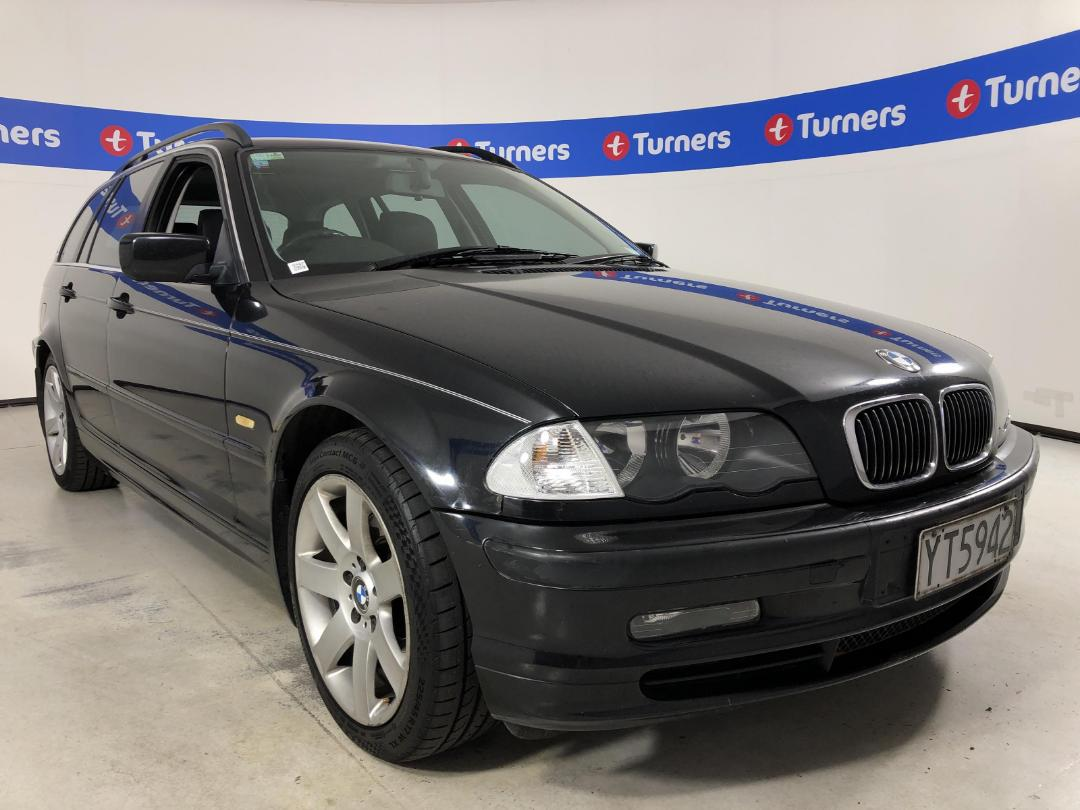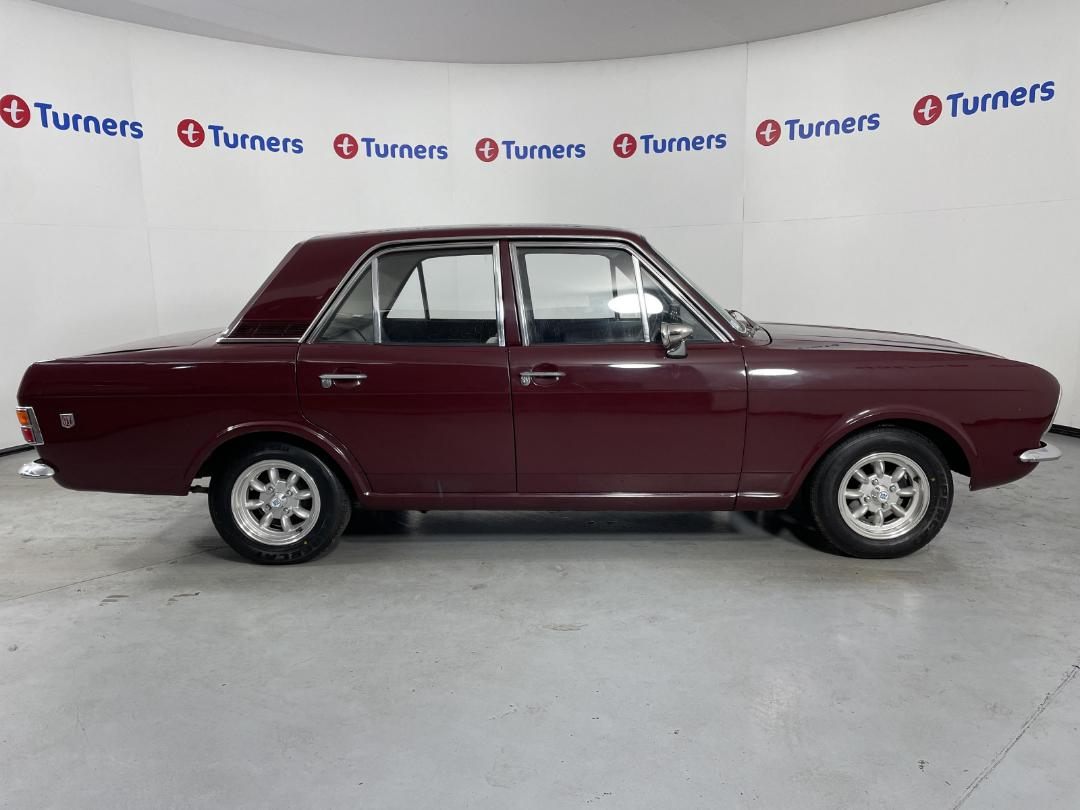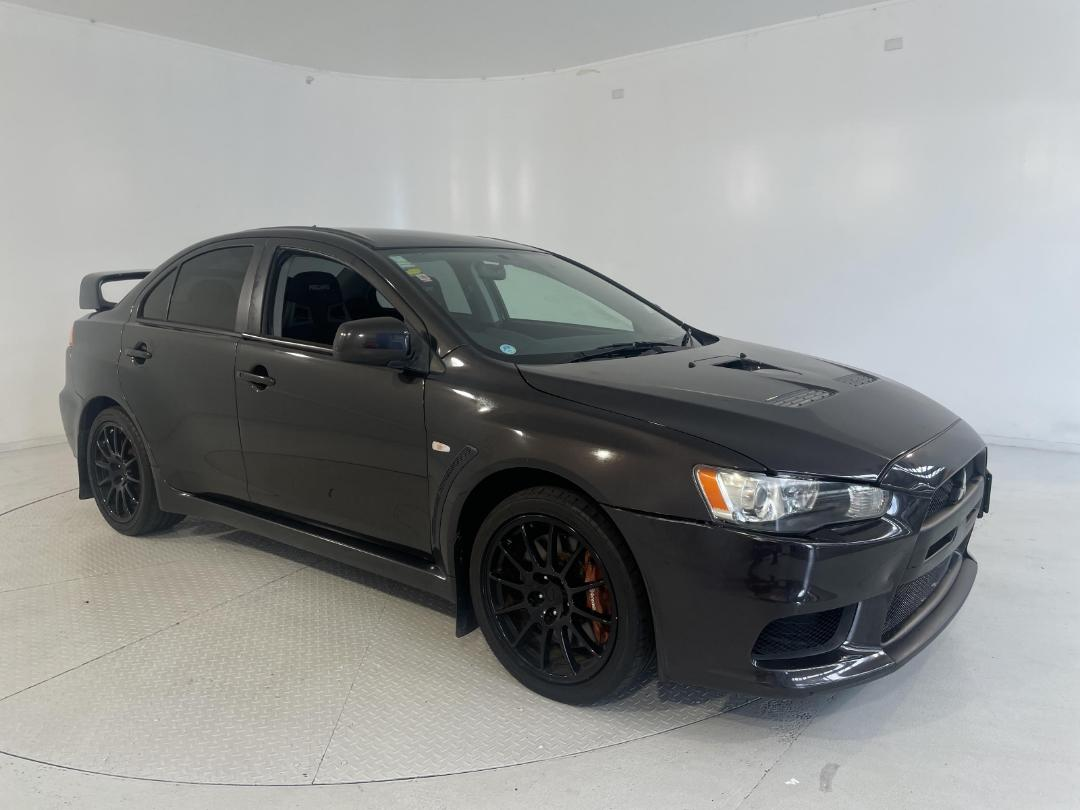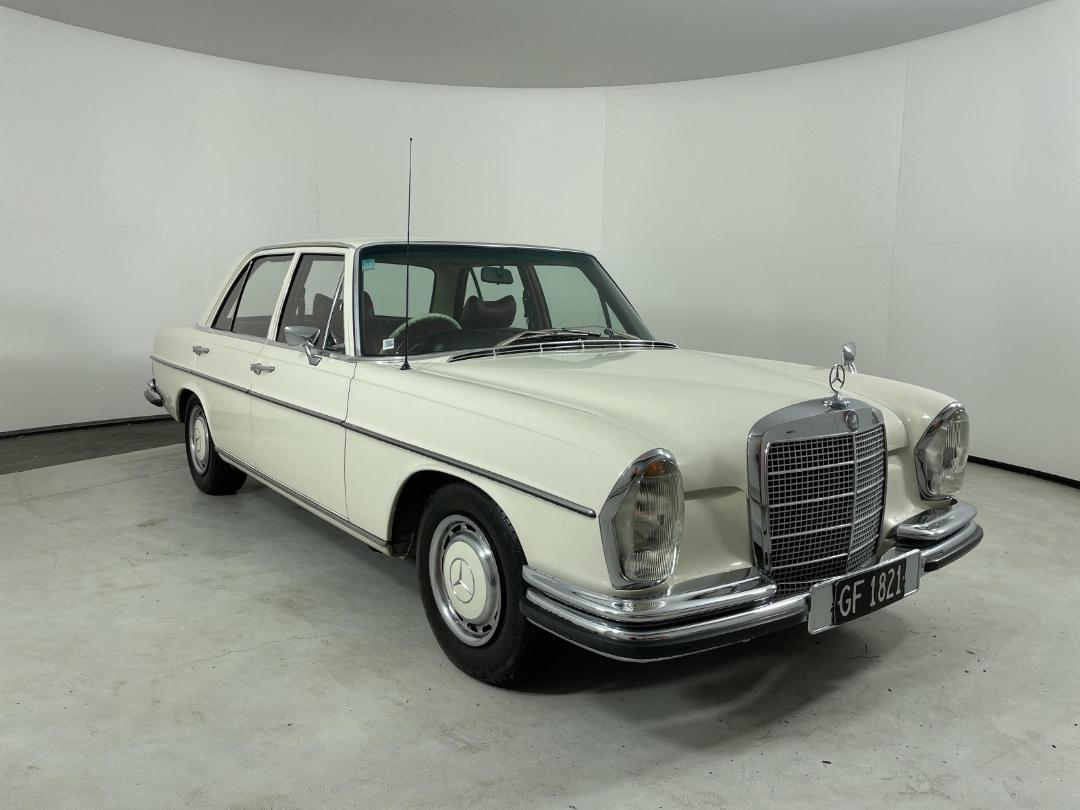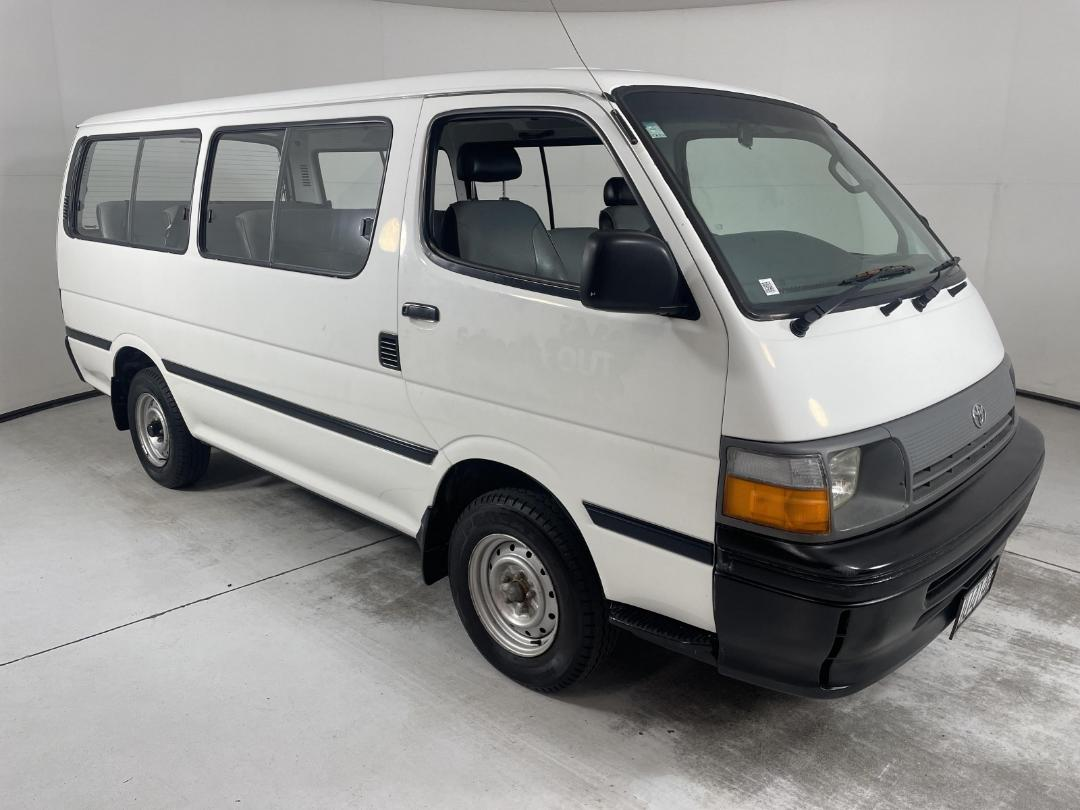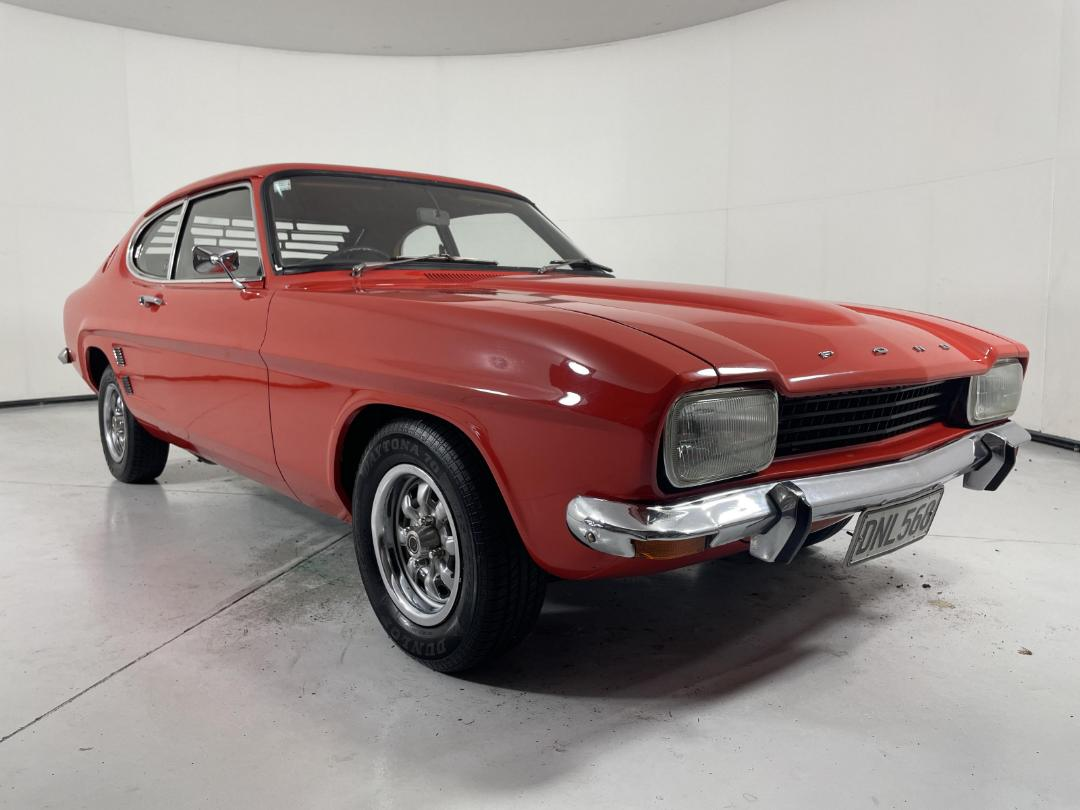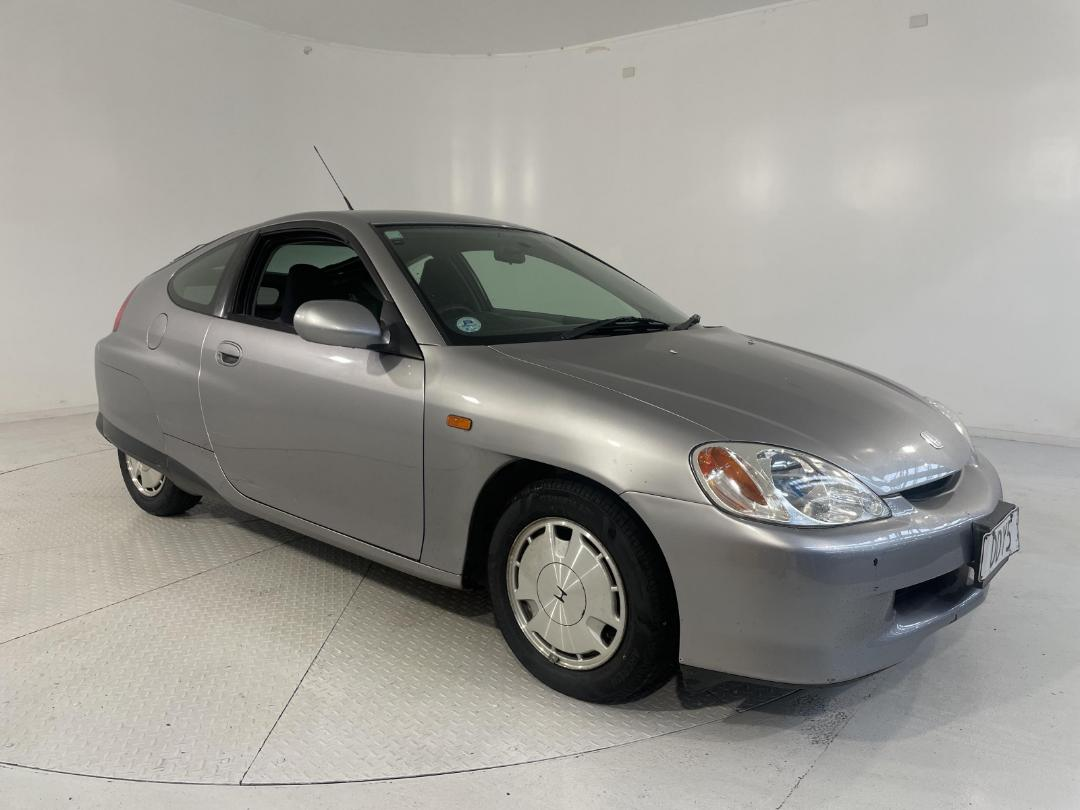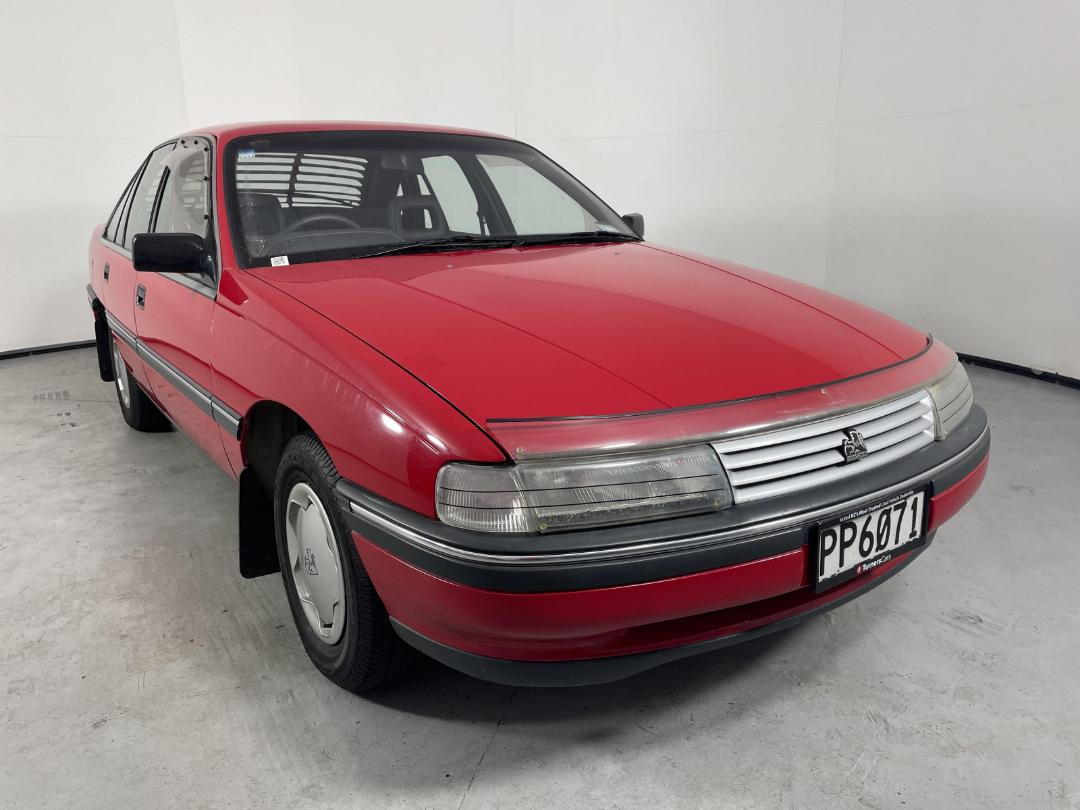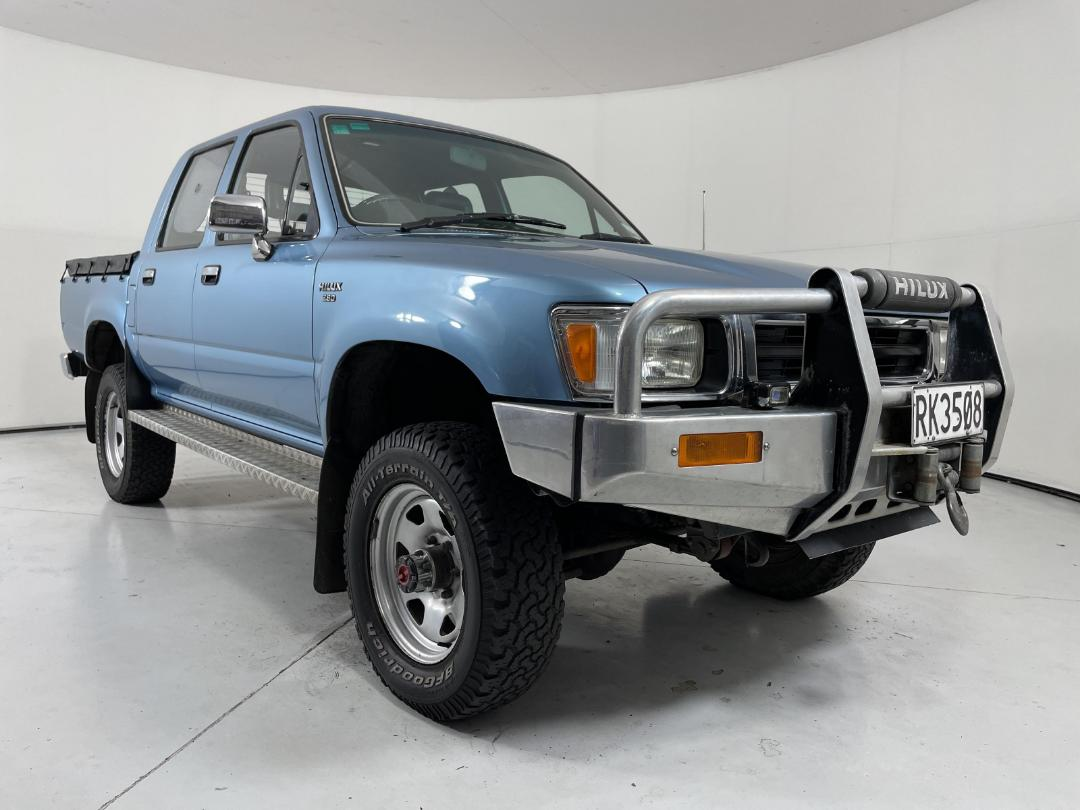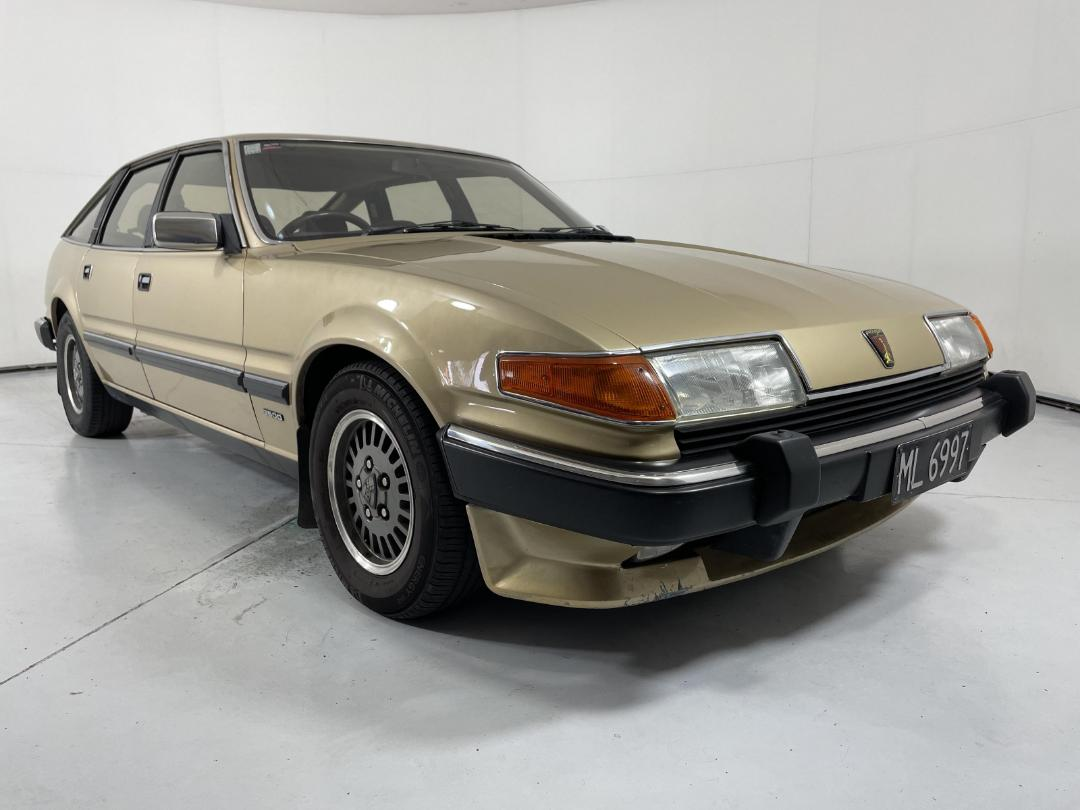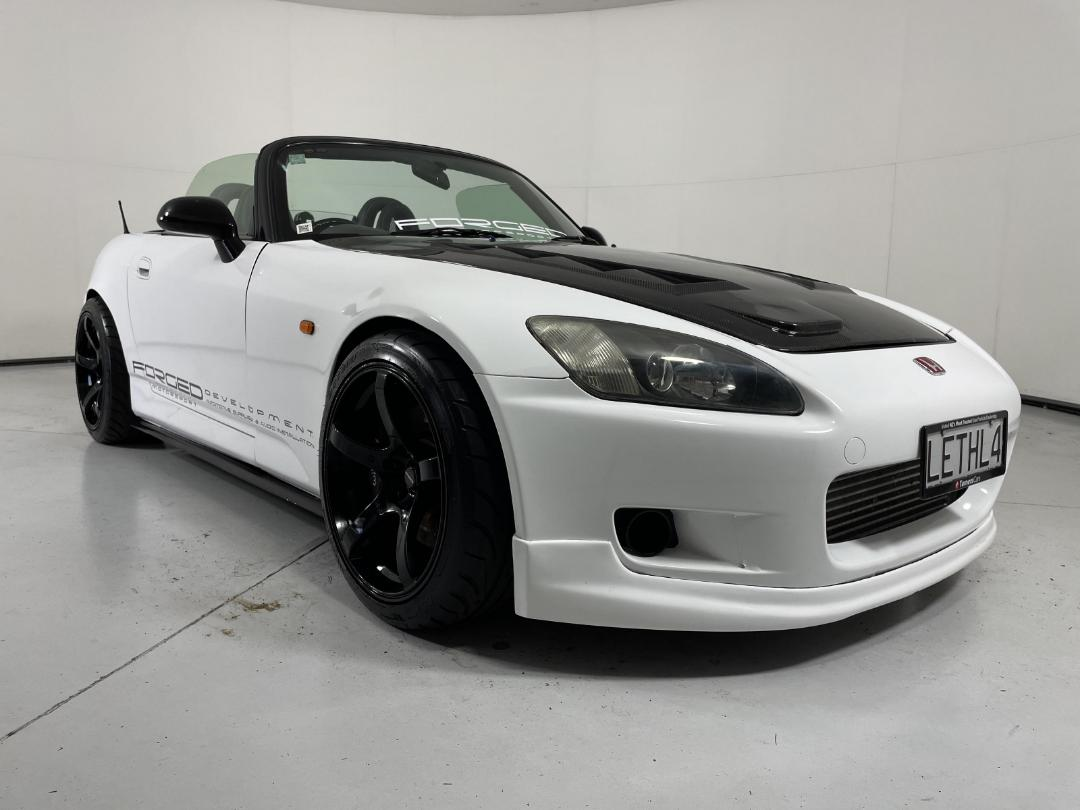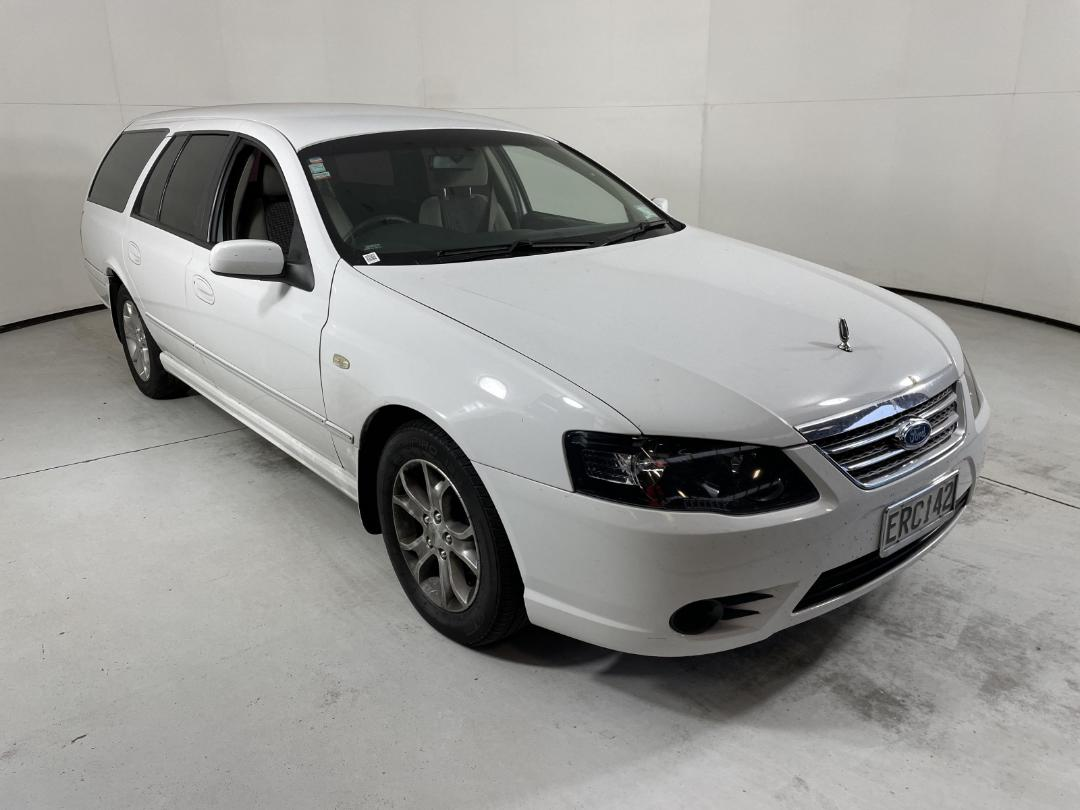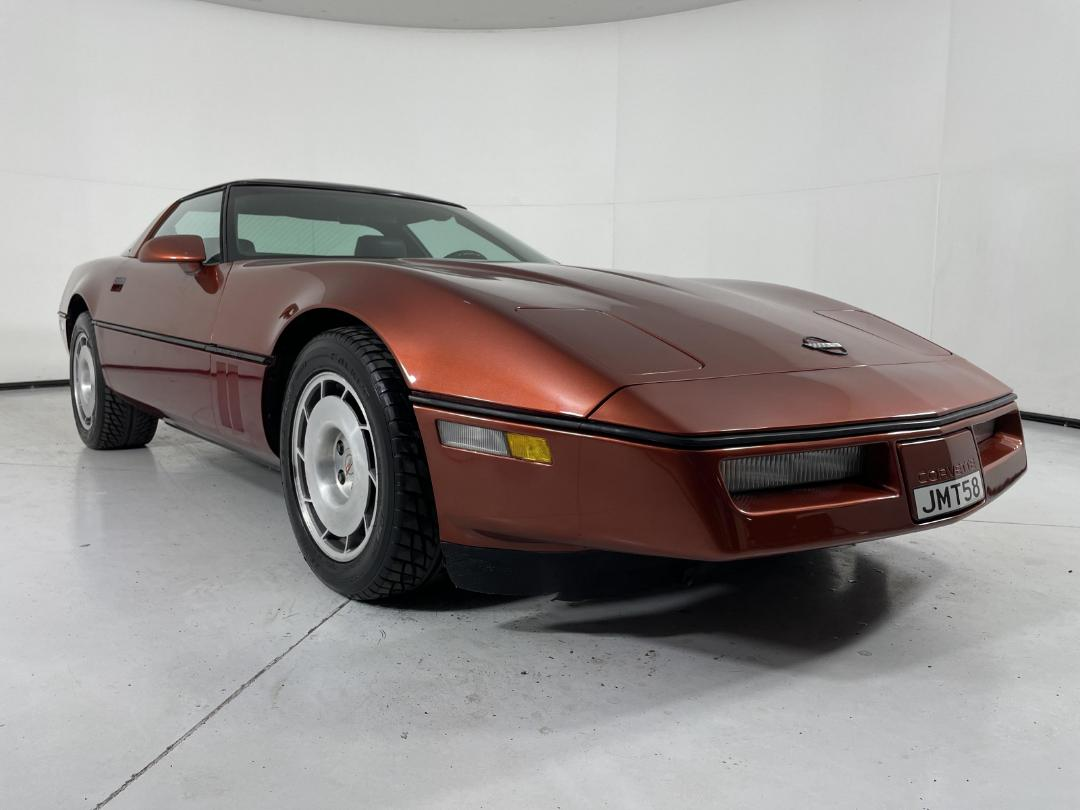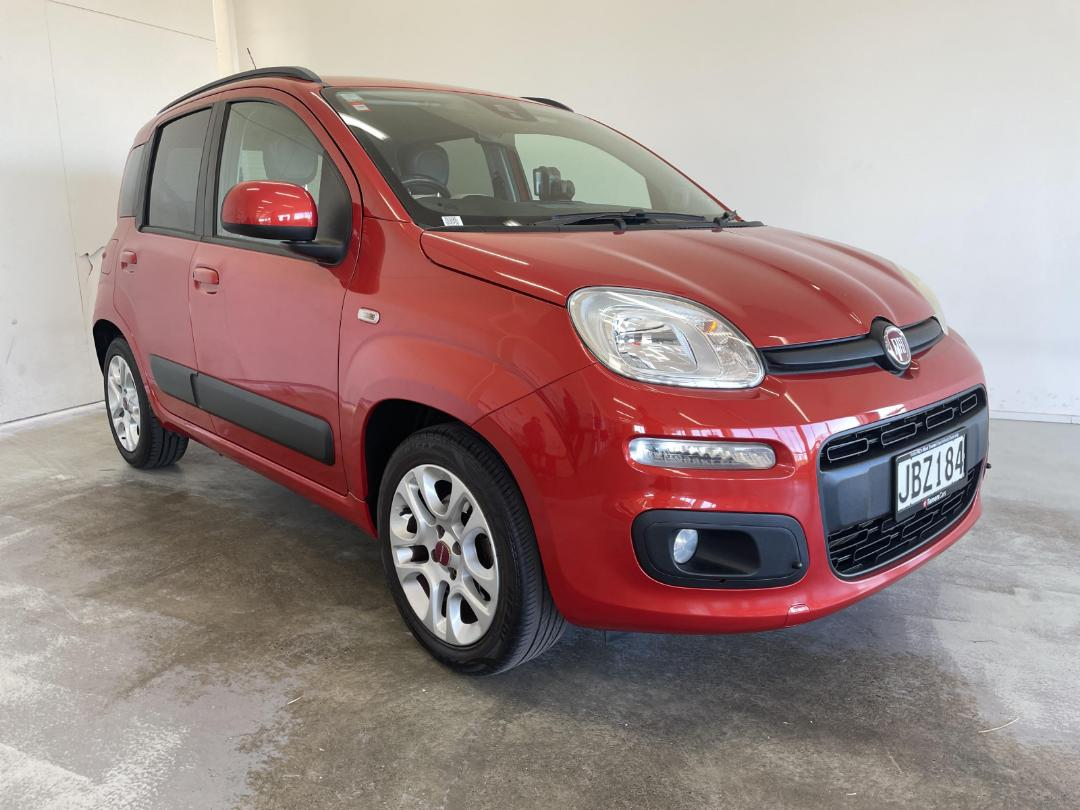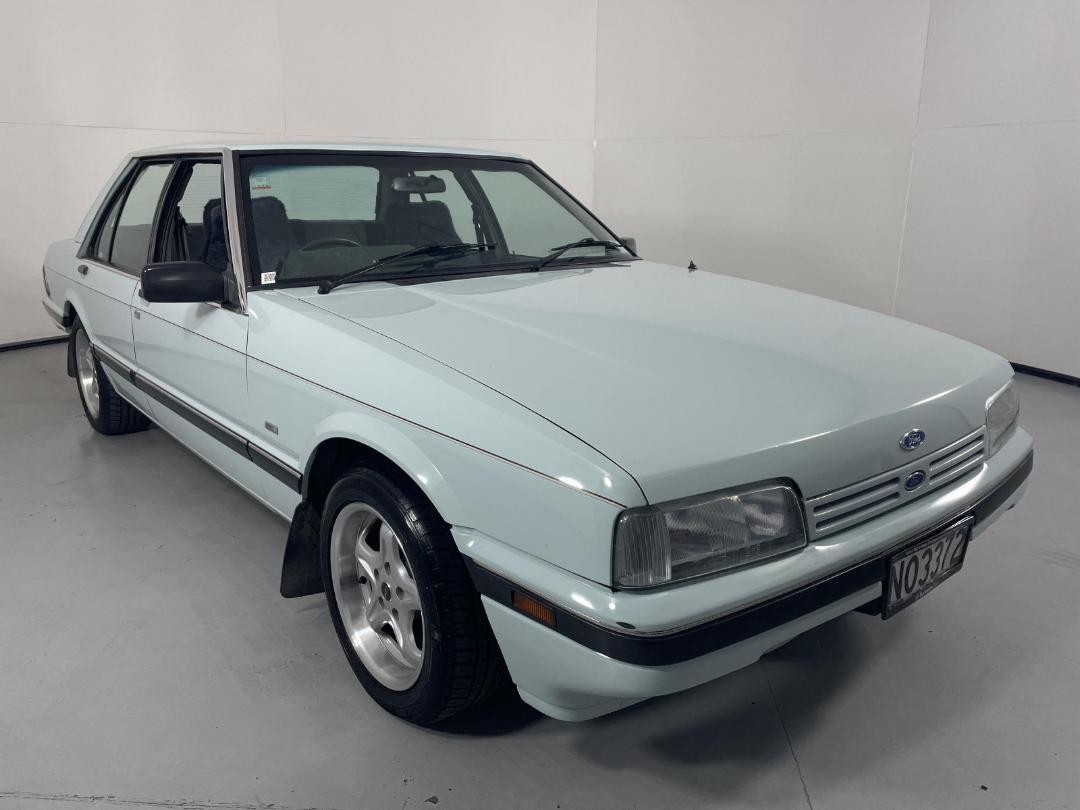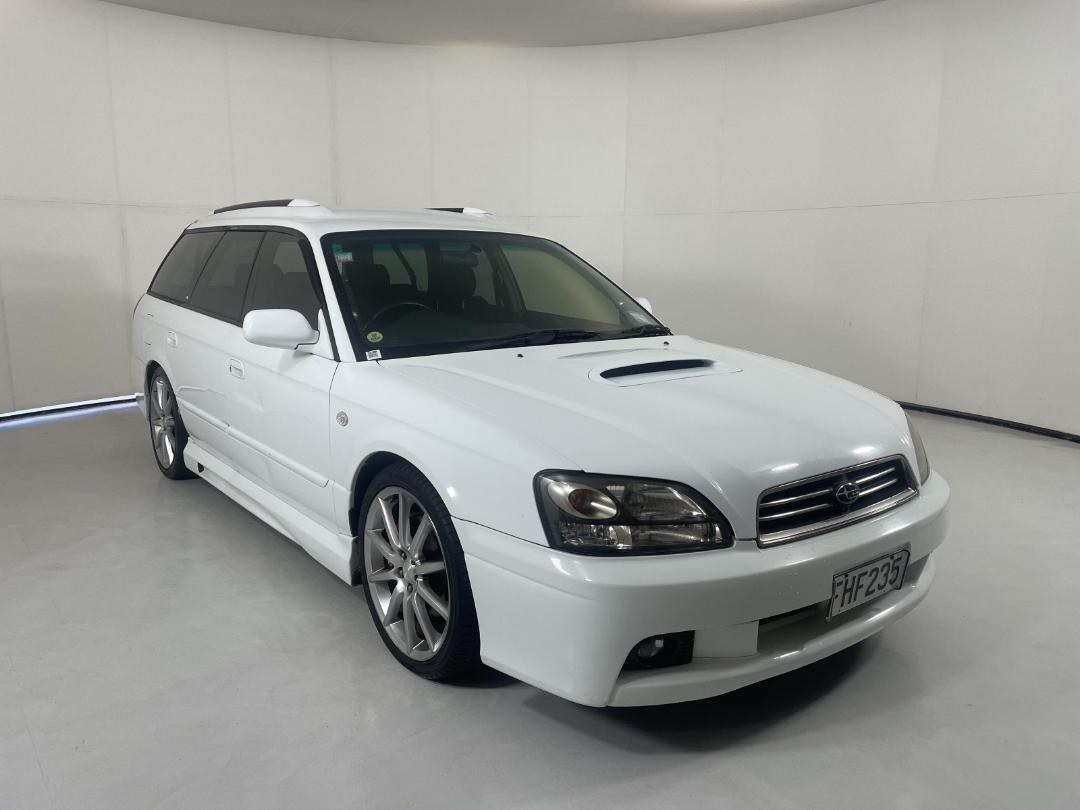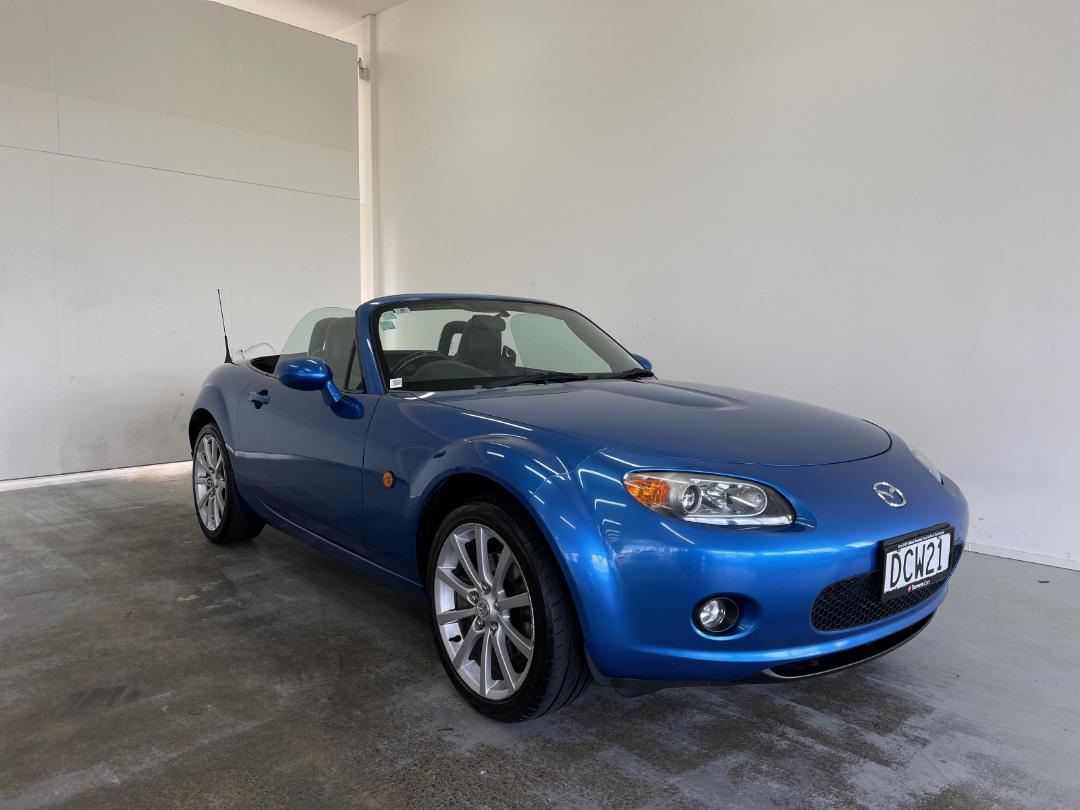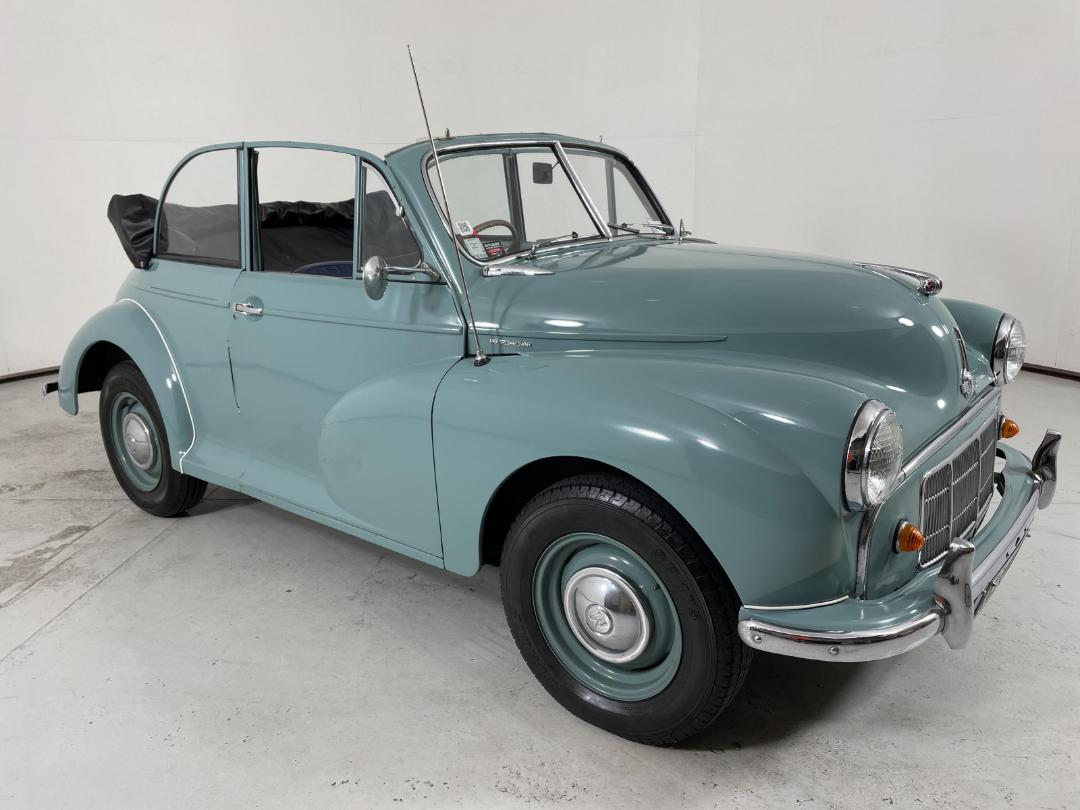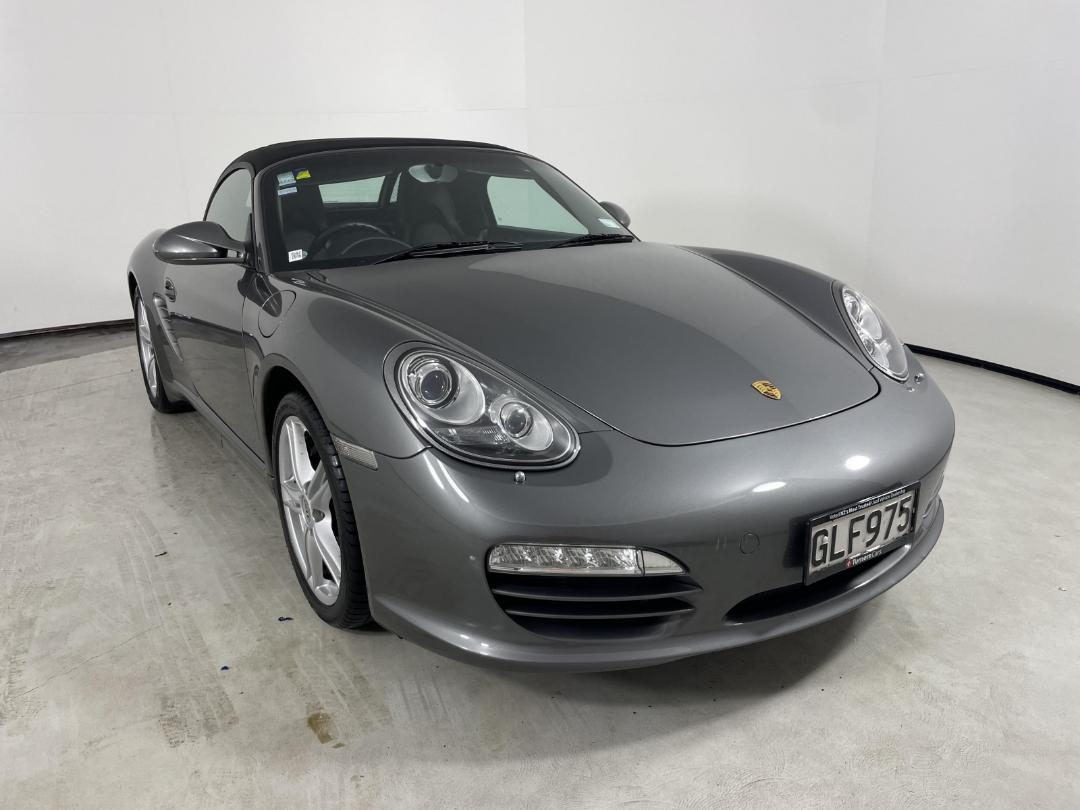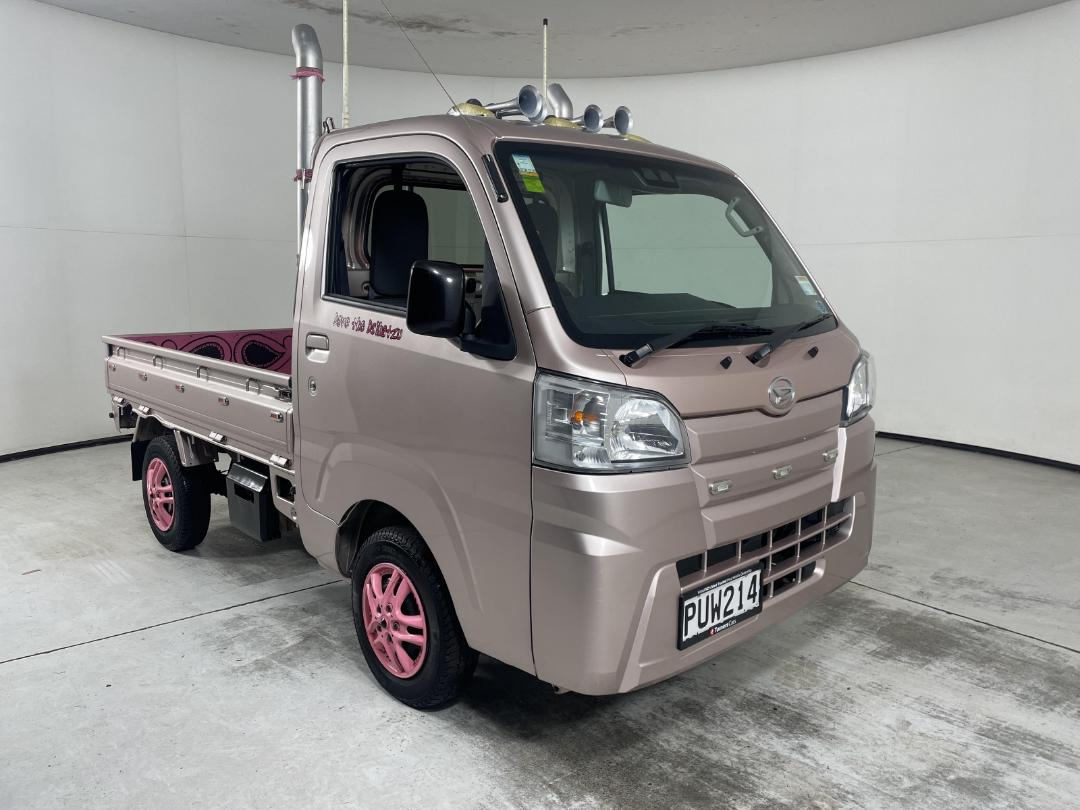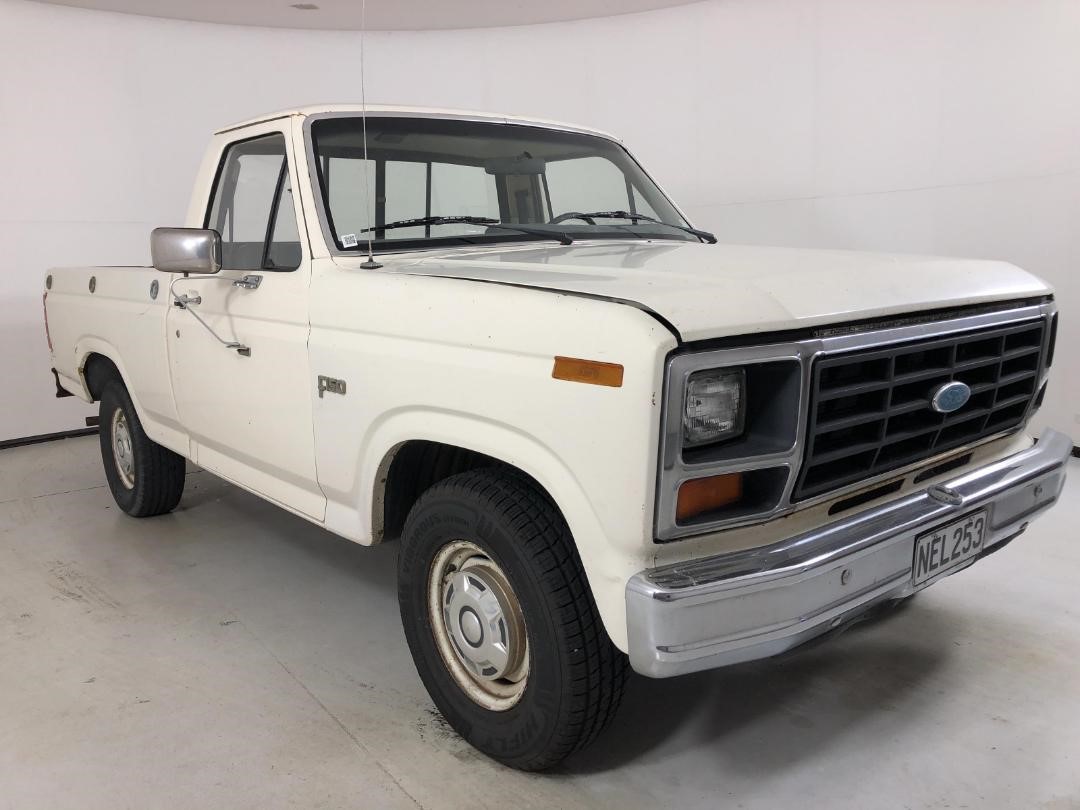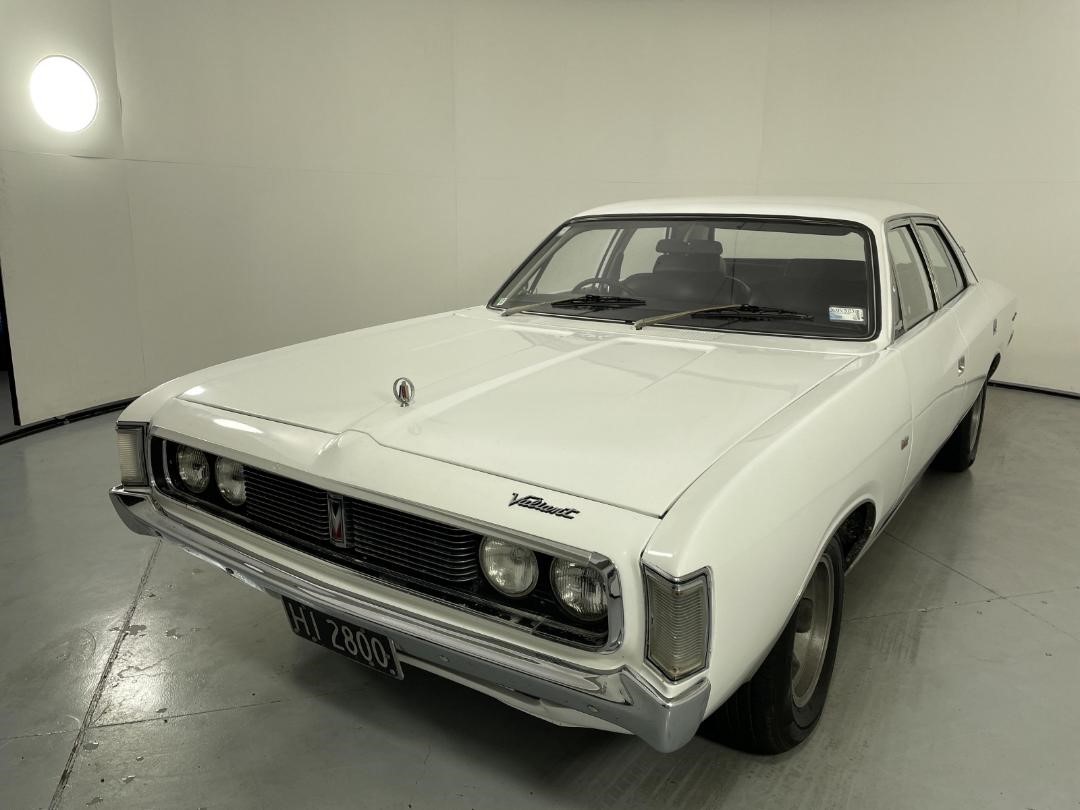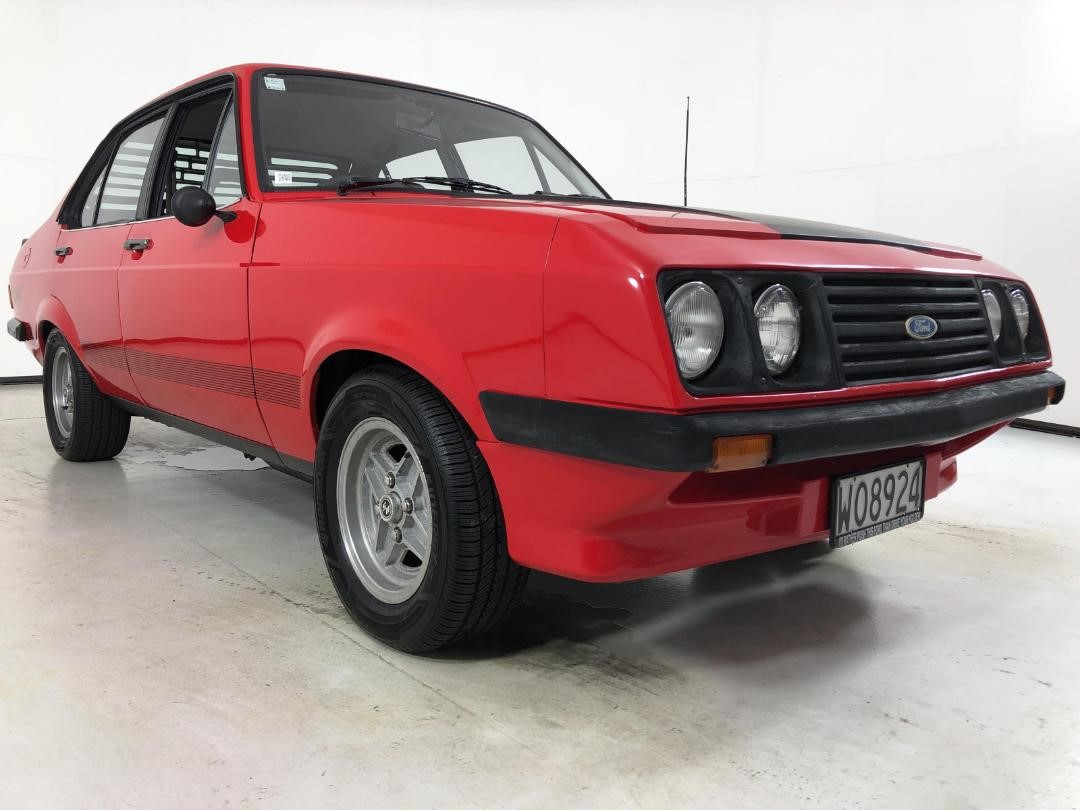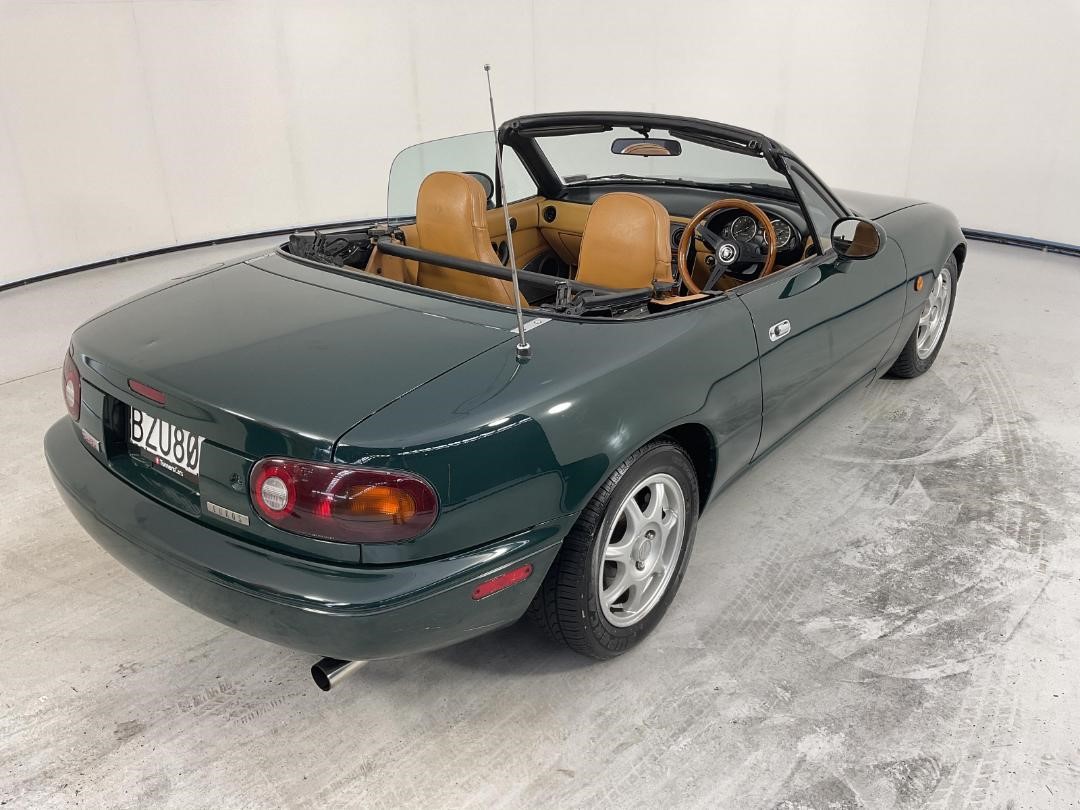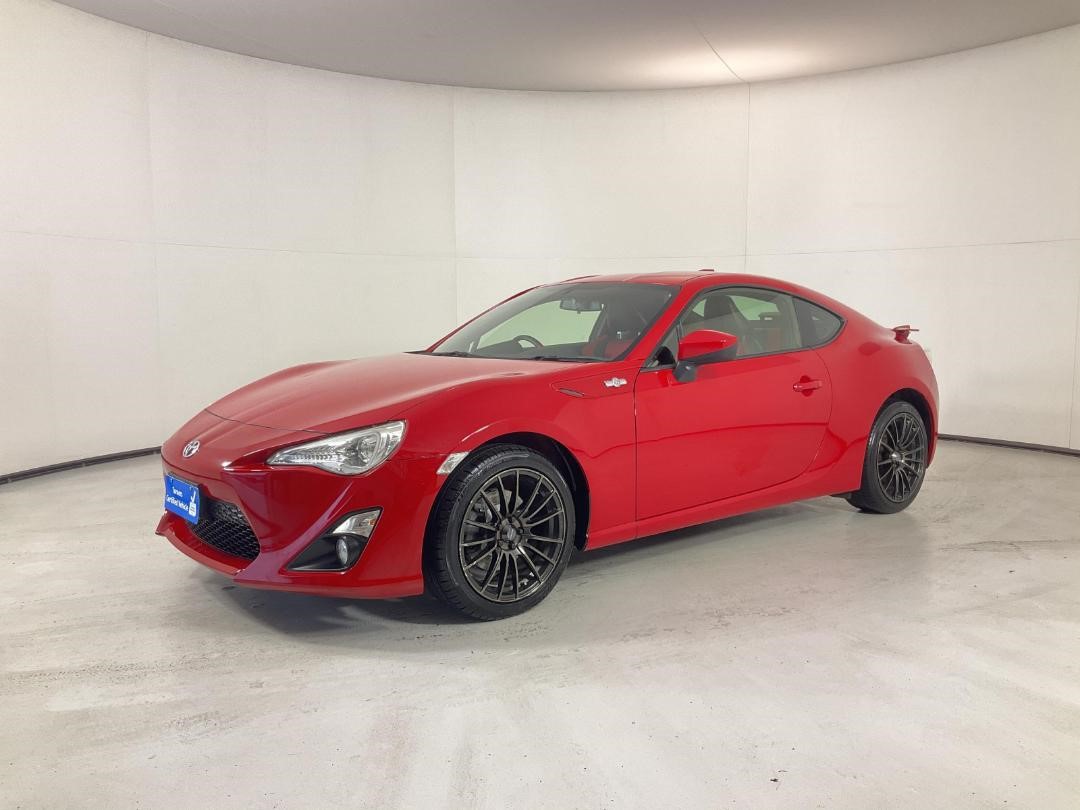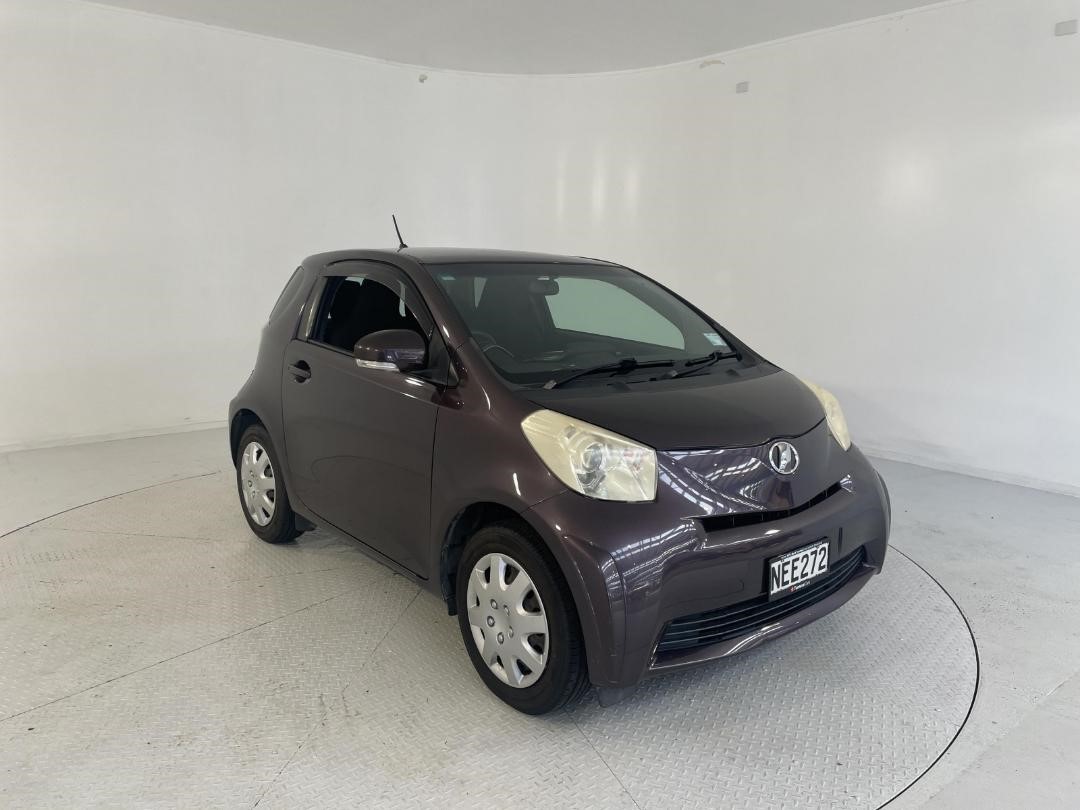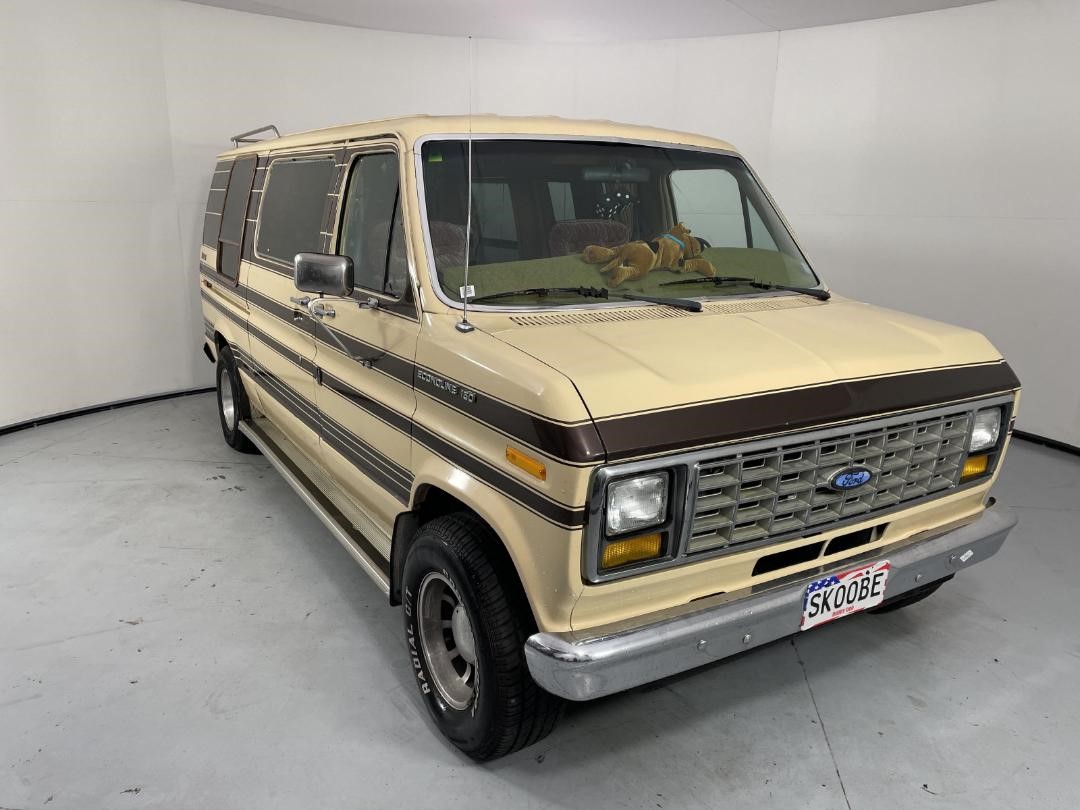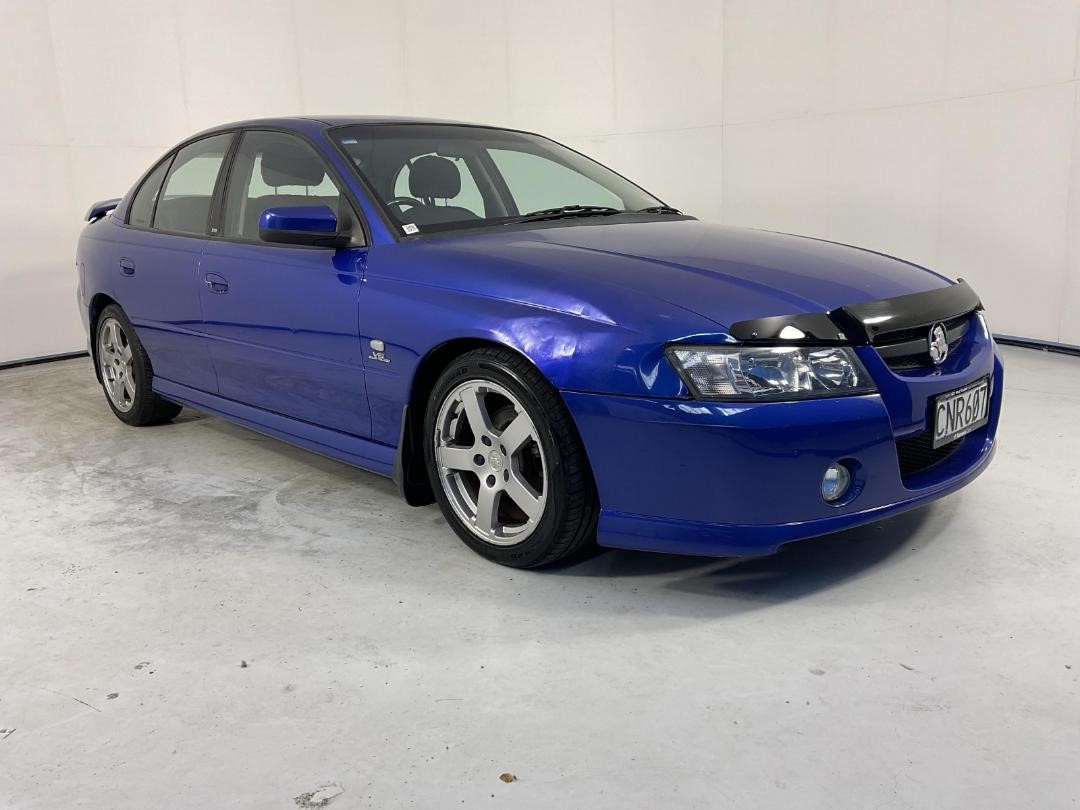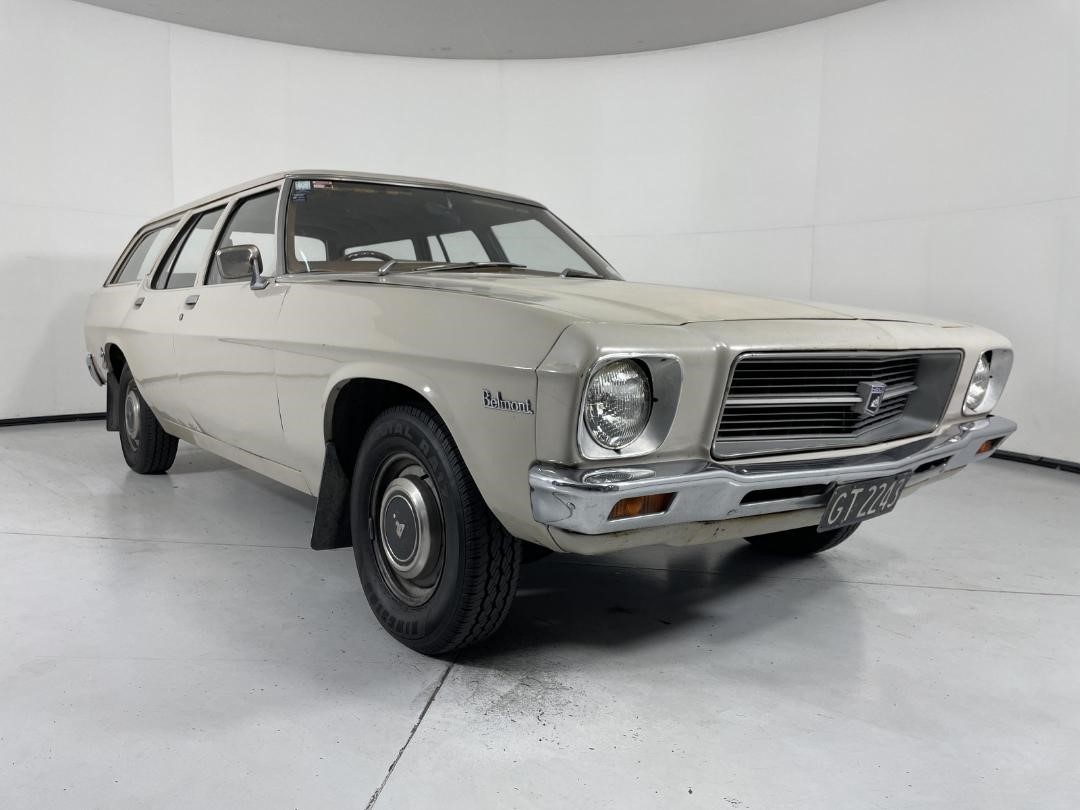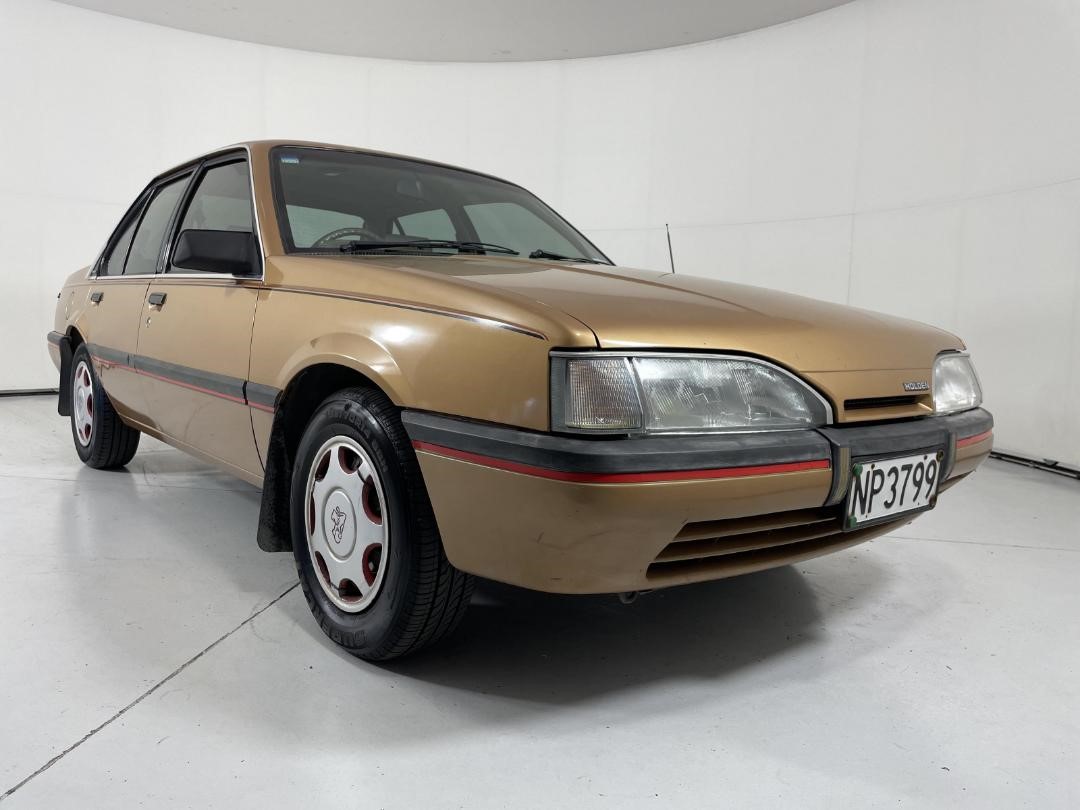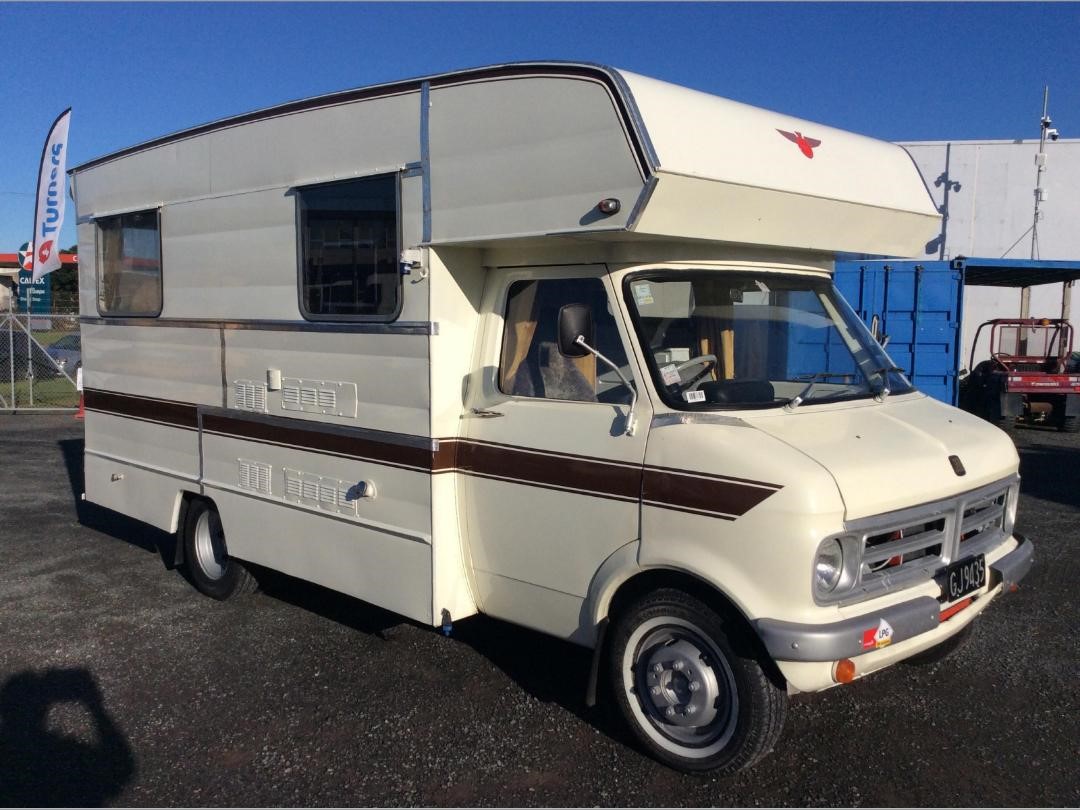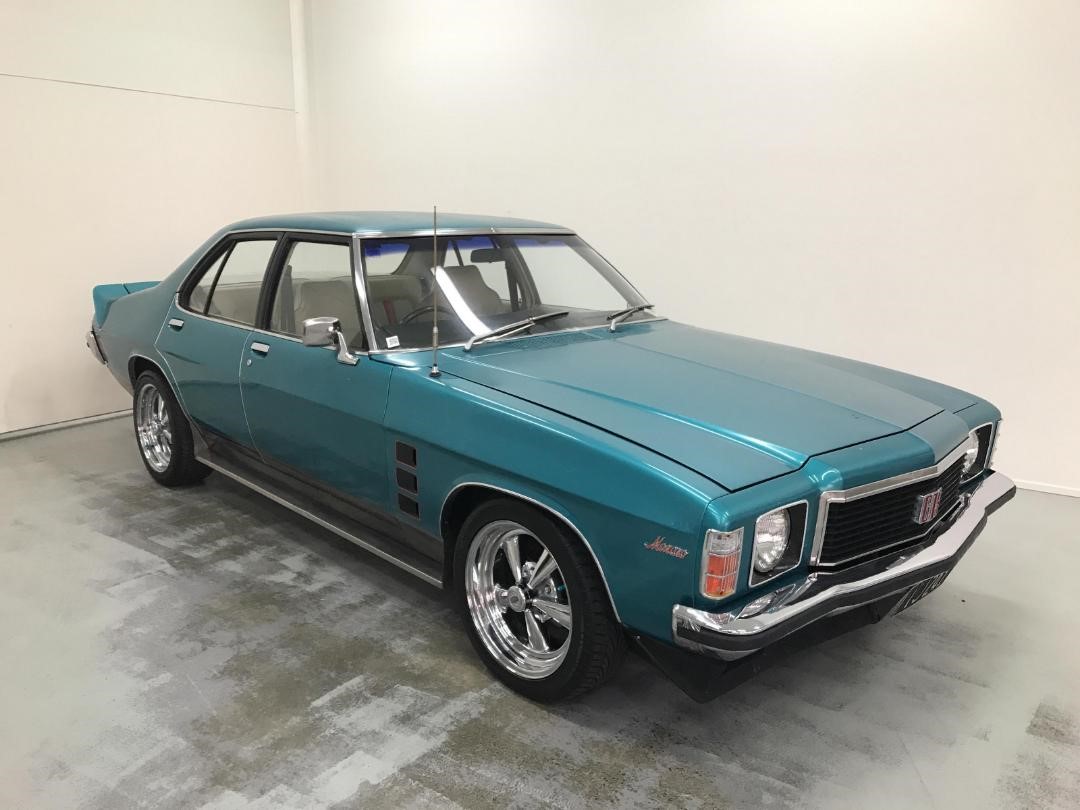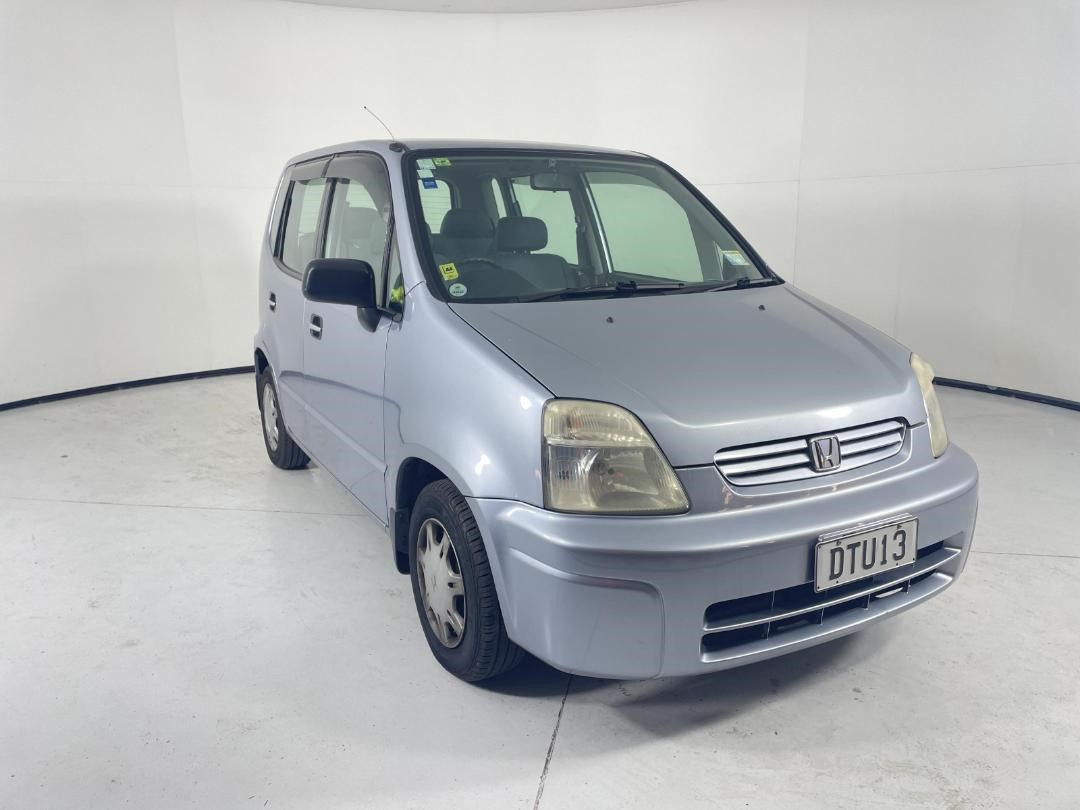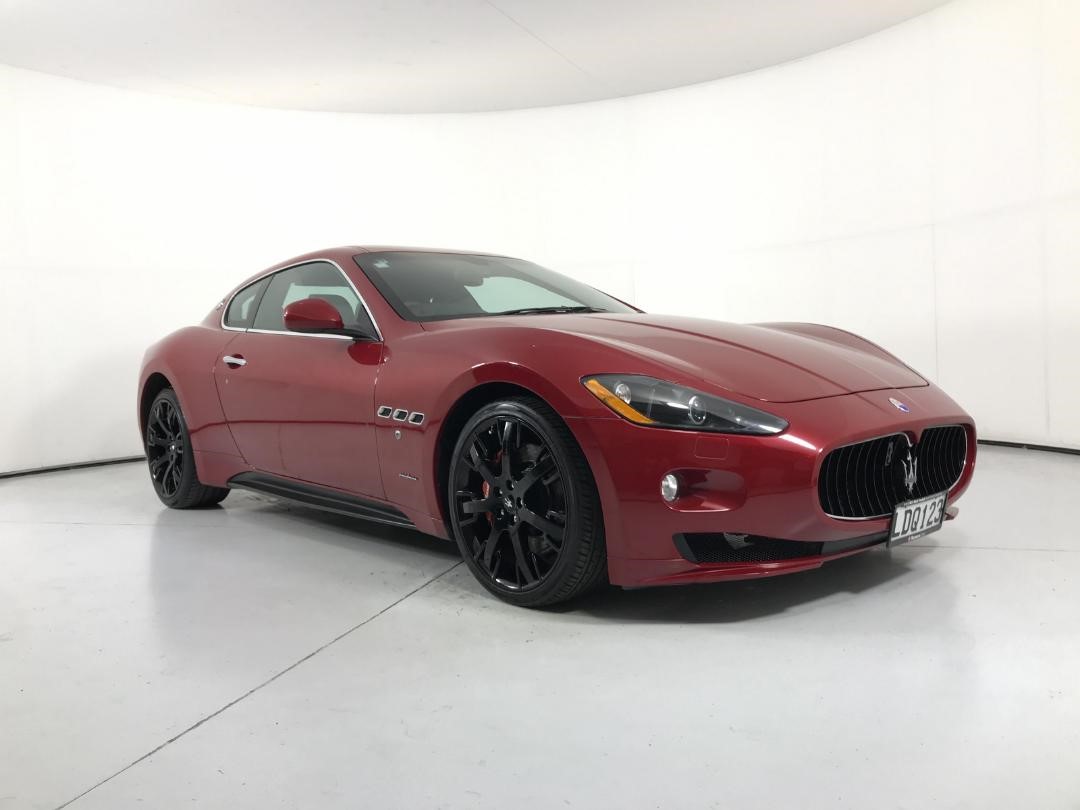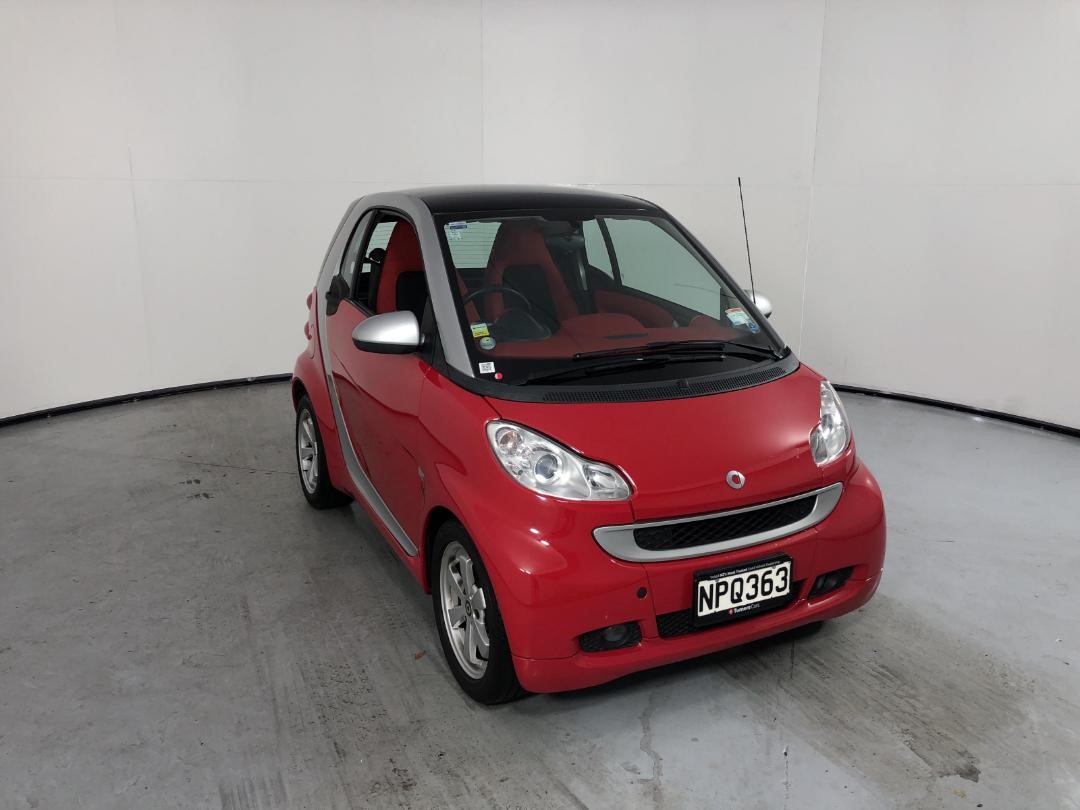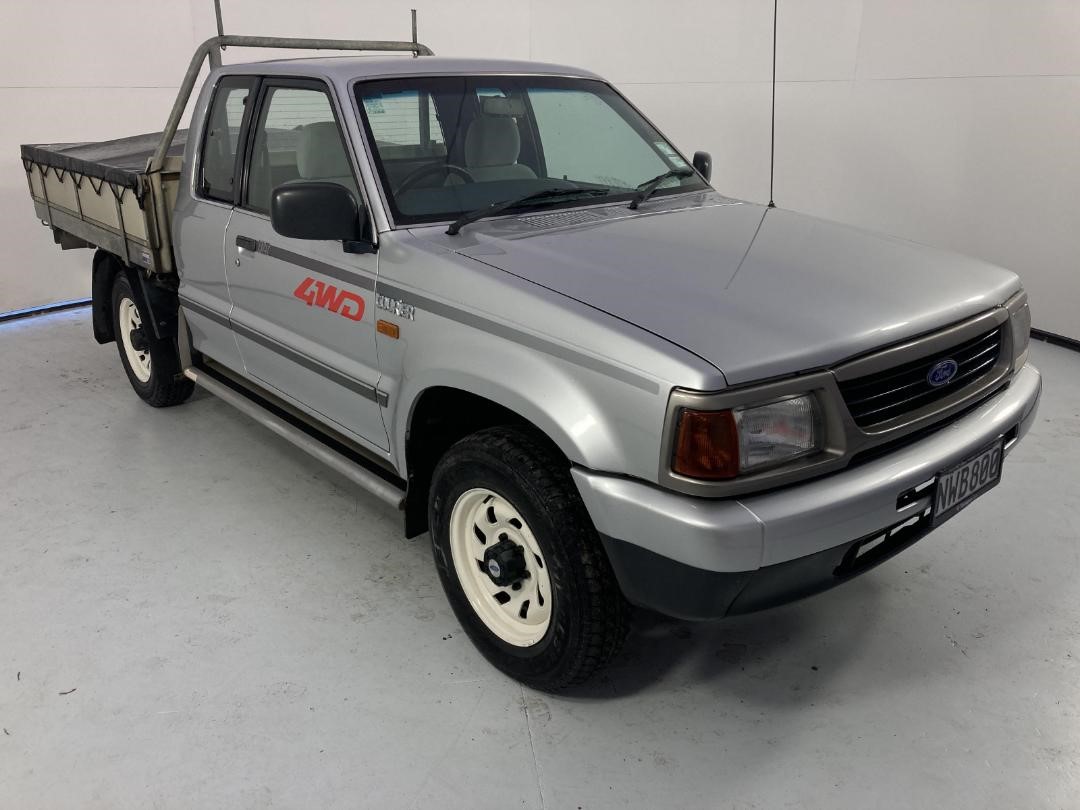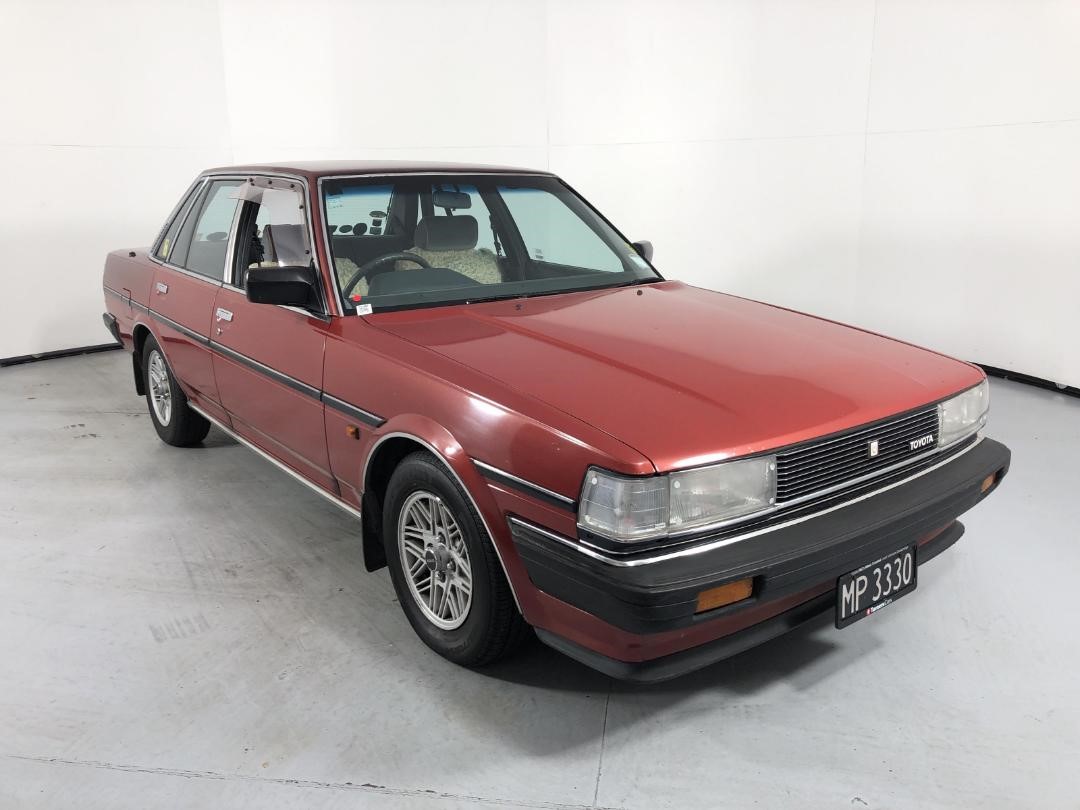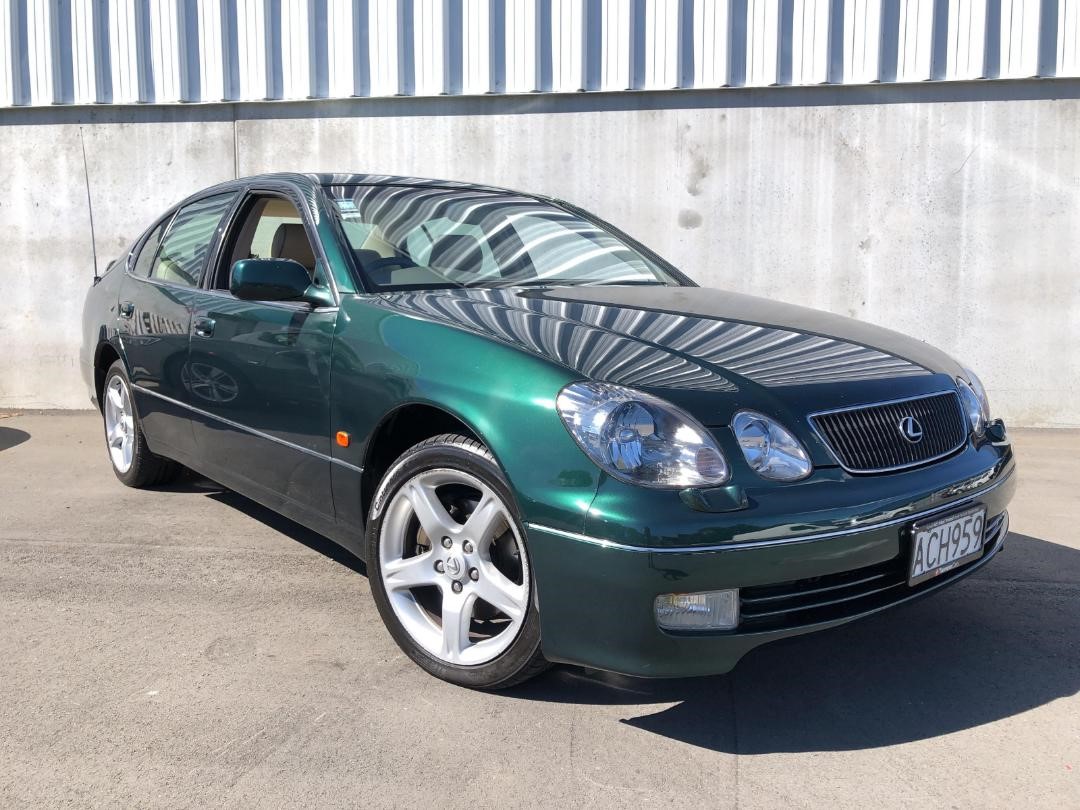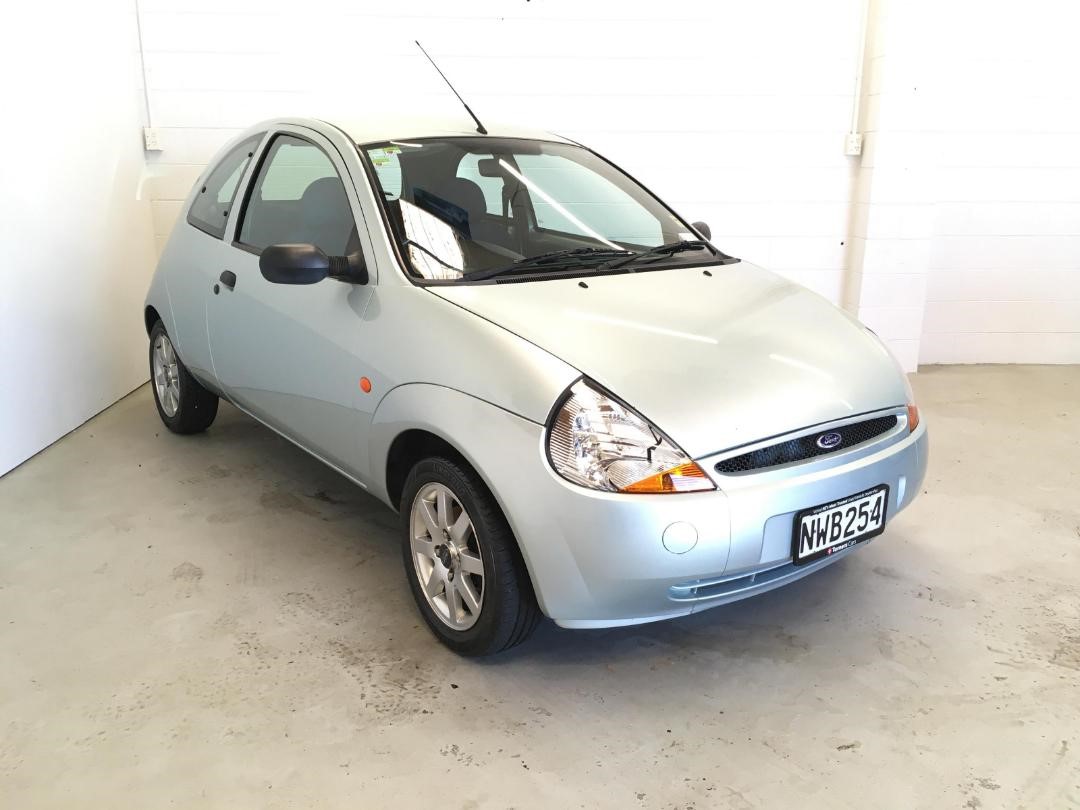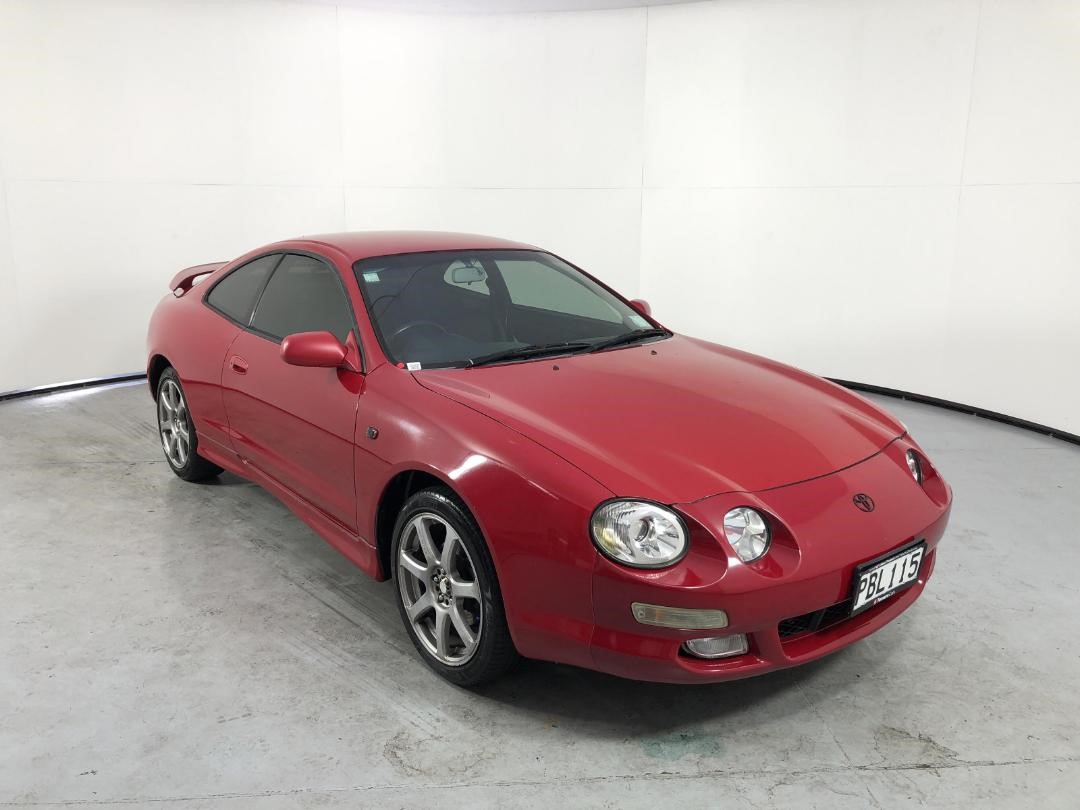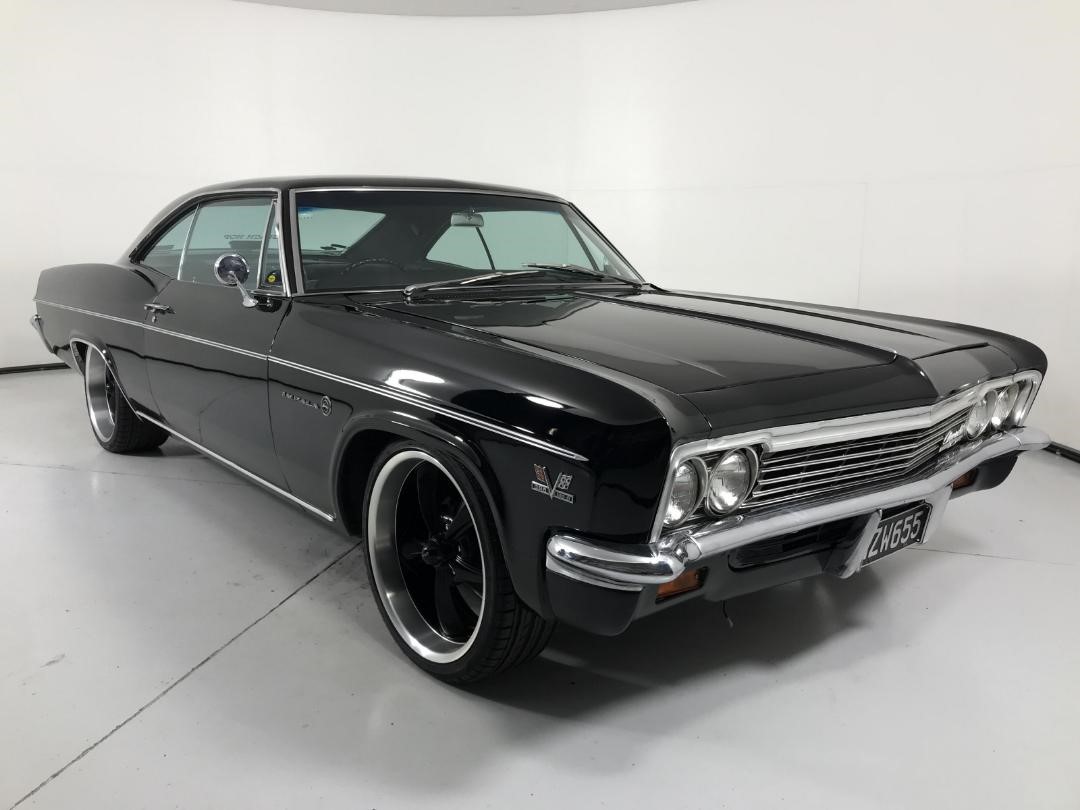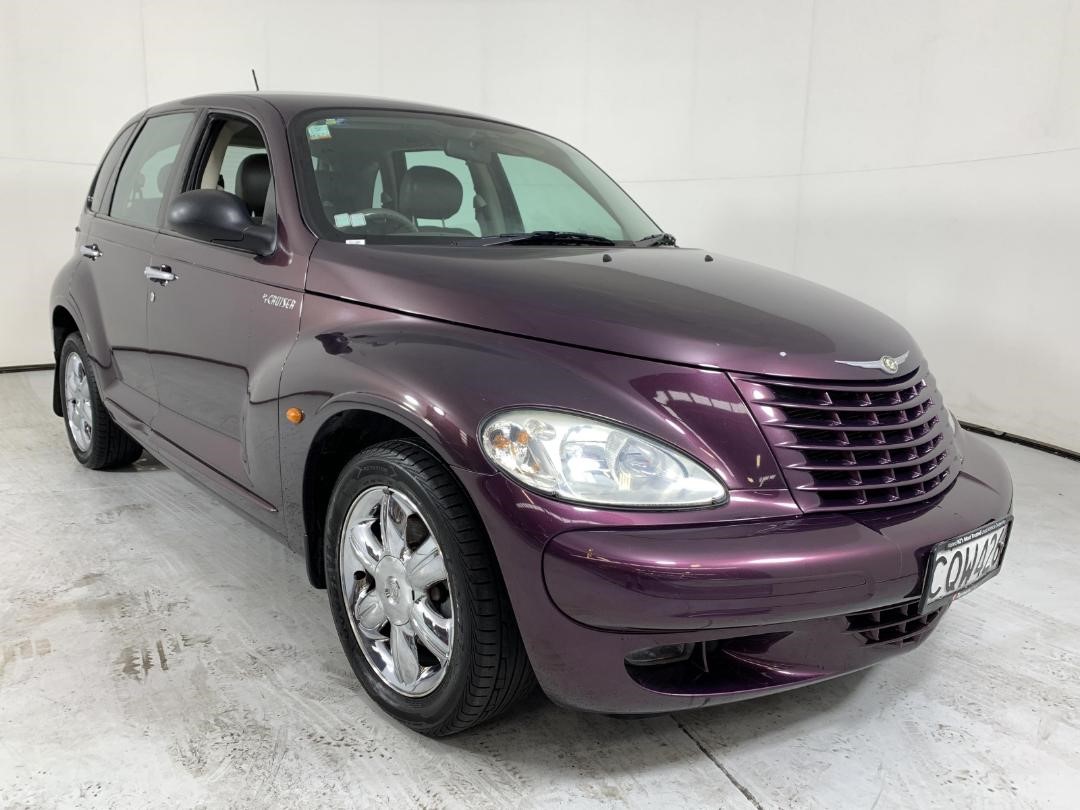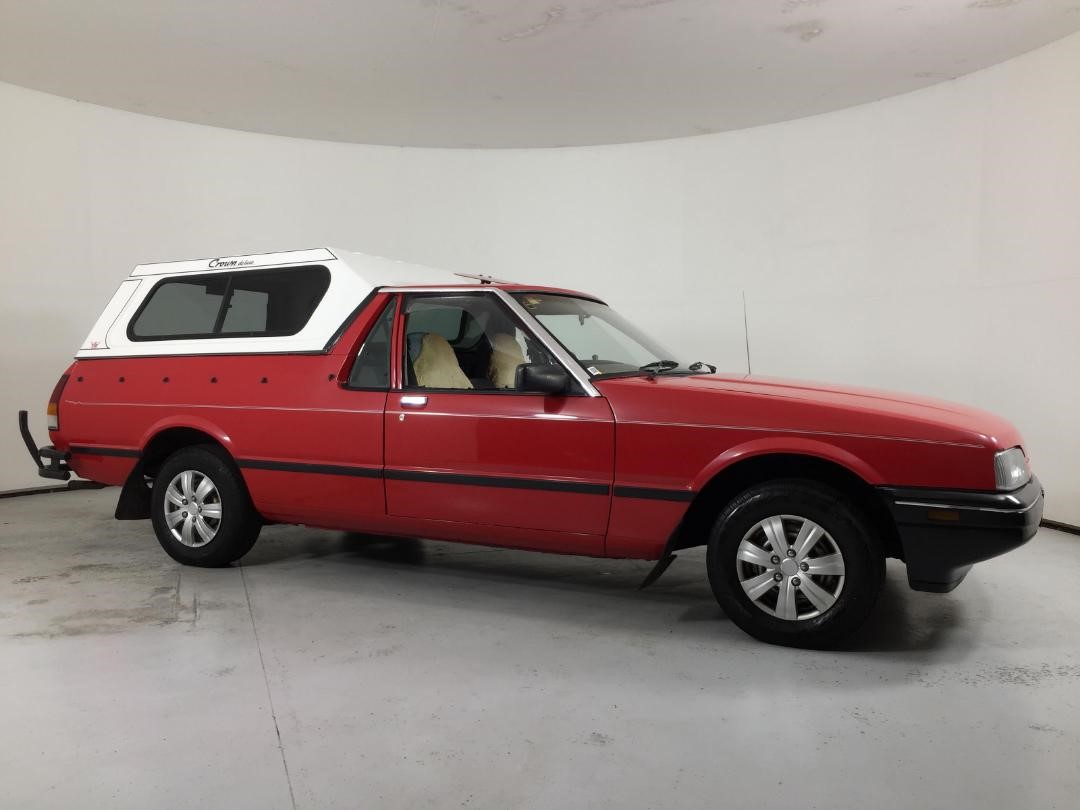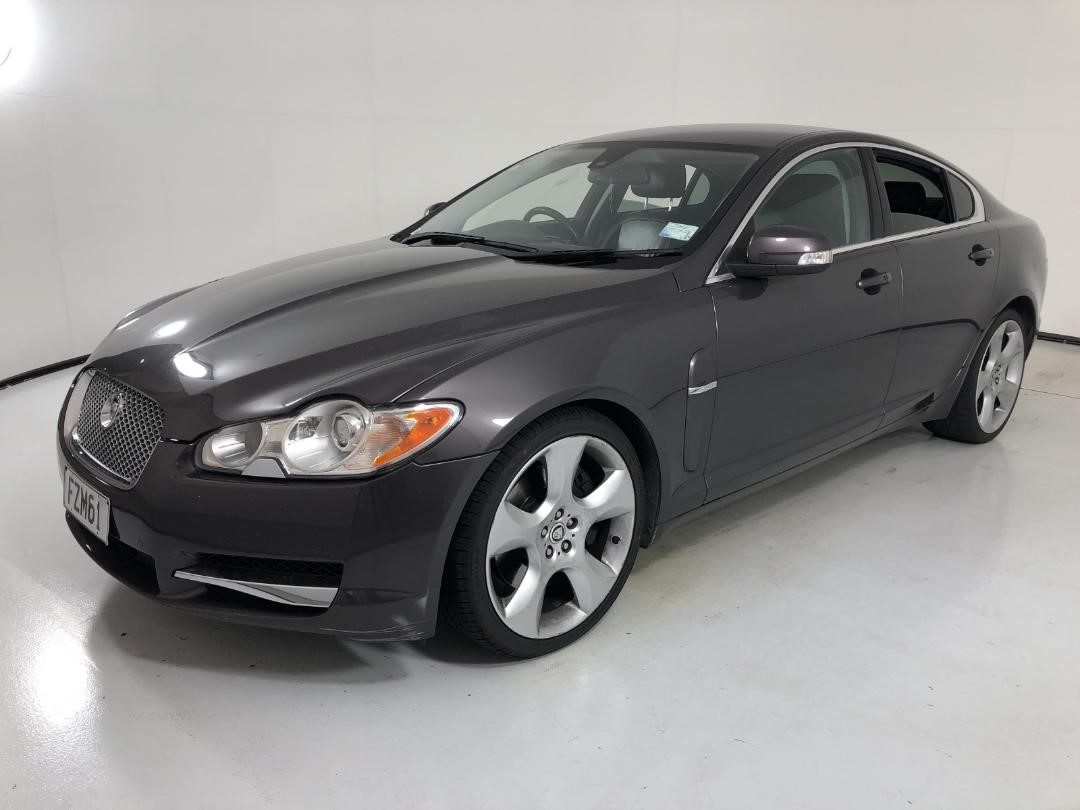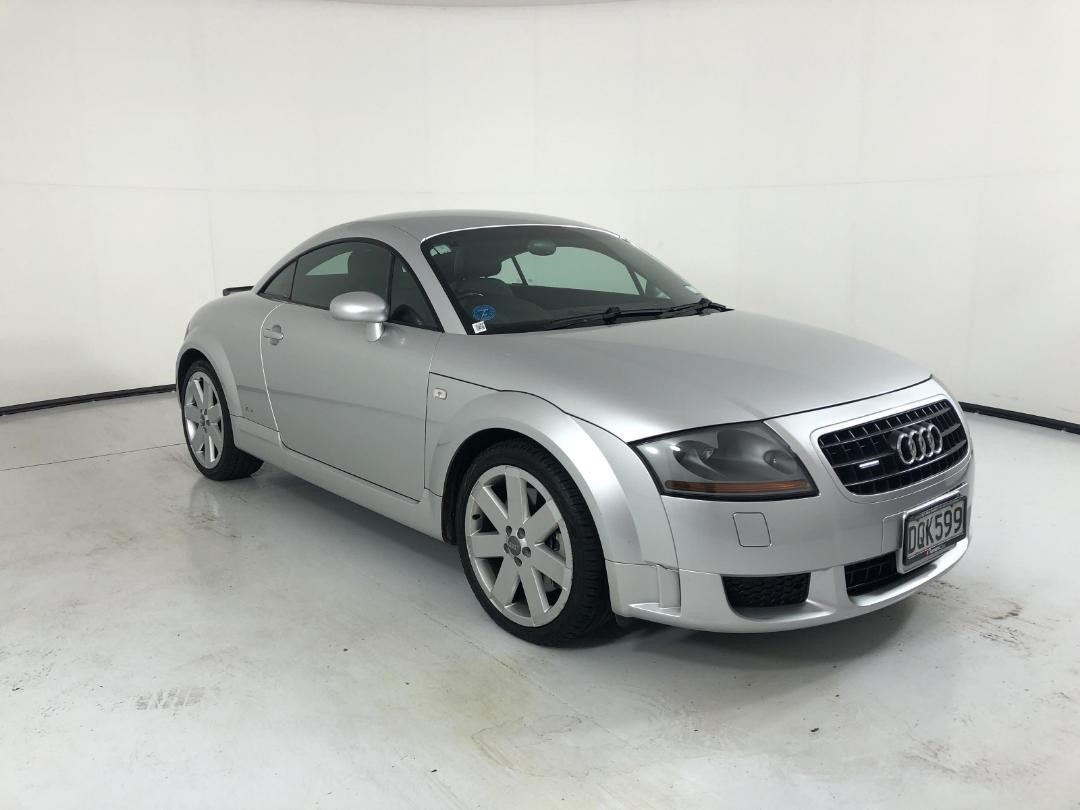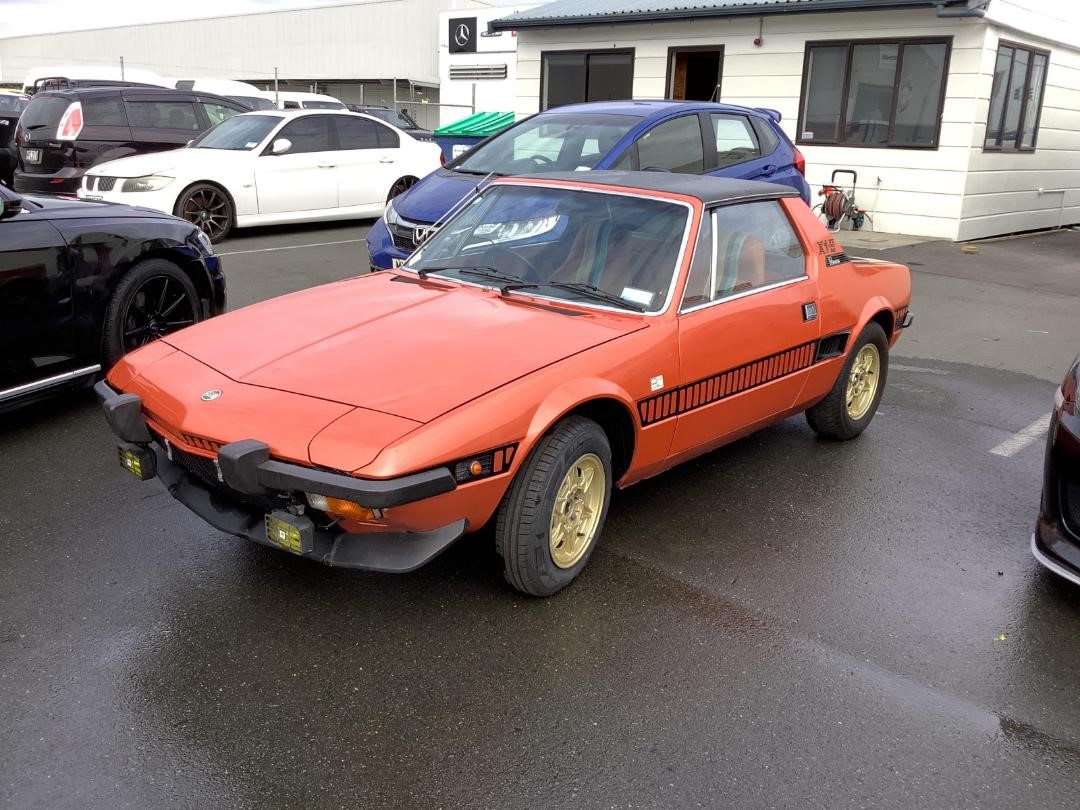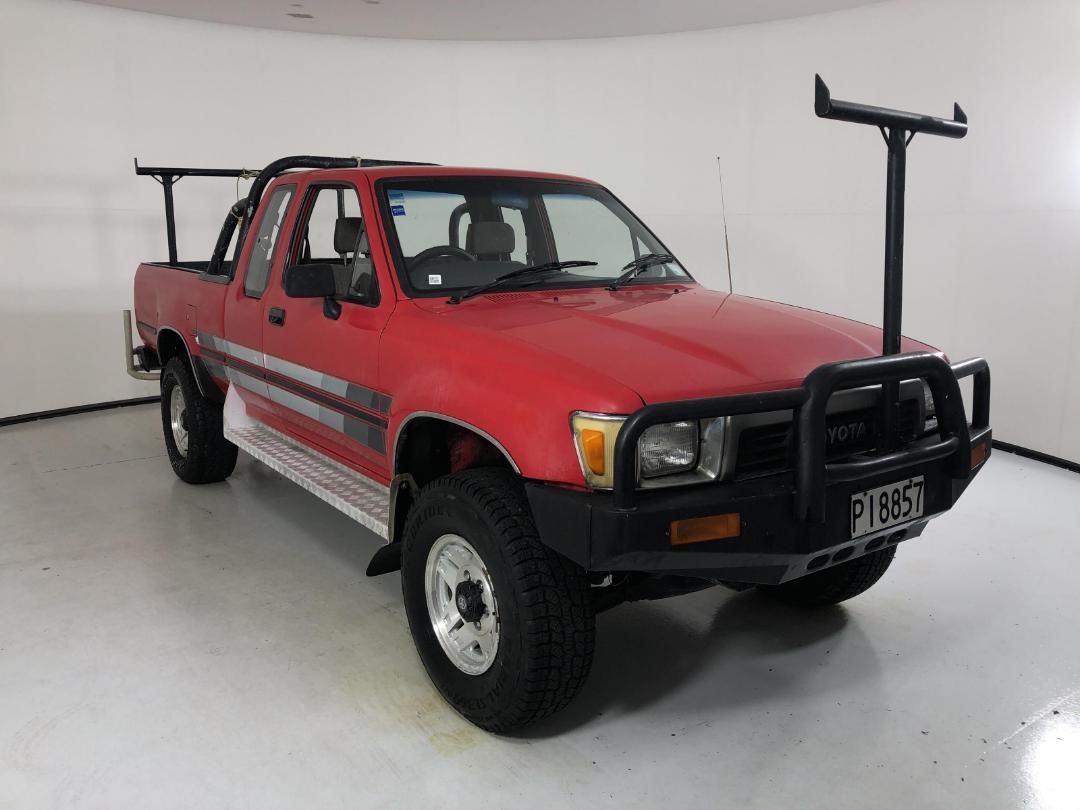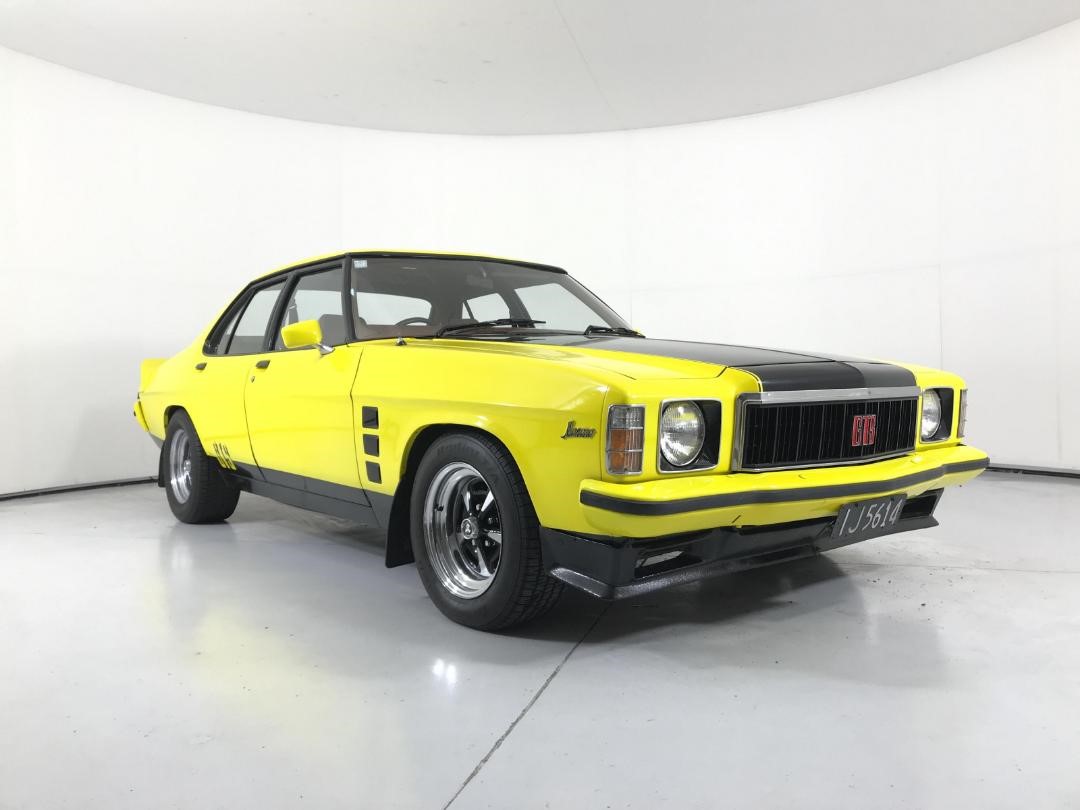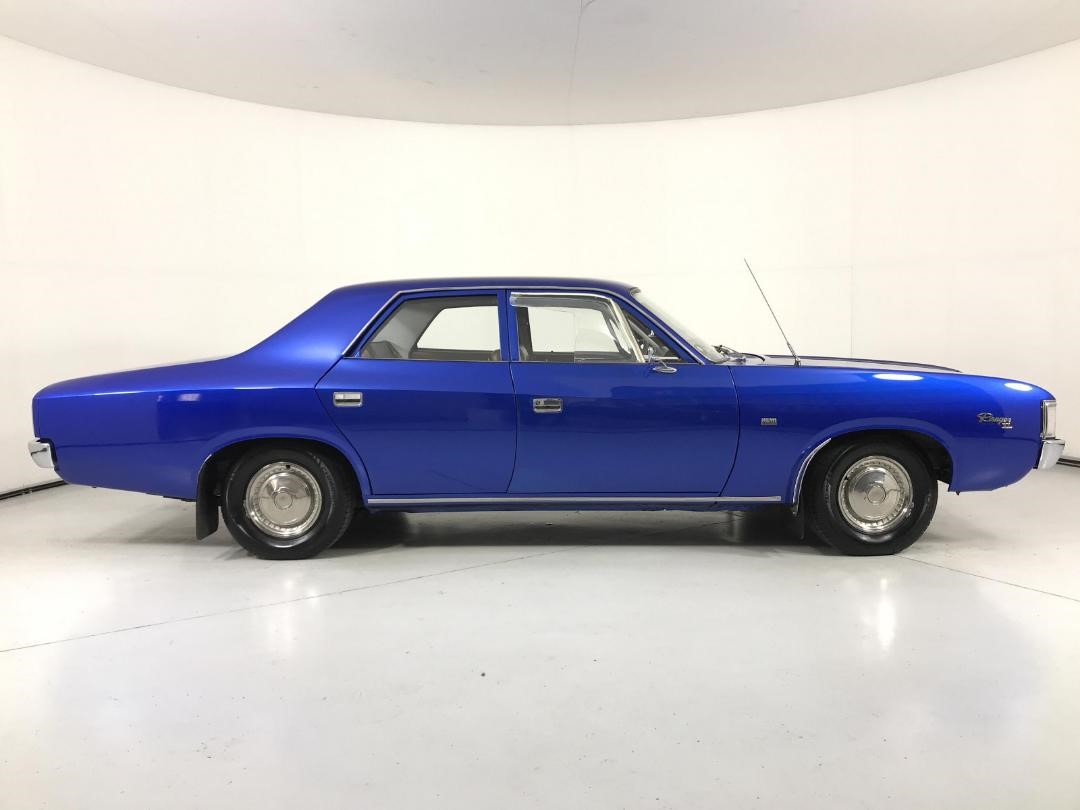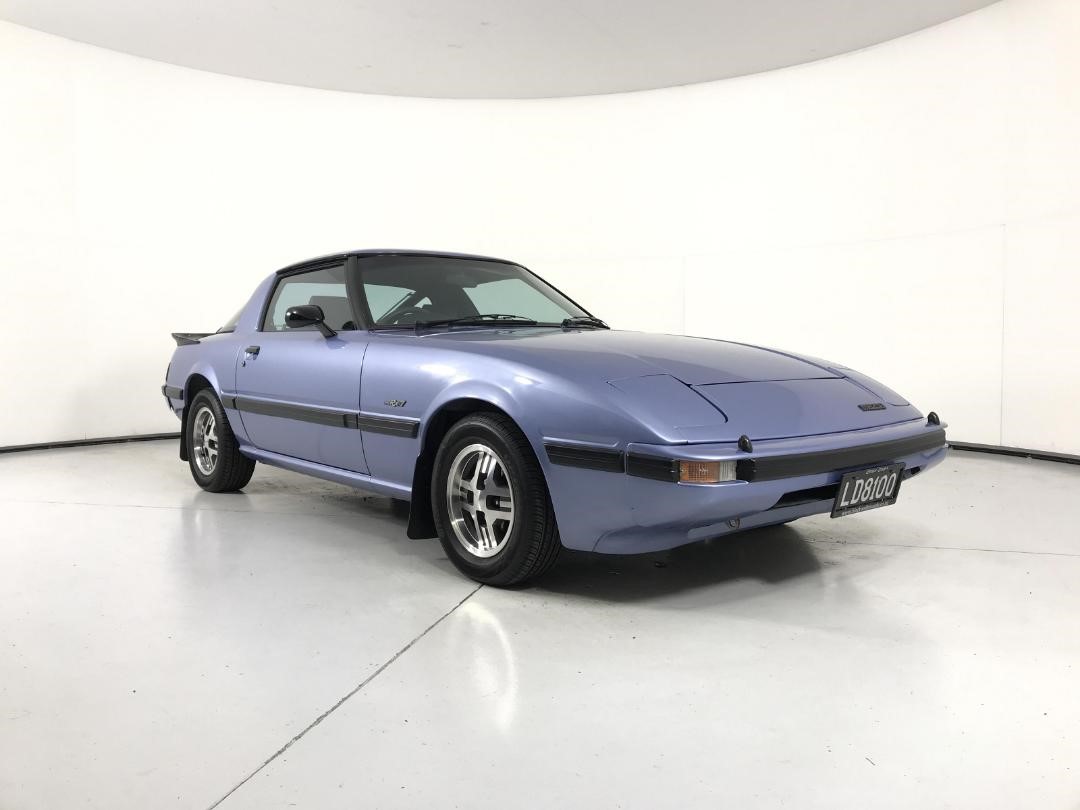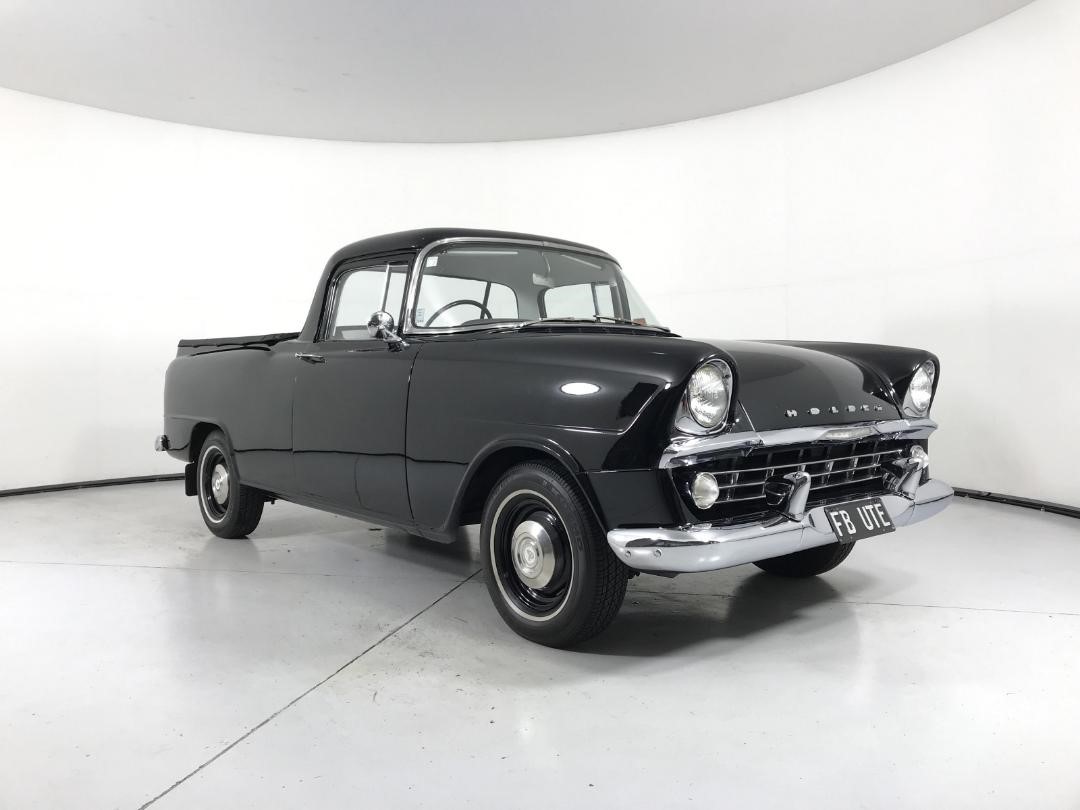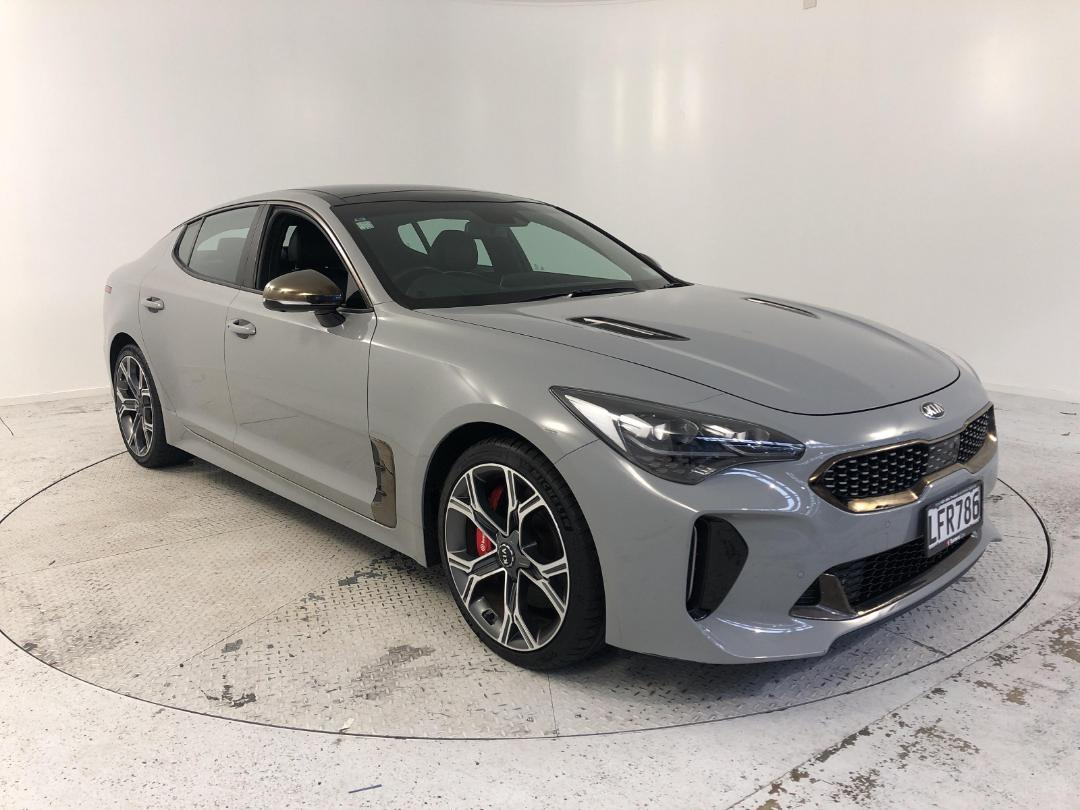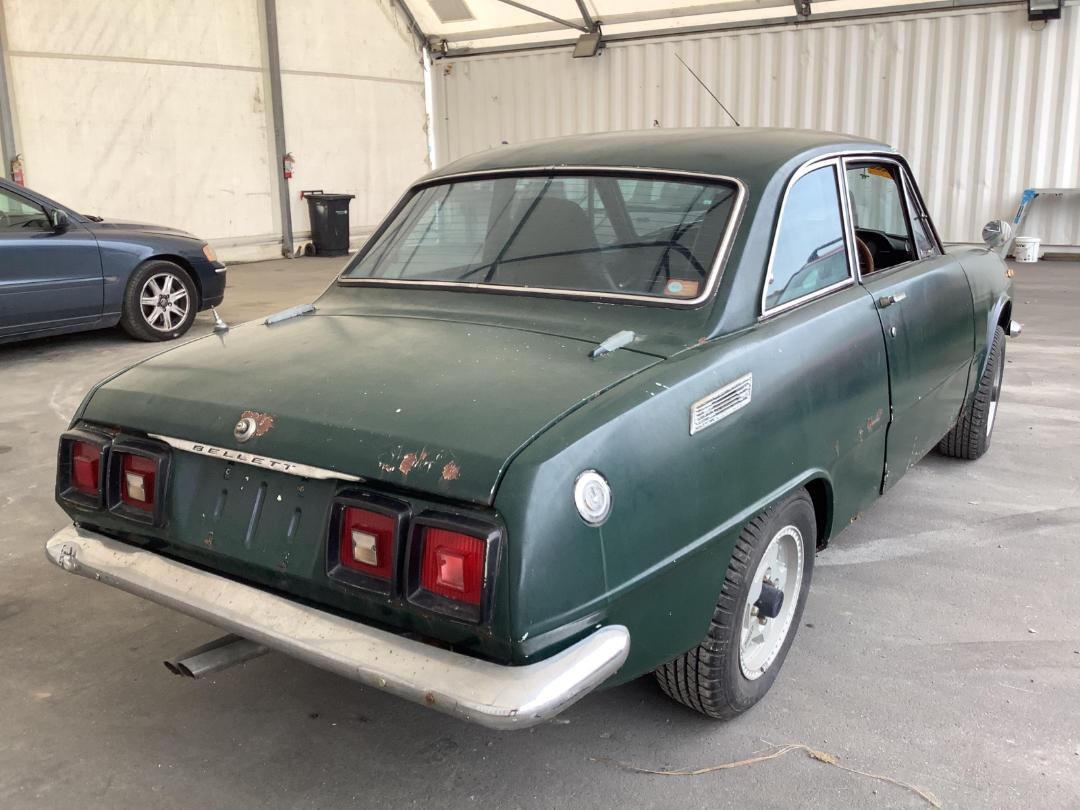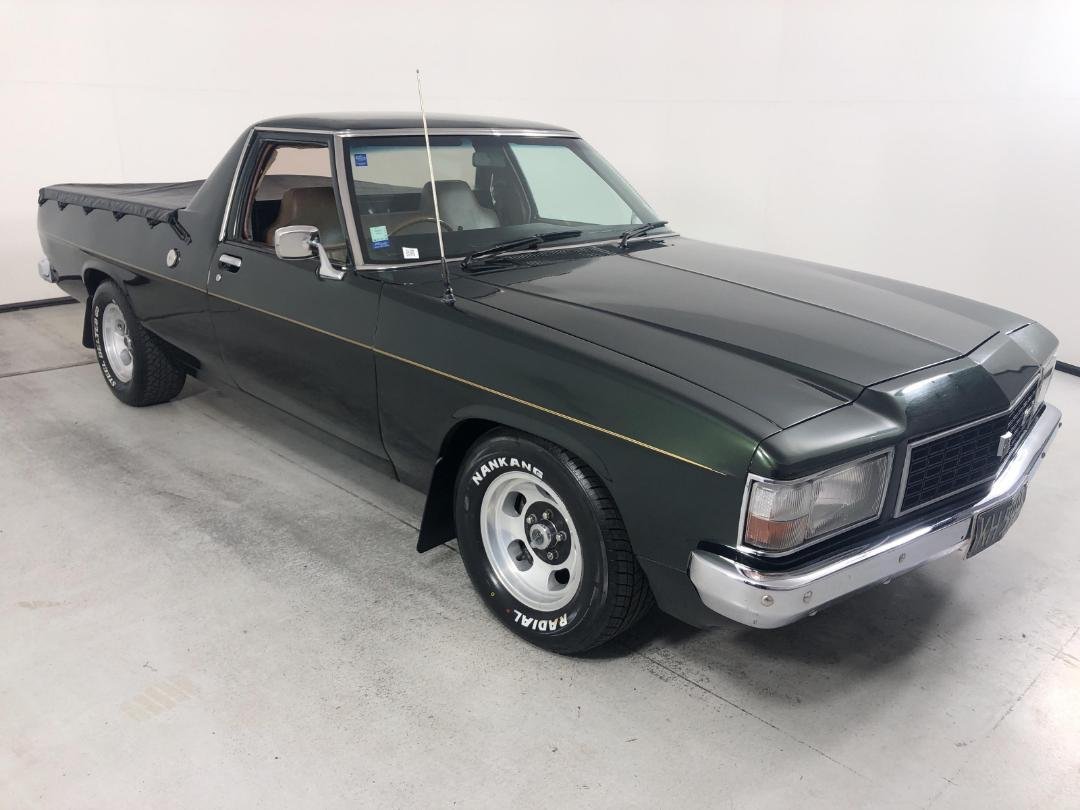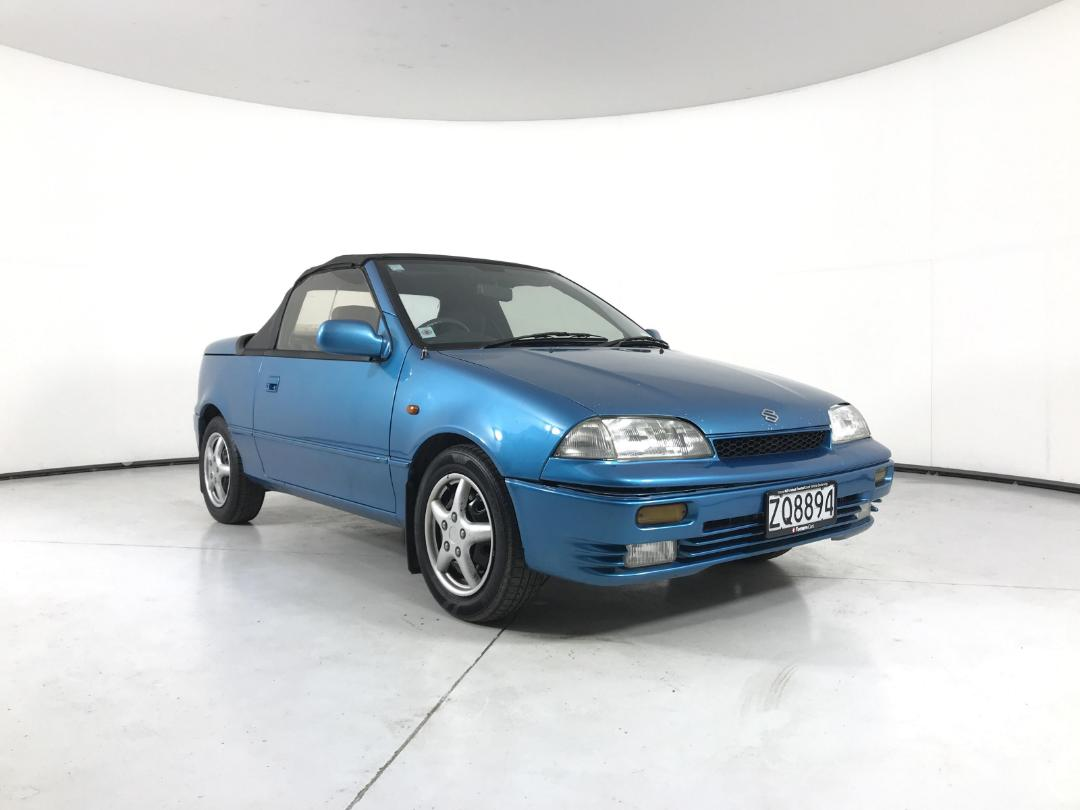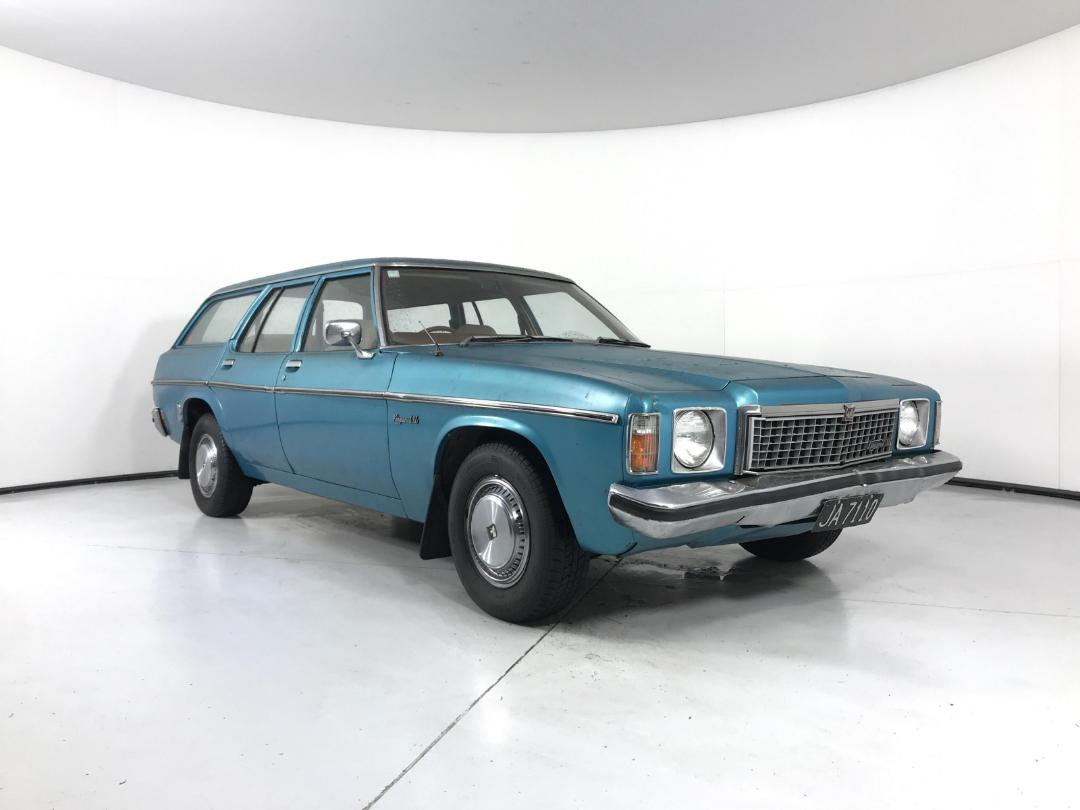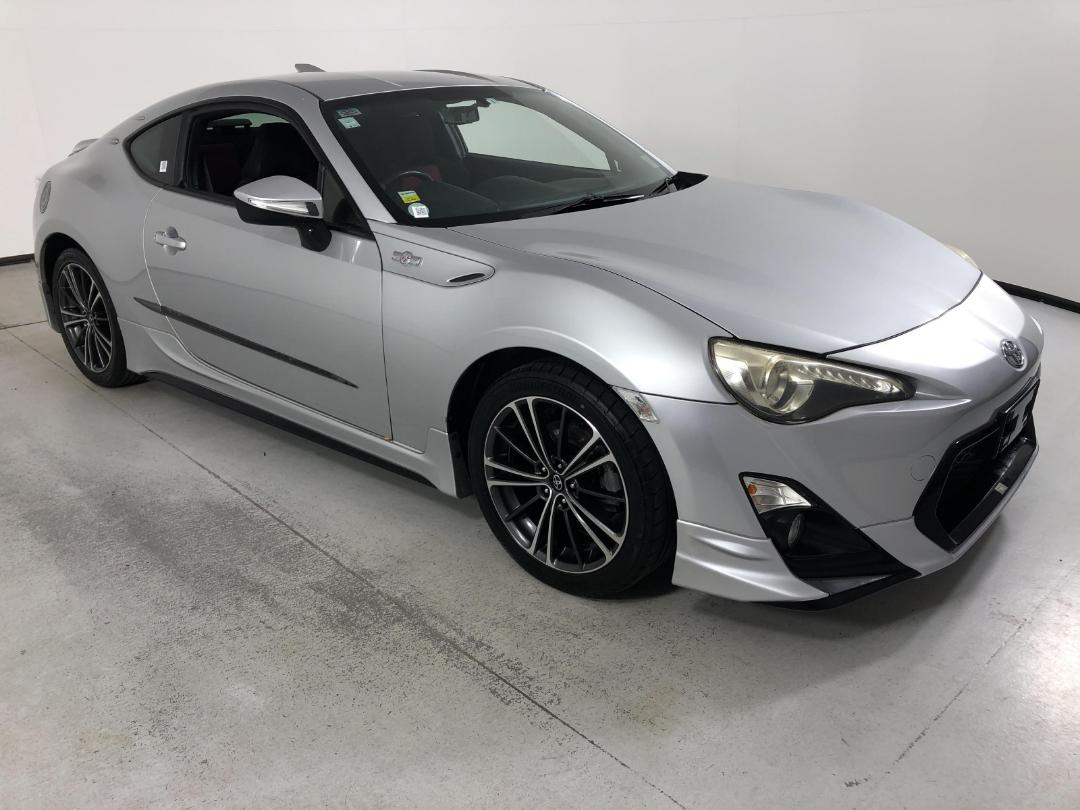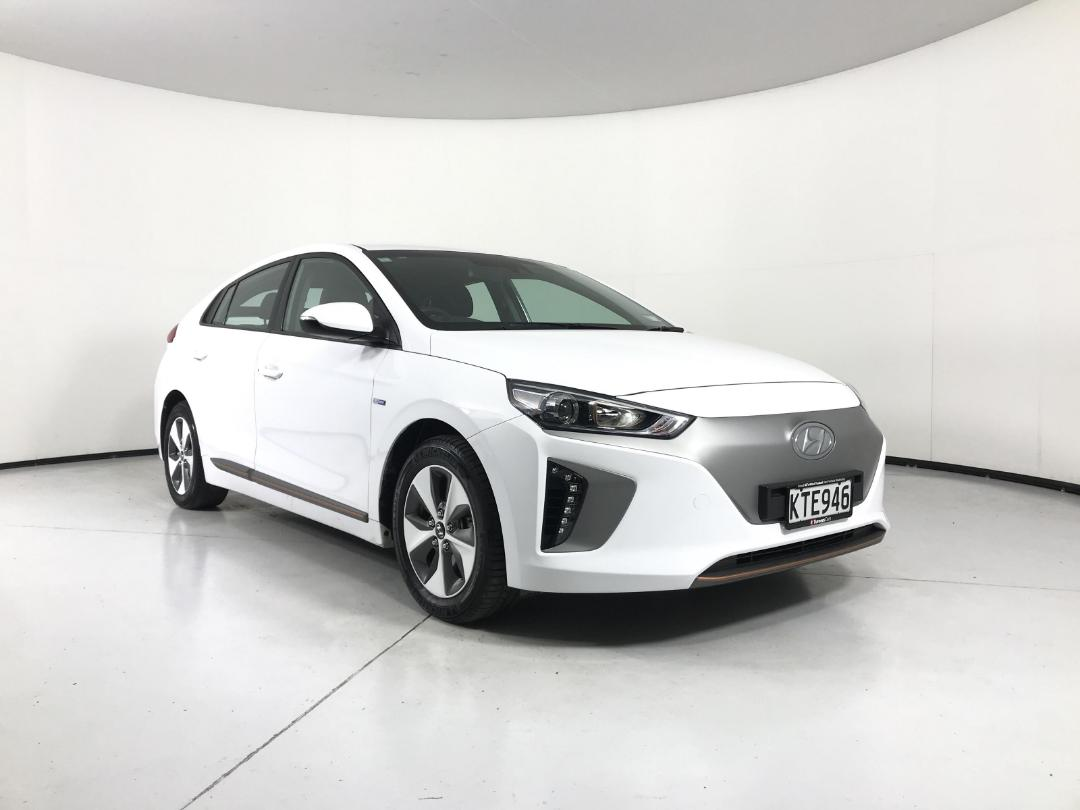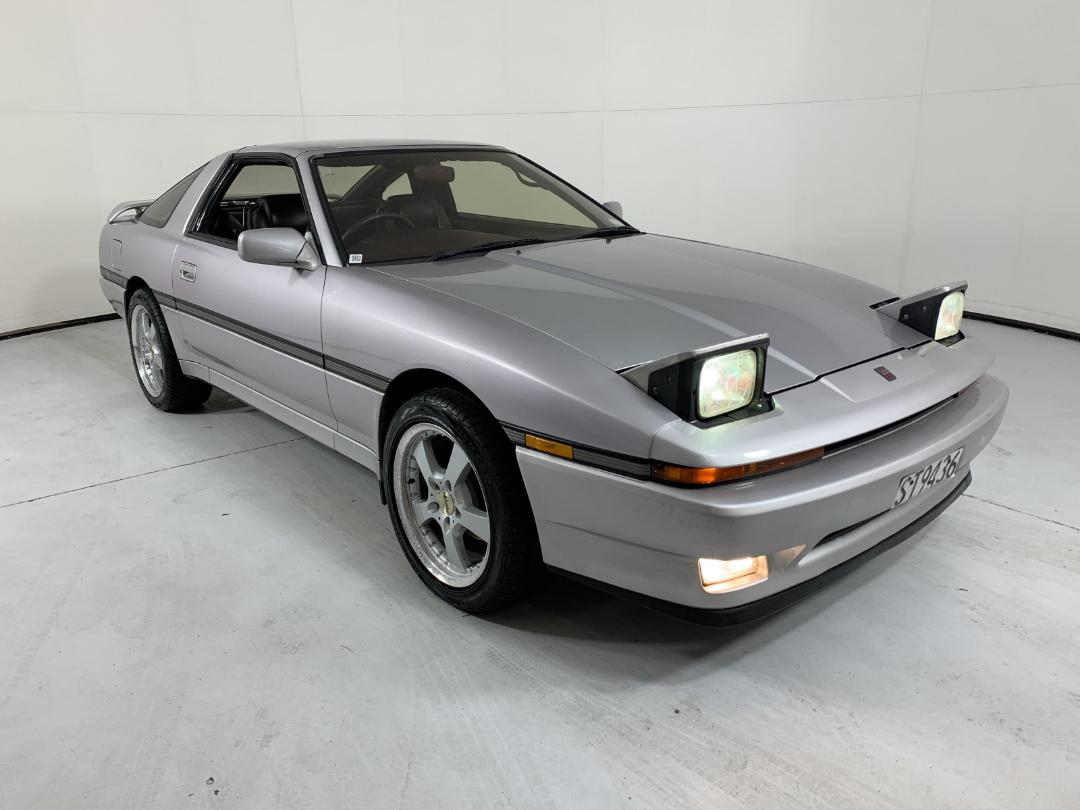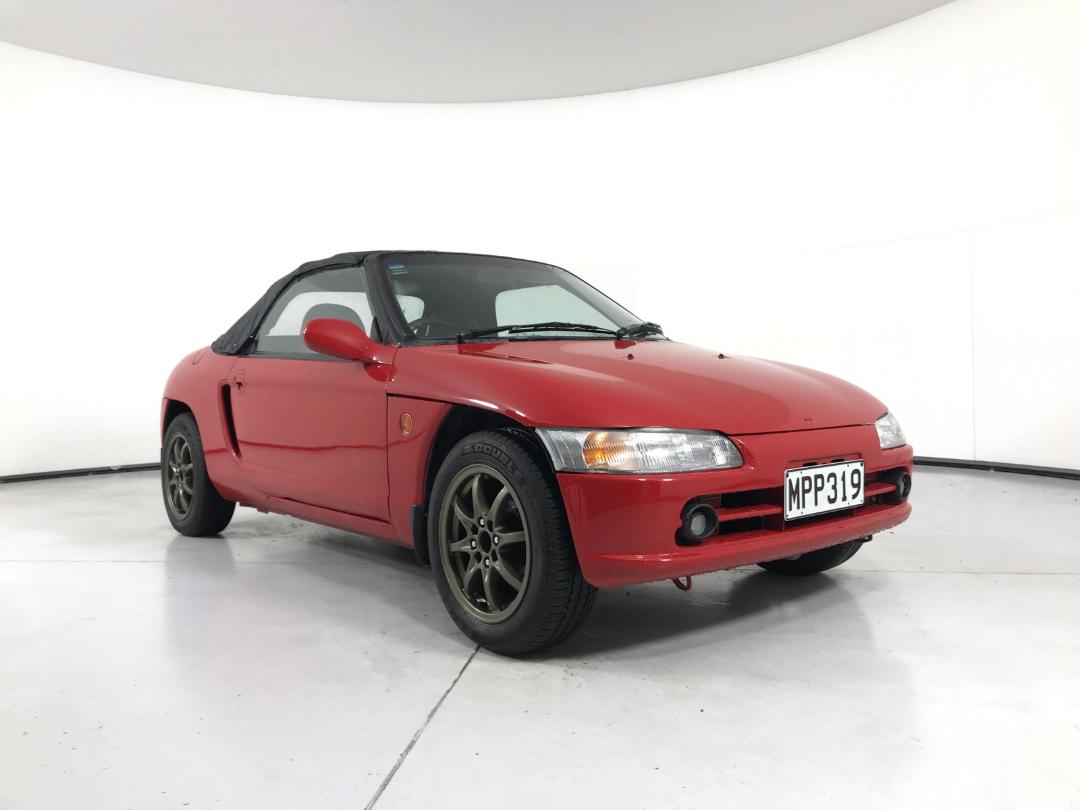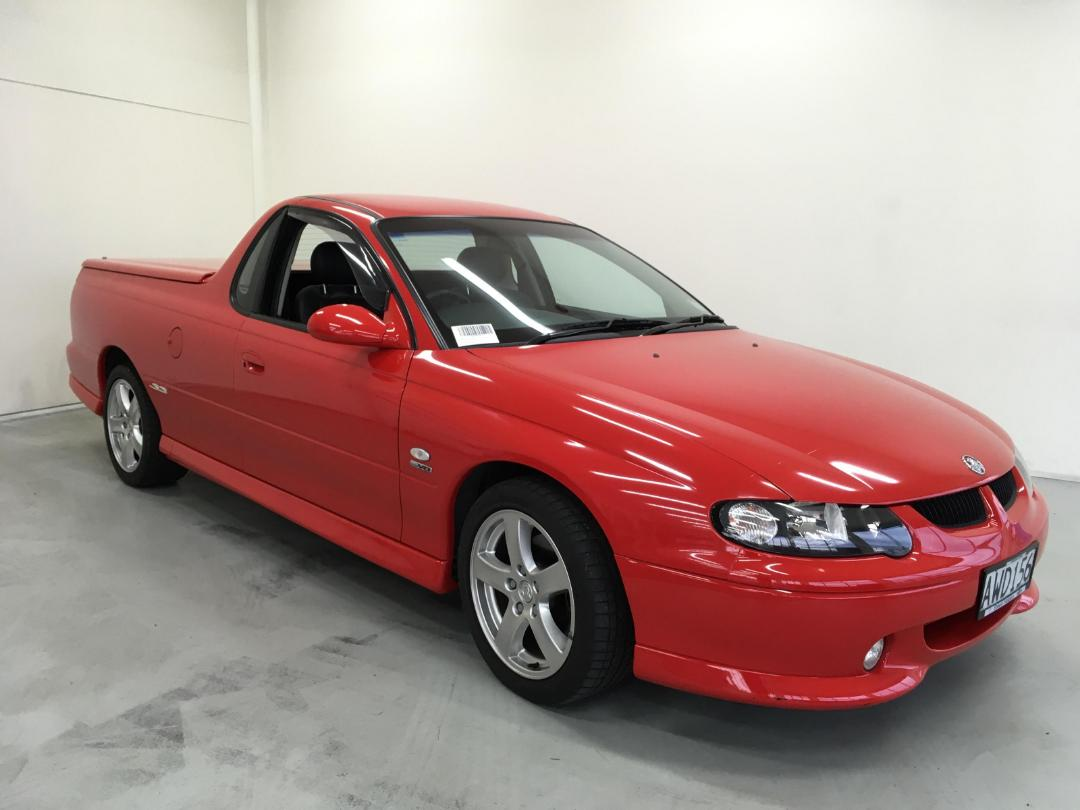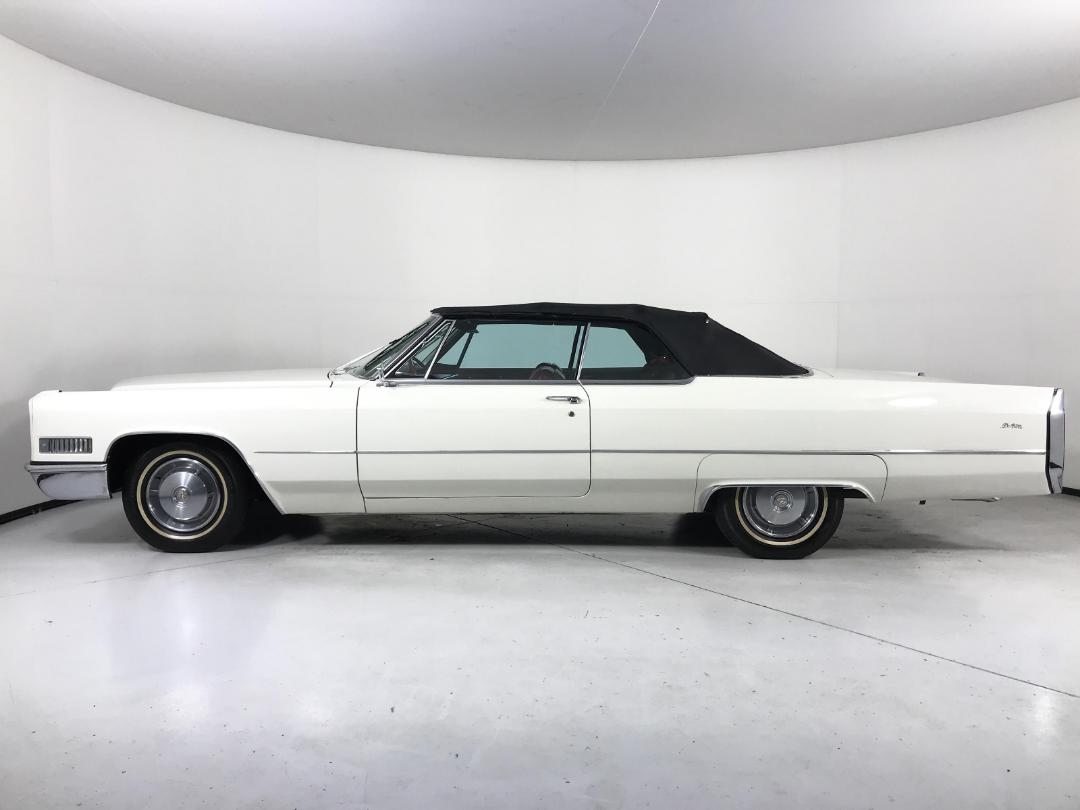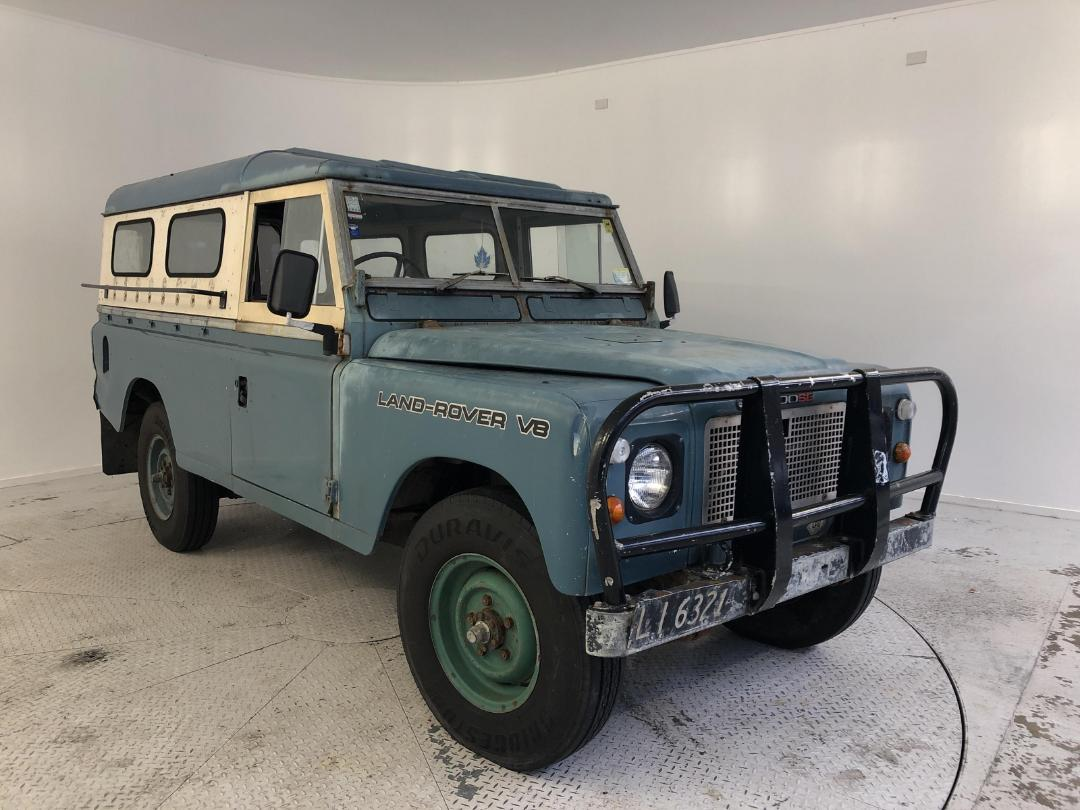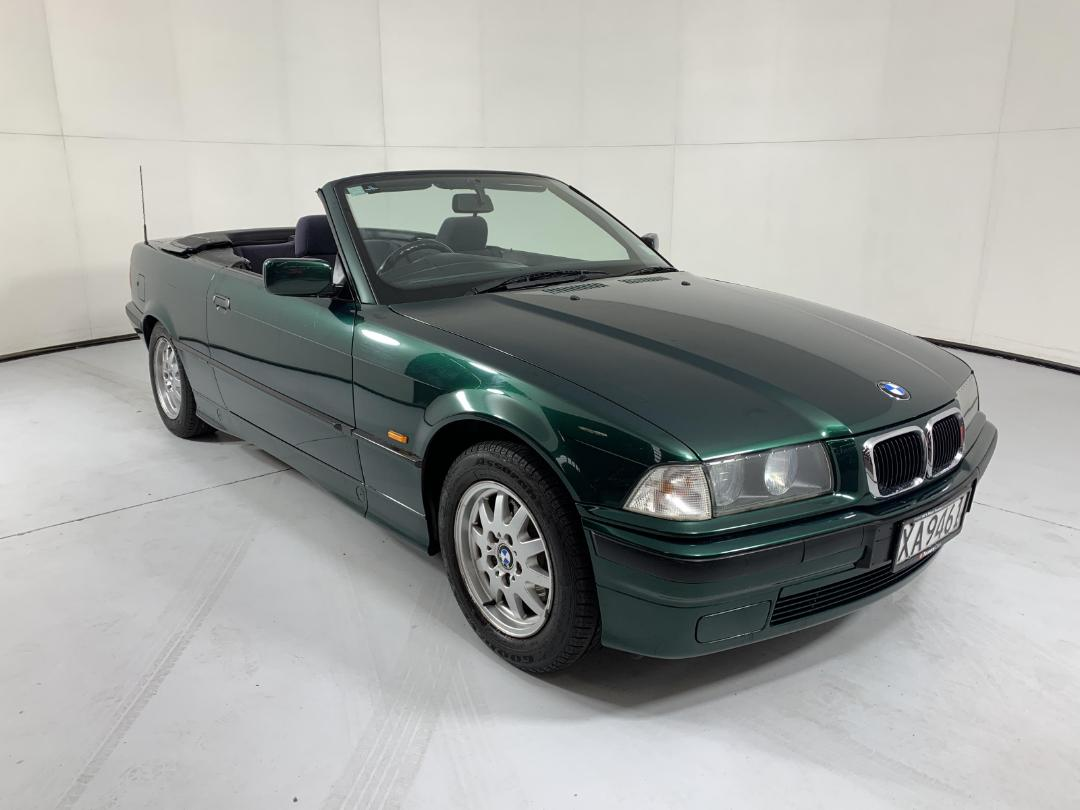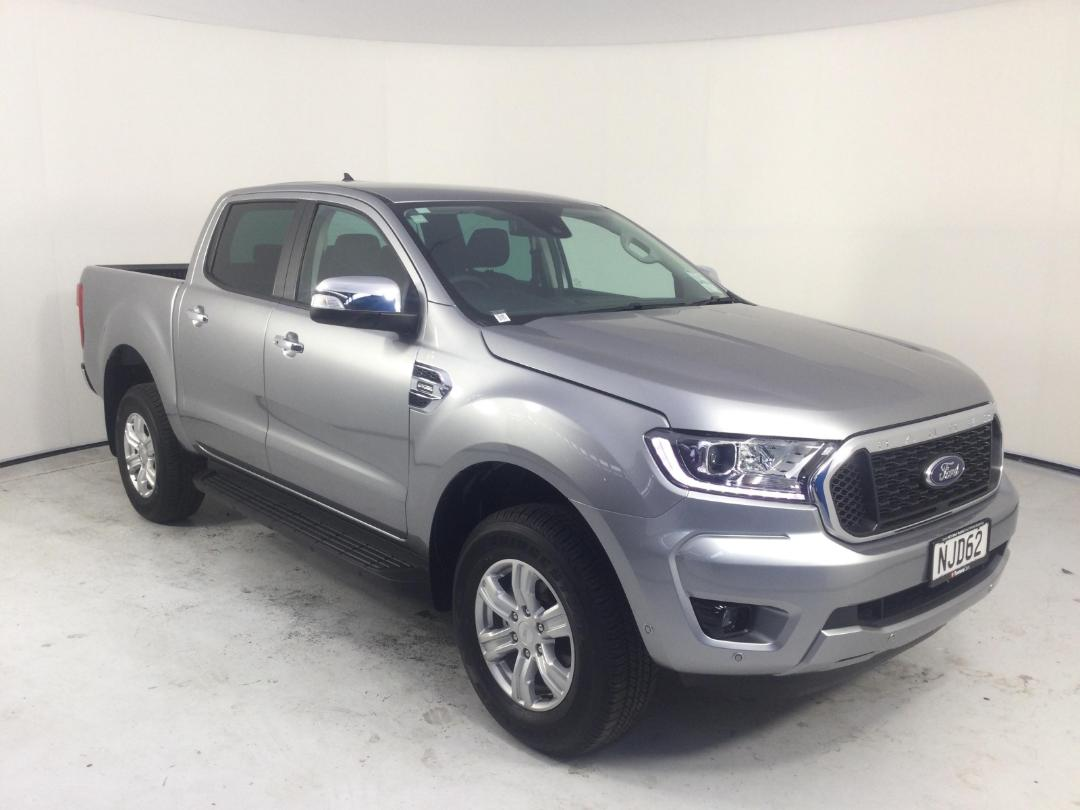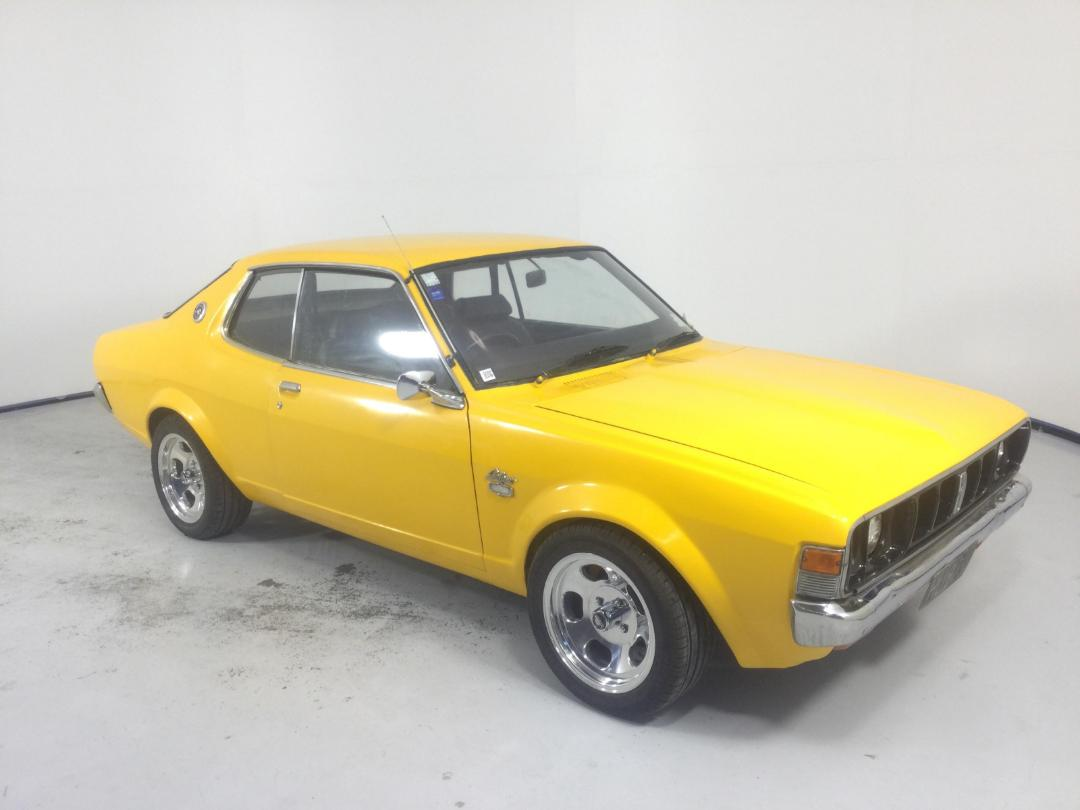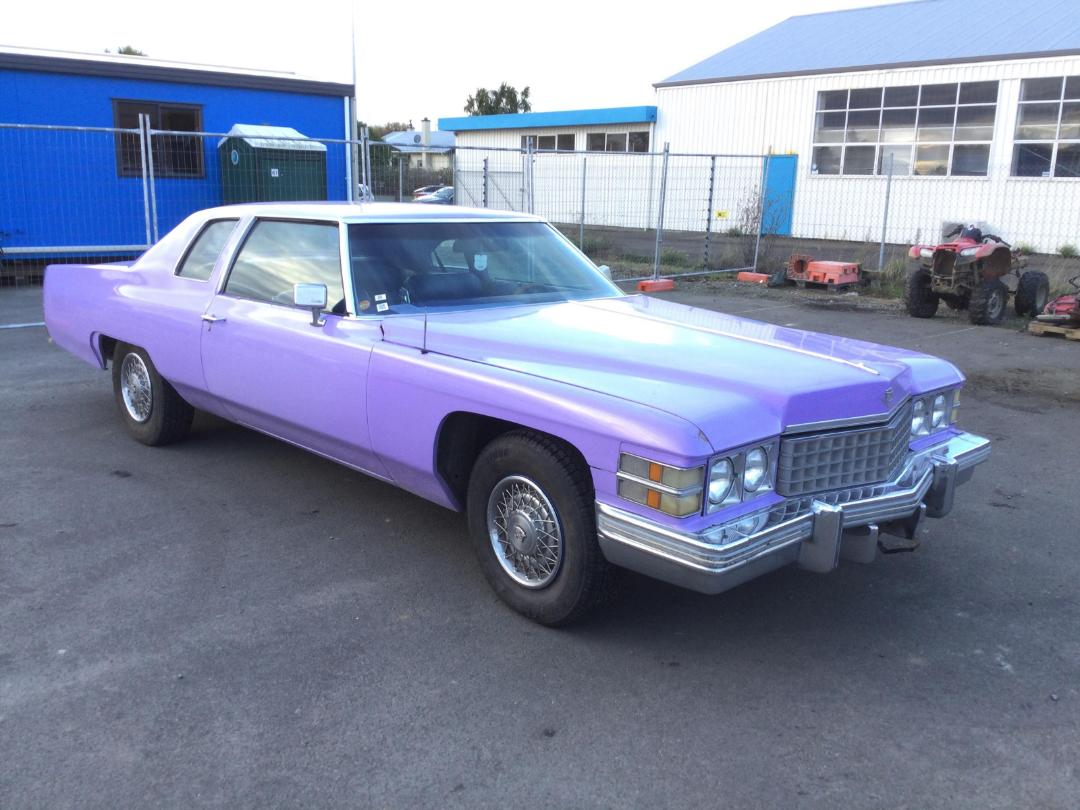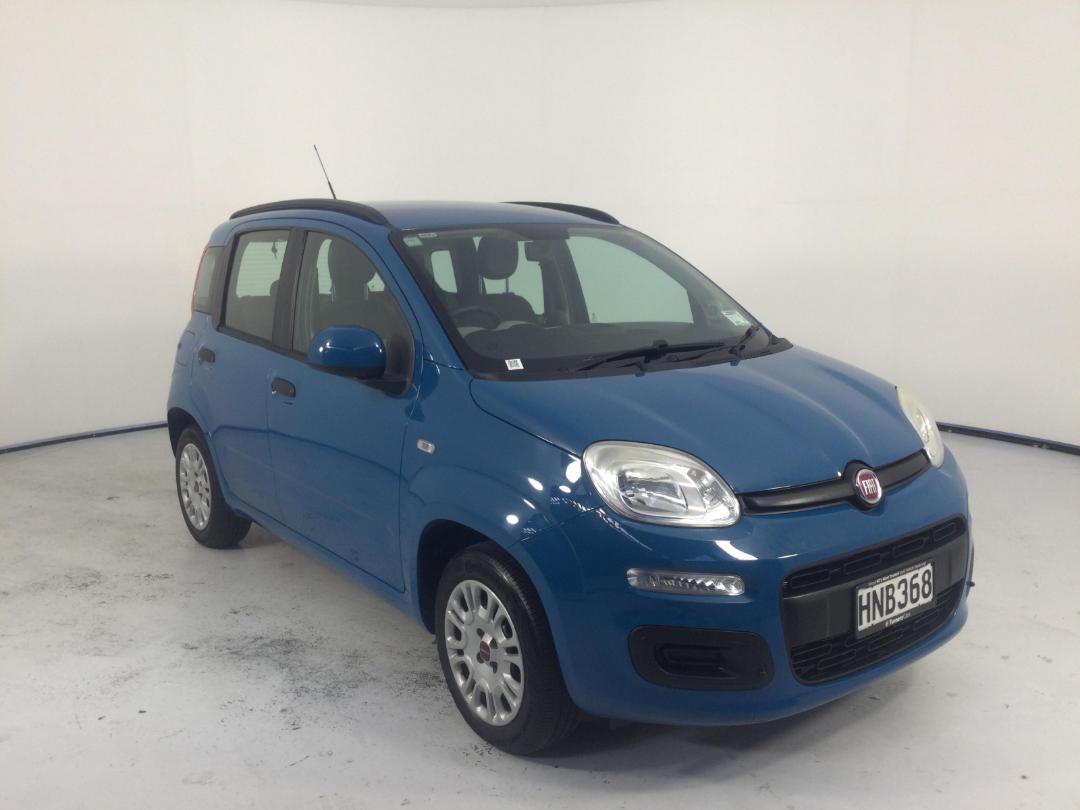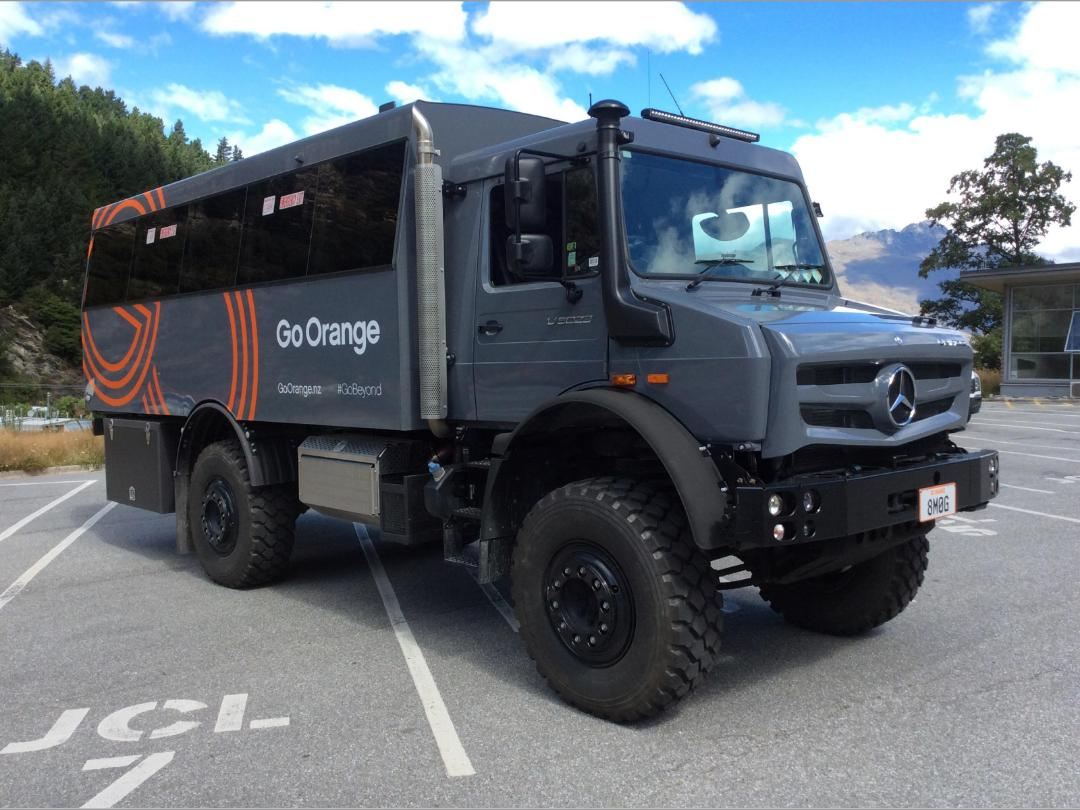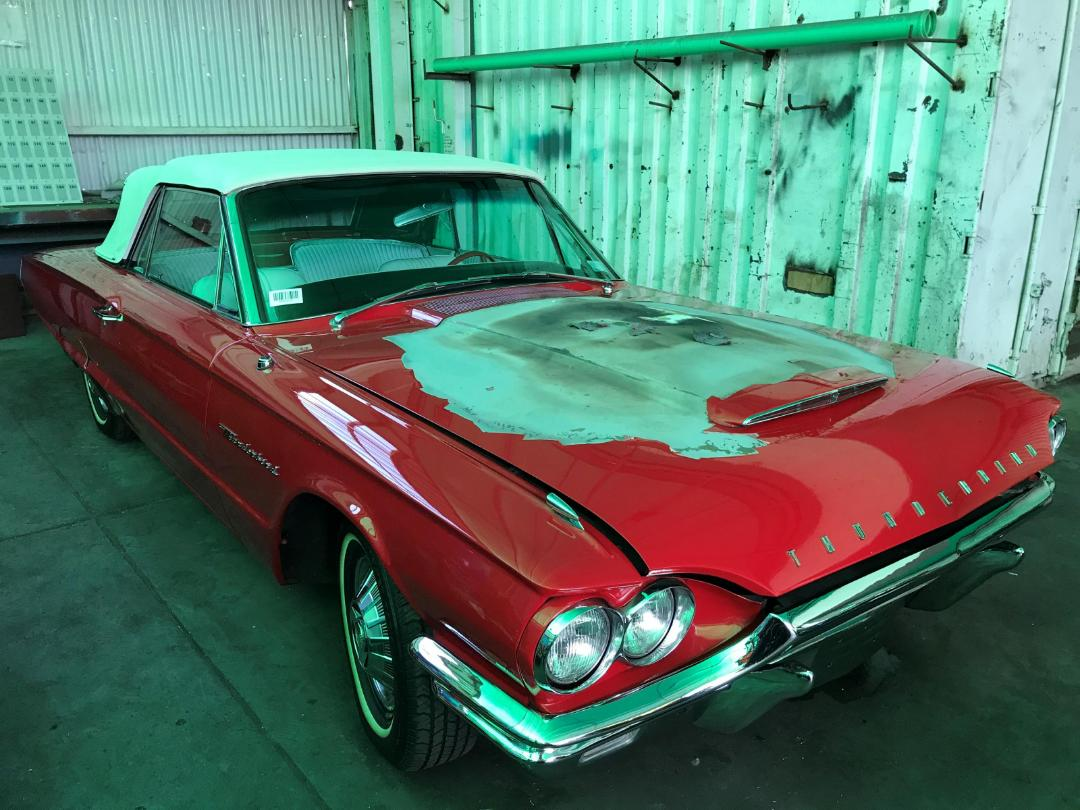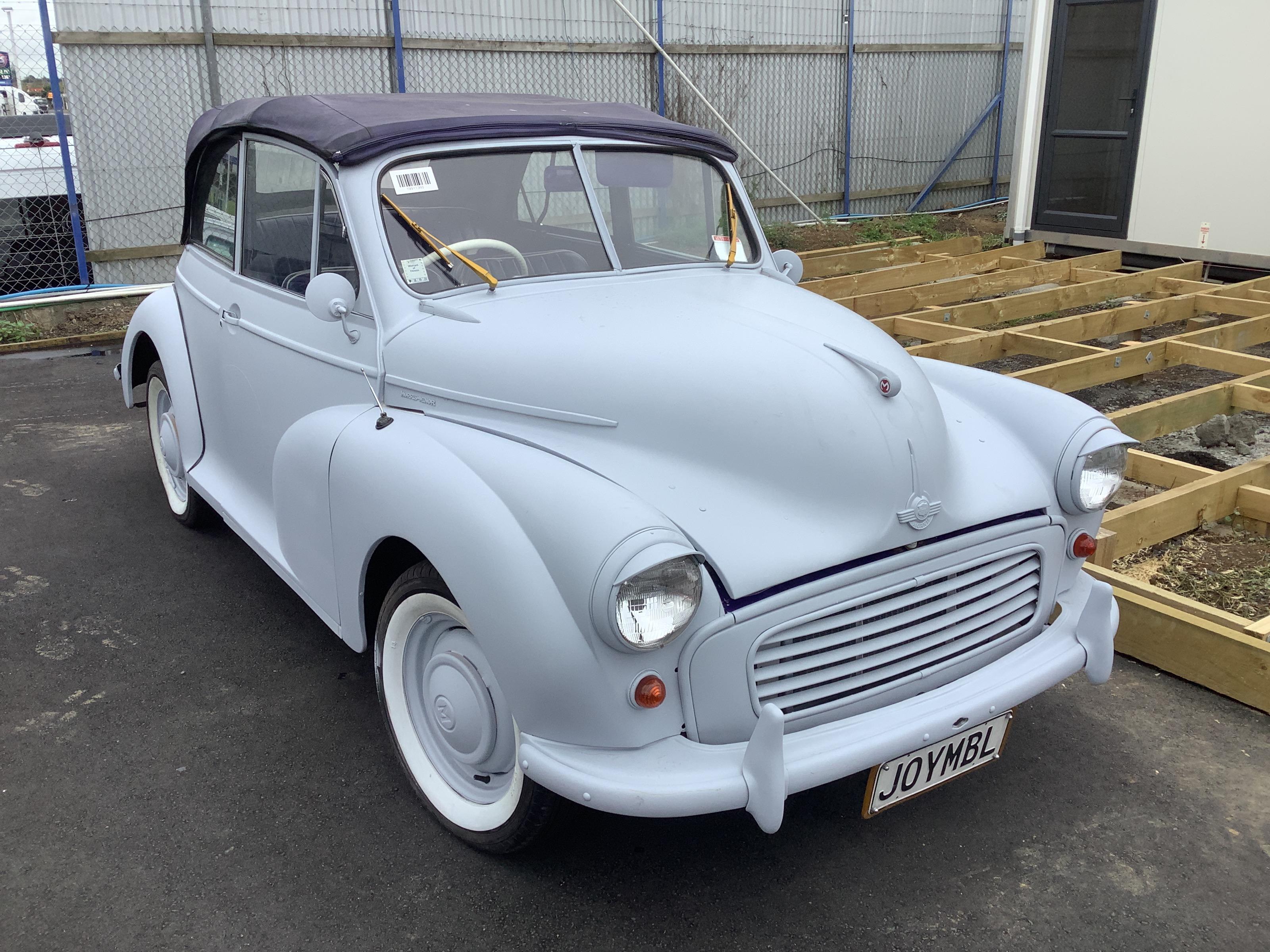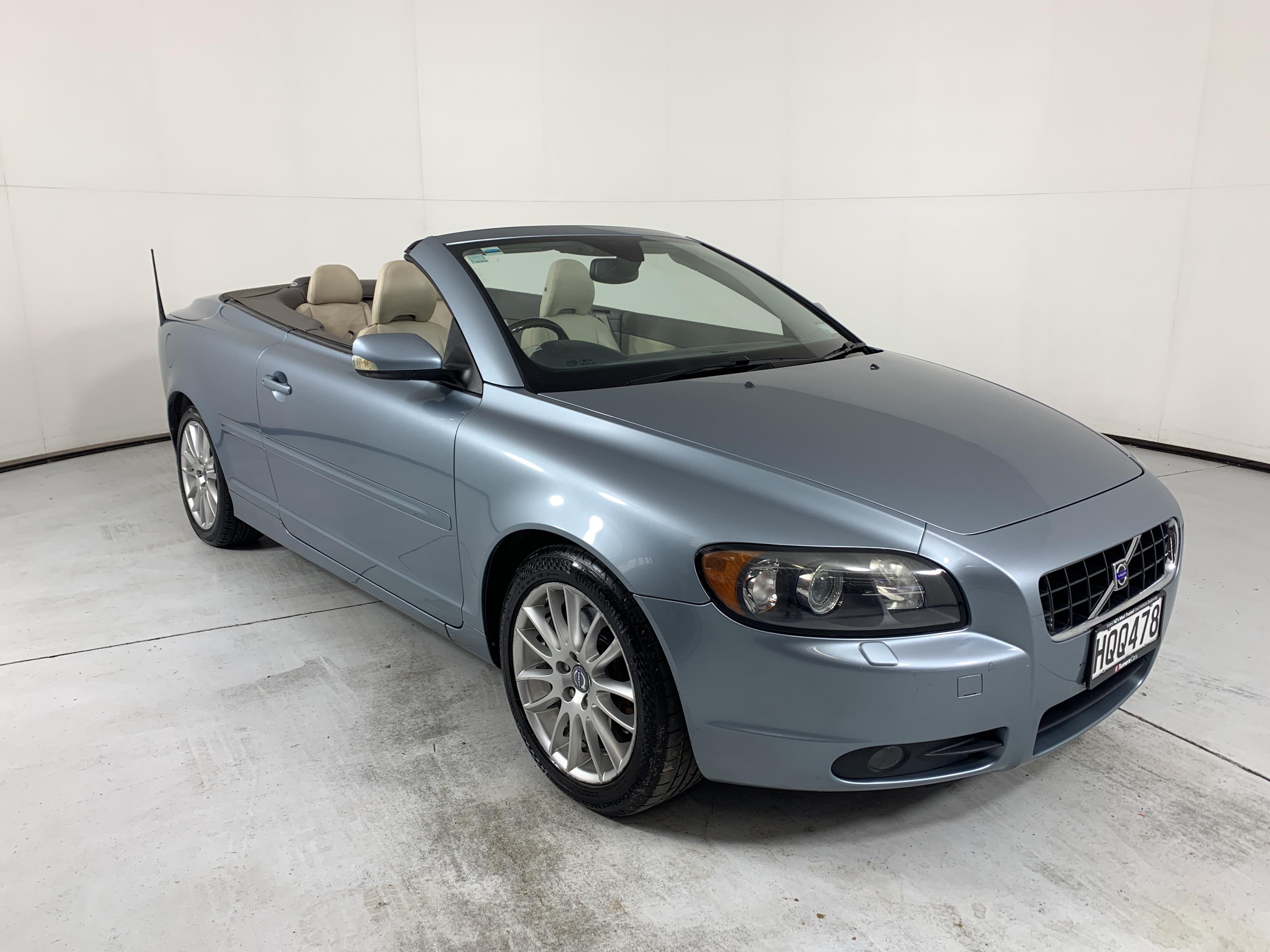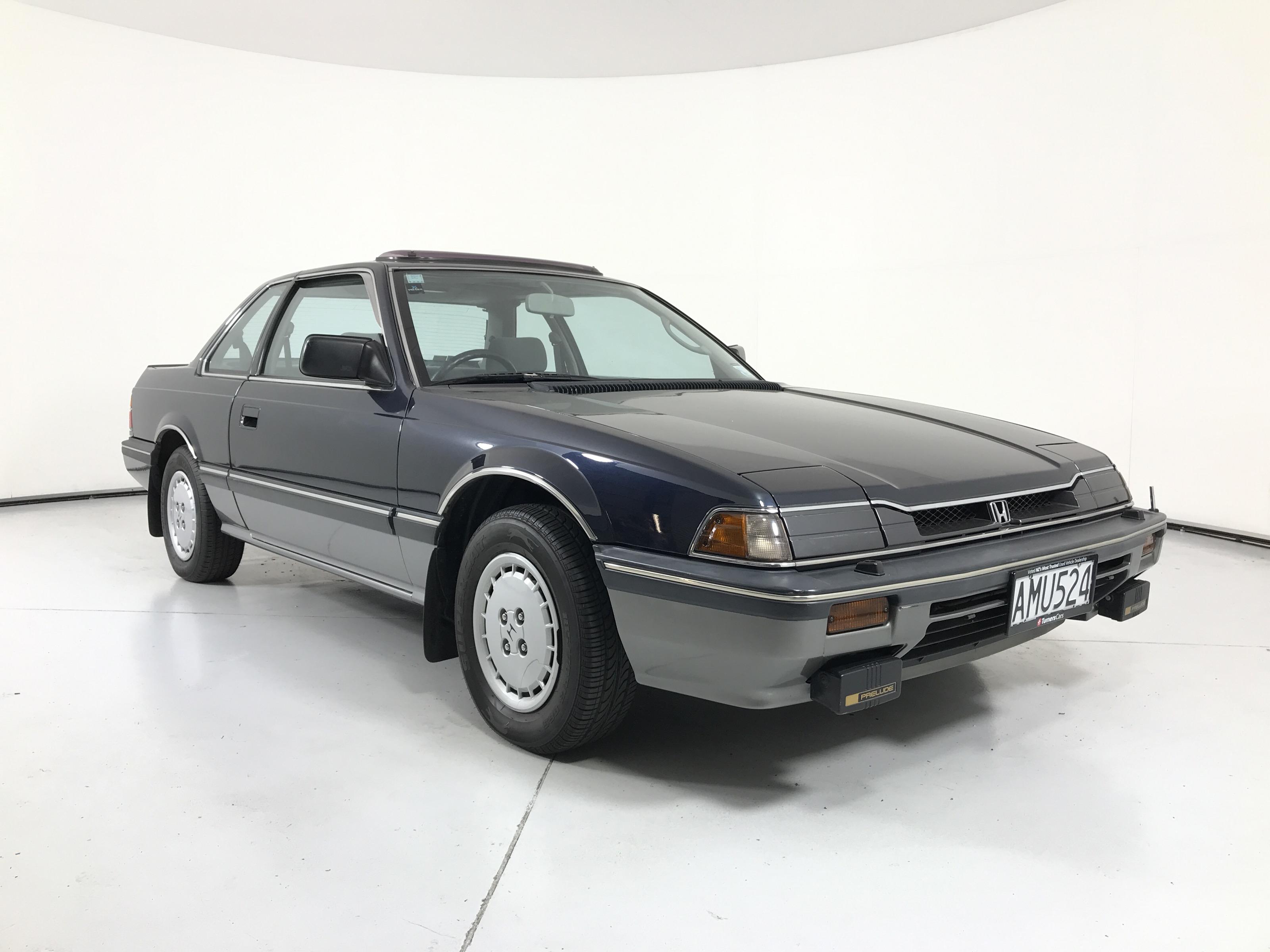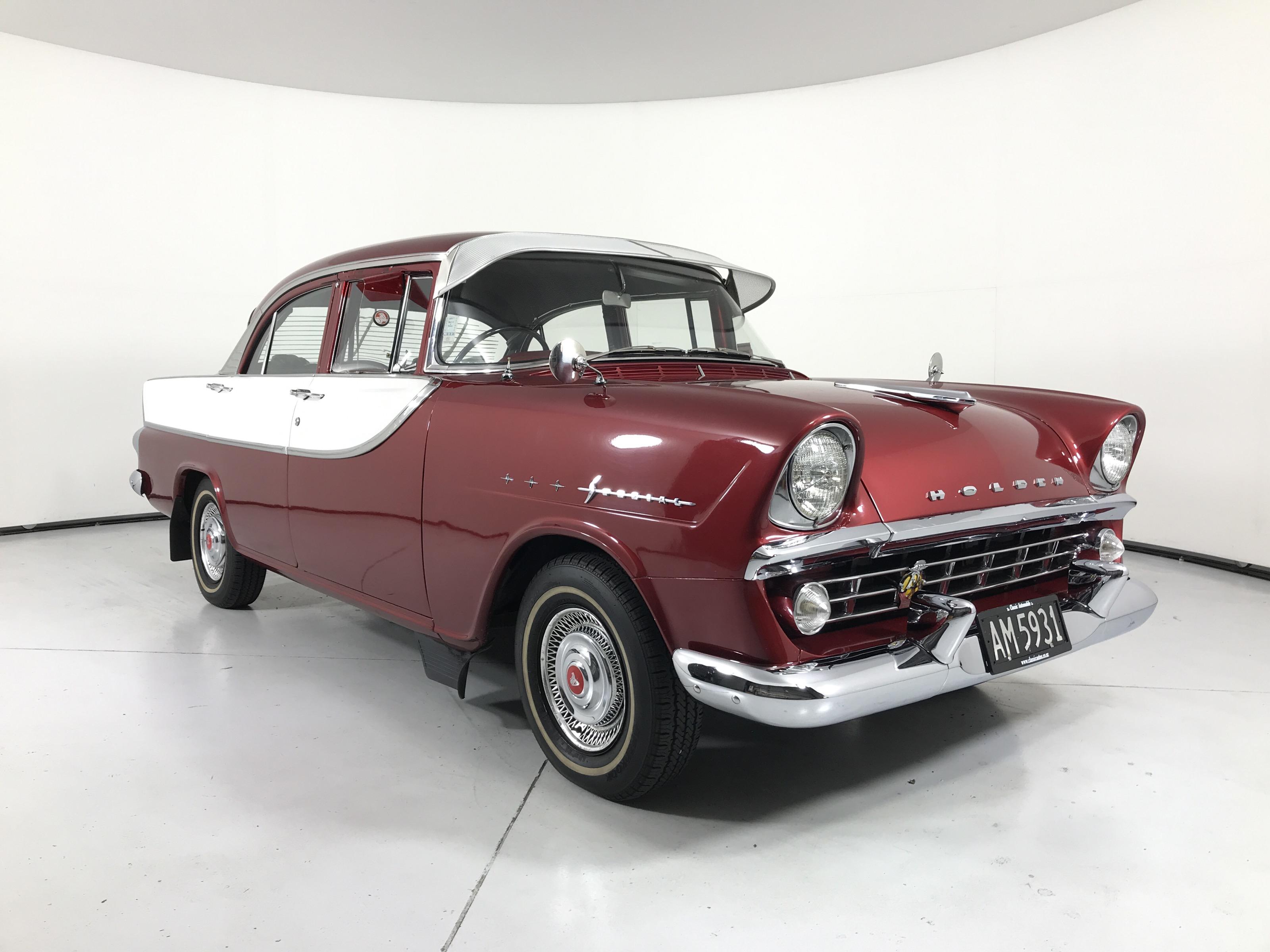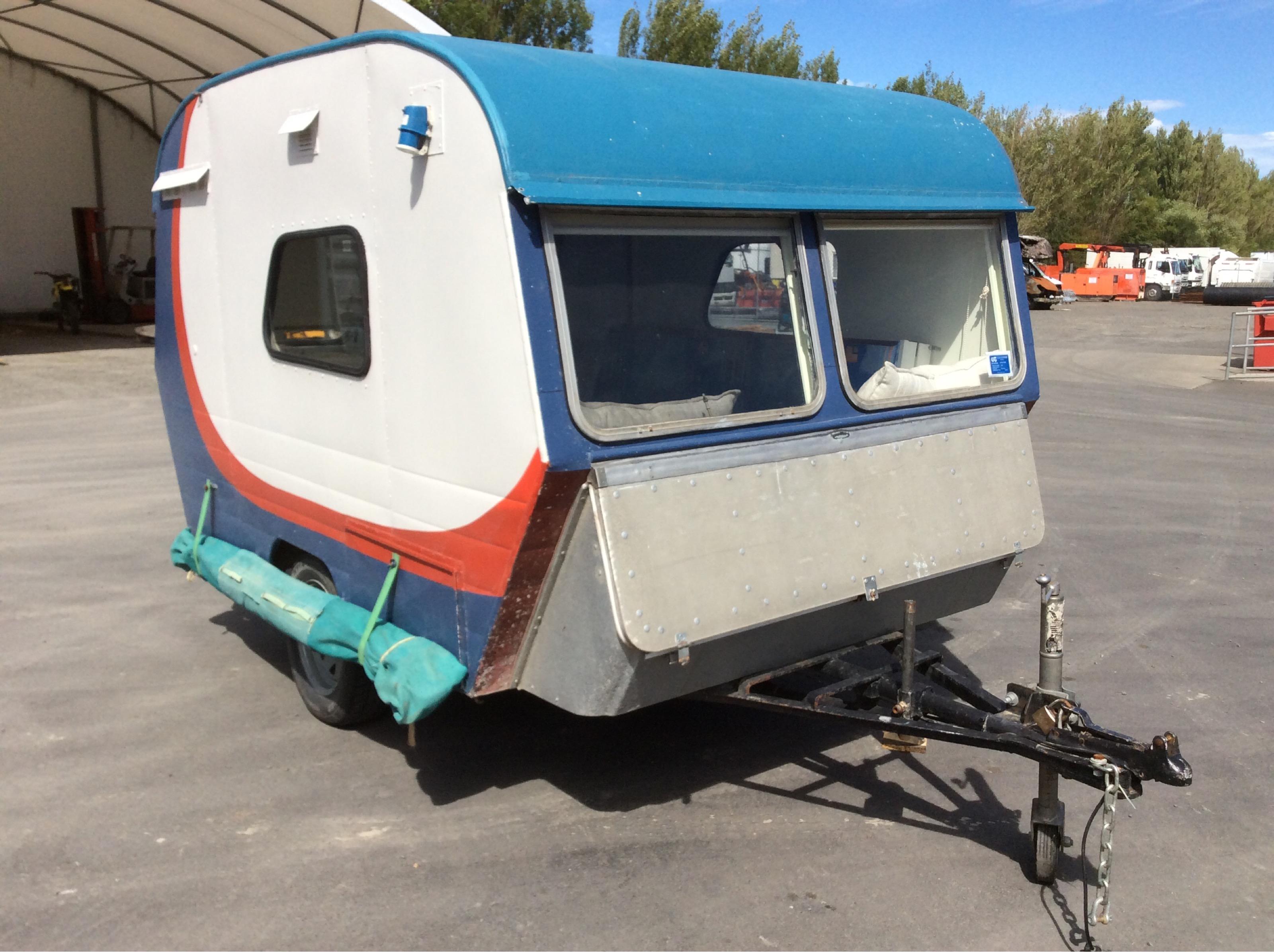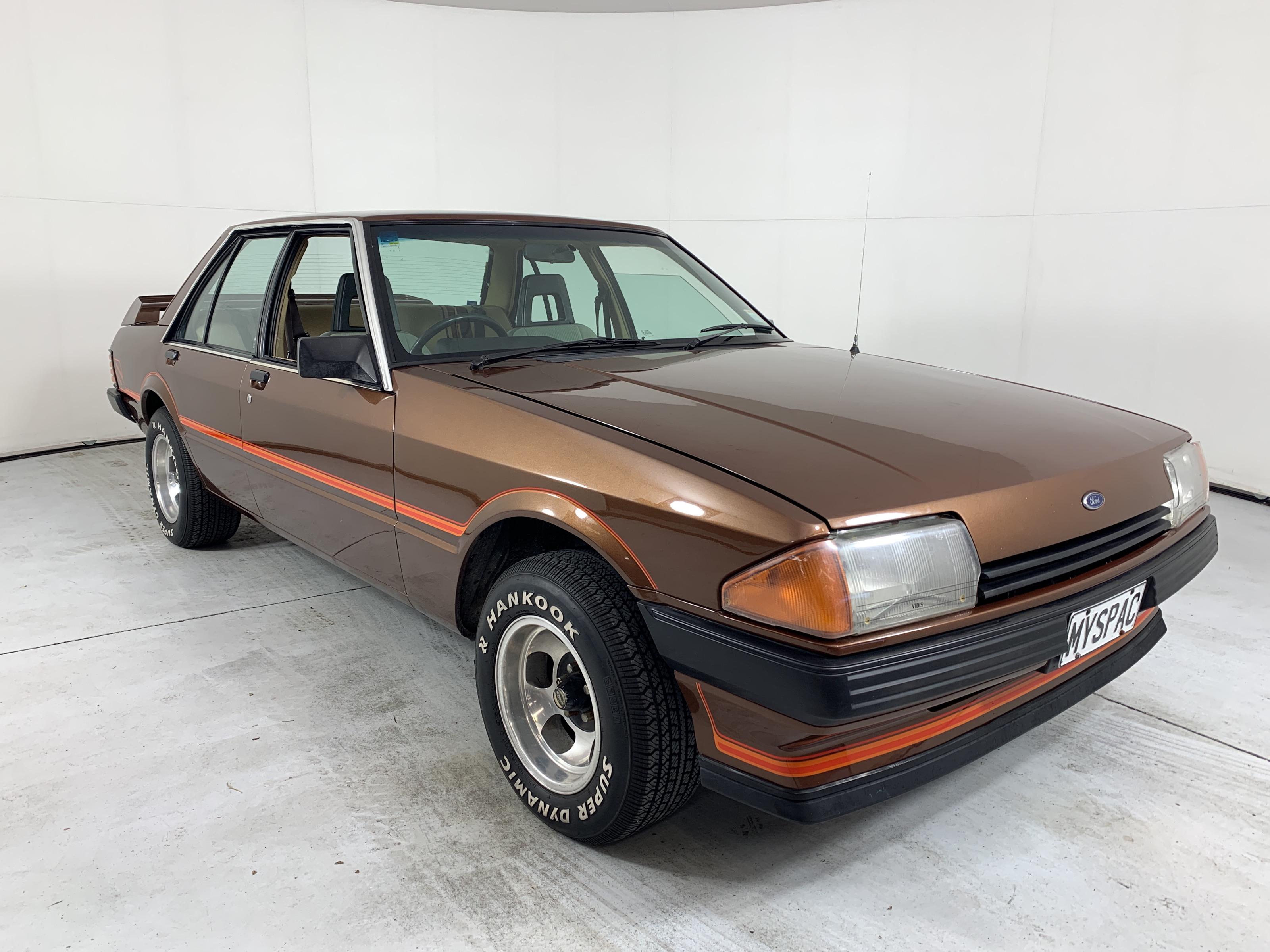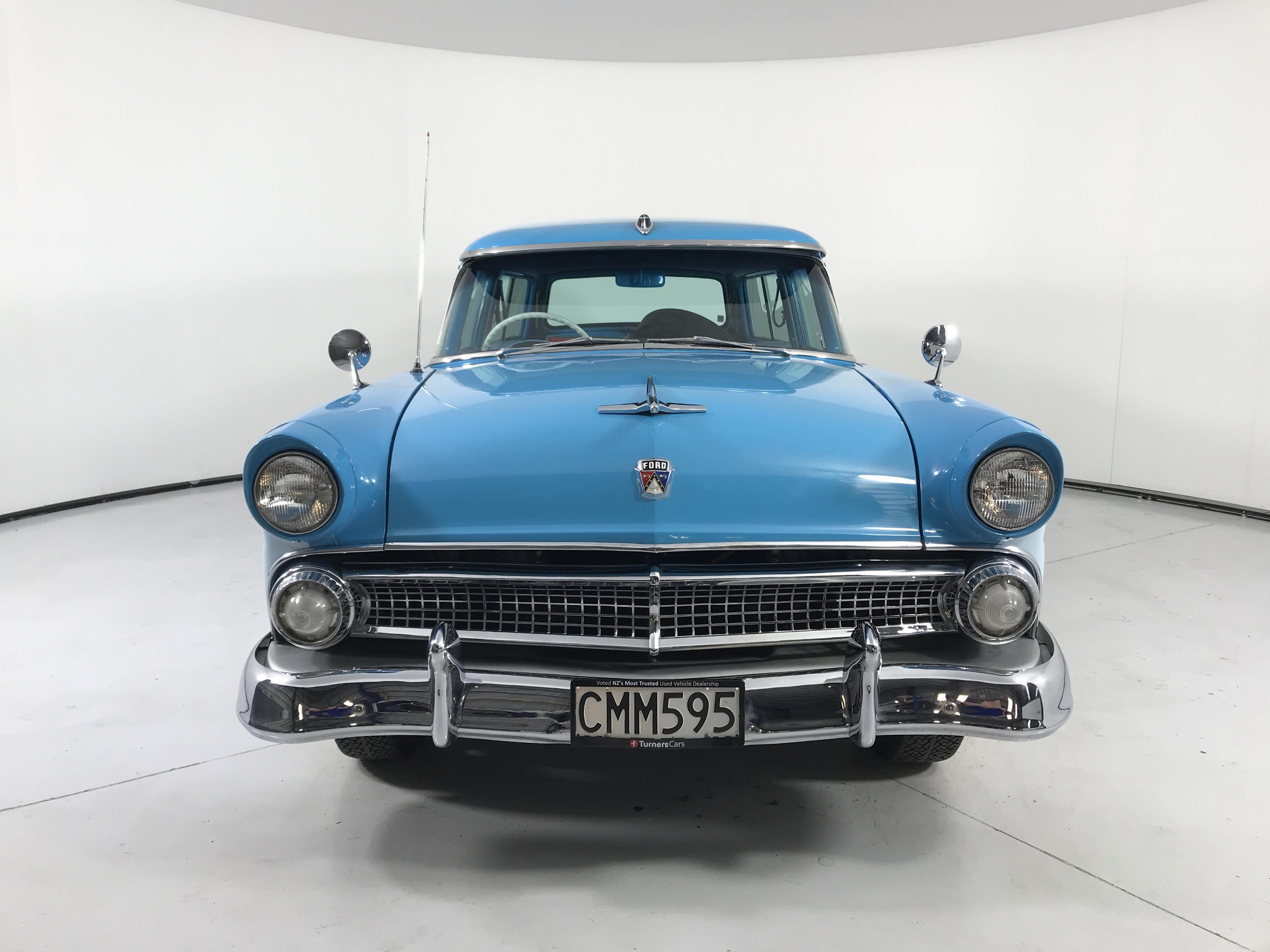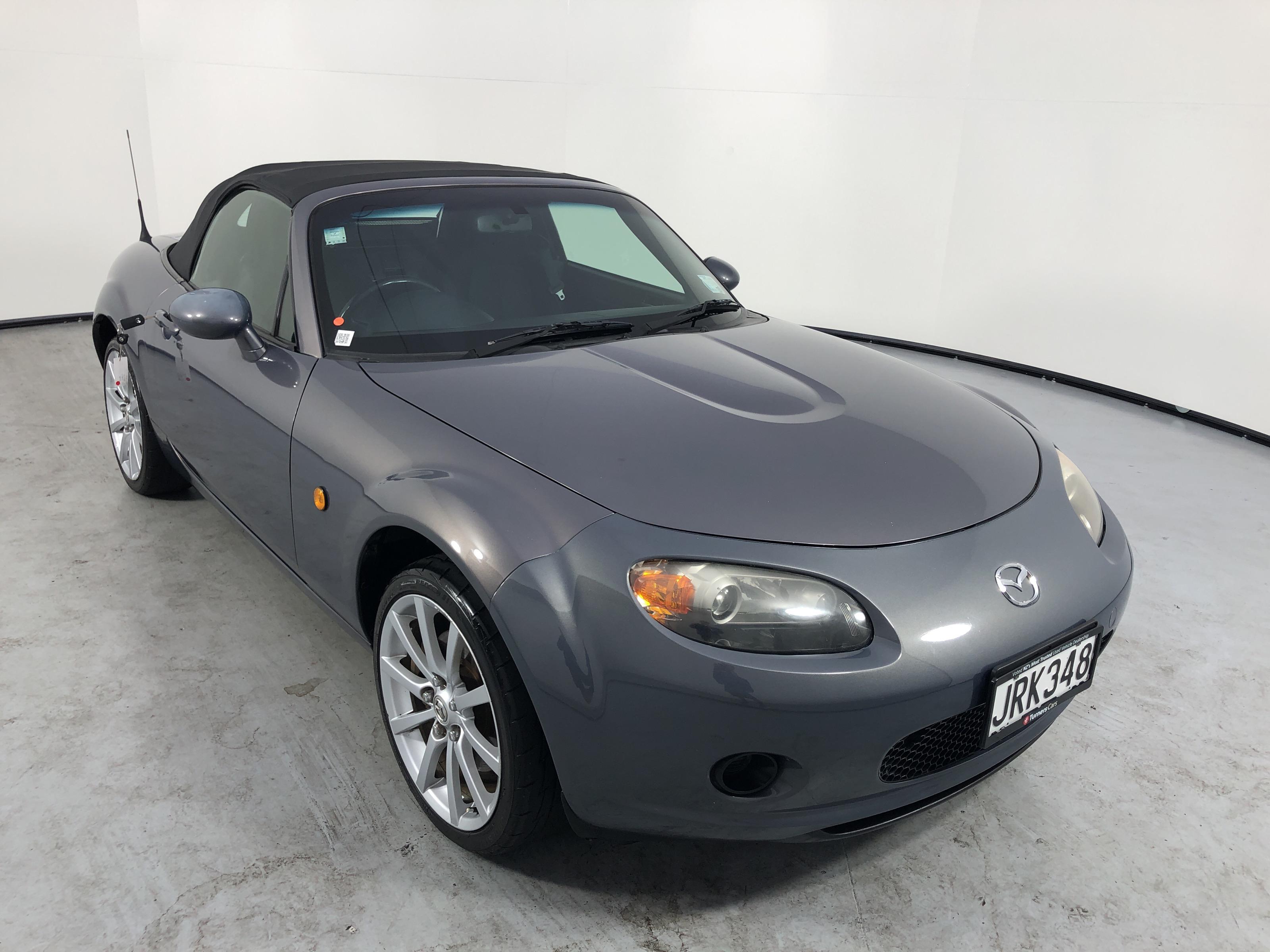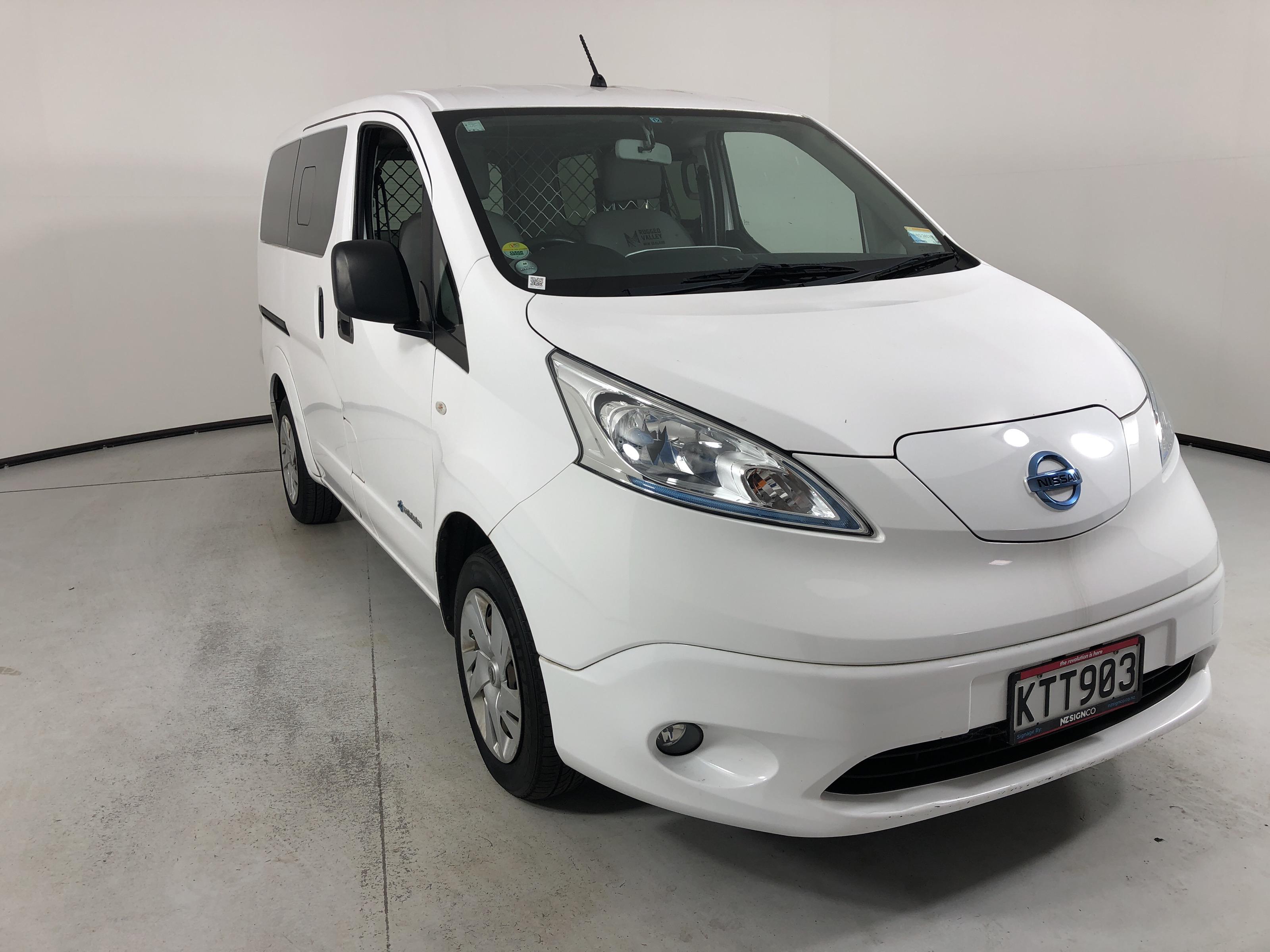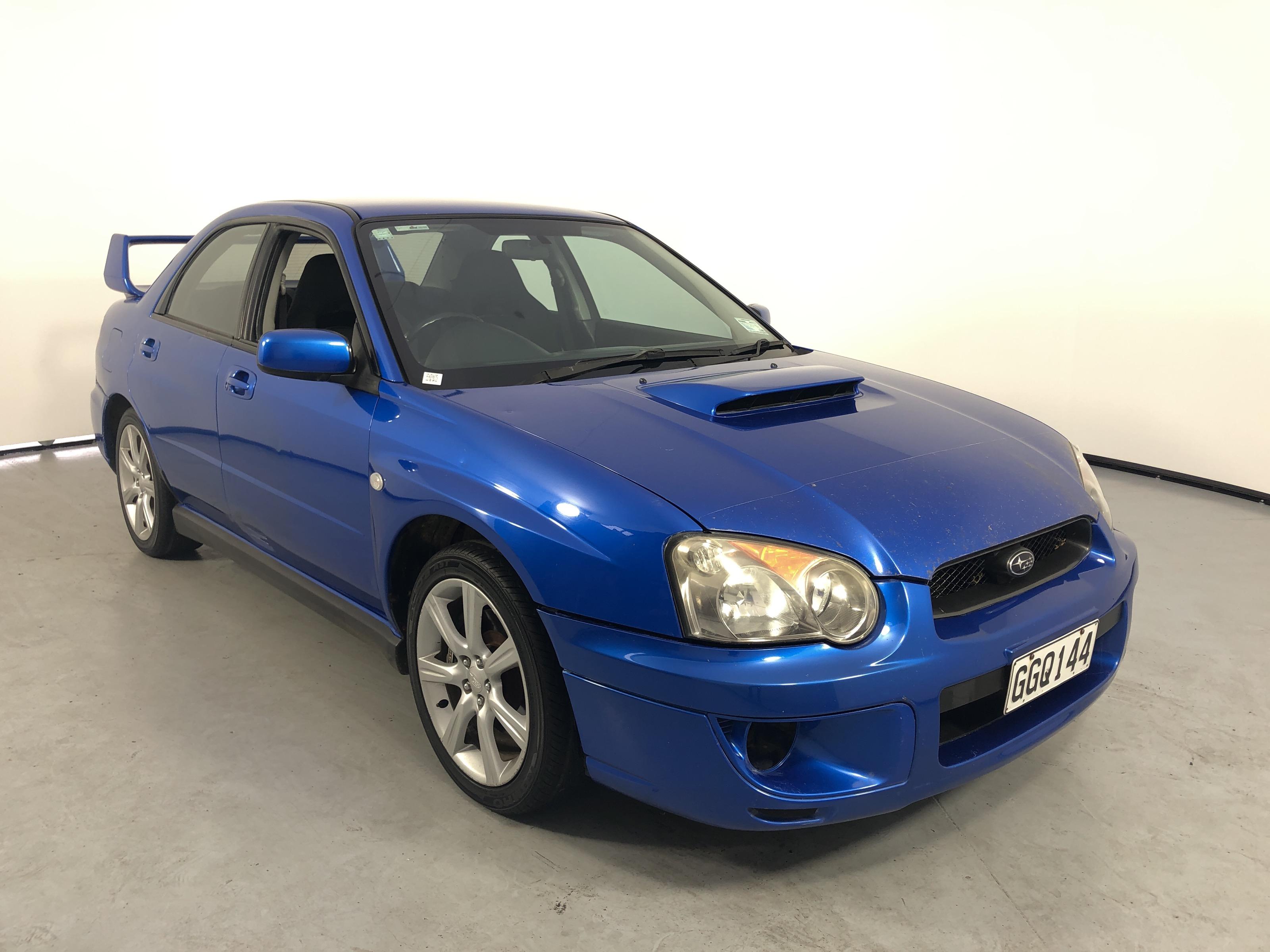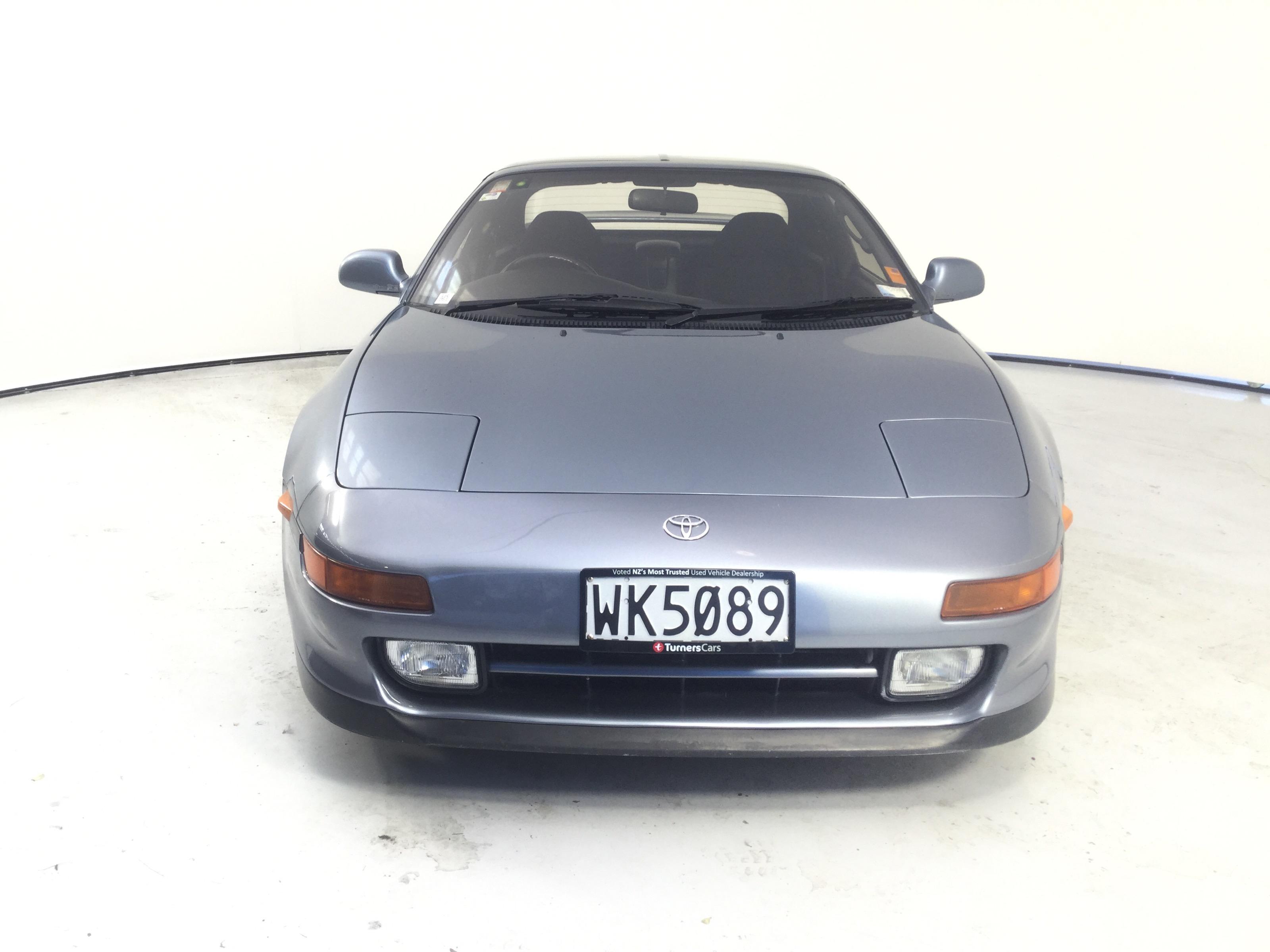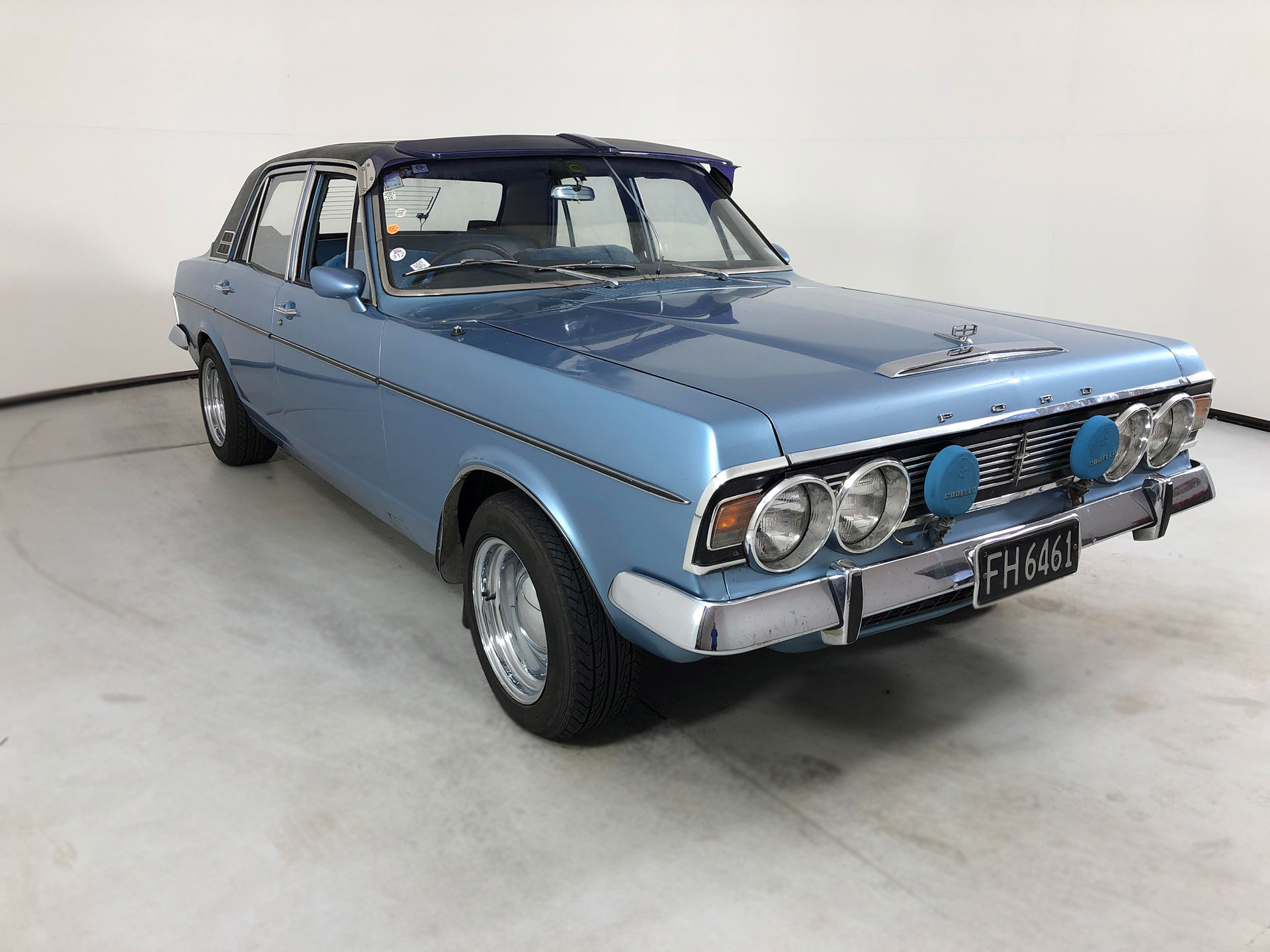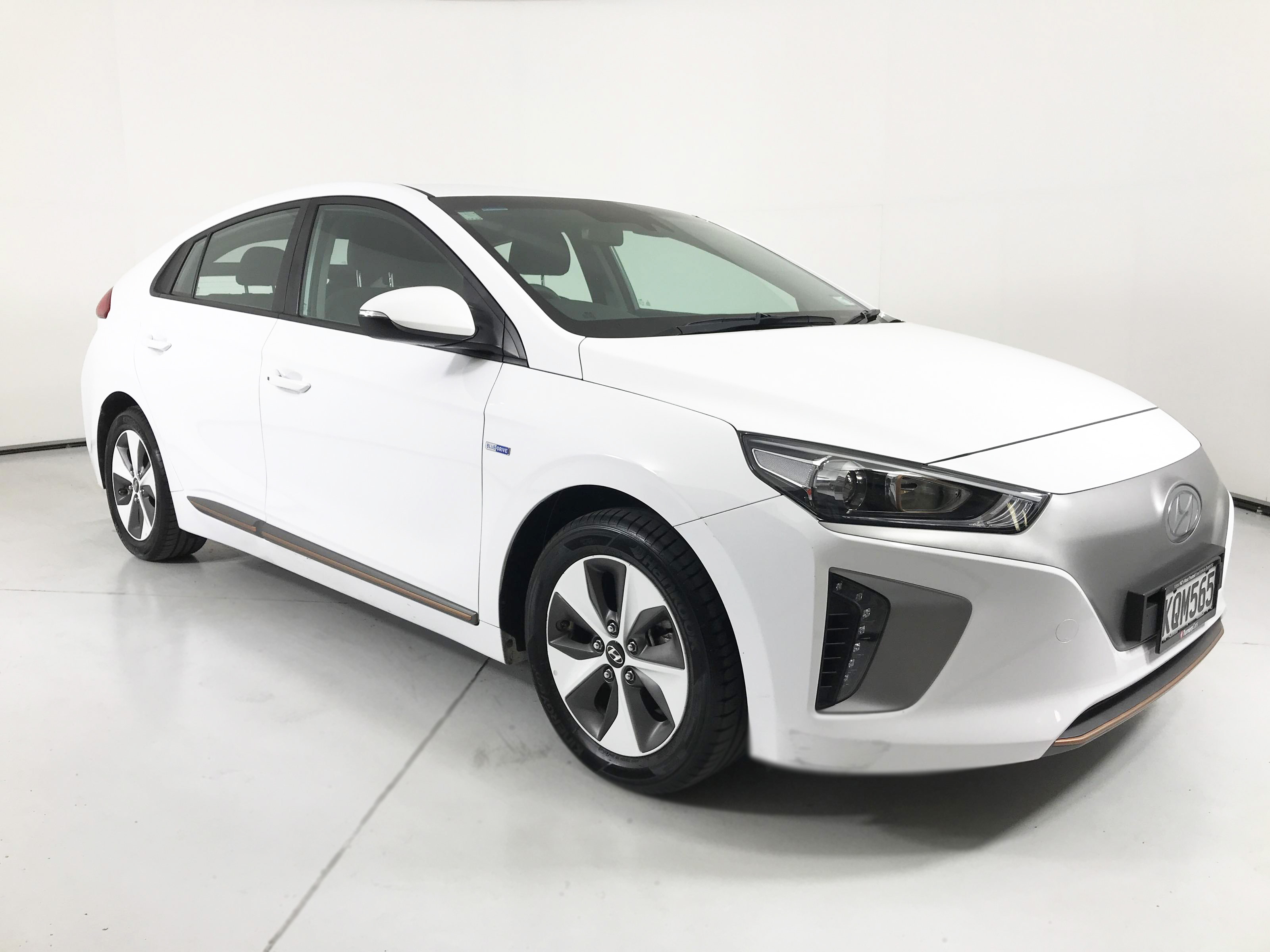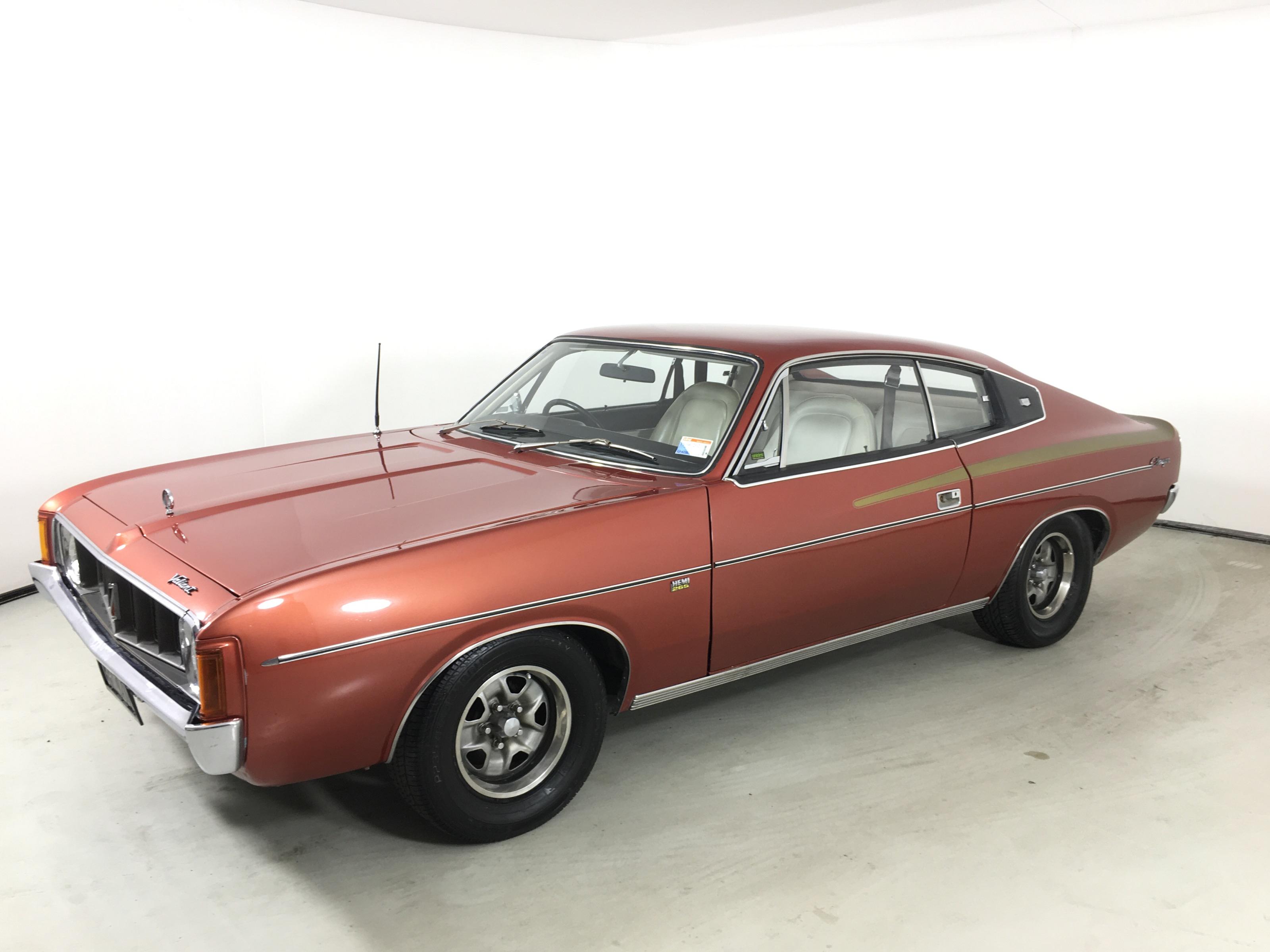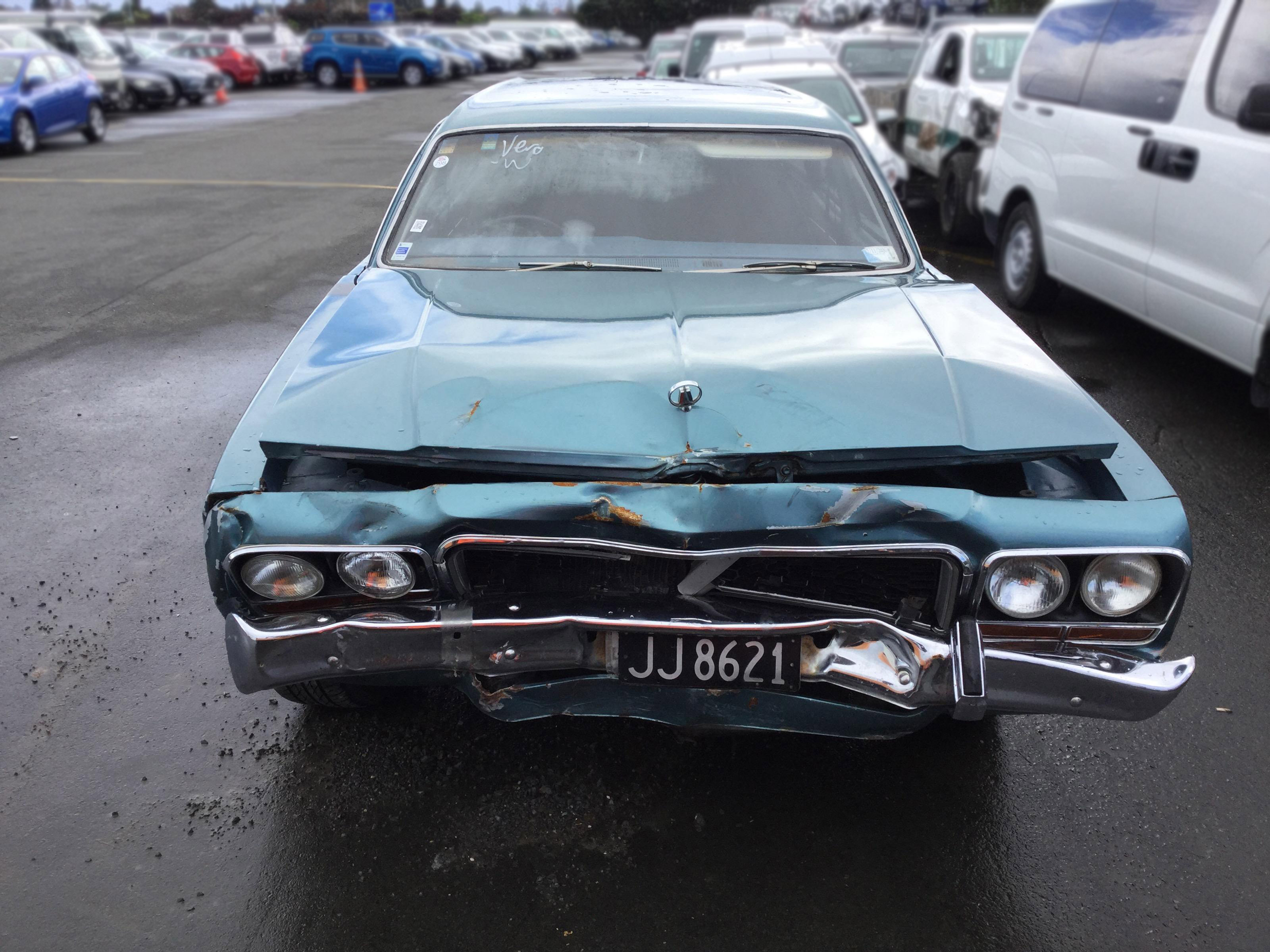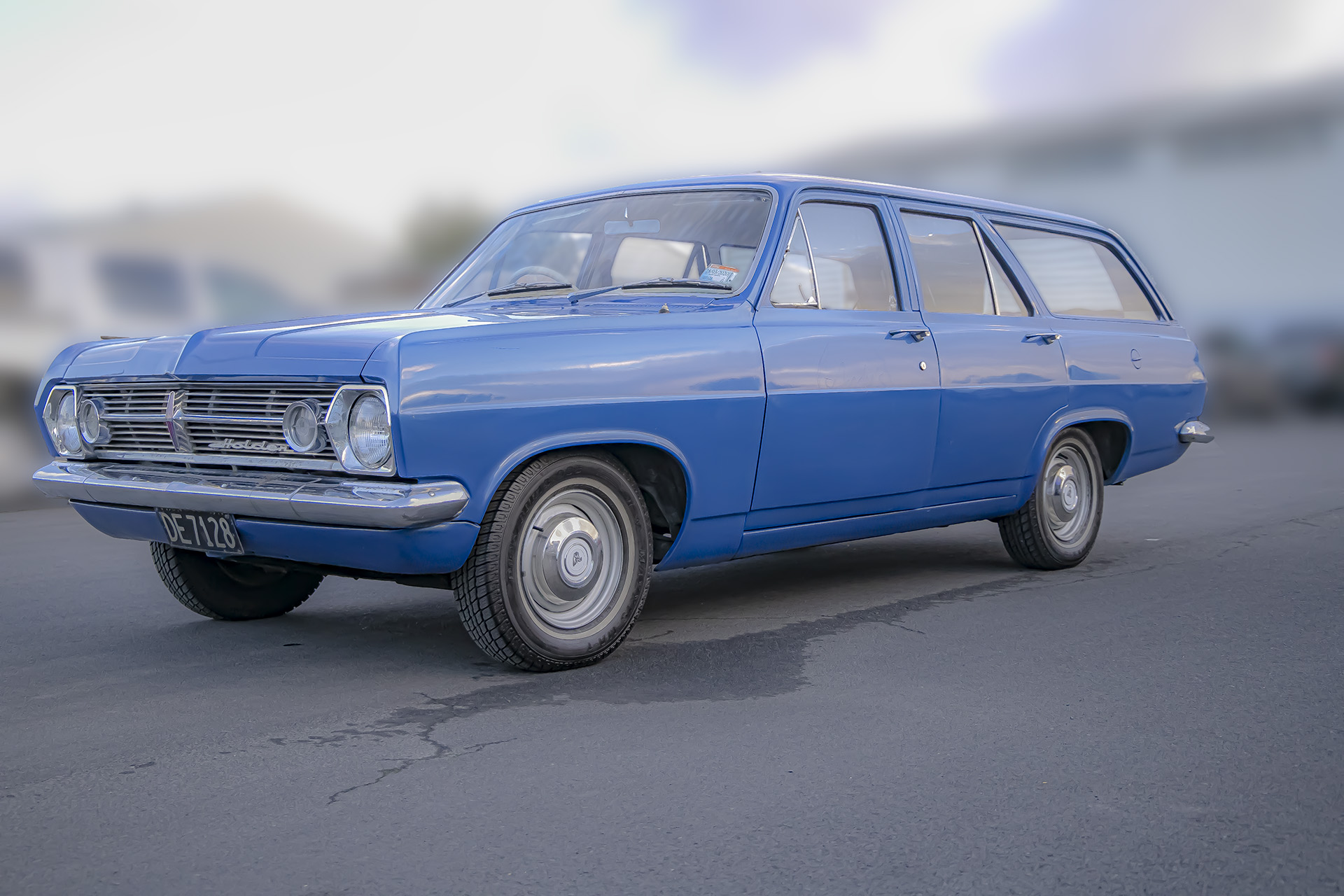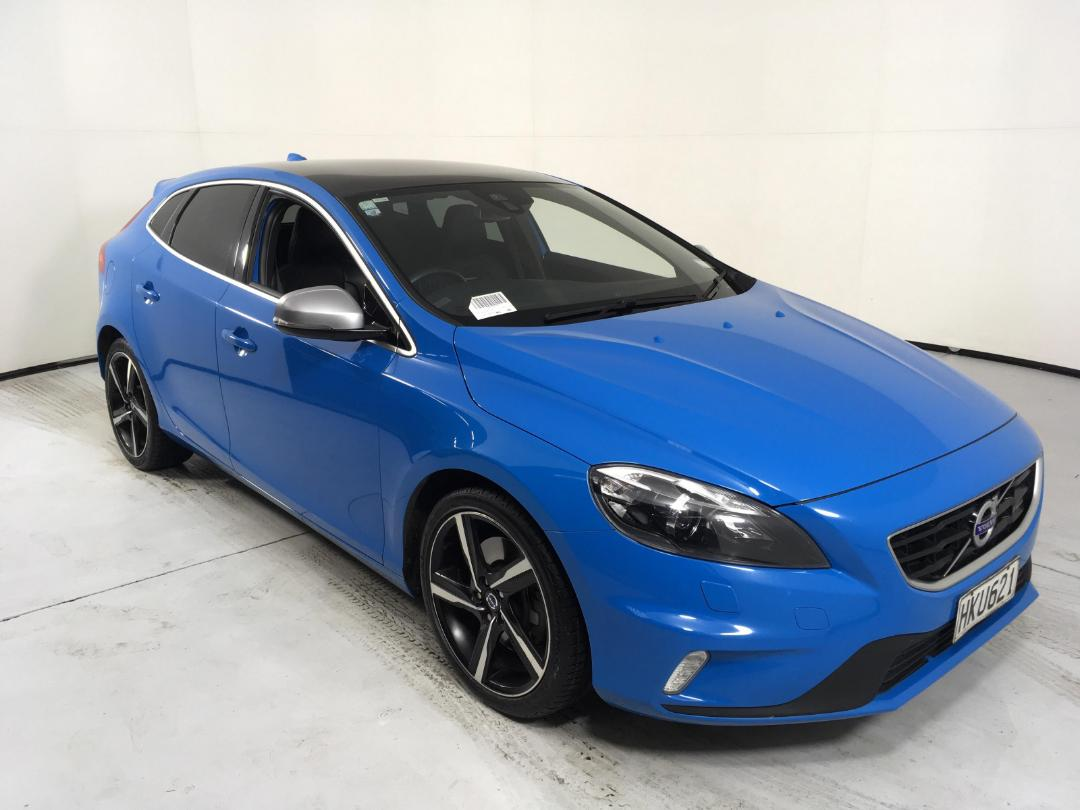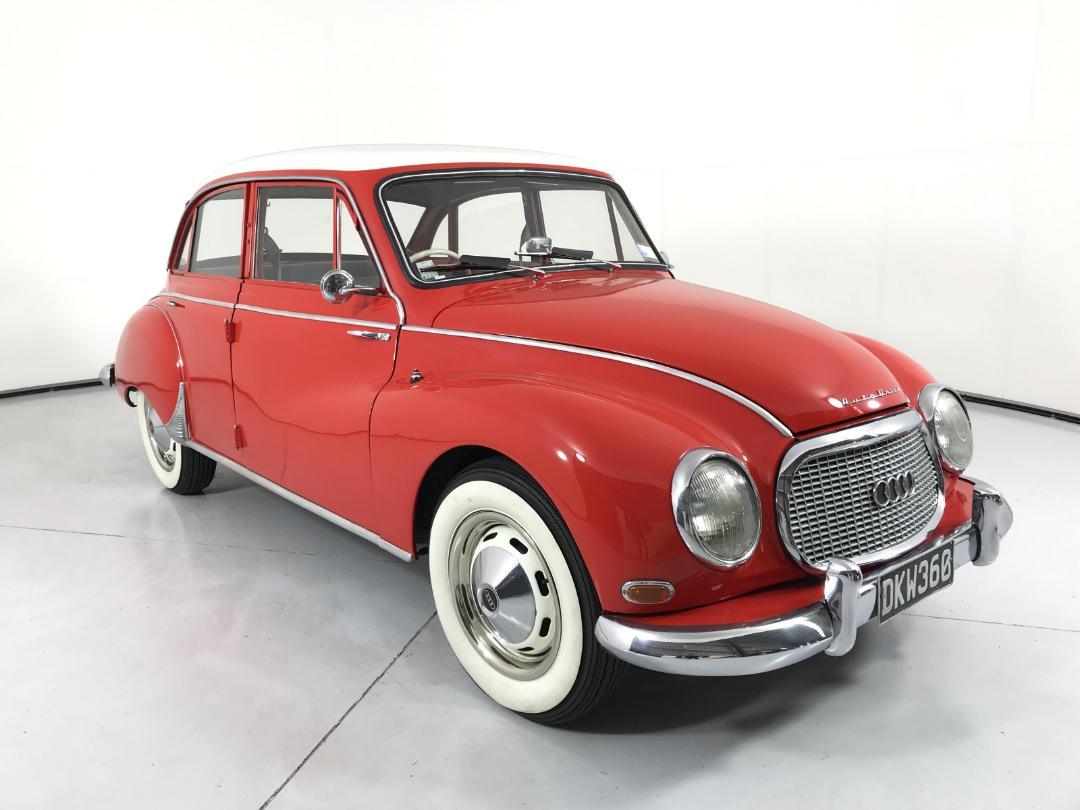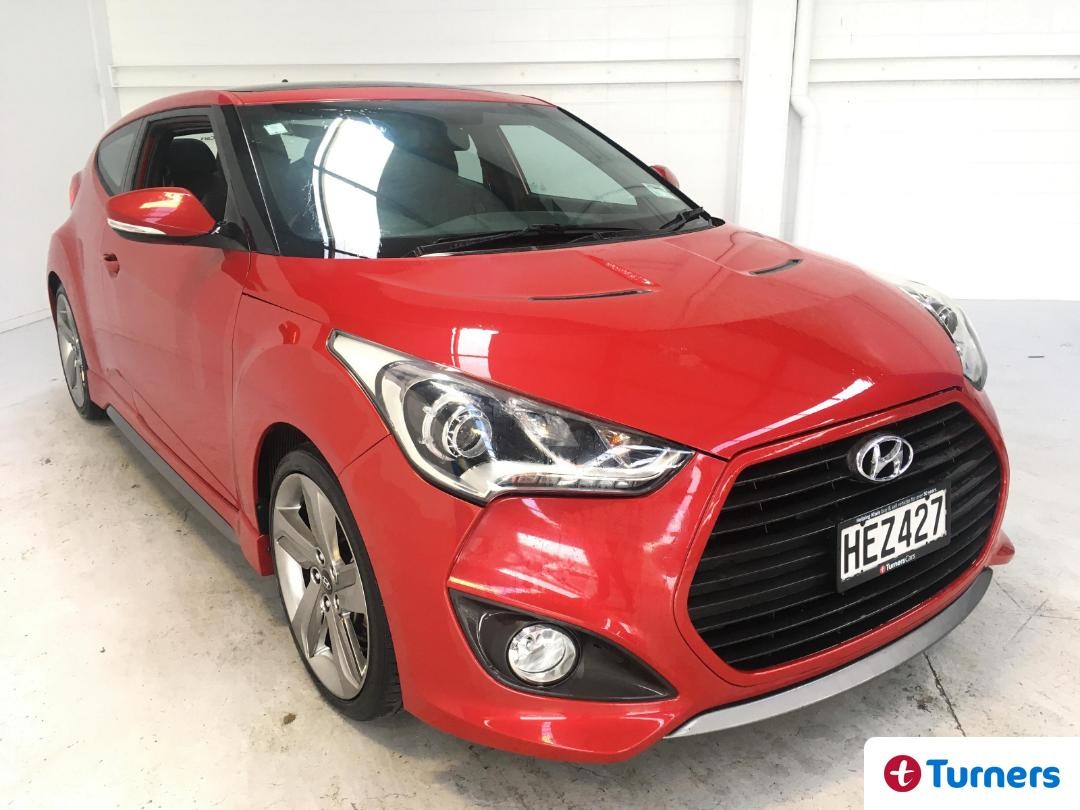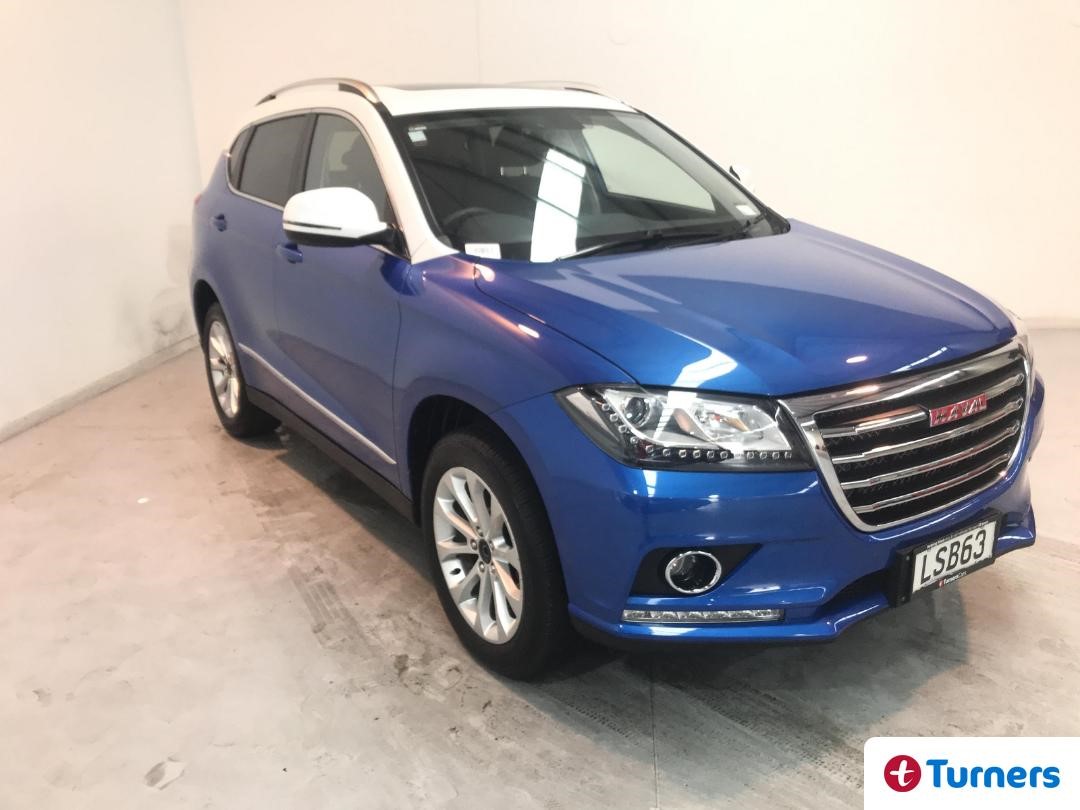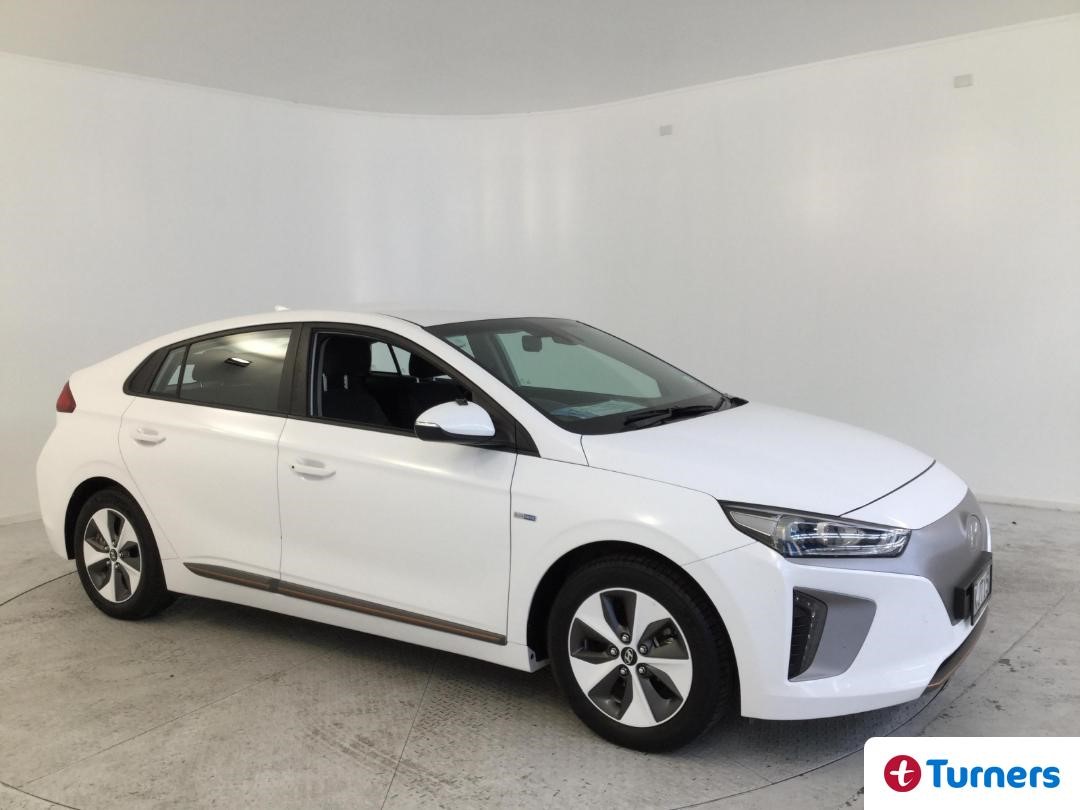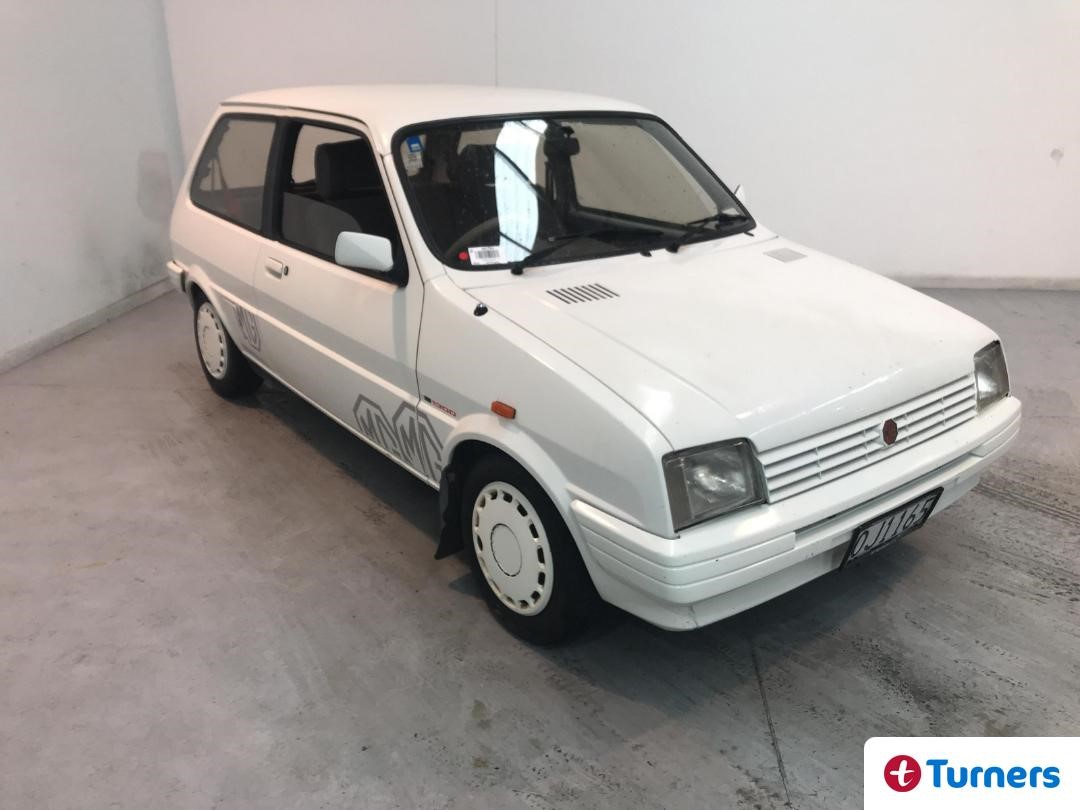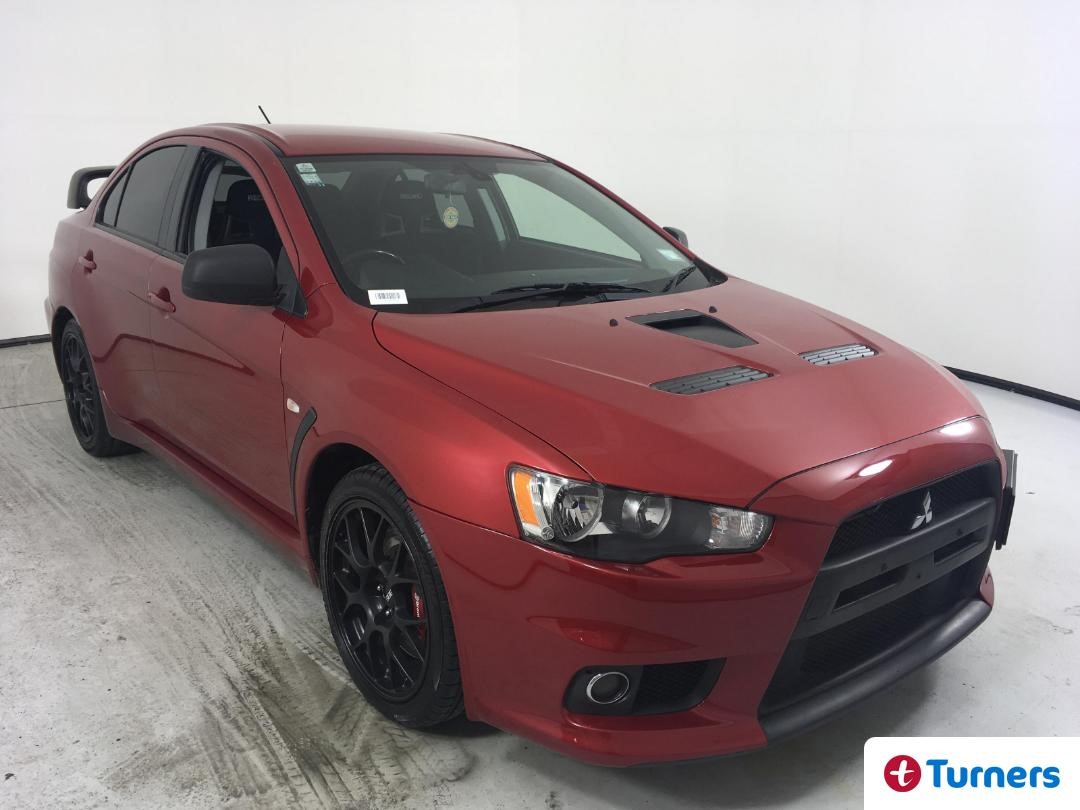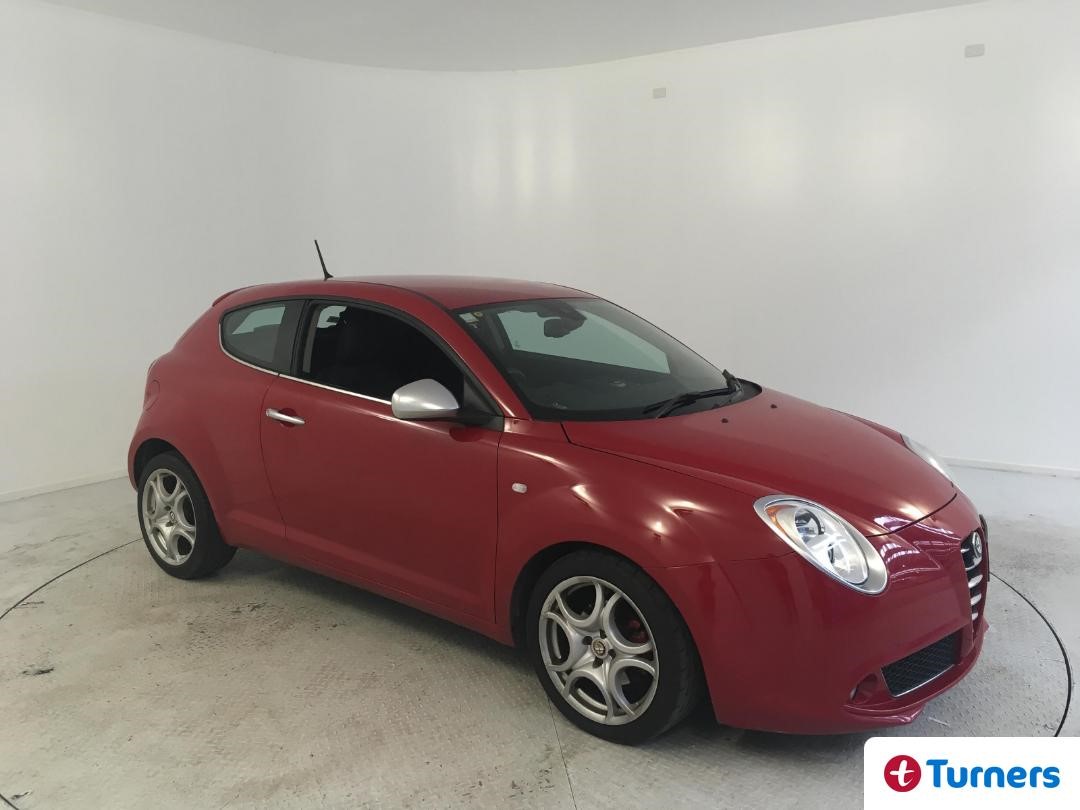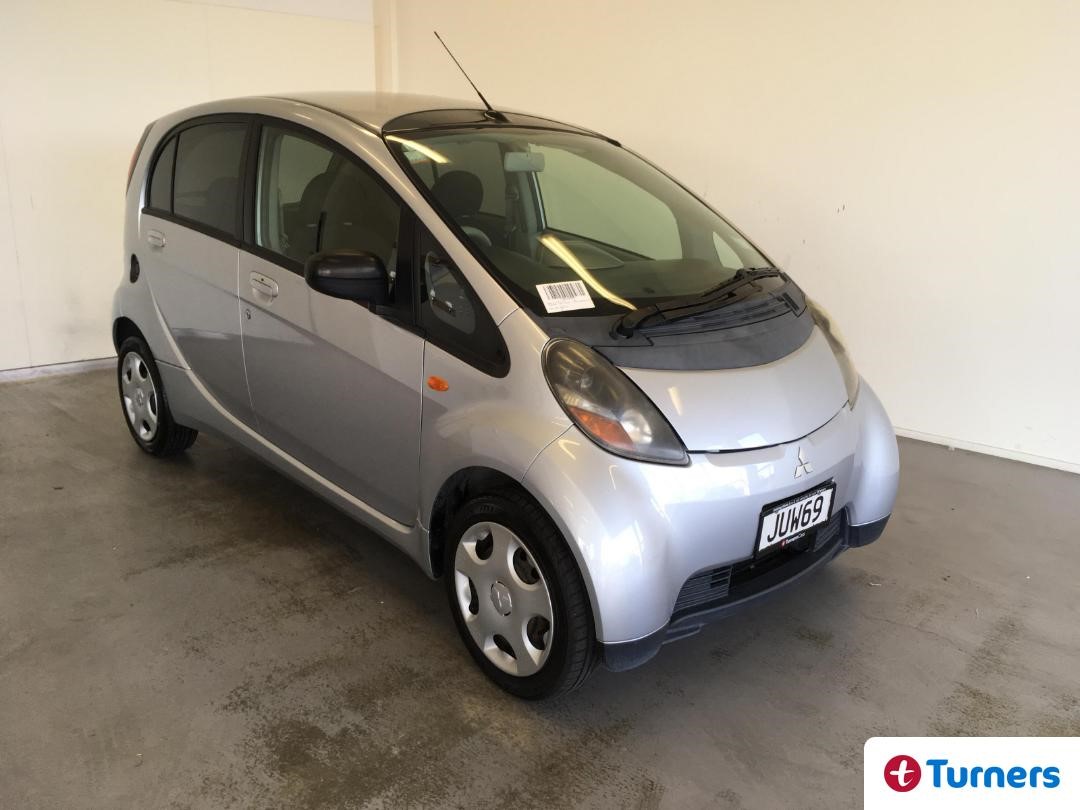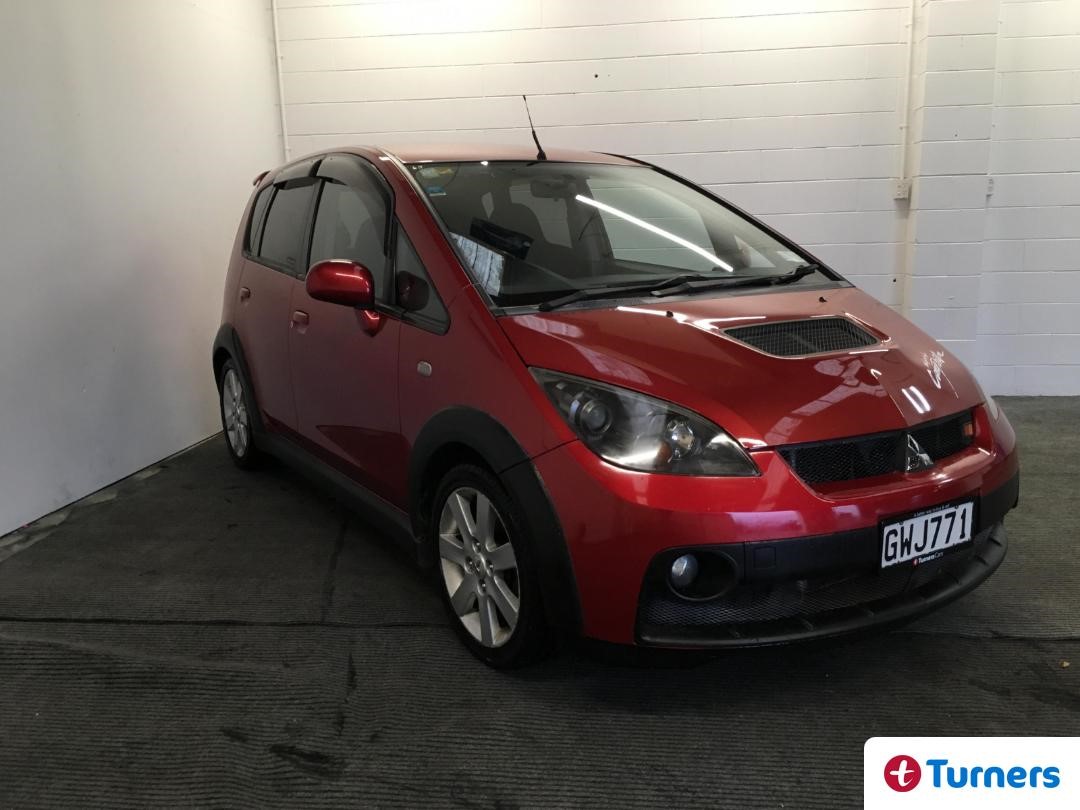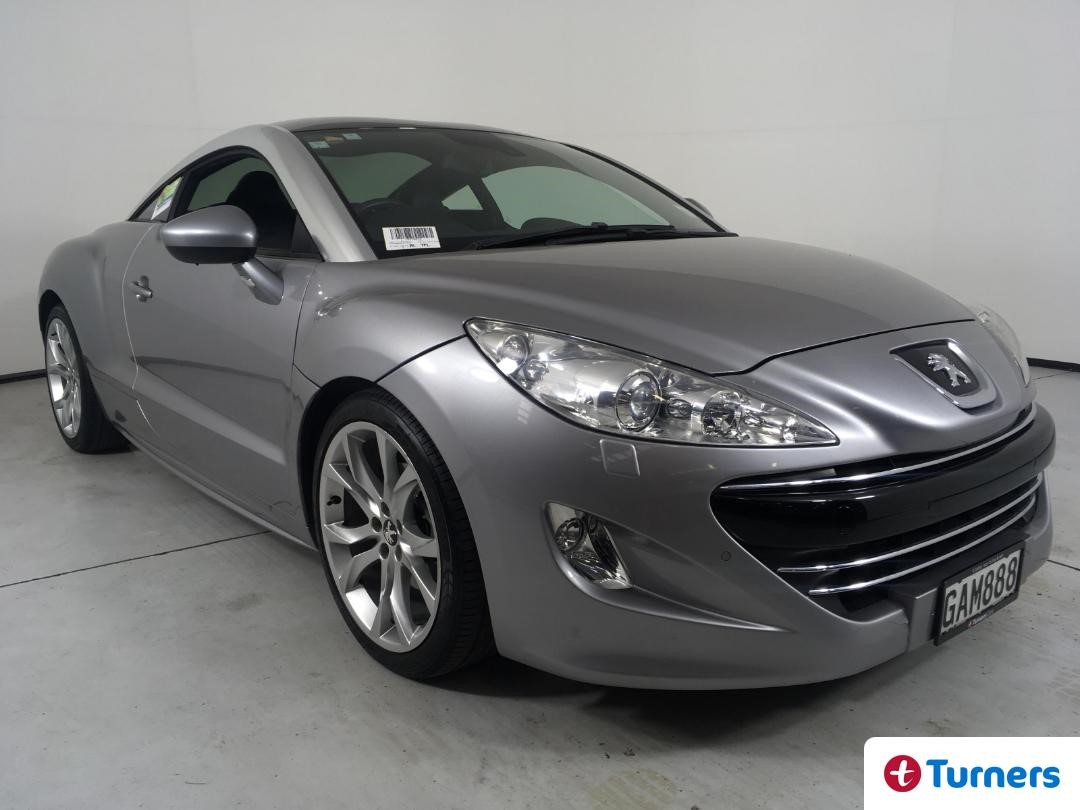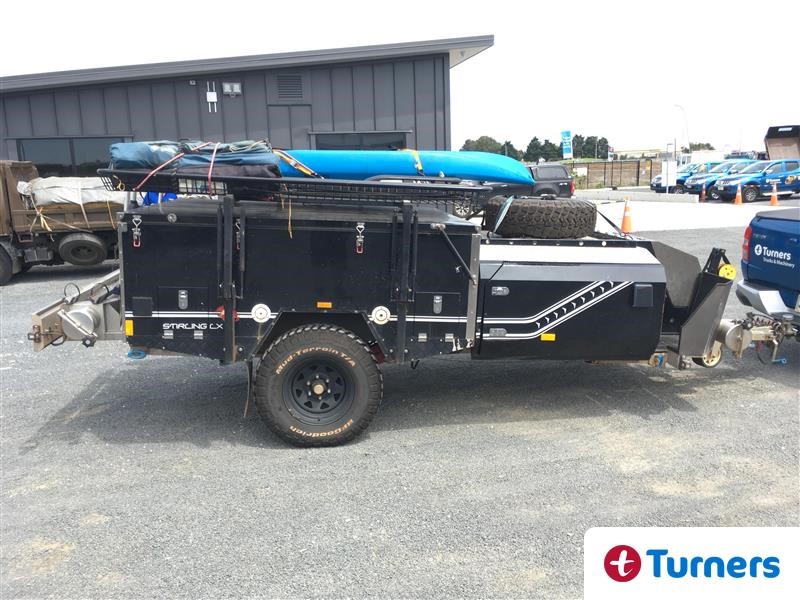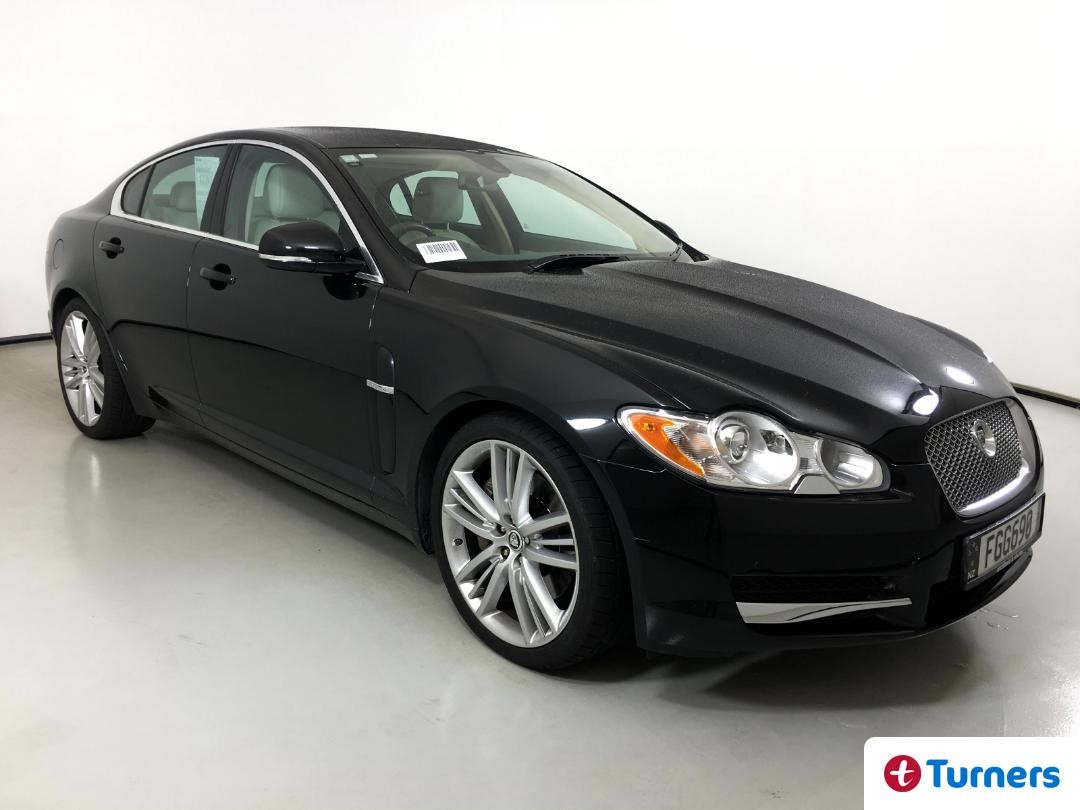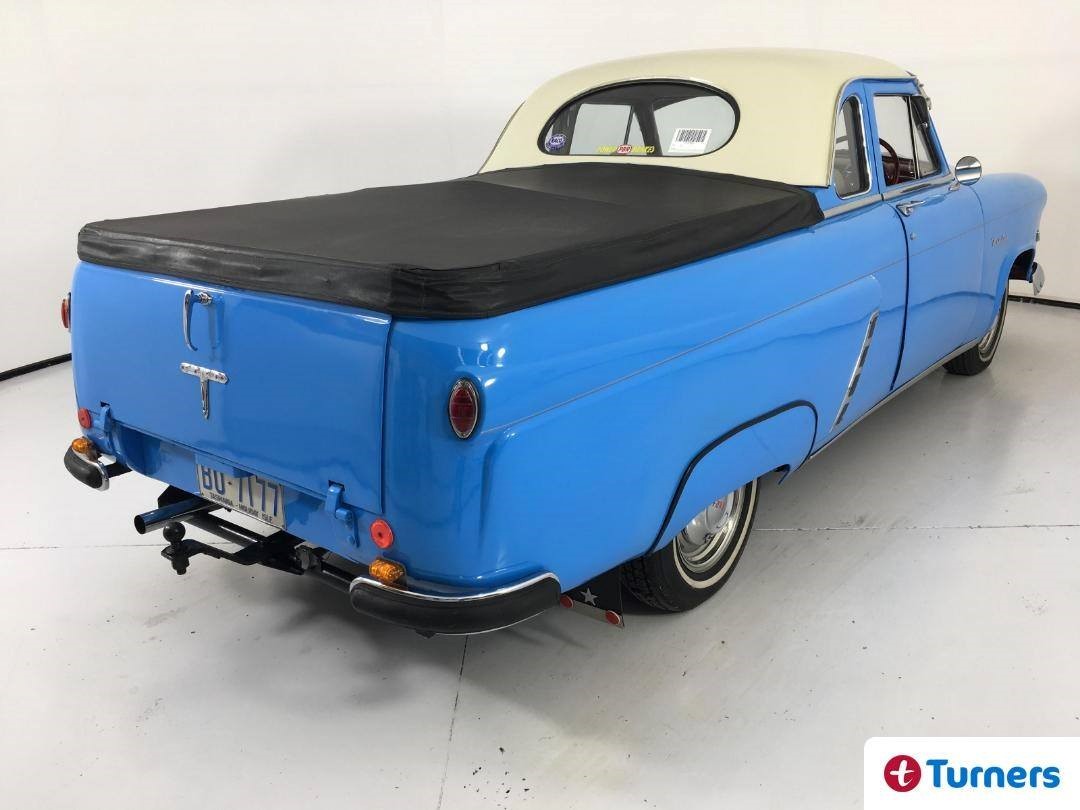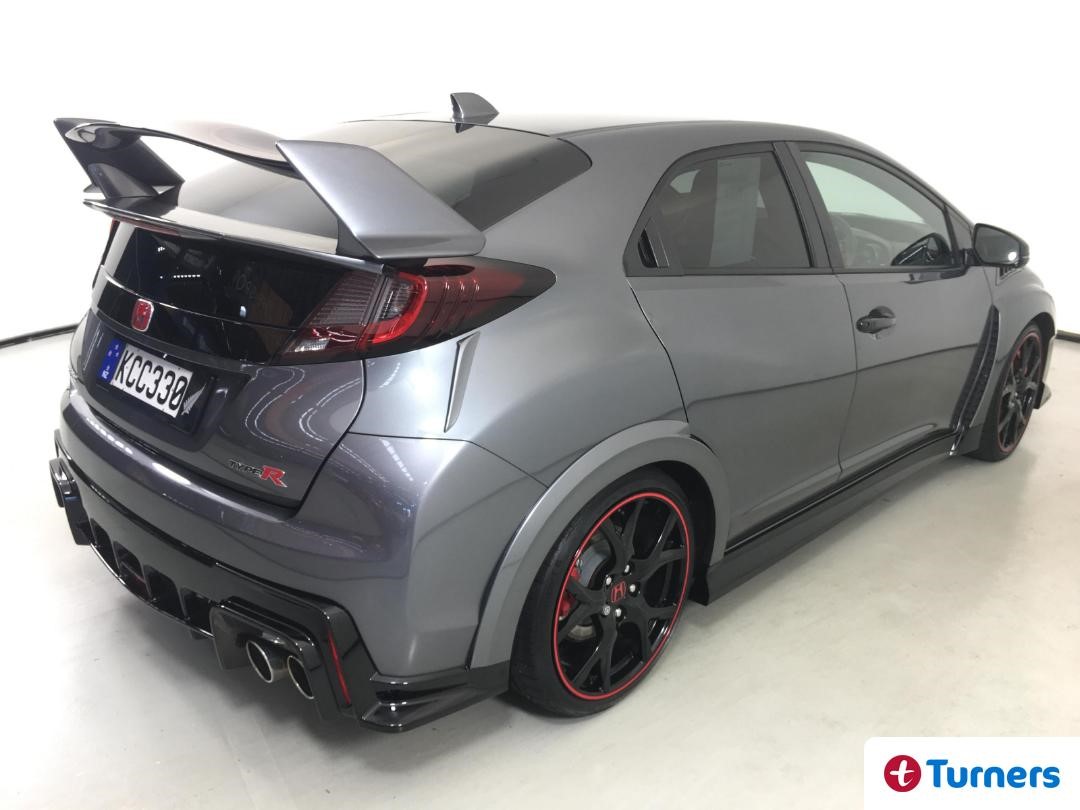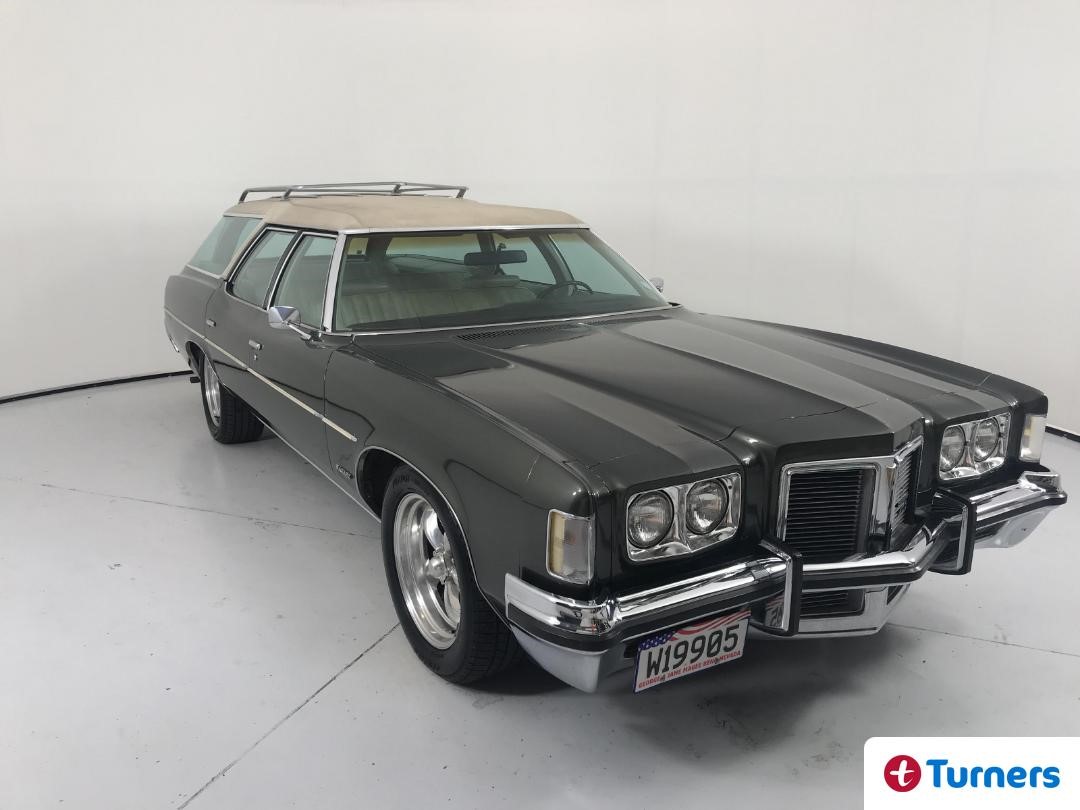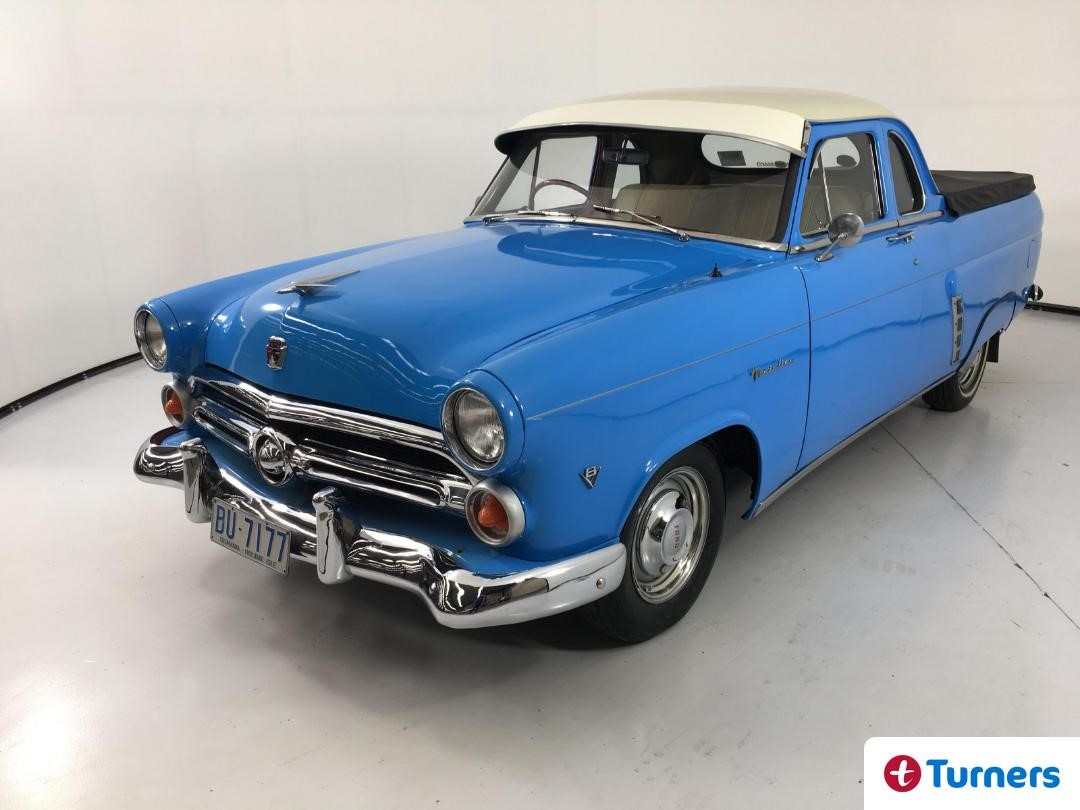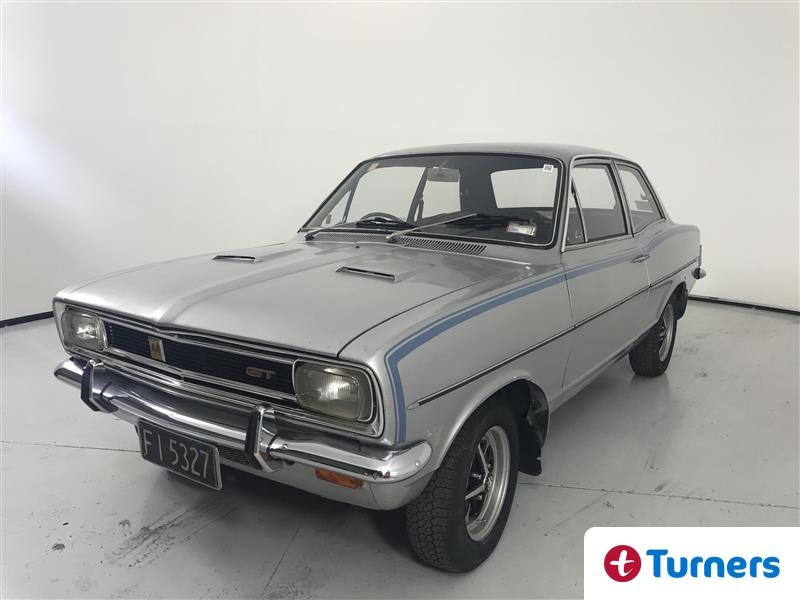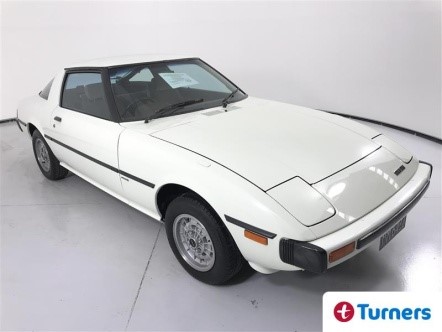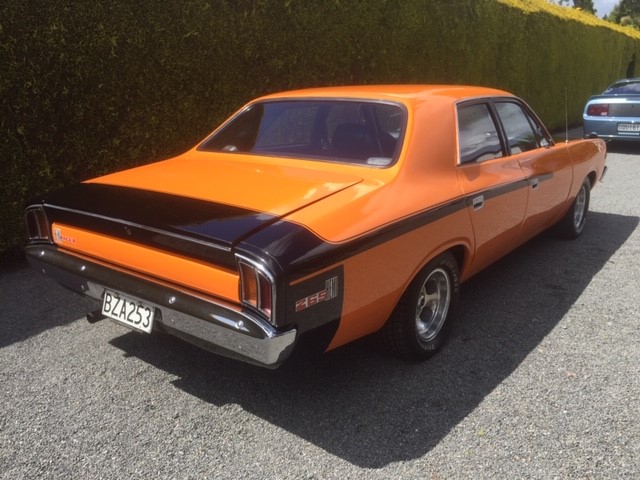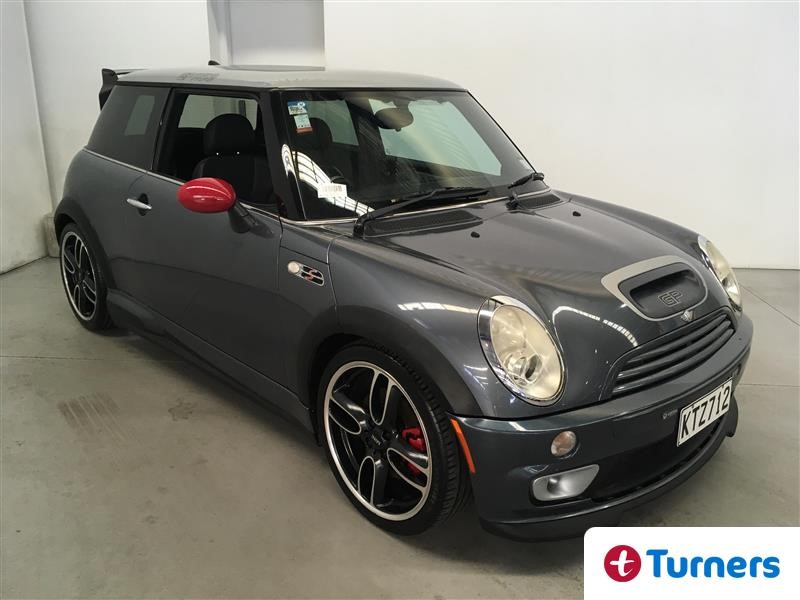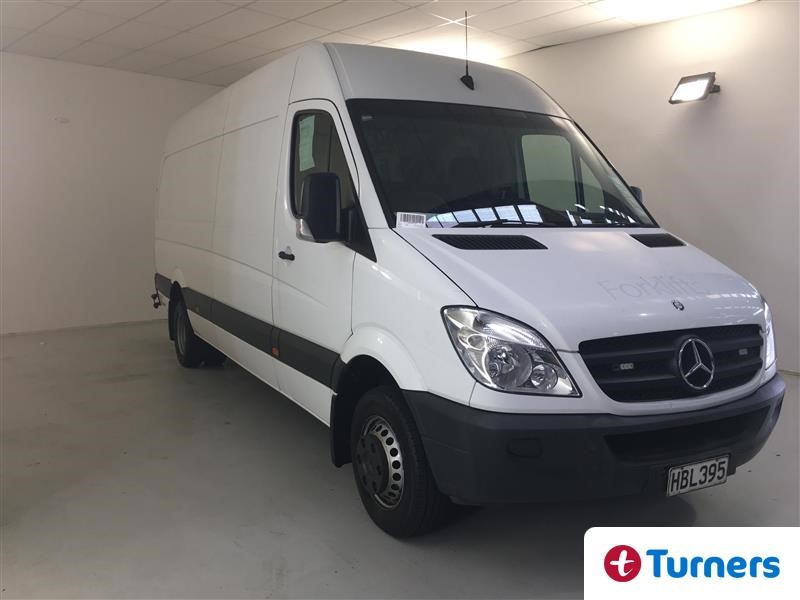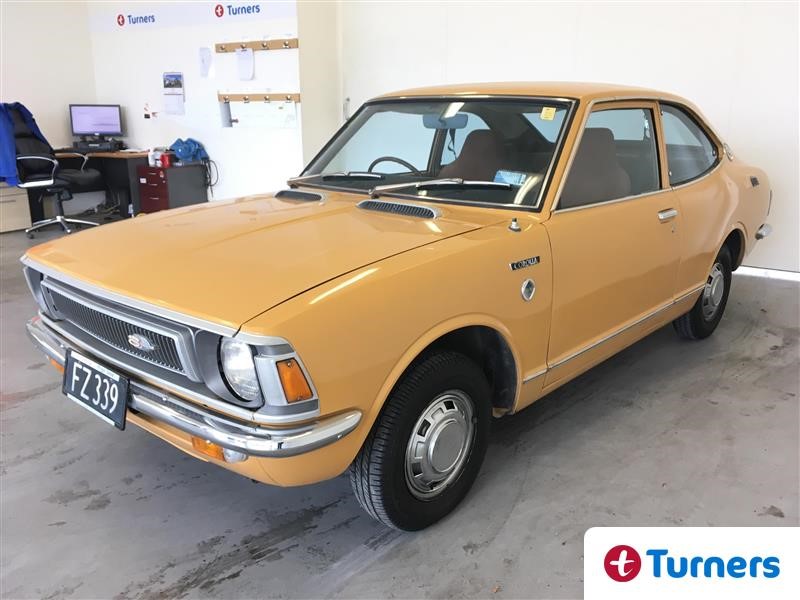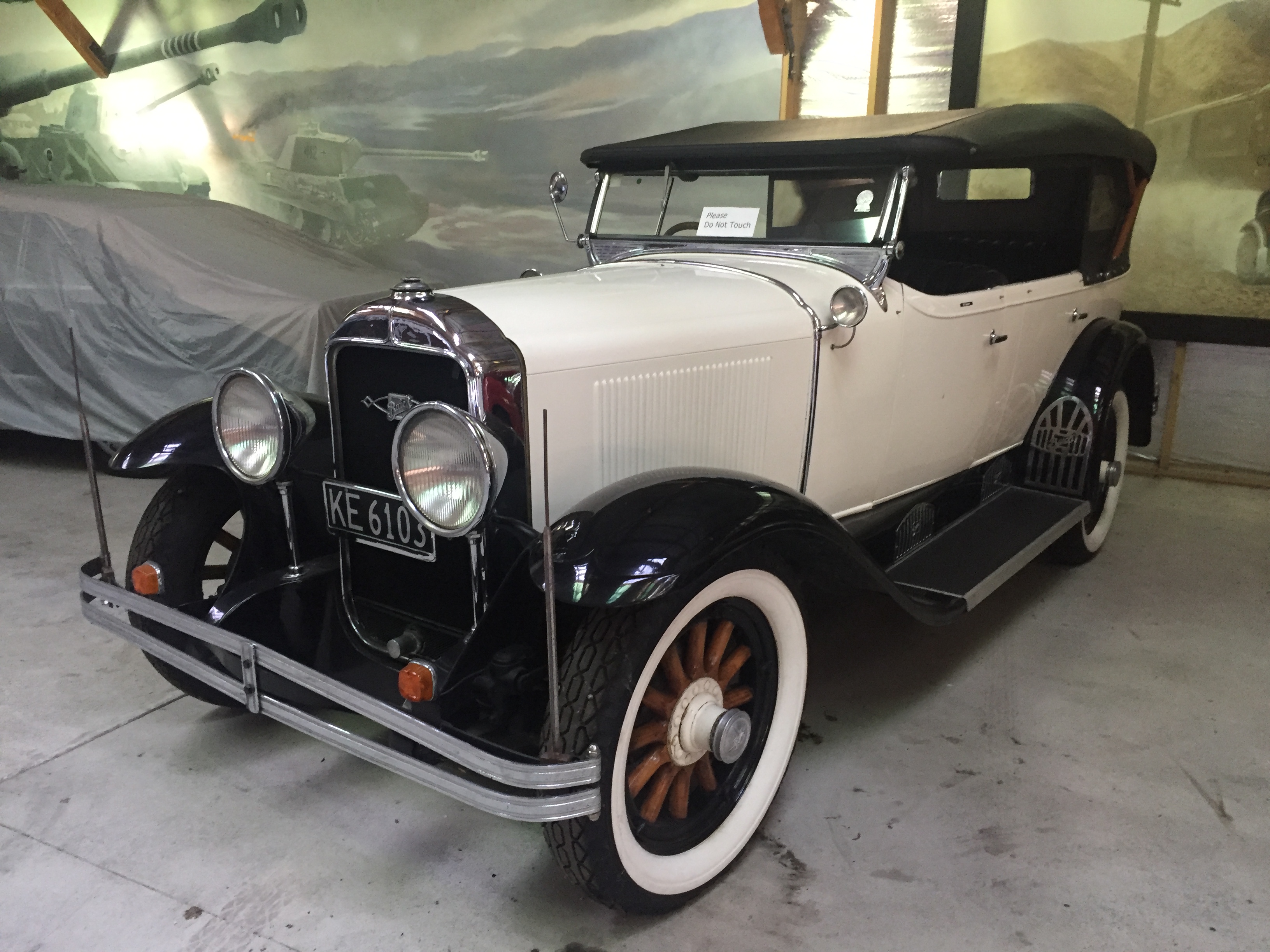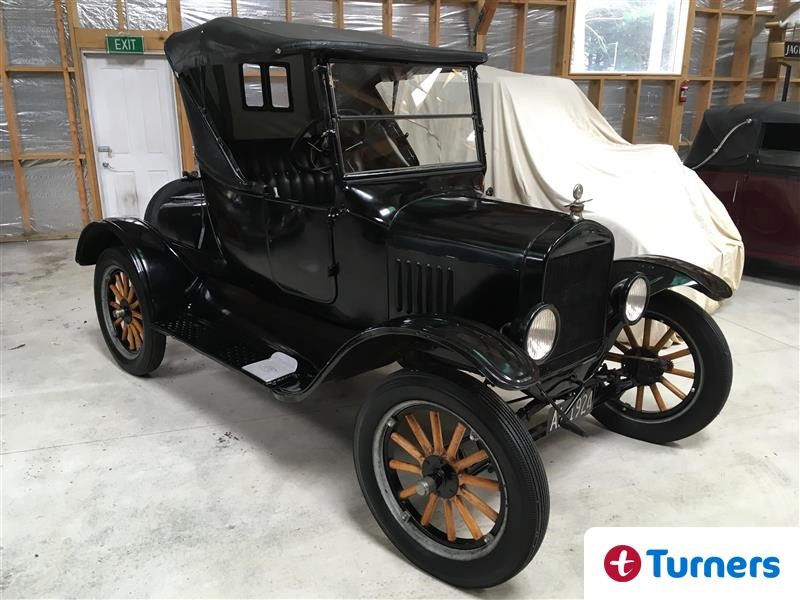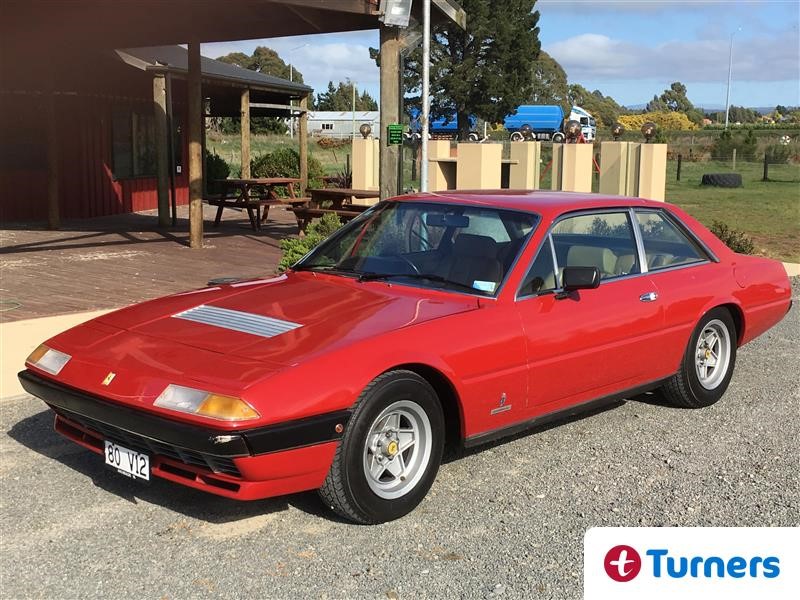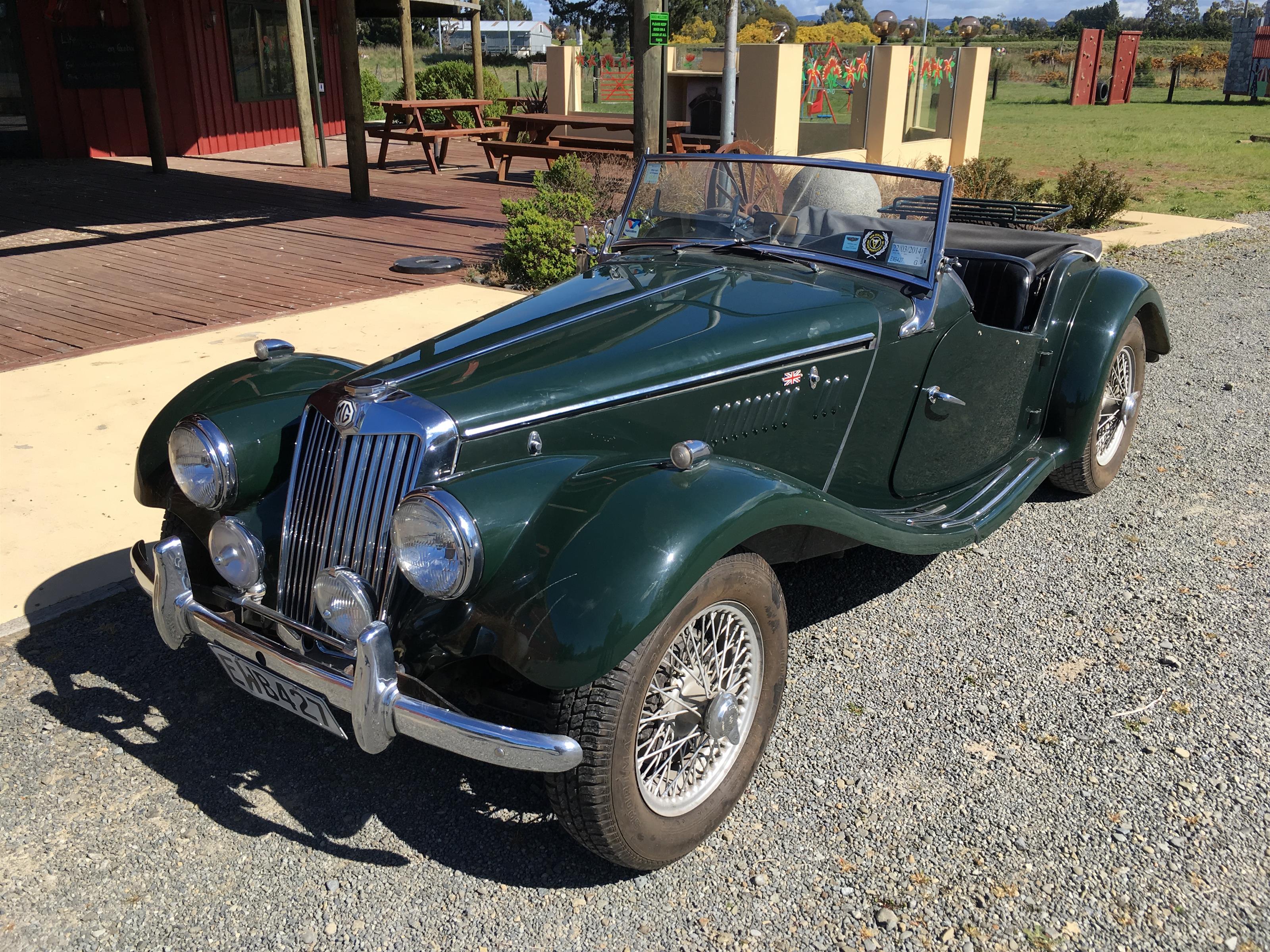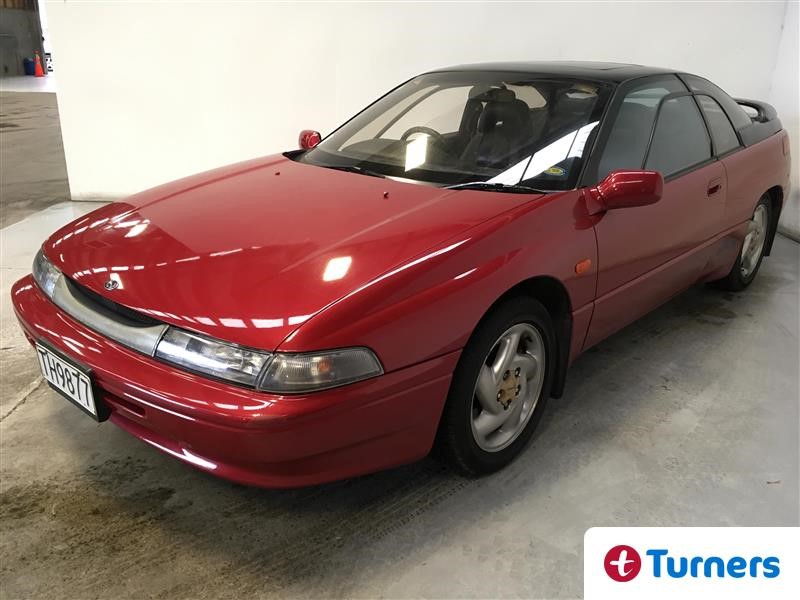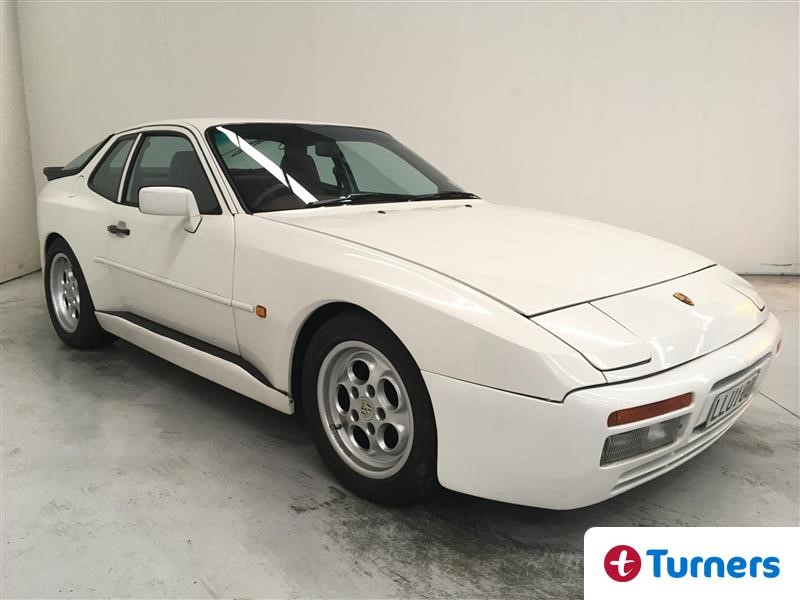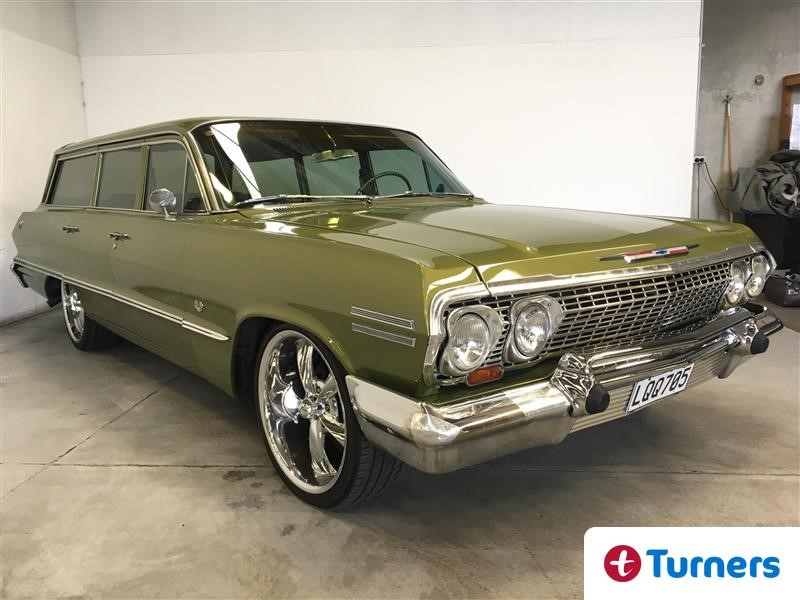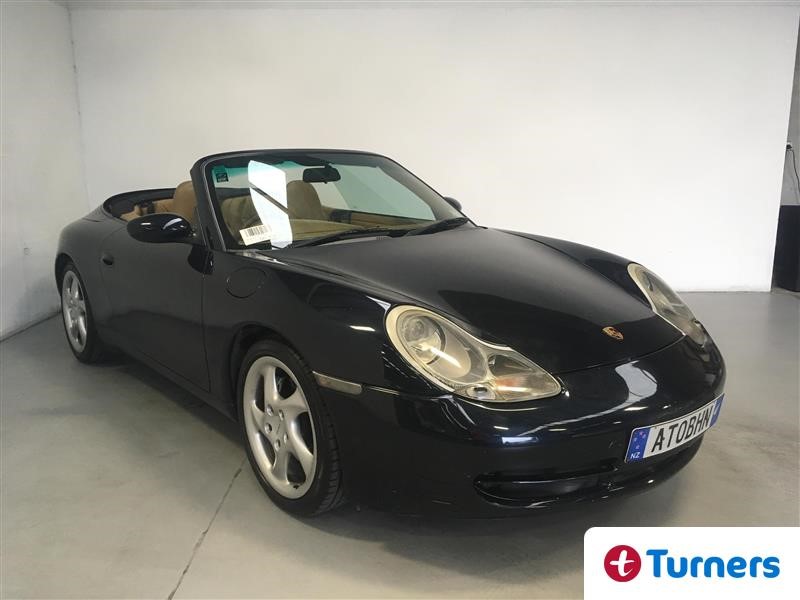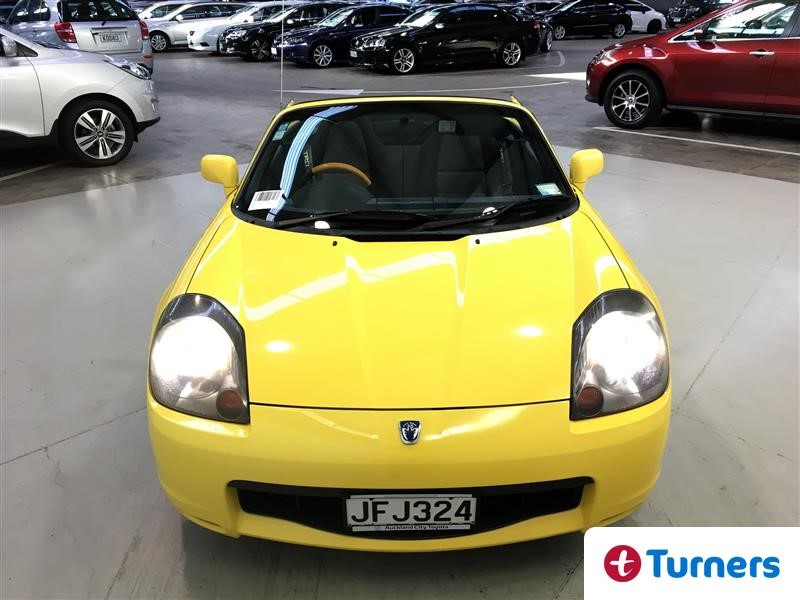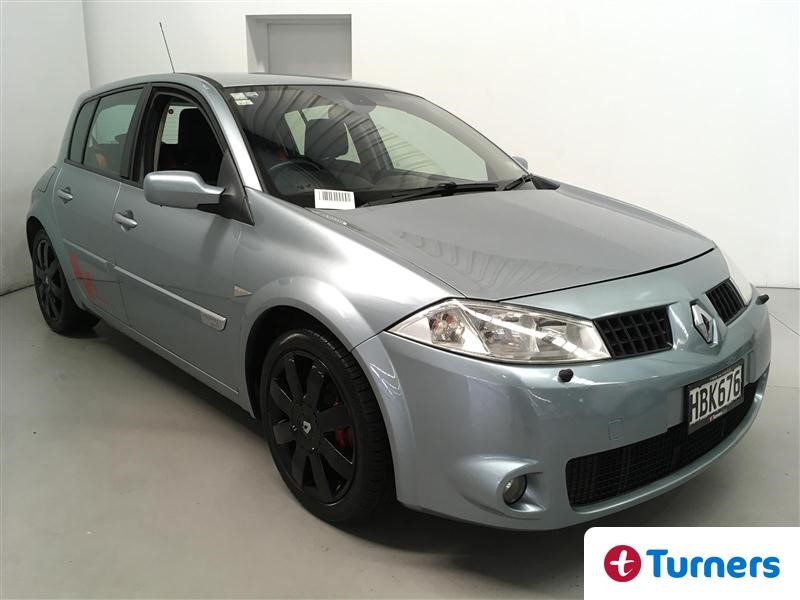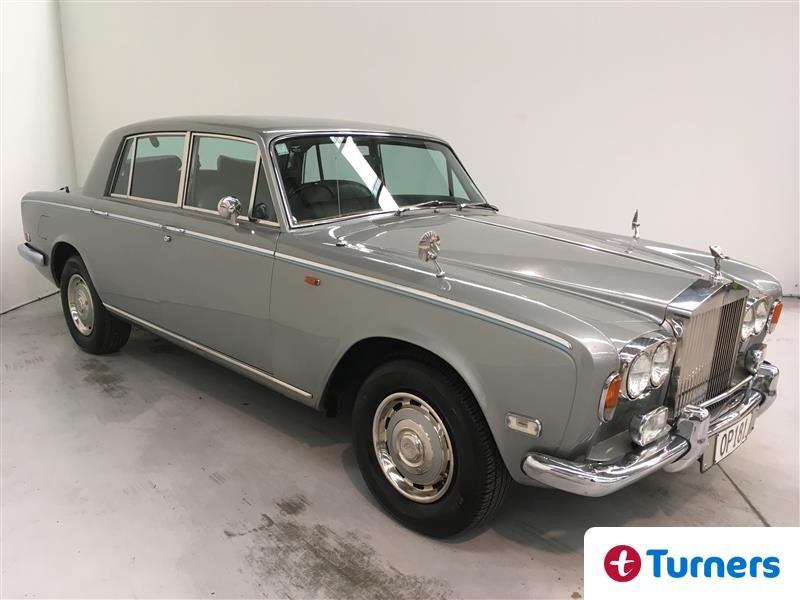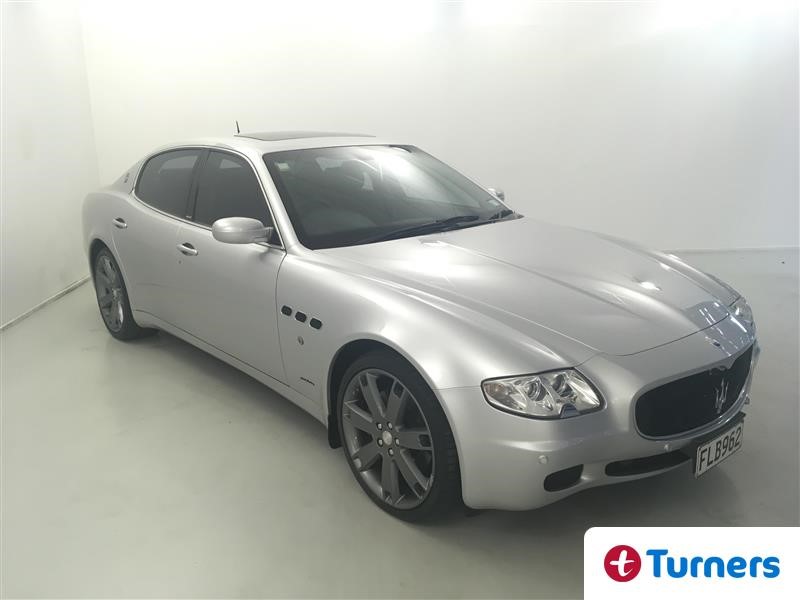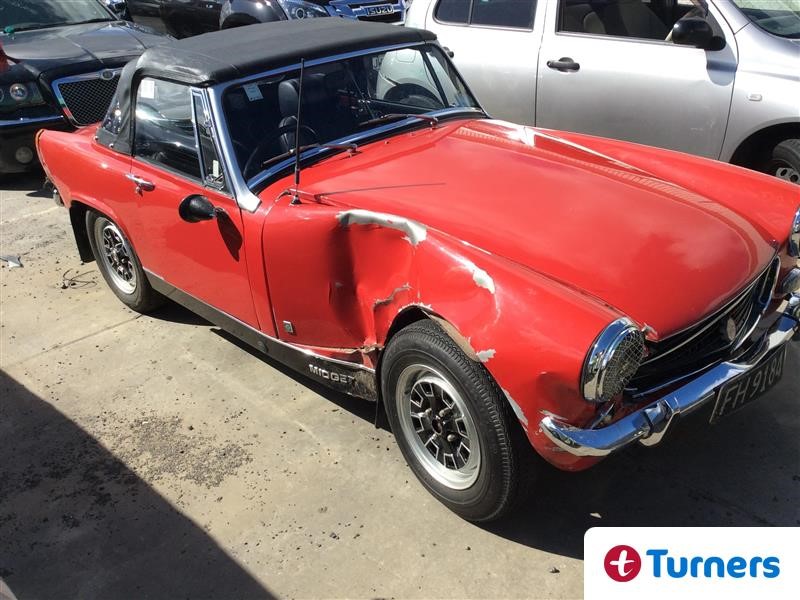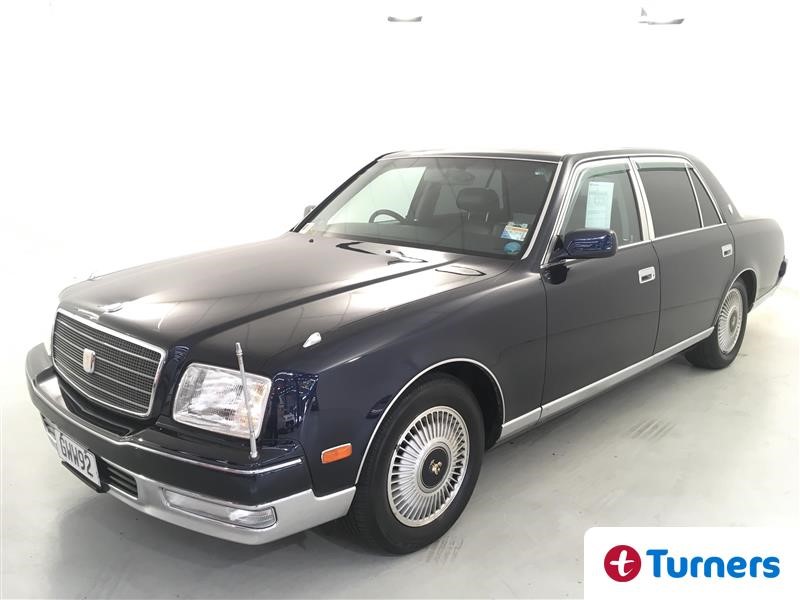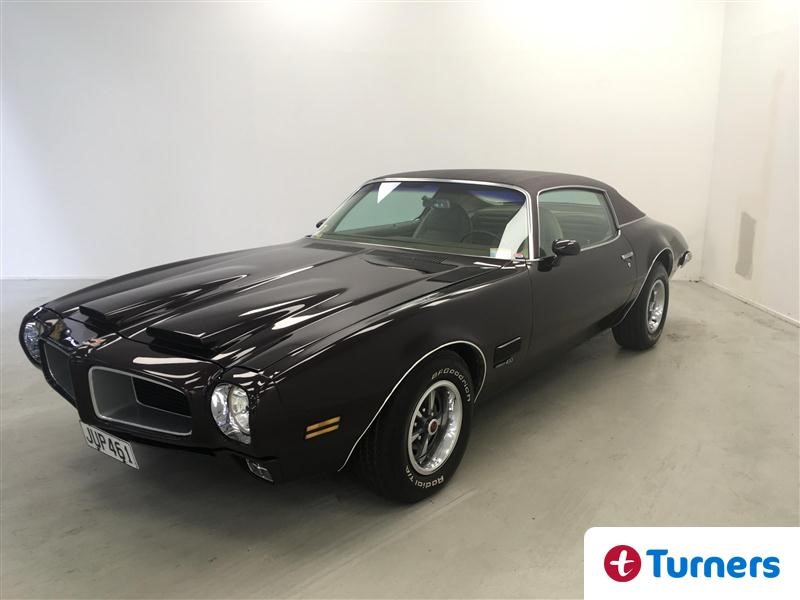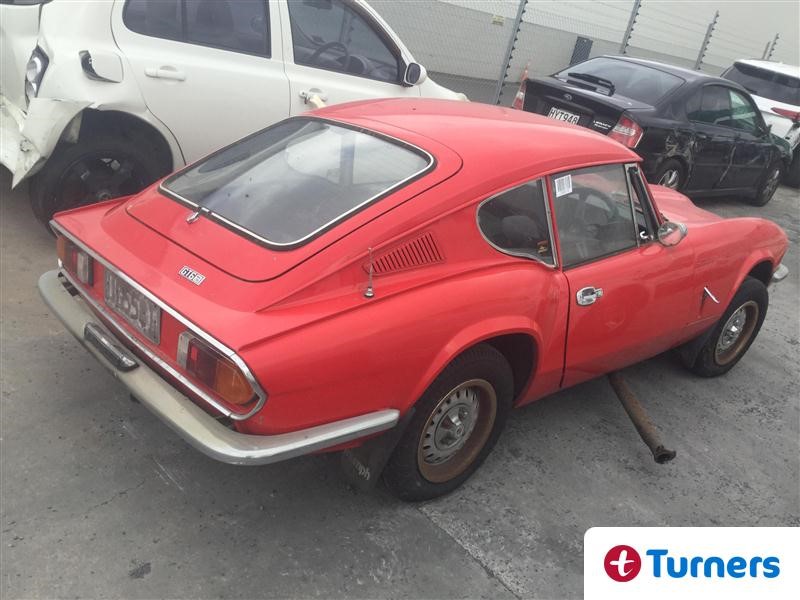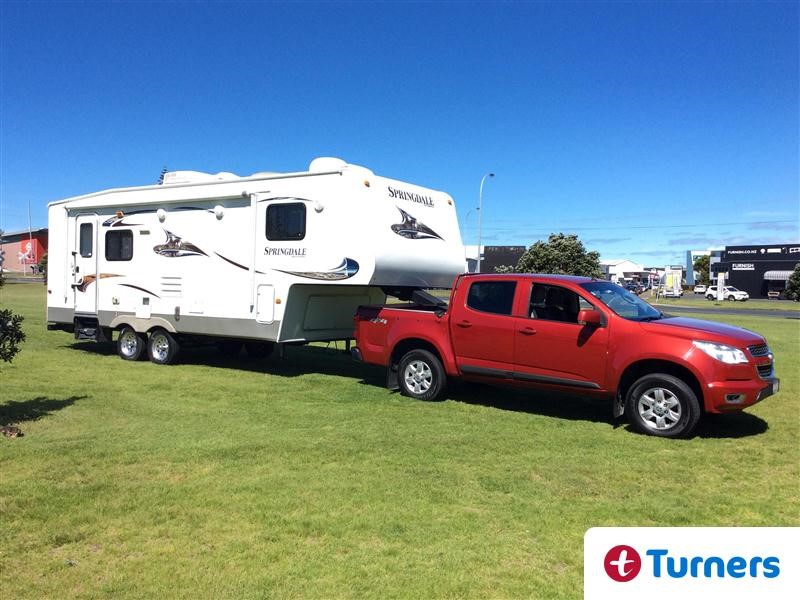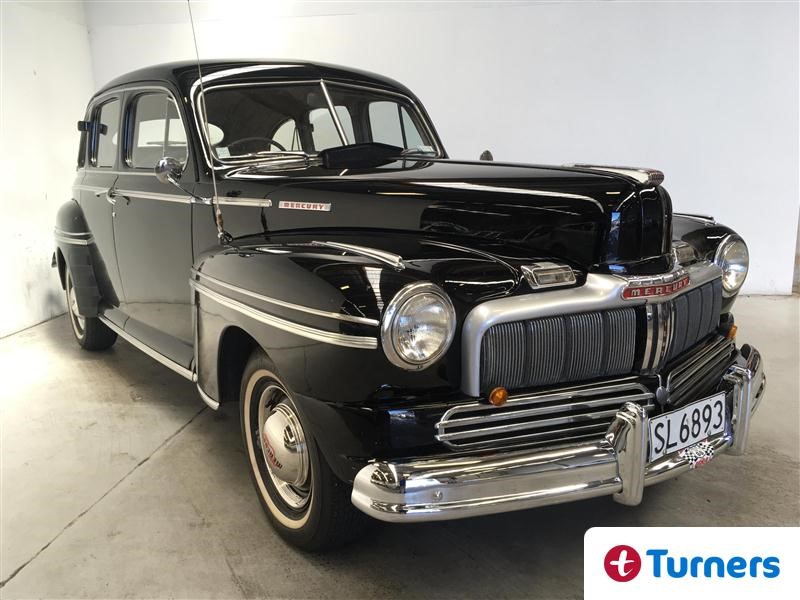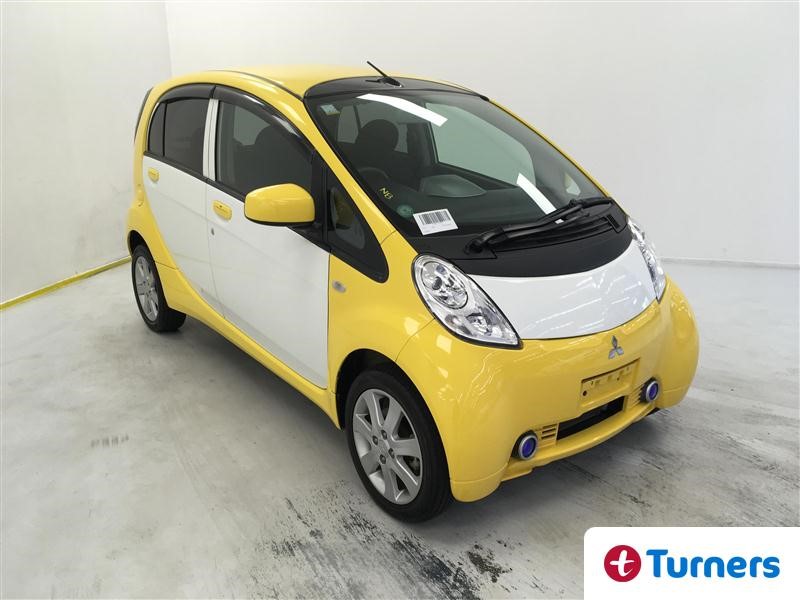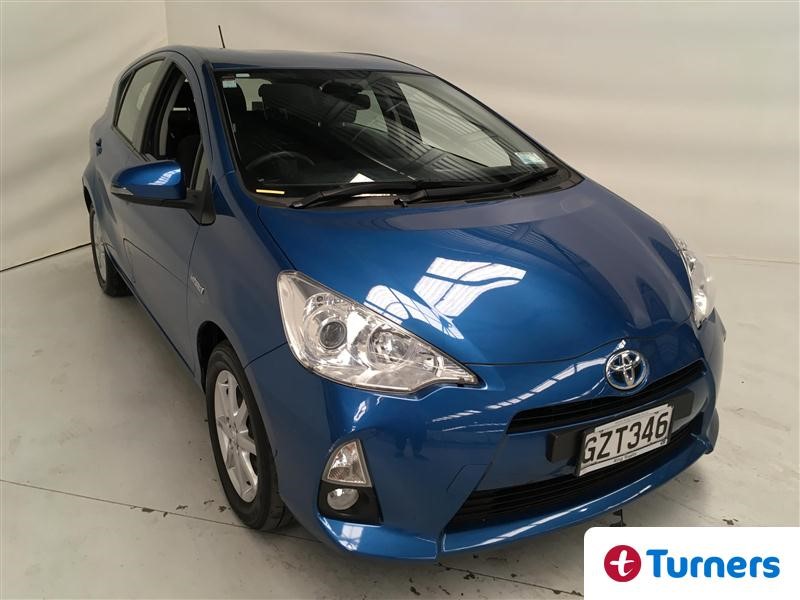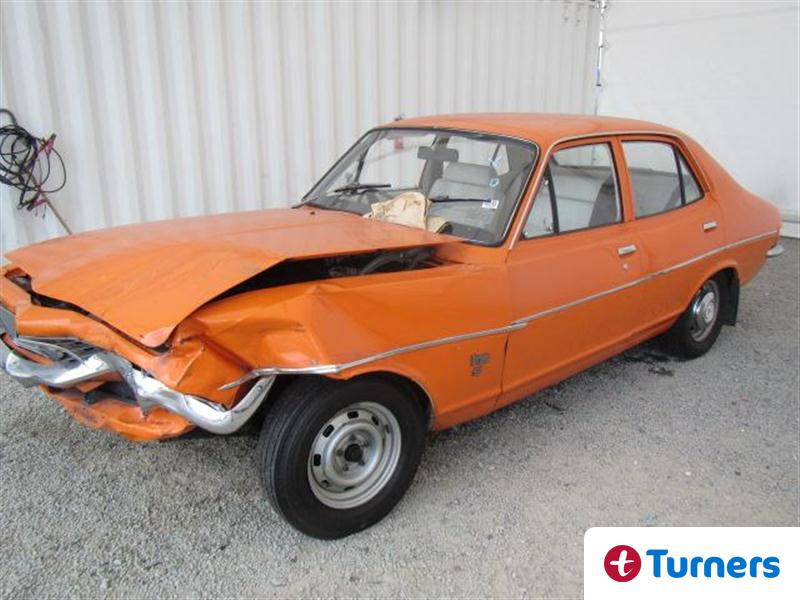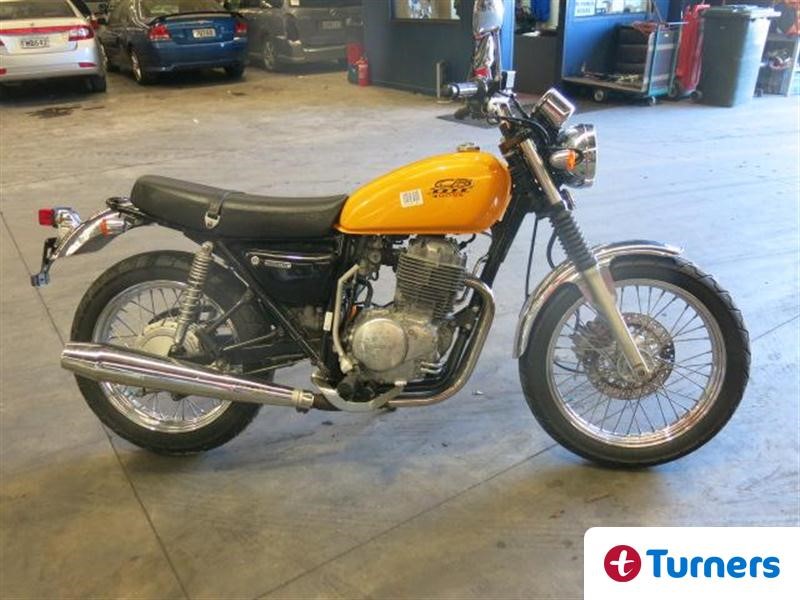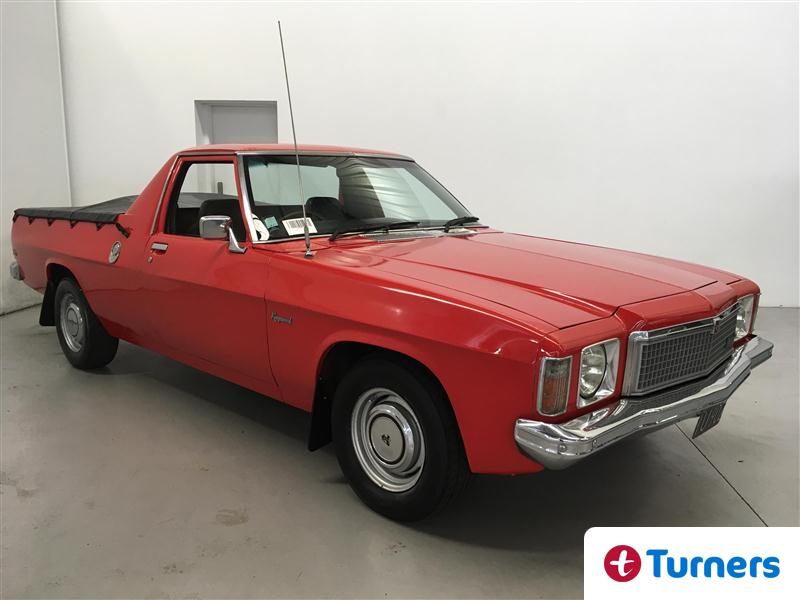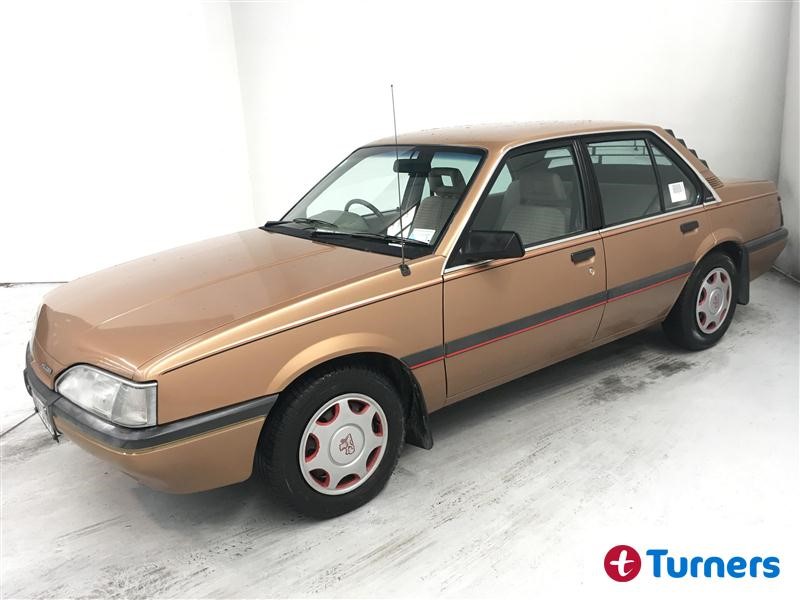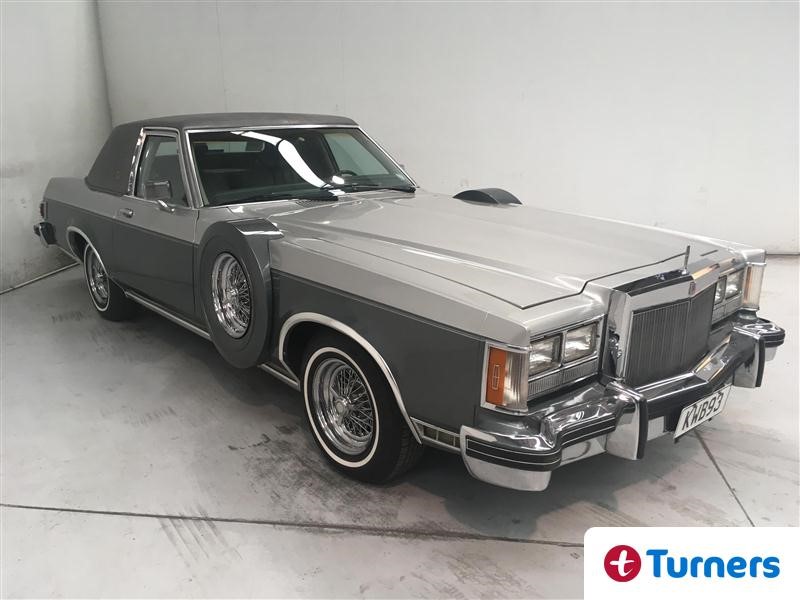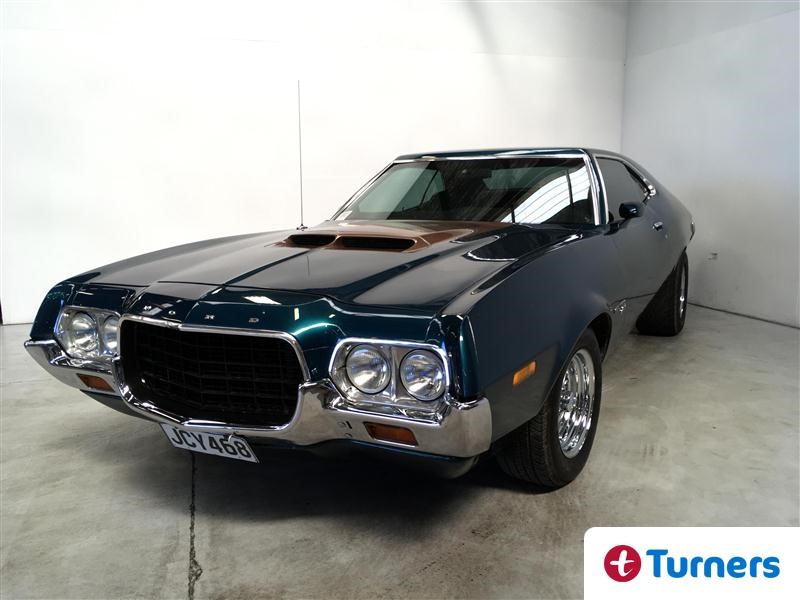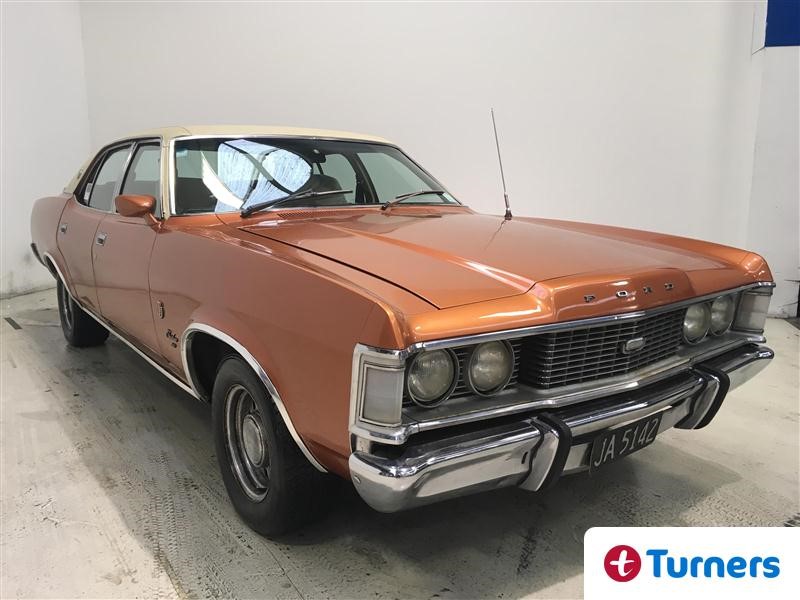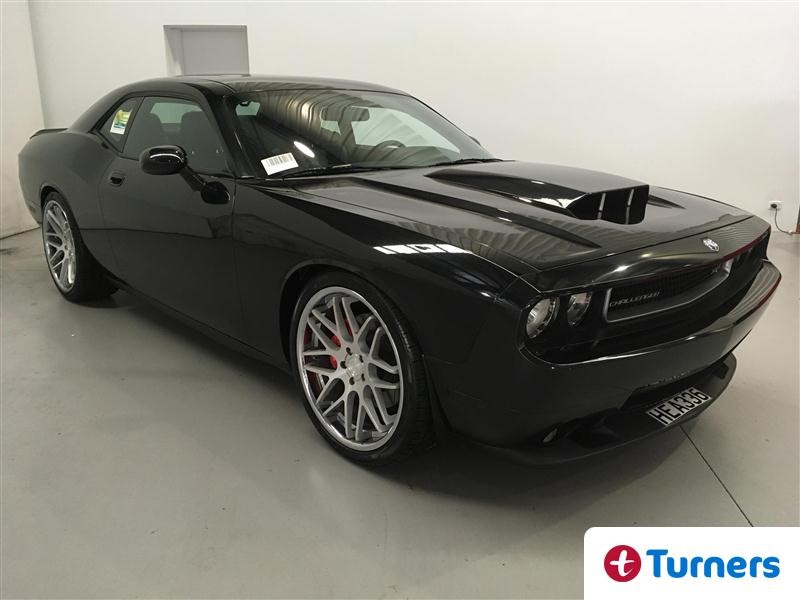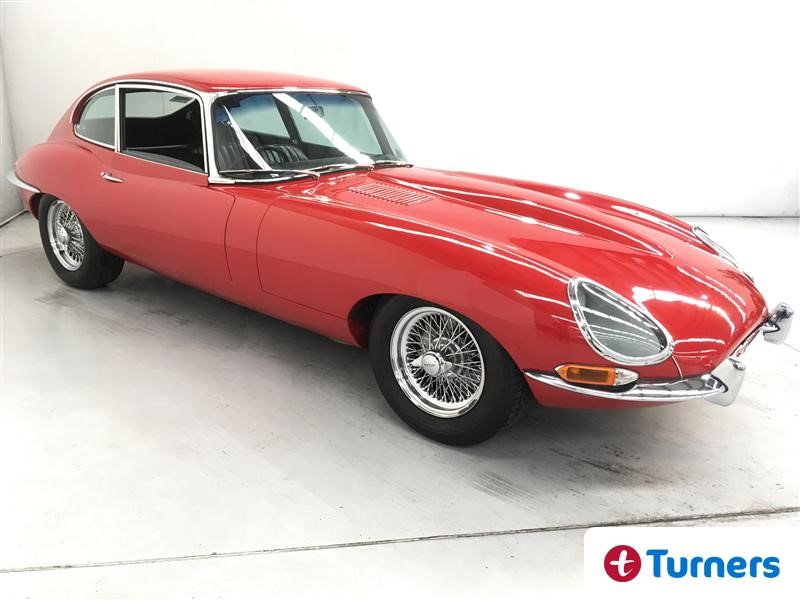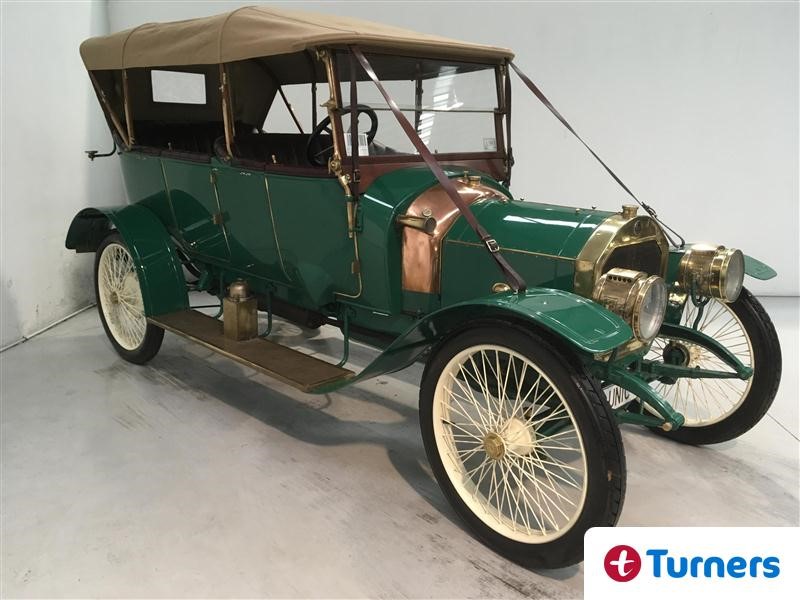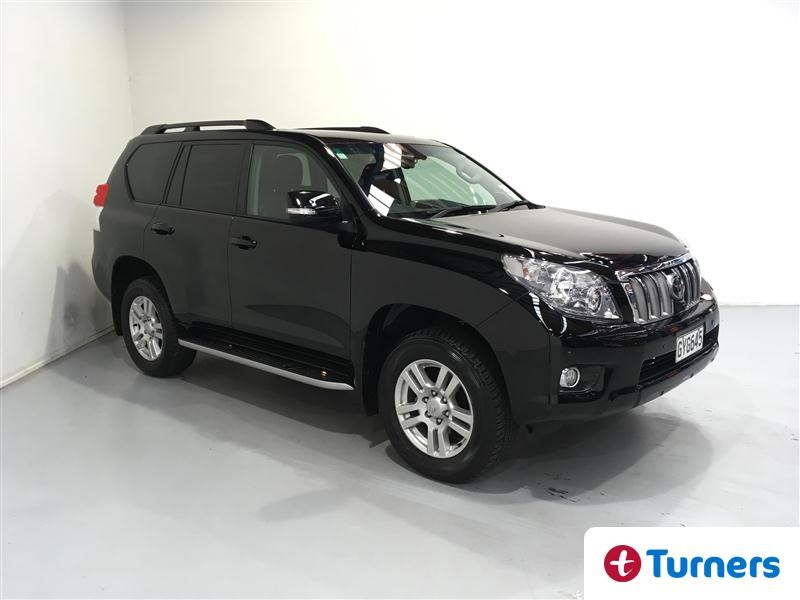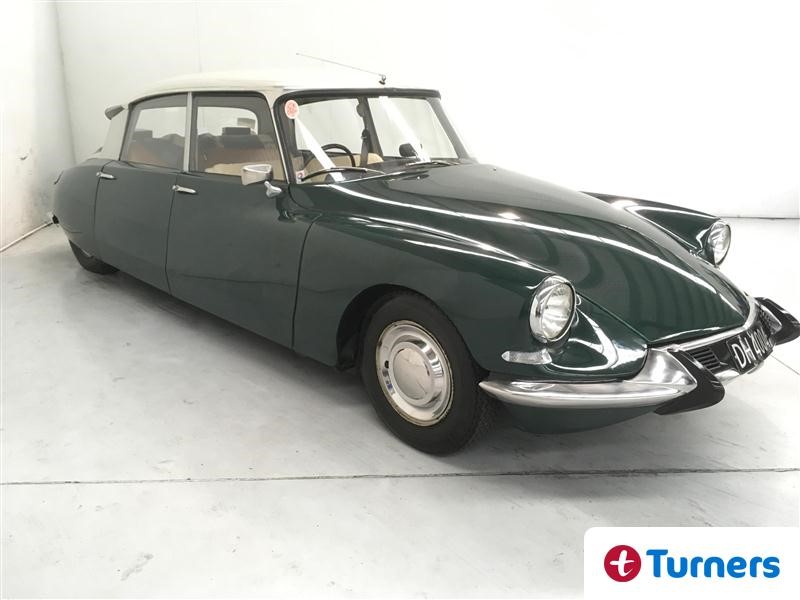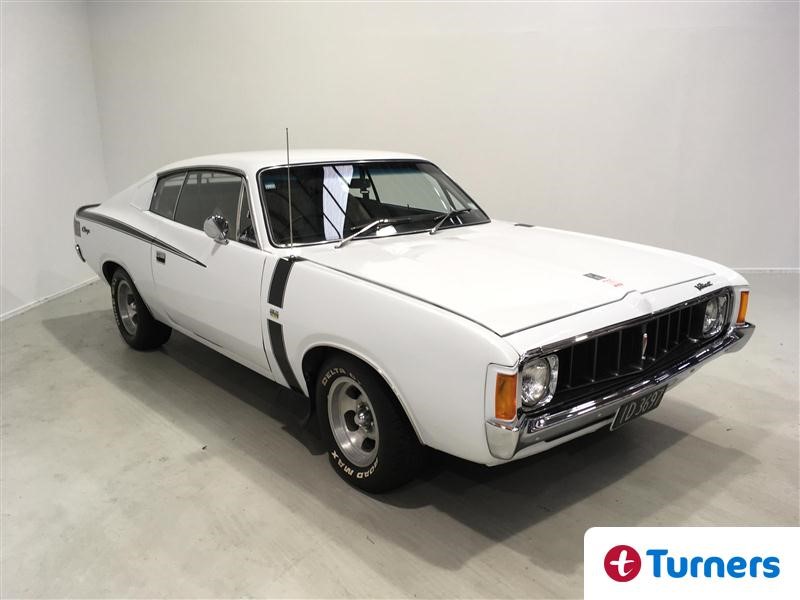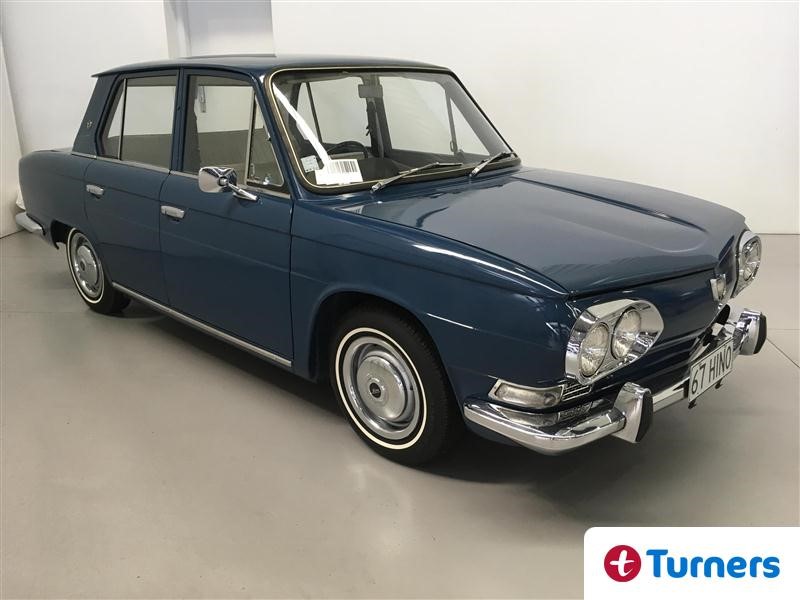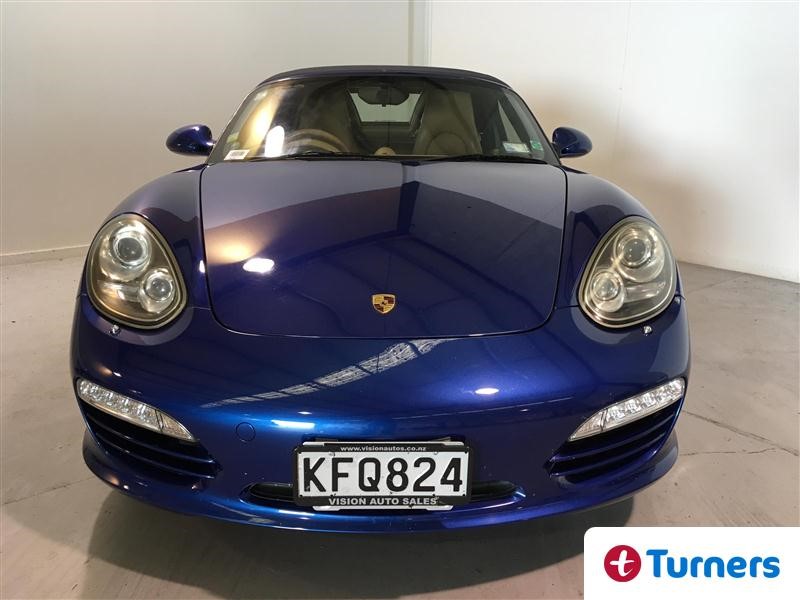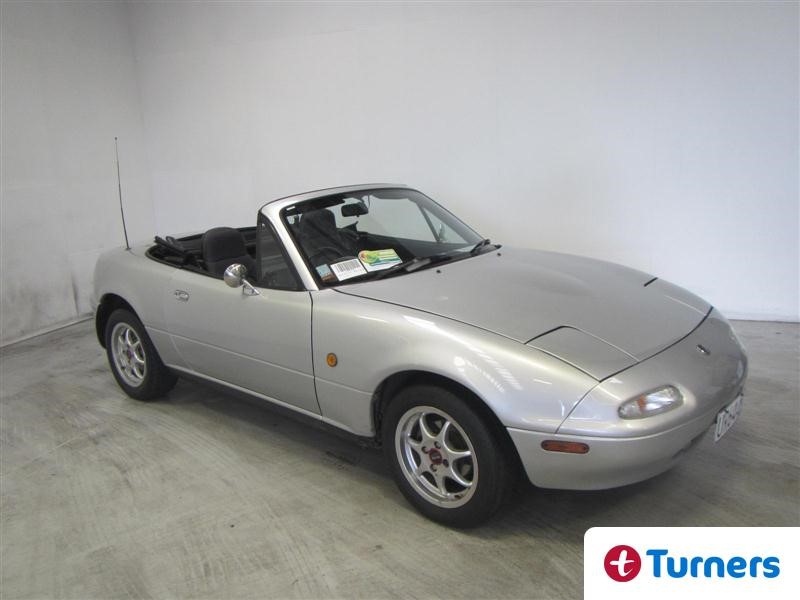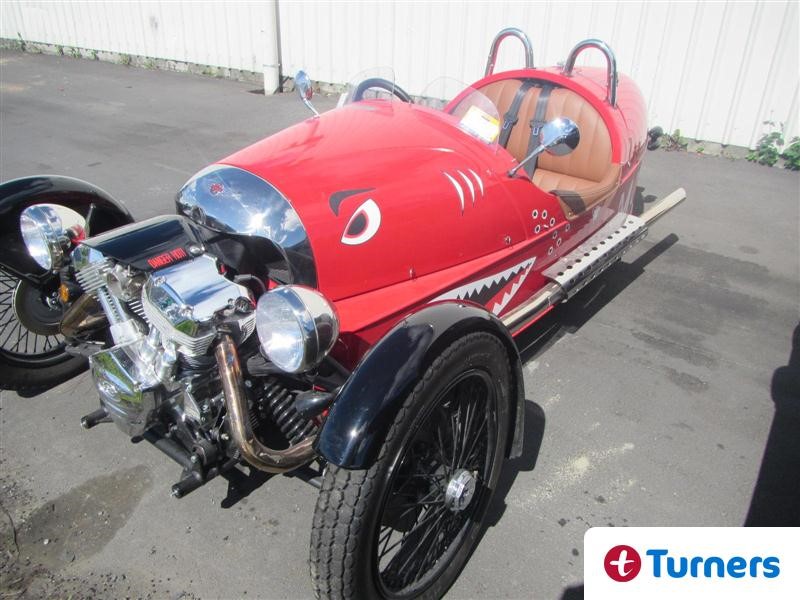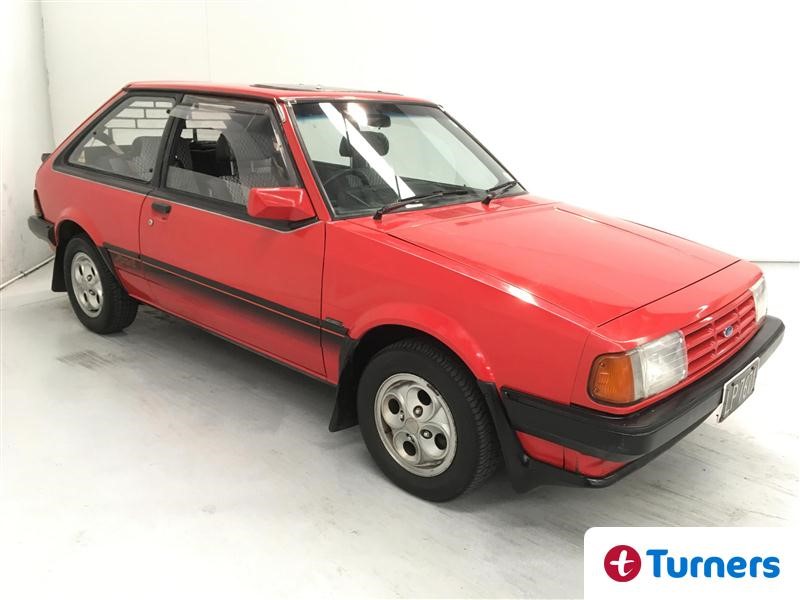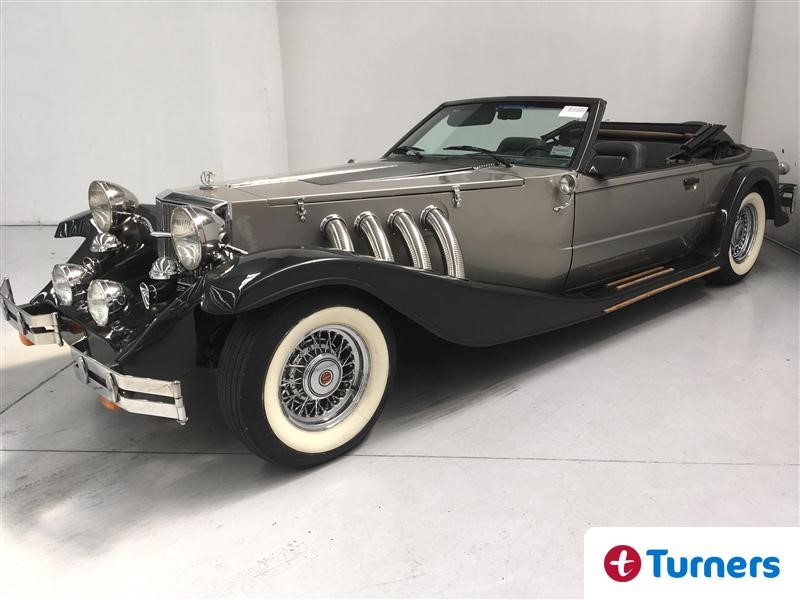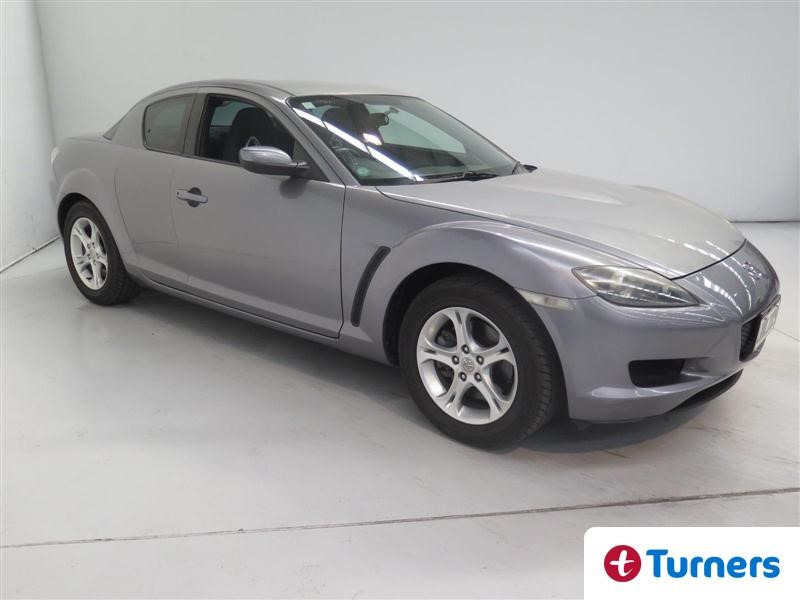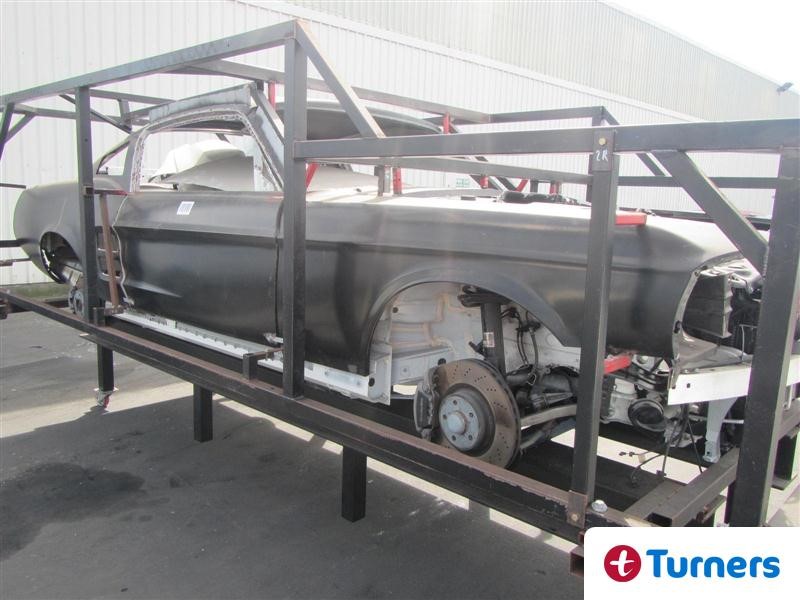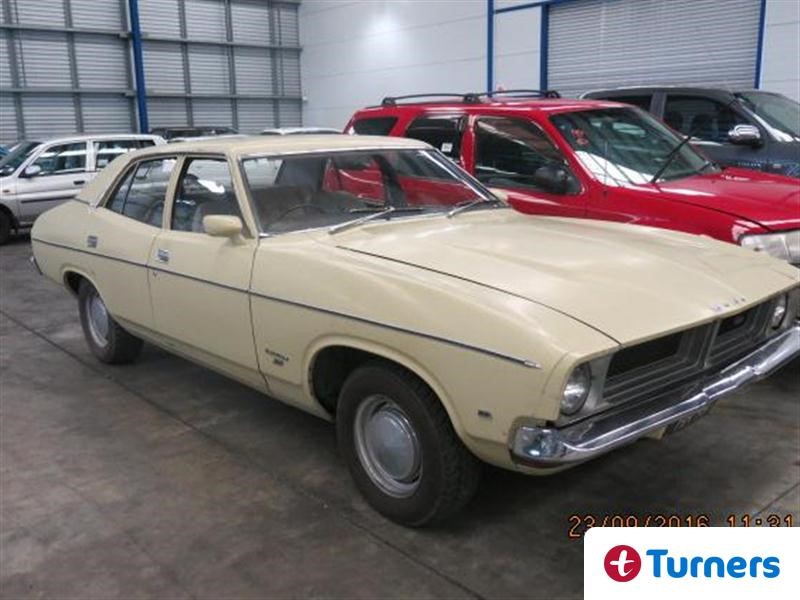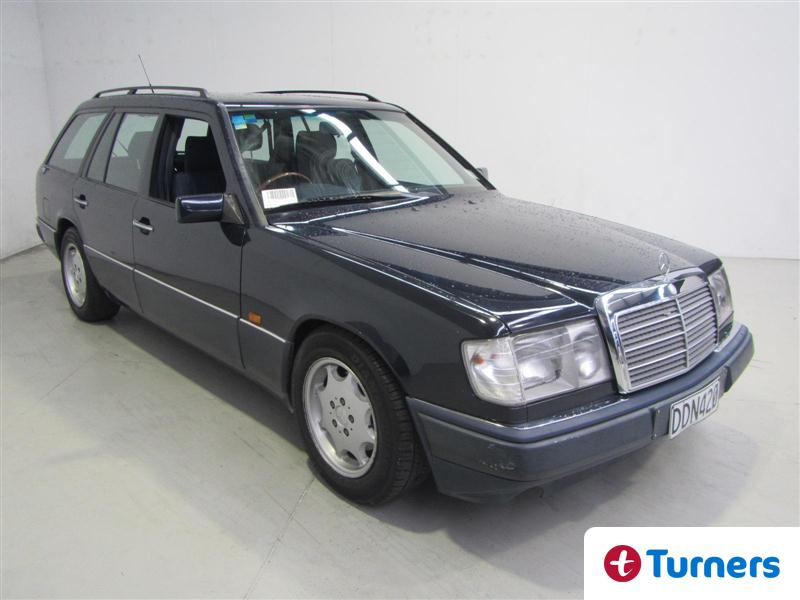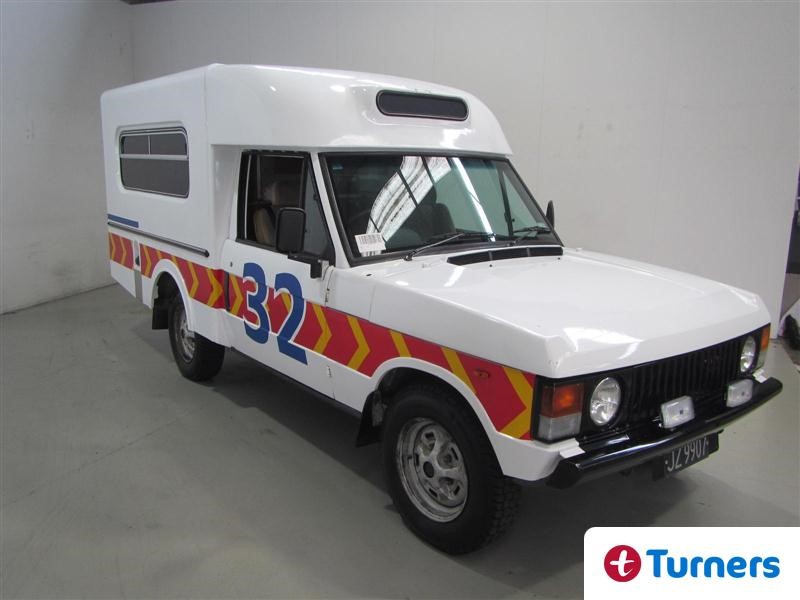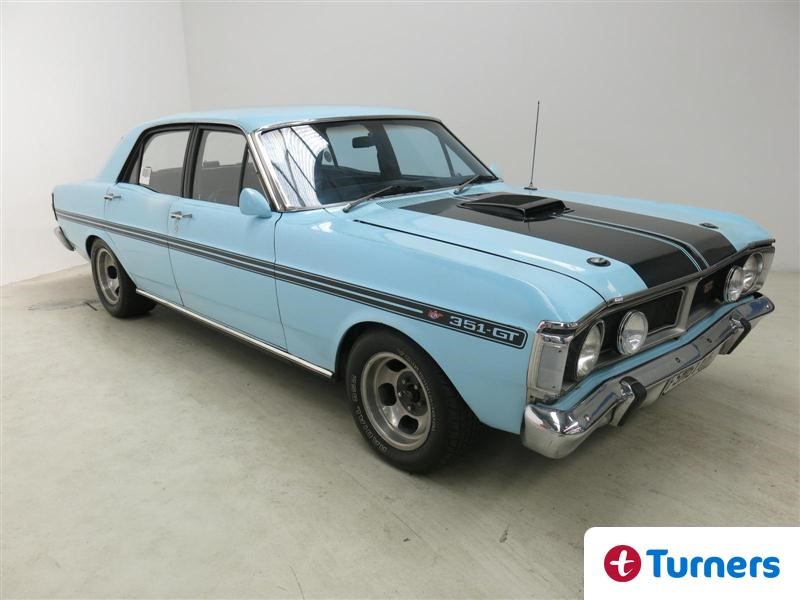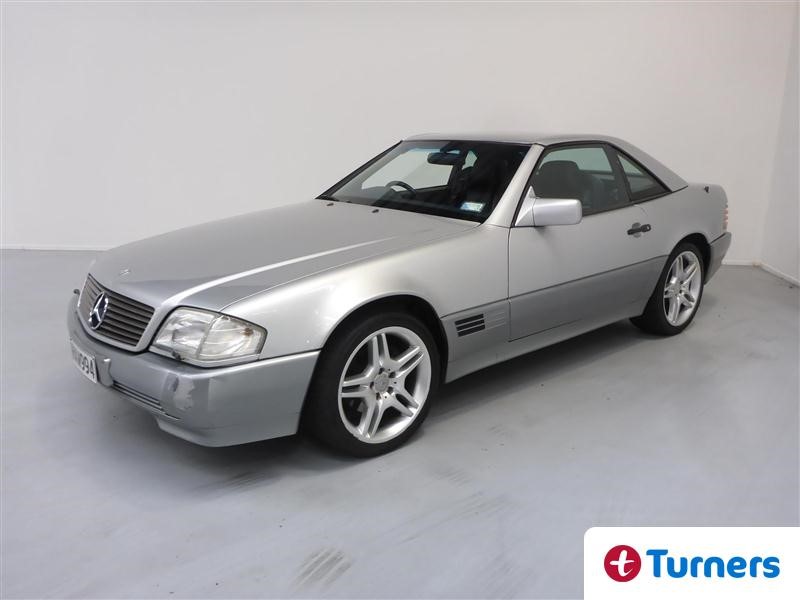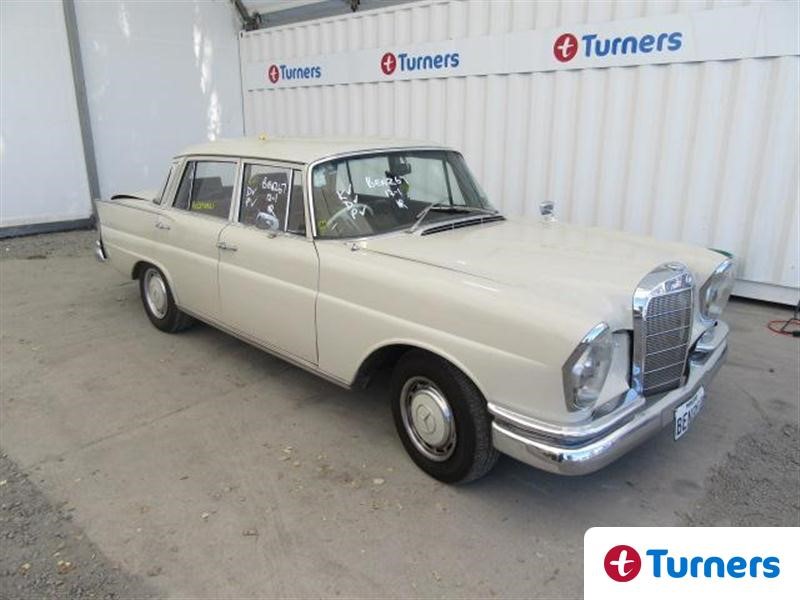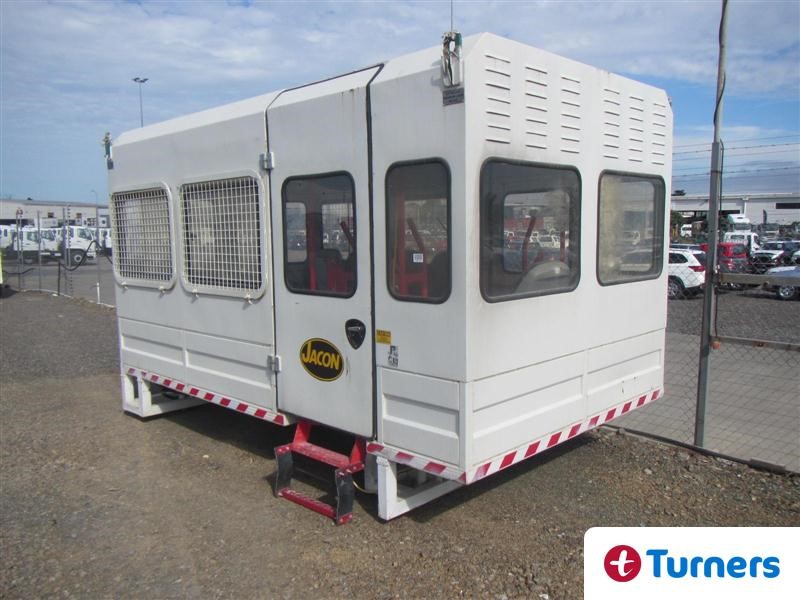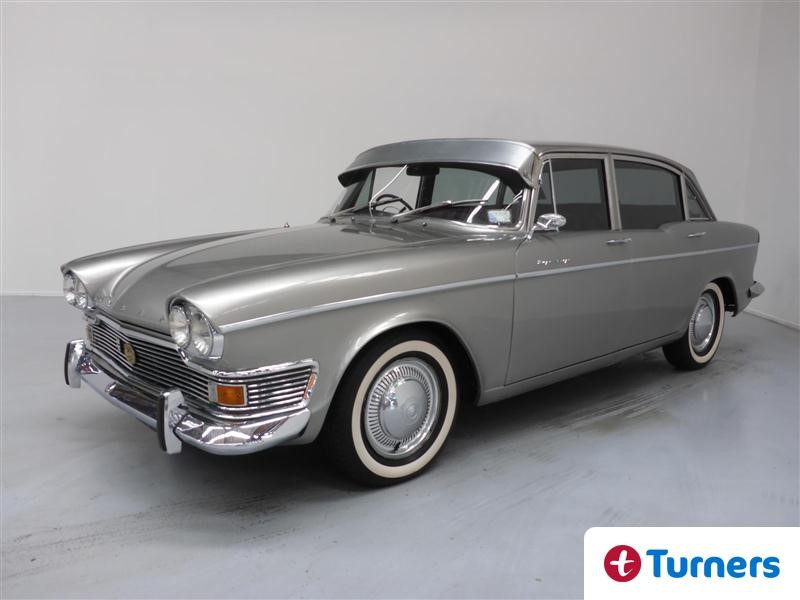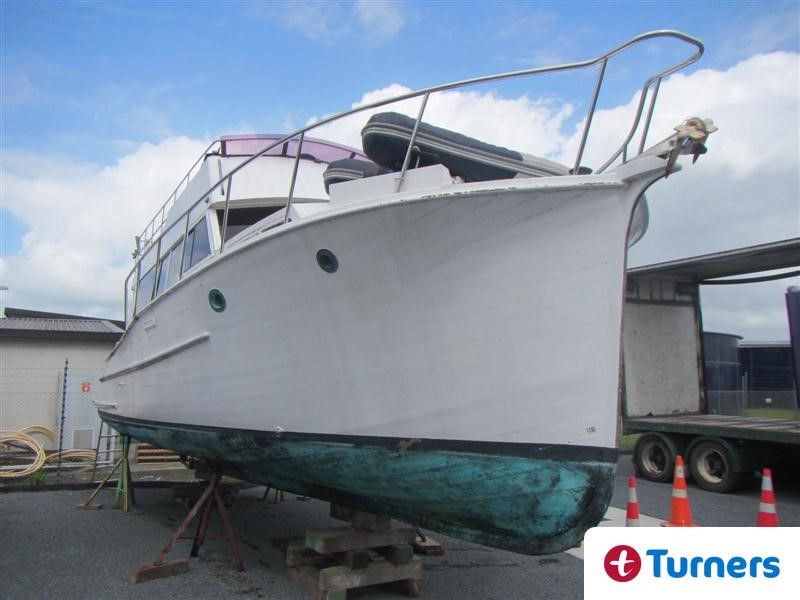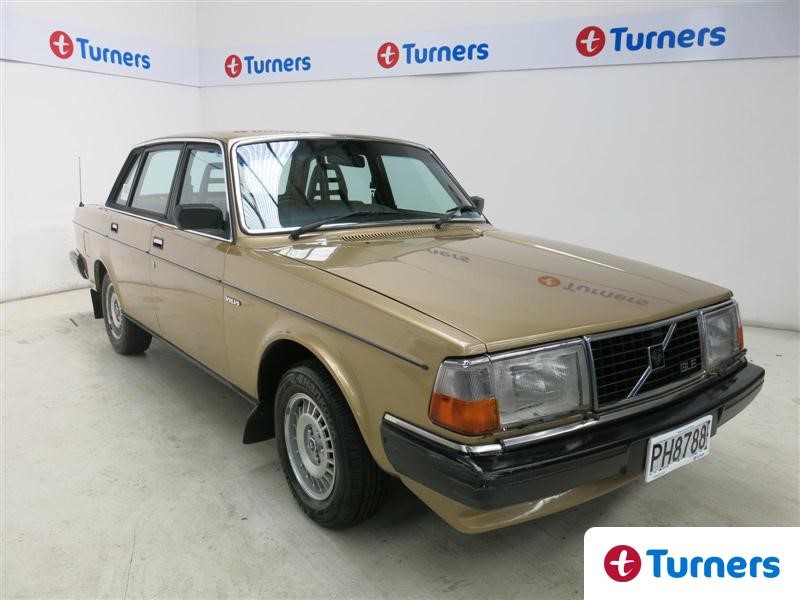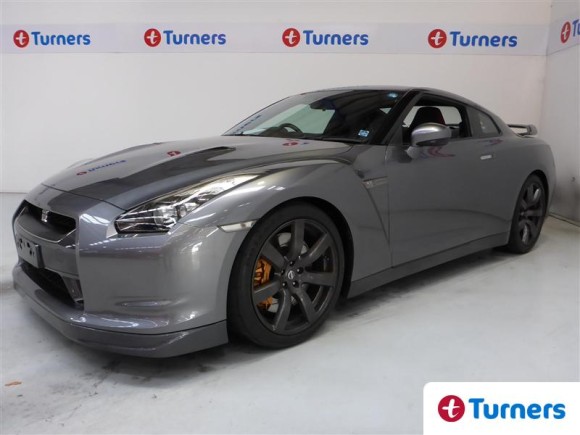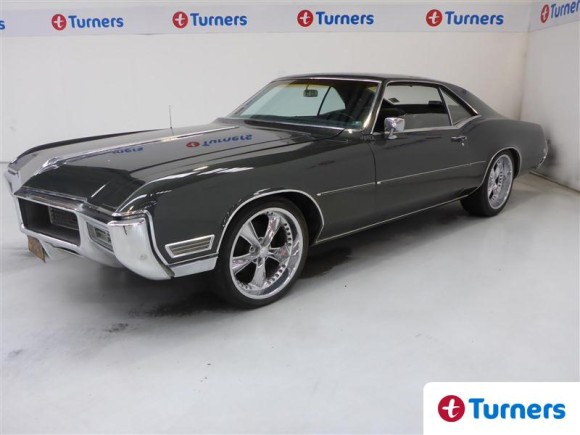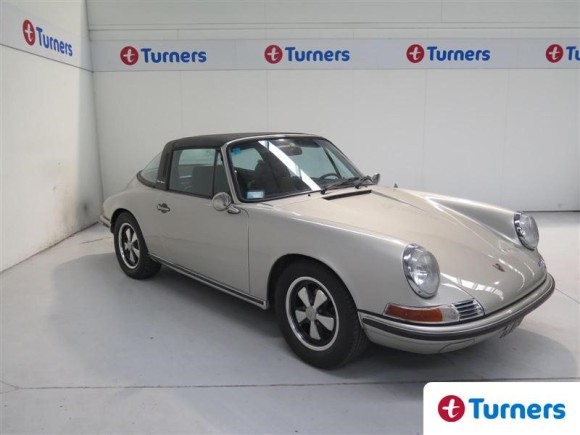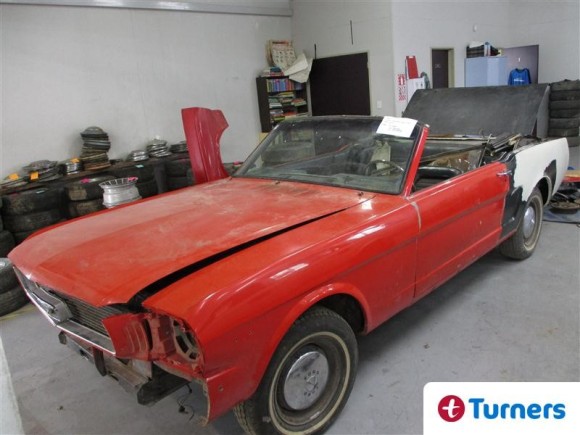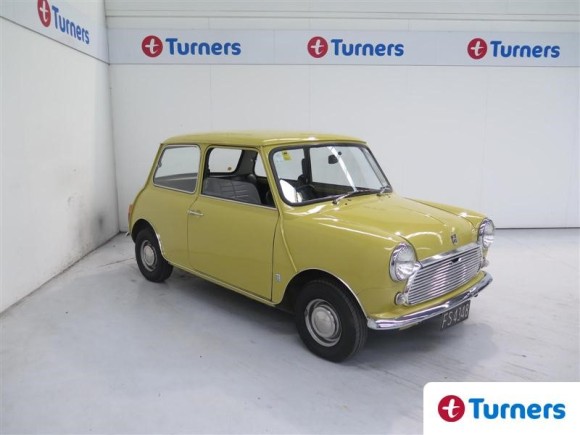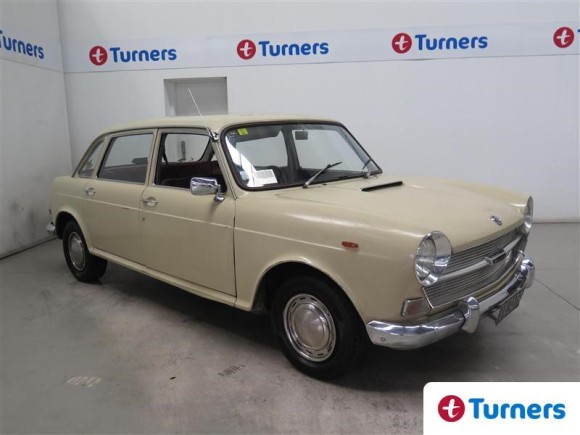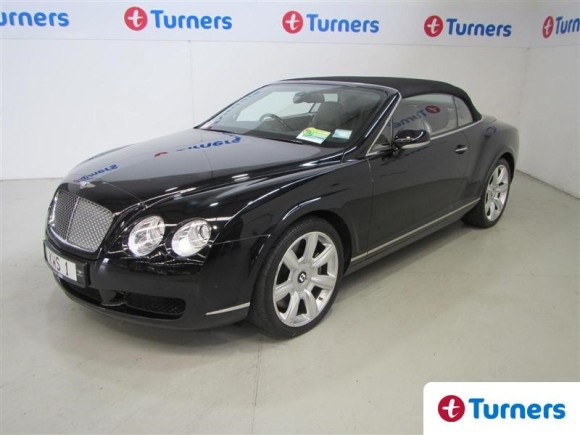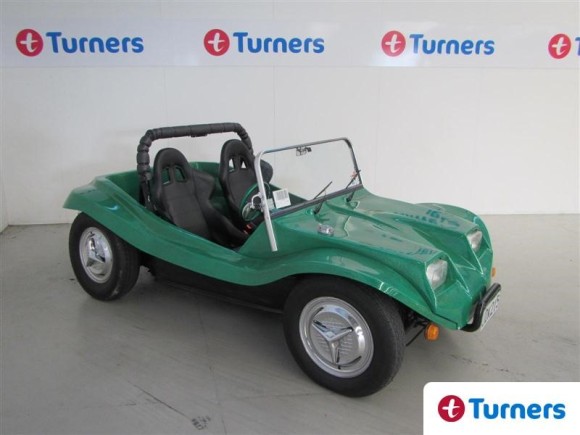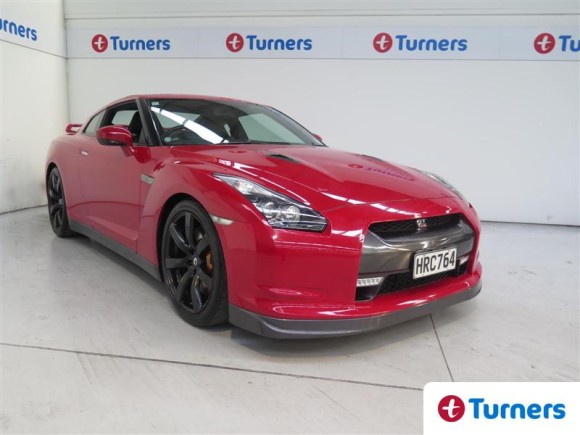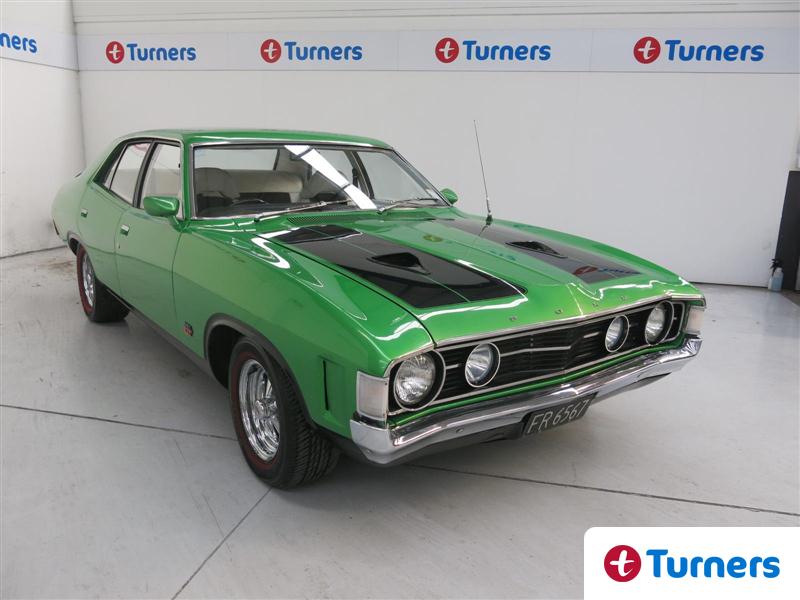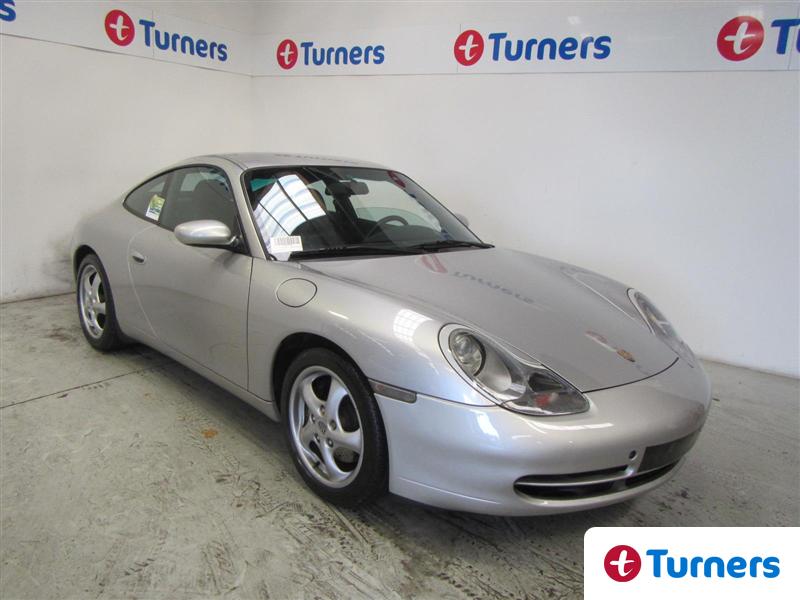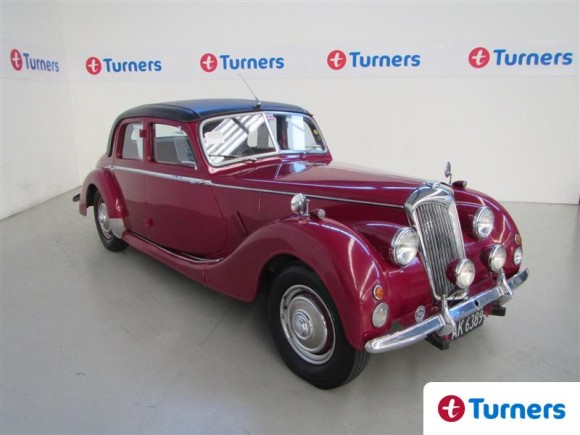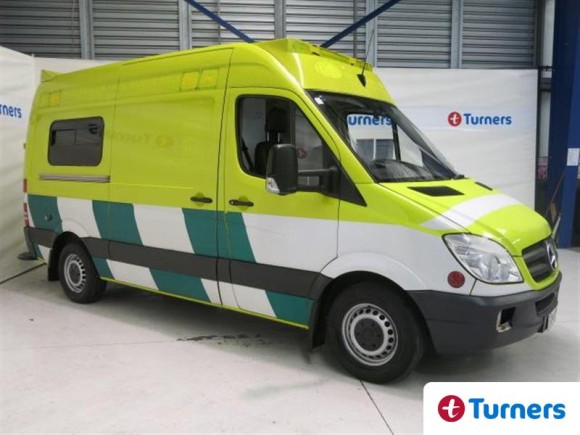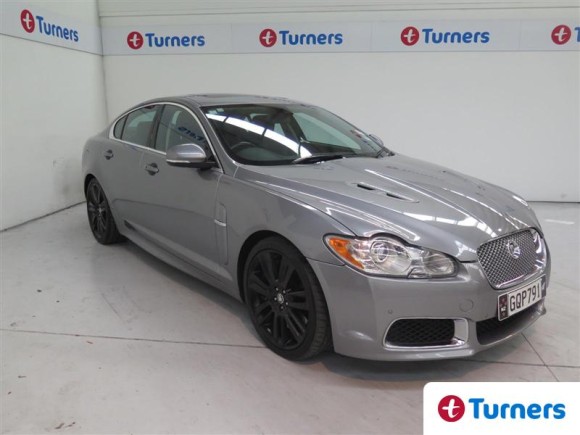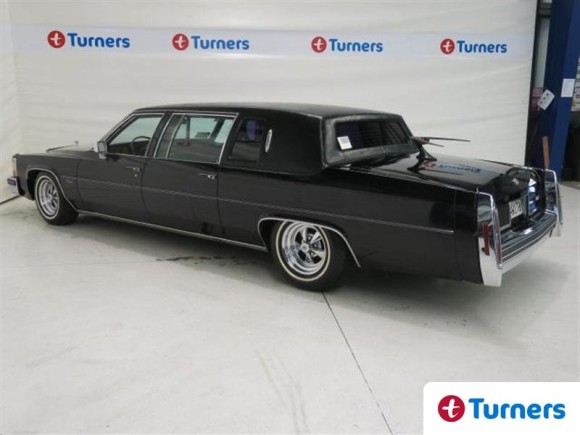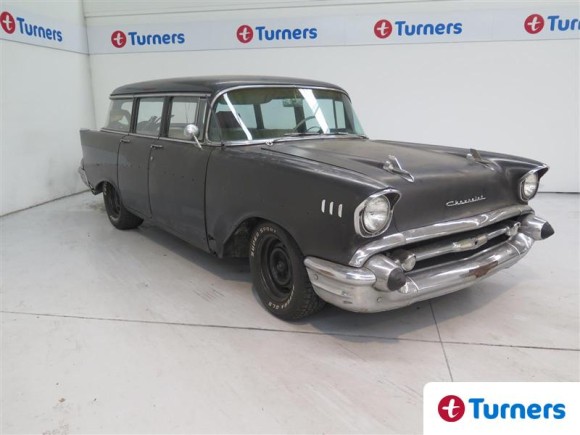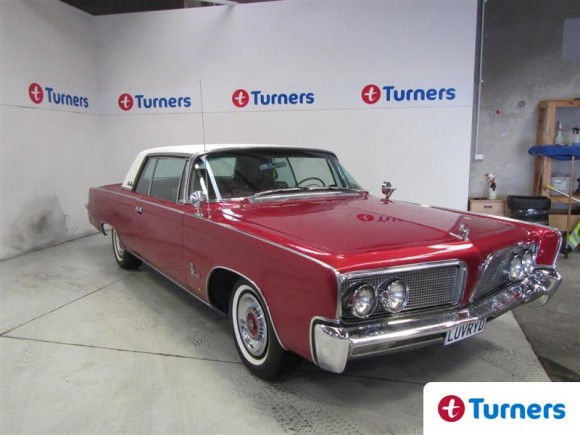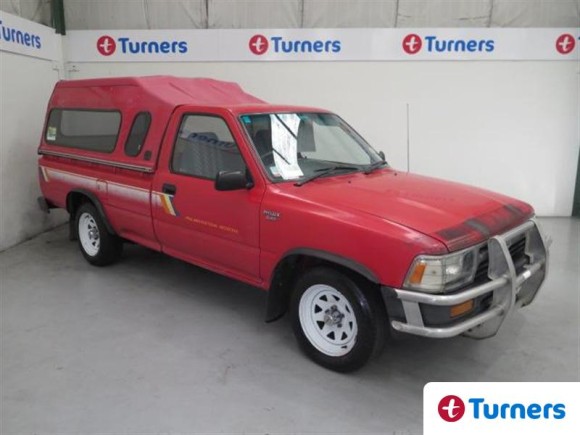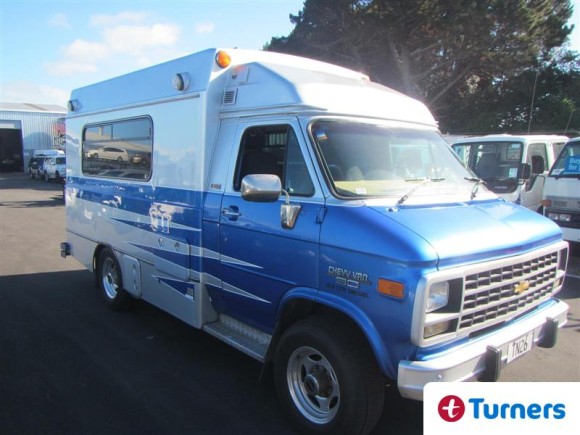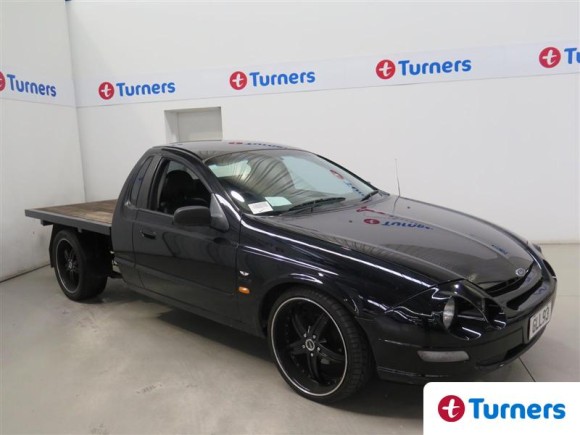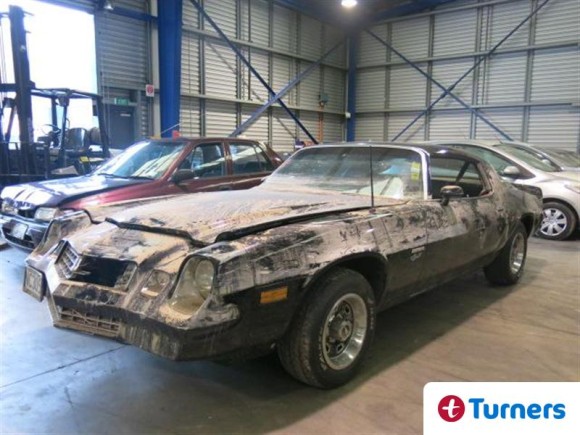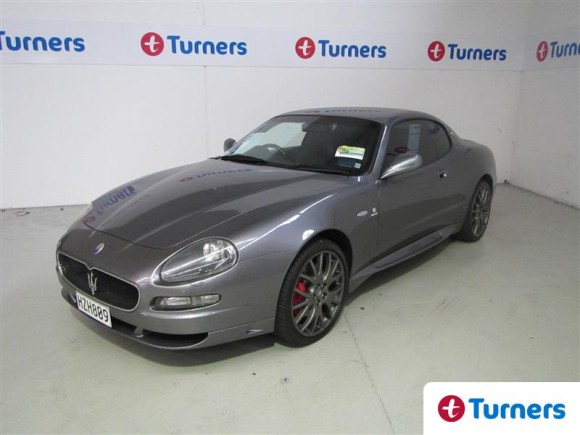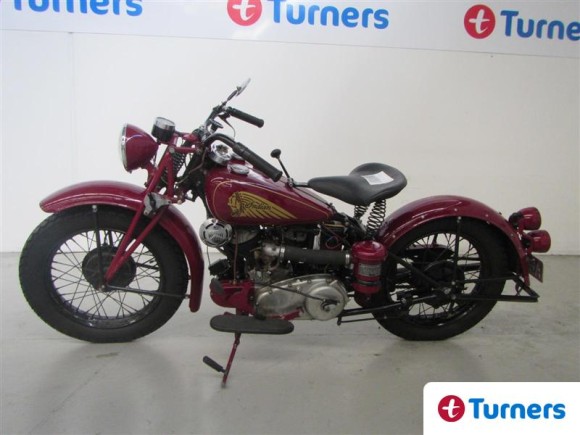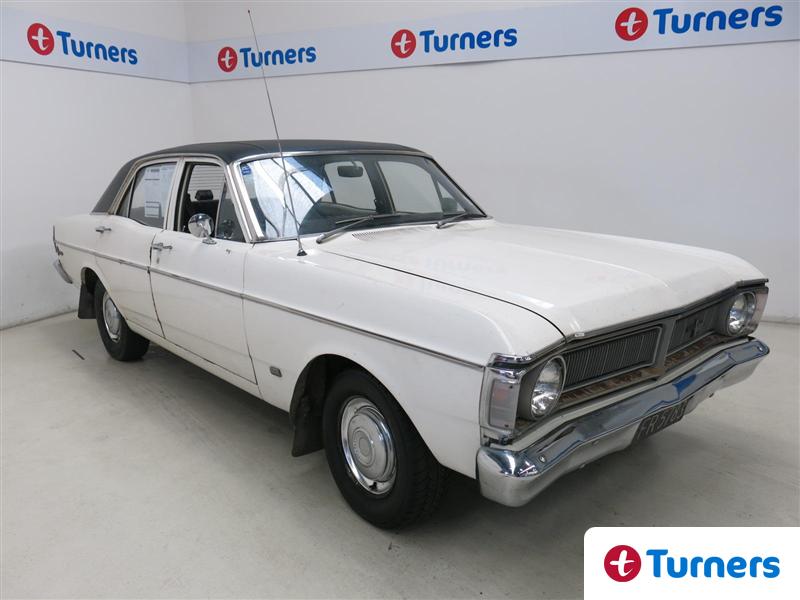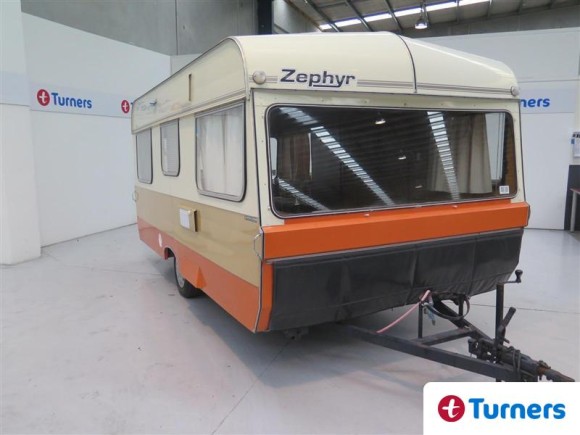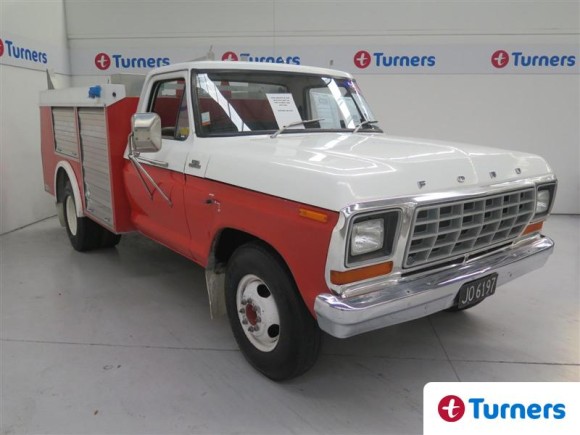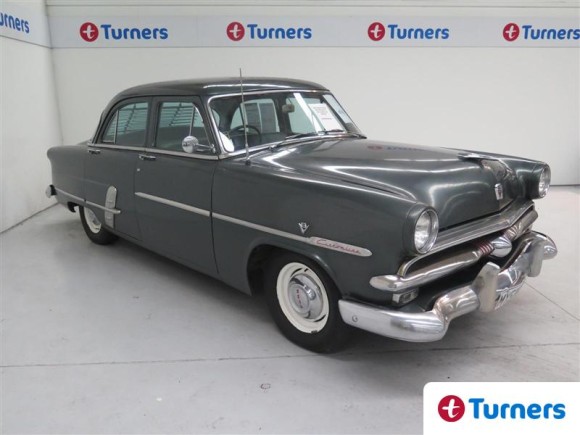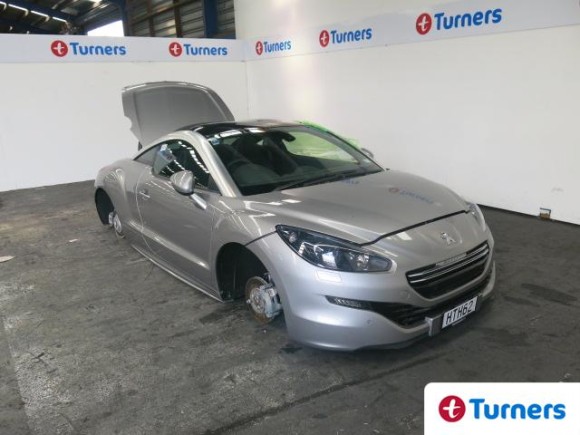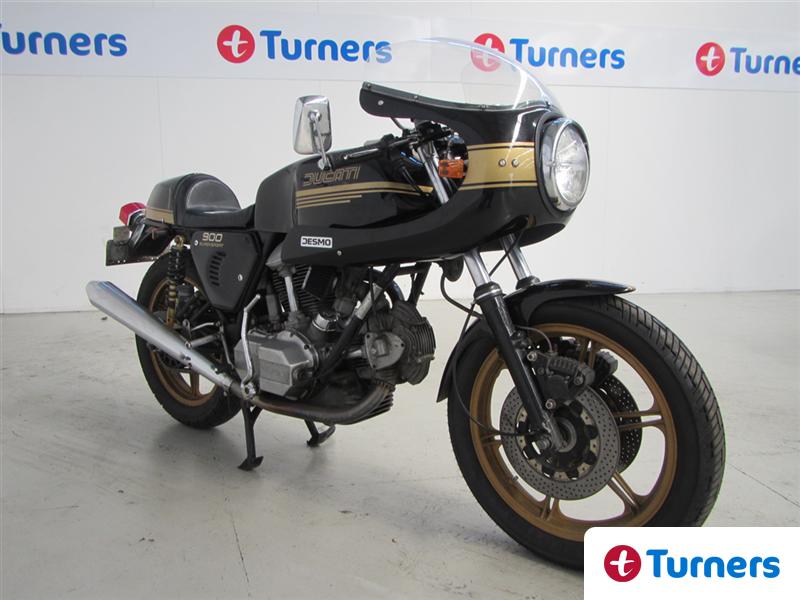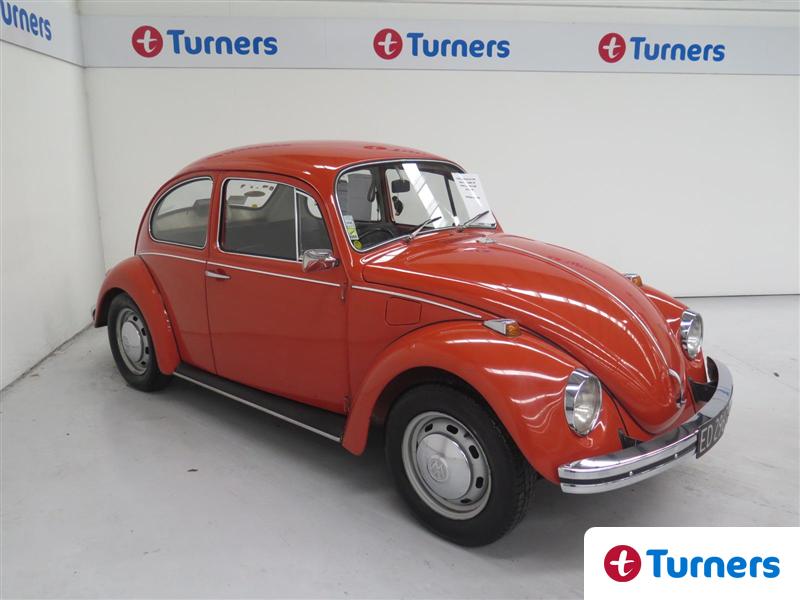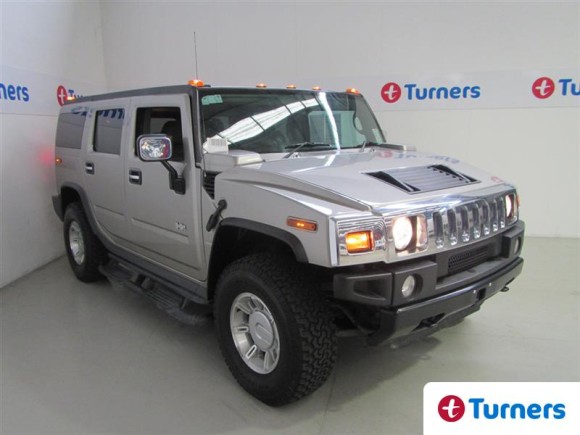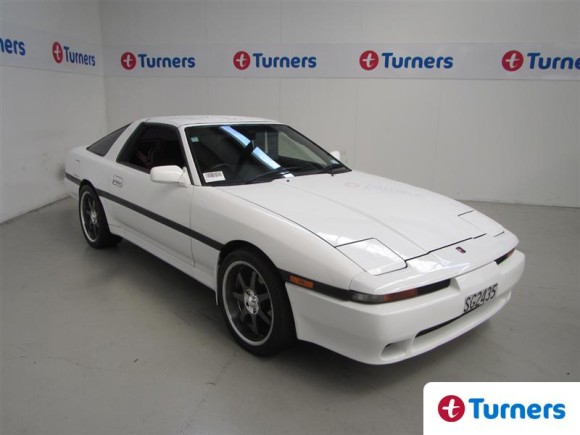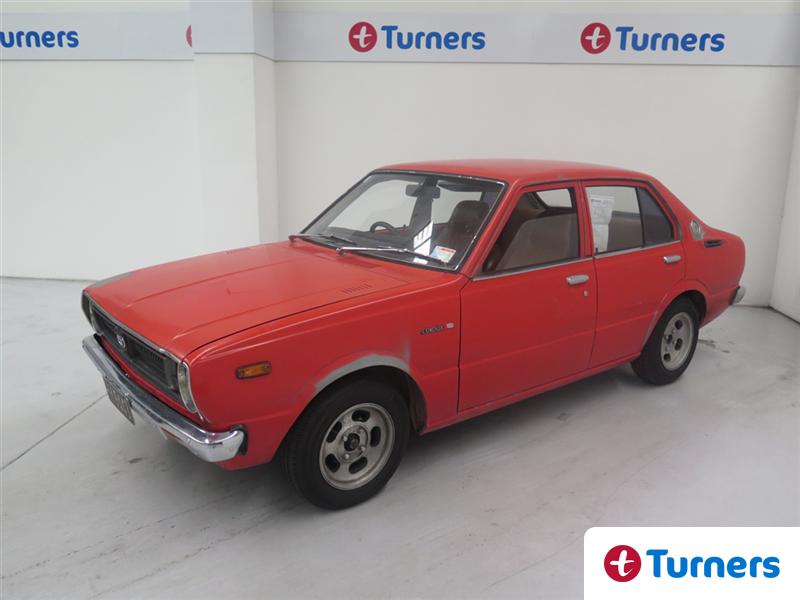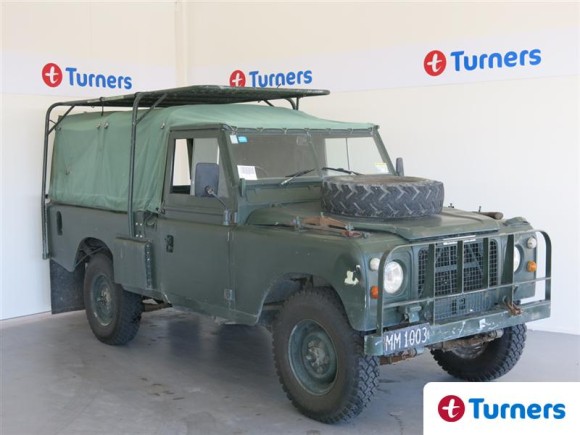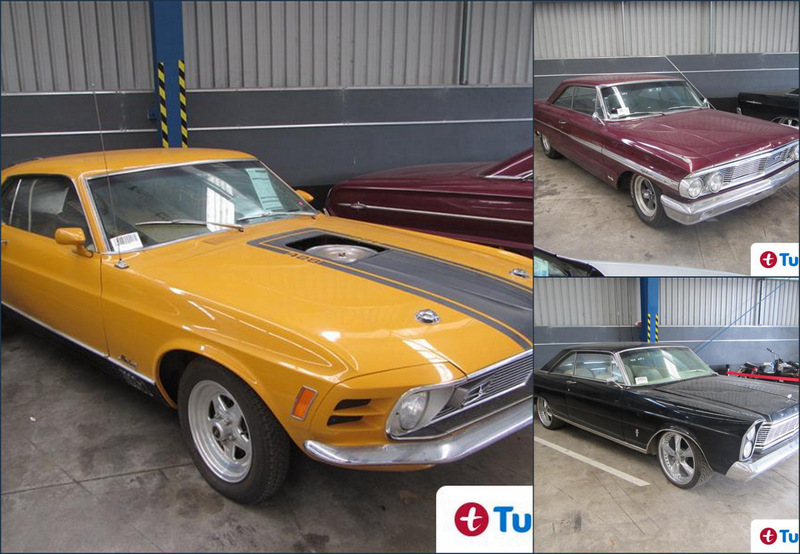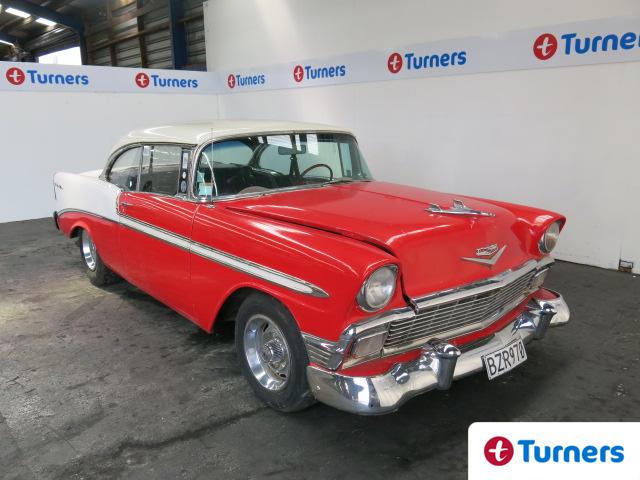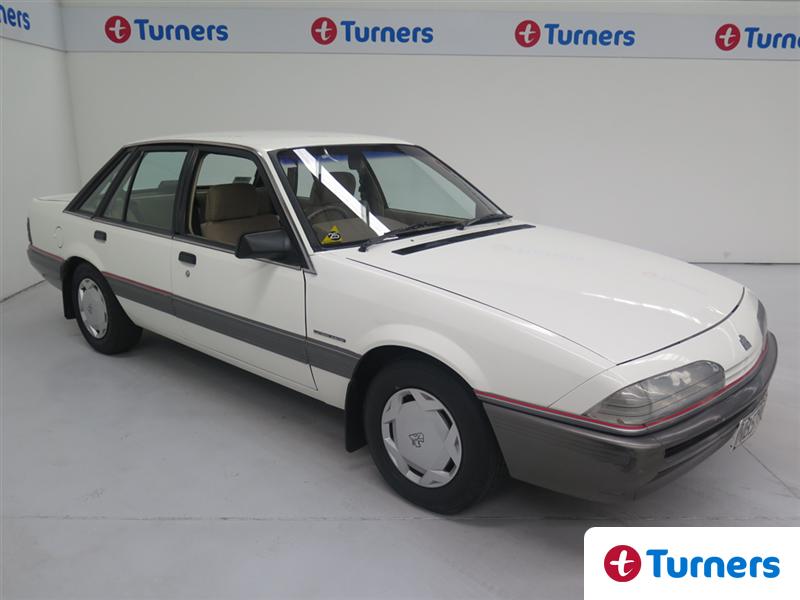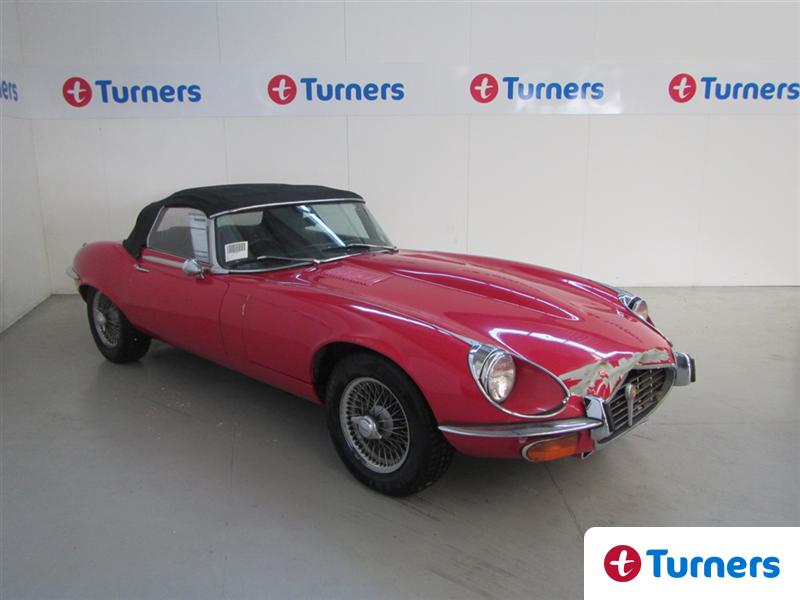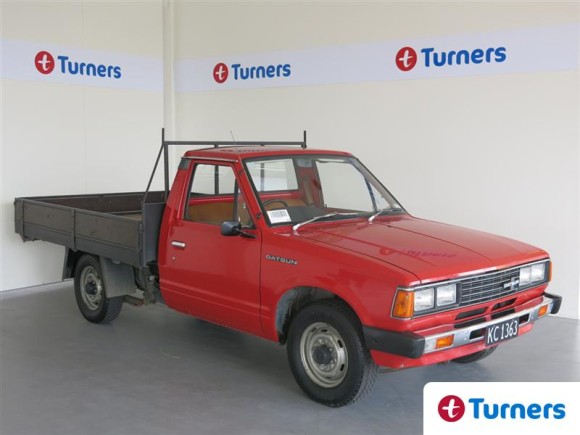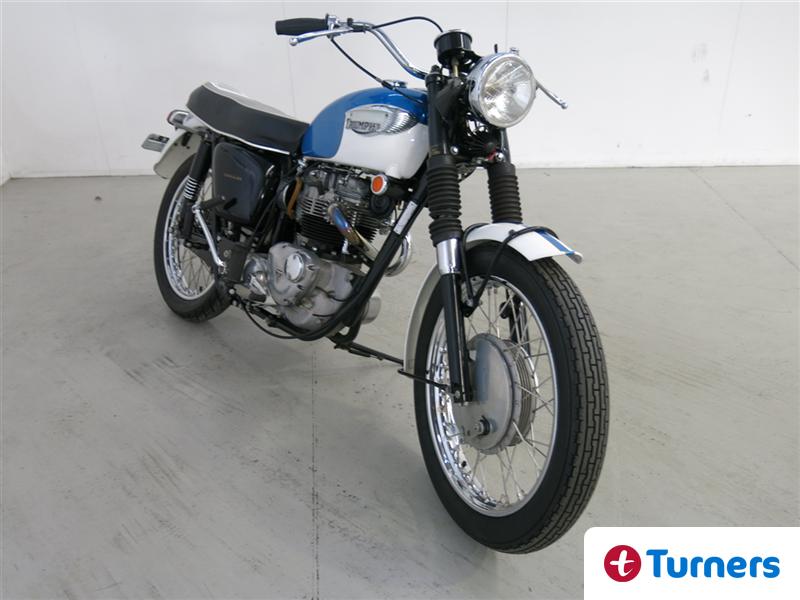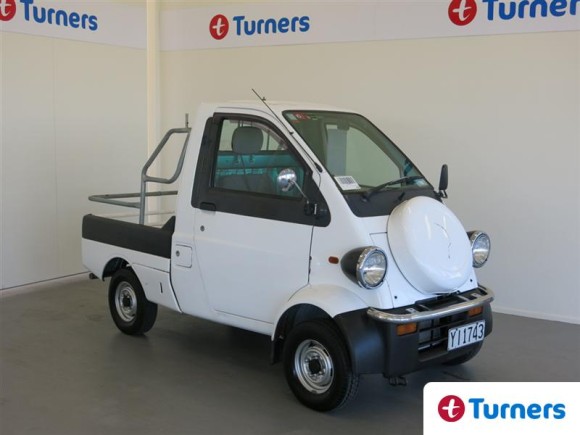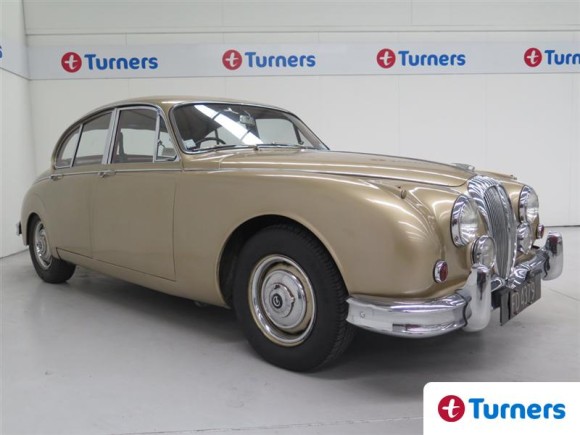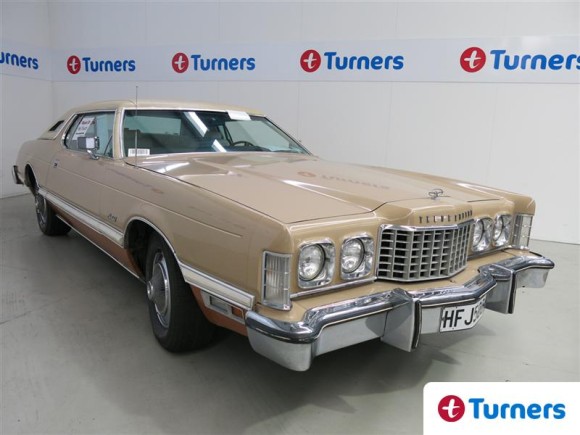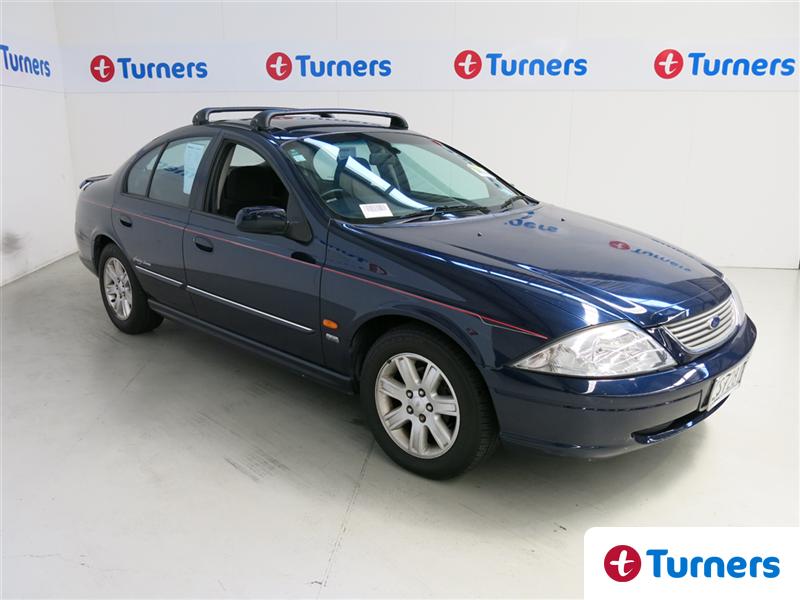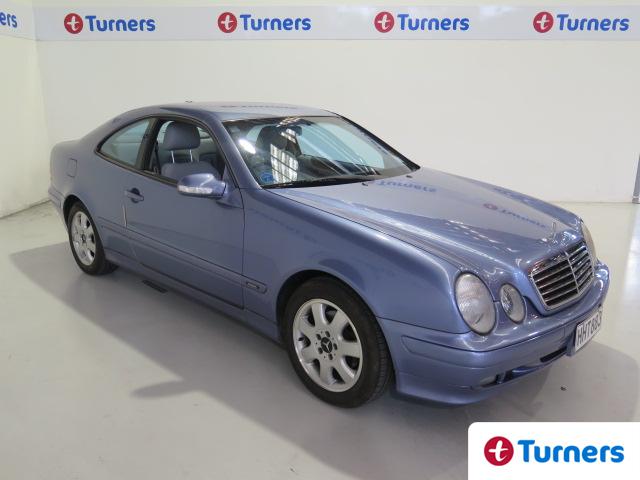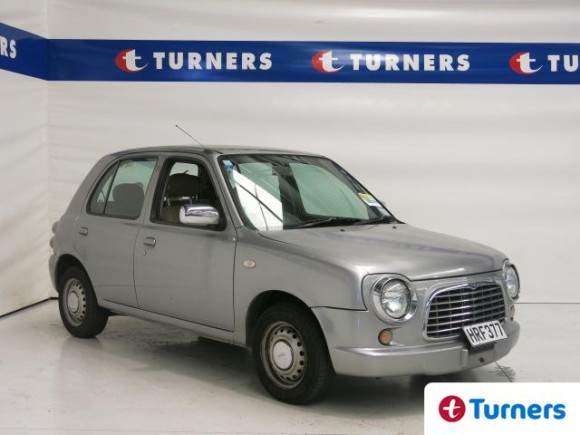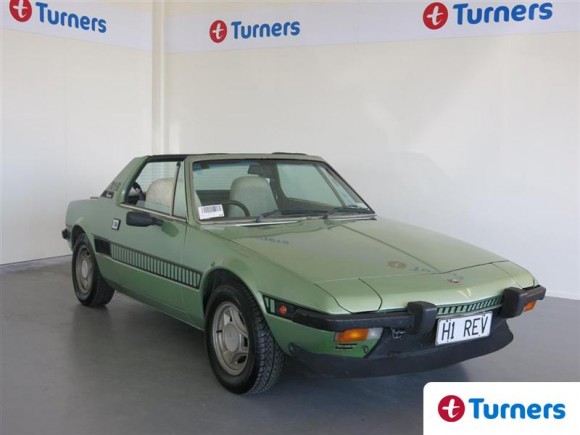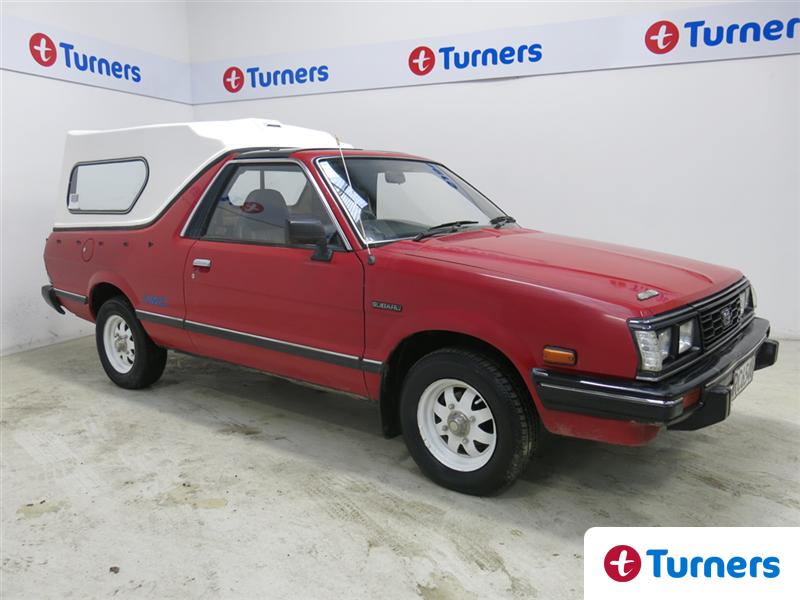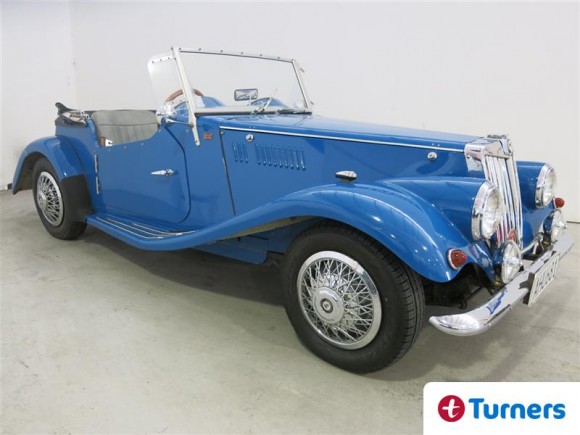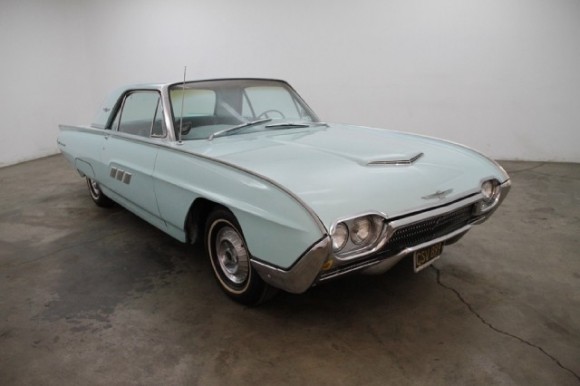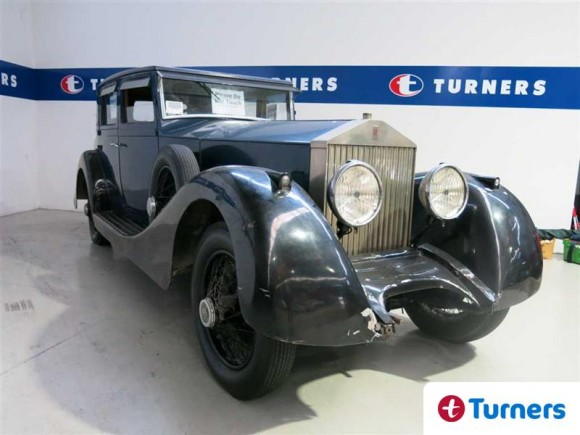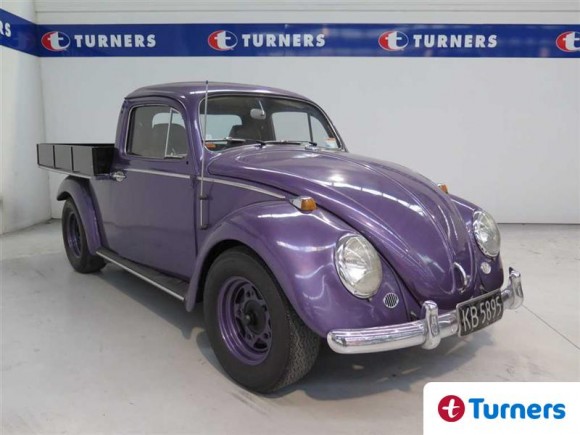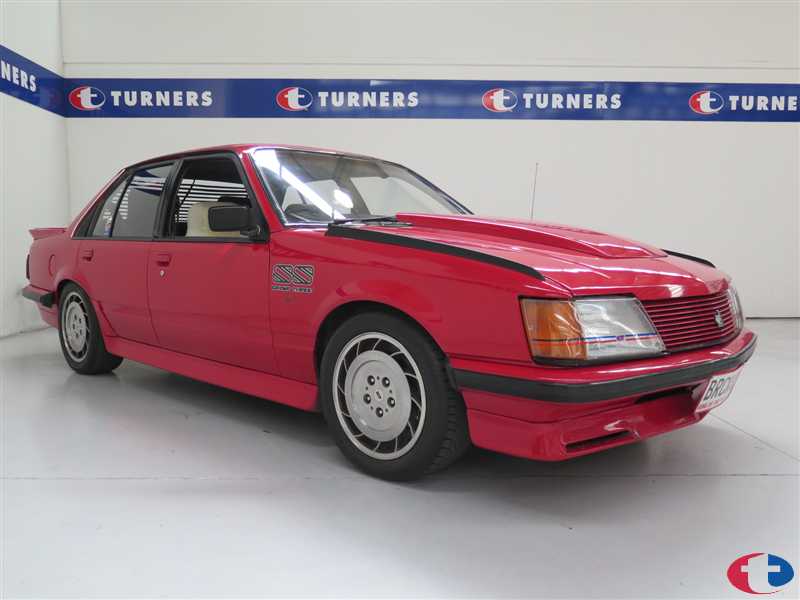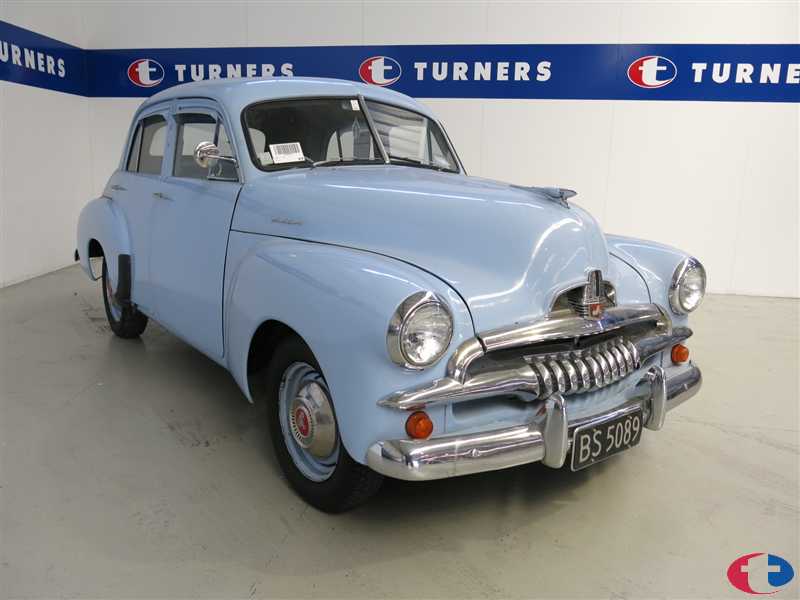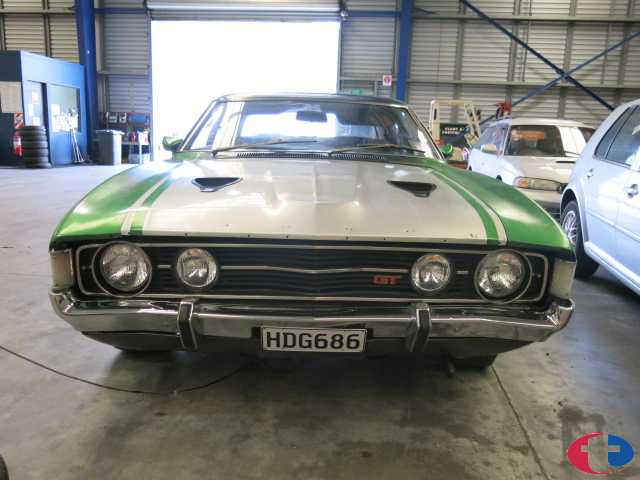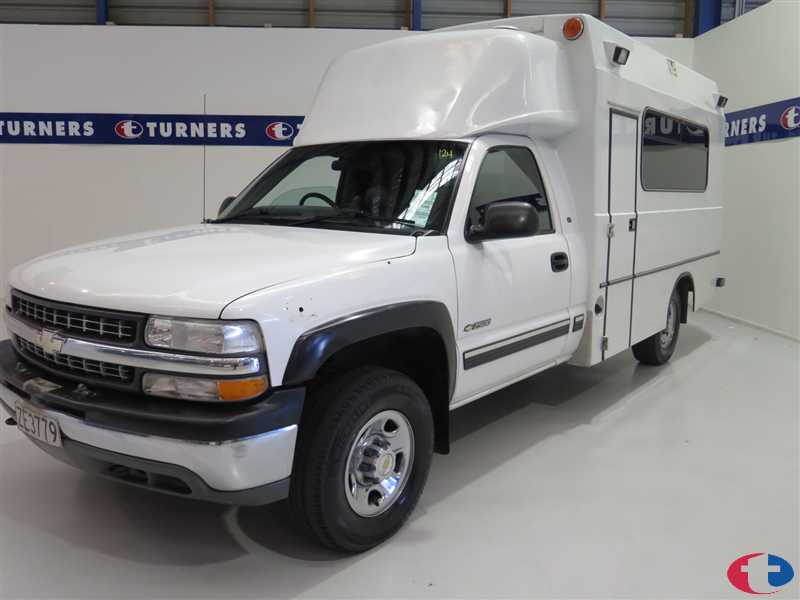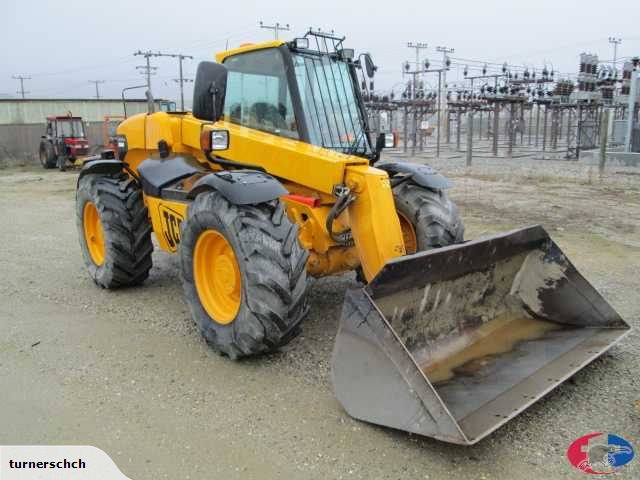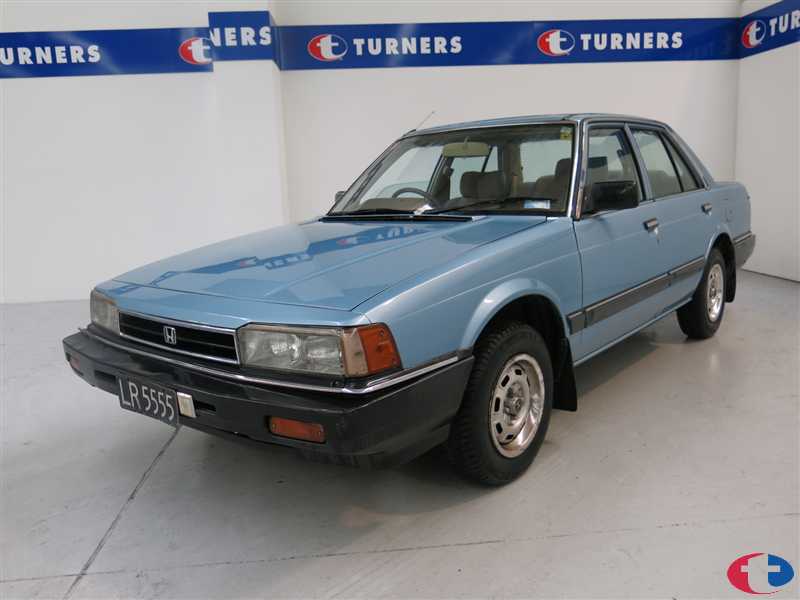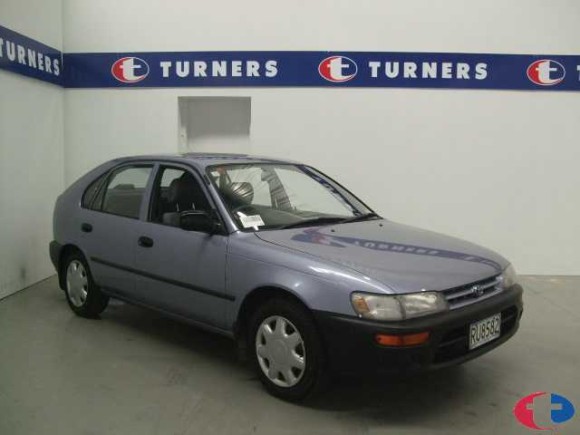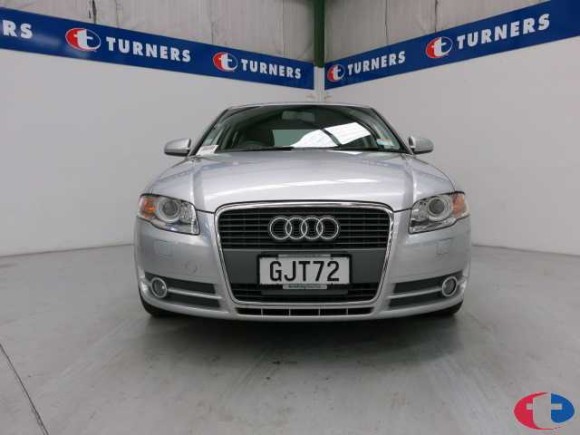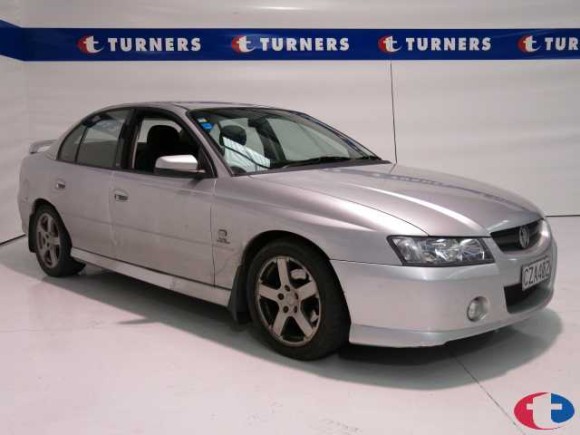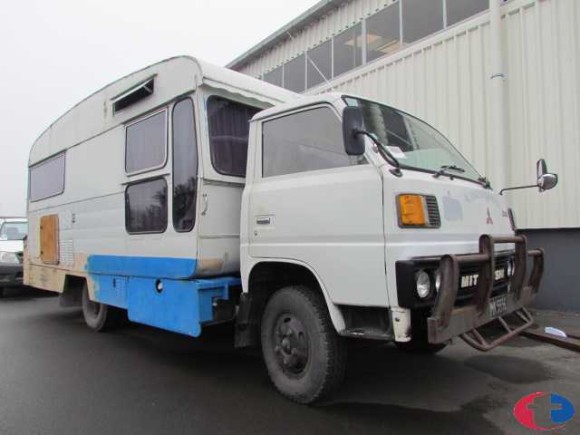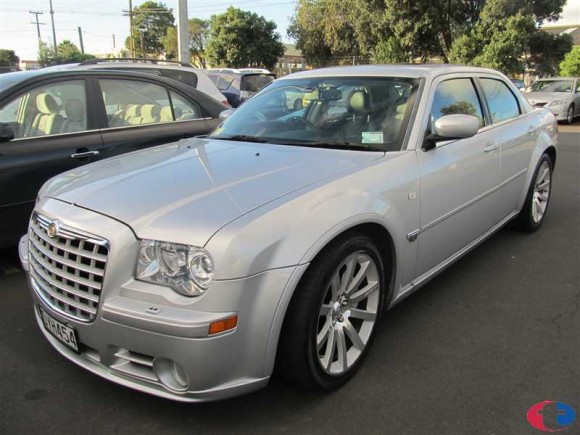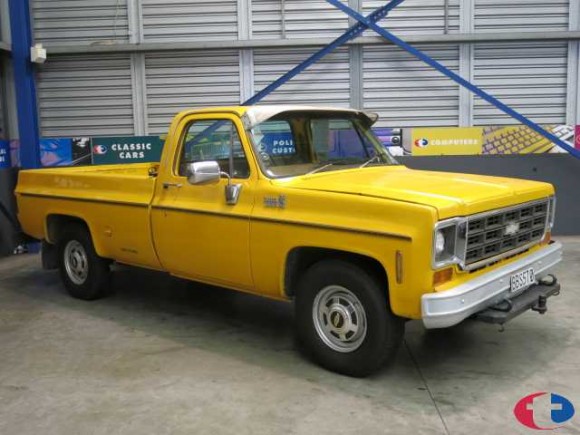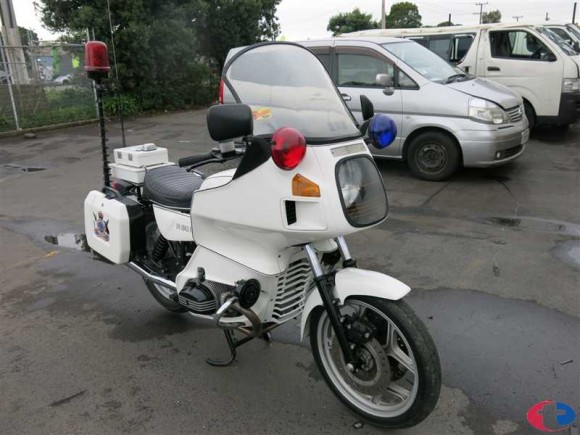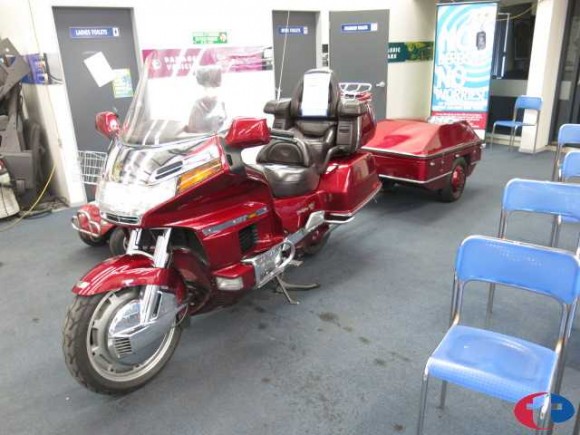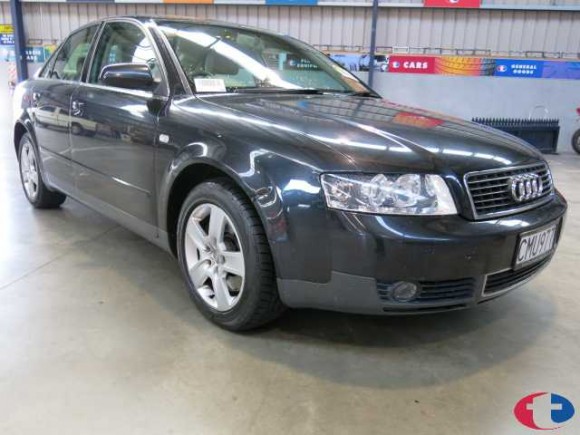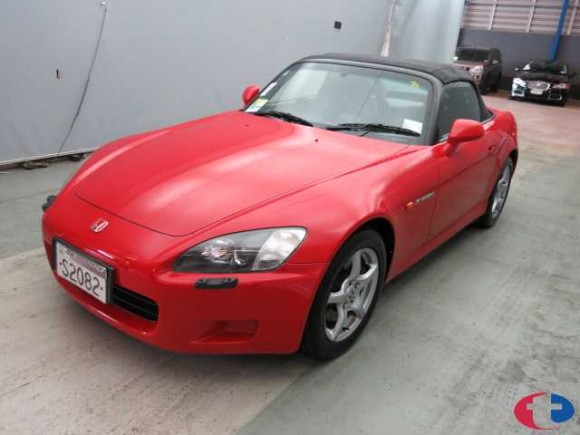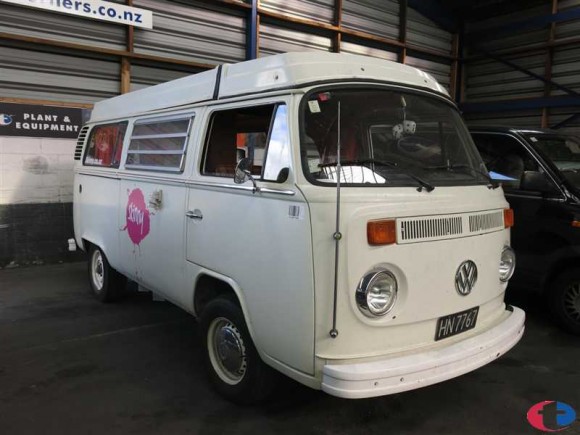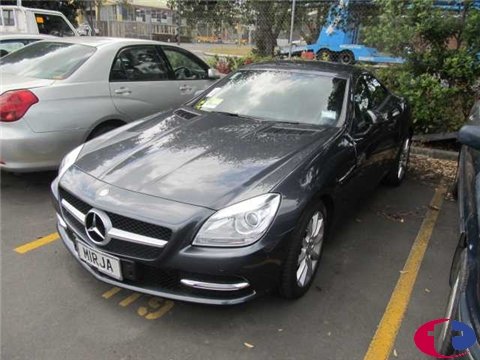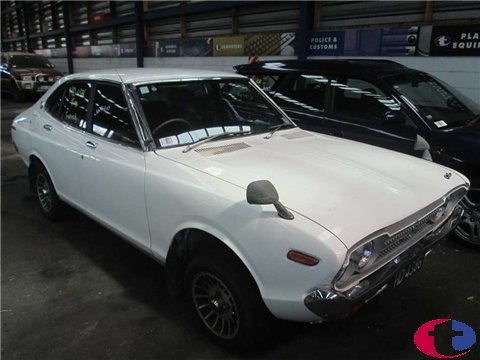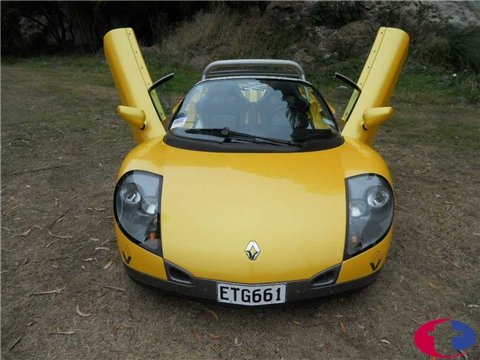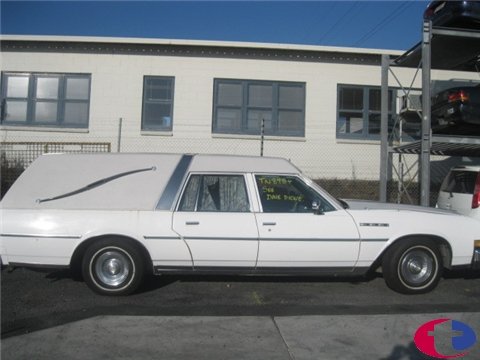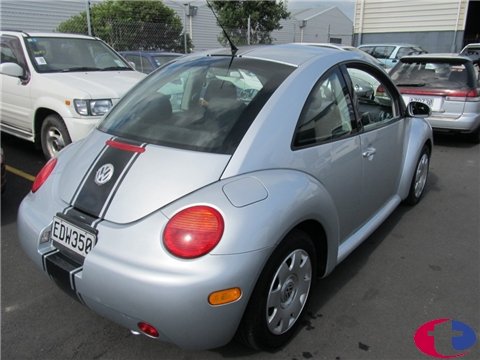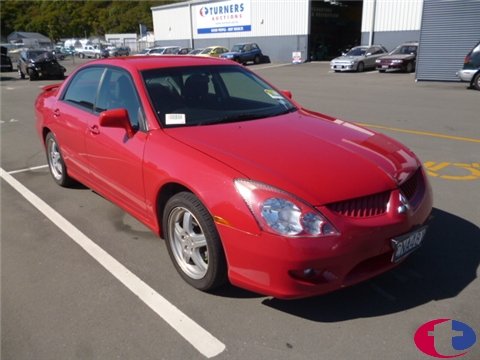
Can’t make it to an auction? Don’t worry, you can bid or view from the comfort of your home, office using Turners Live.

What is Turners Live?
Turners Live NZ's first stand alone program in New Zealand that allows you to View, Bid and Buy from any of our 16 Turners Auctions branches without having to attend the Physical auction. In 2008, 21% of all vehicles were sold via Turners Live.
Simplified Installation
Large Screen size
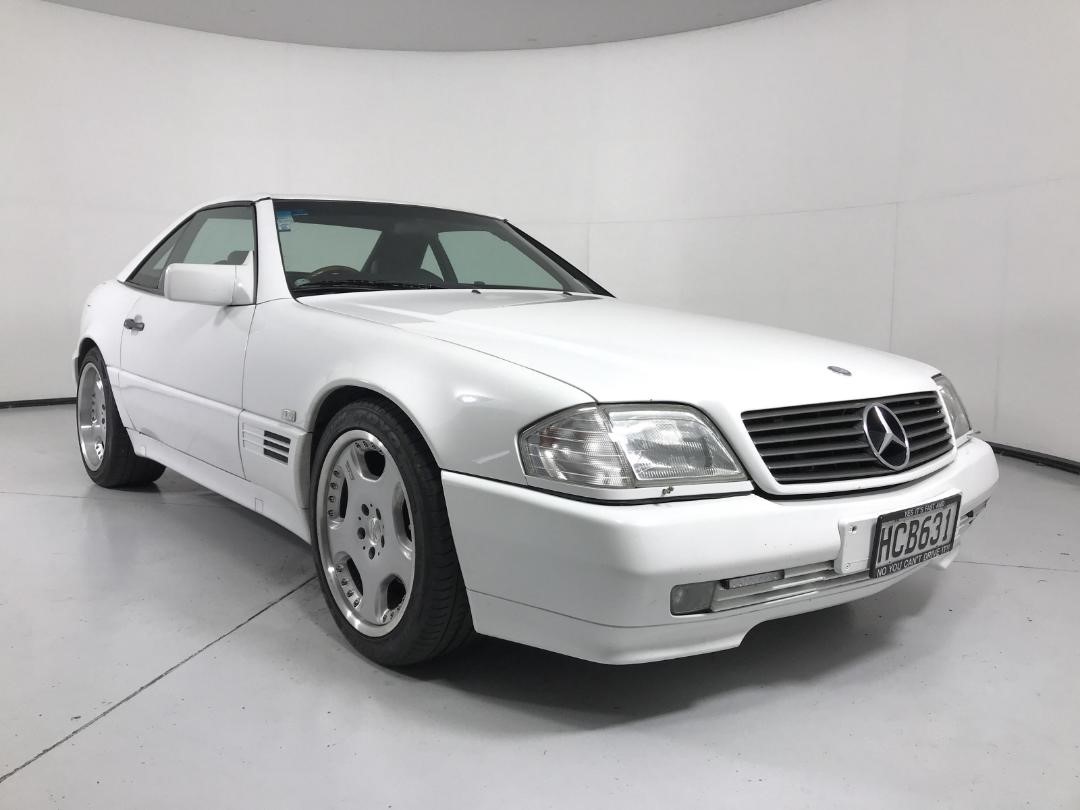
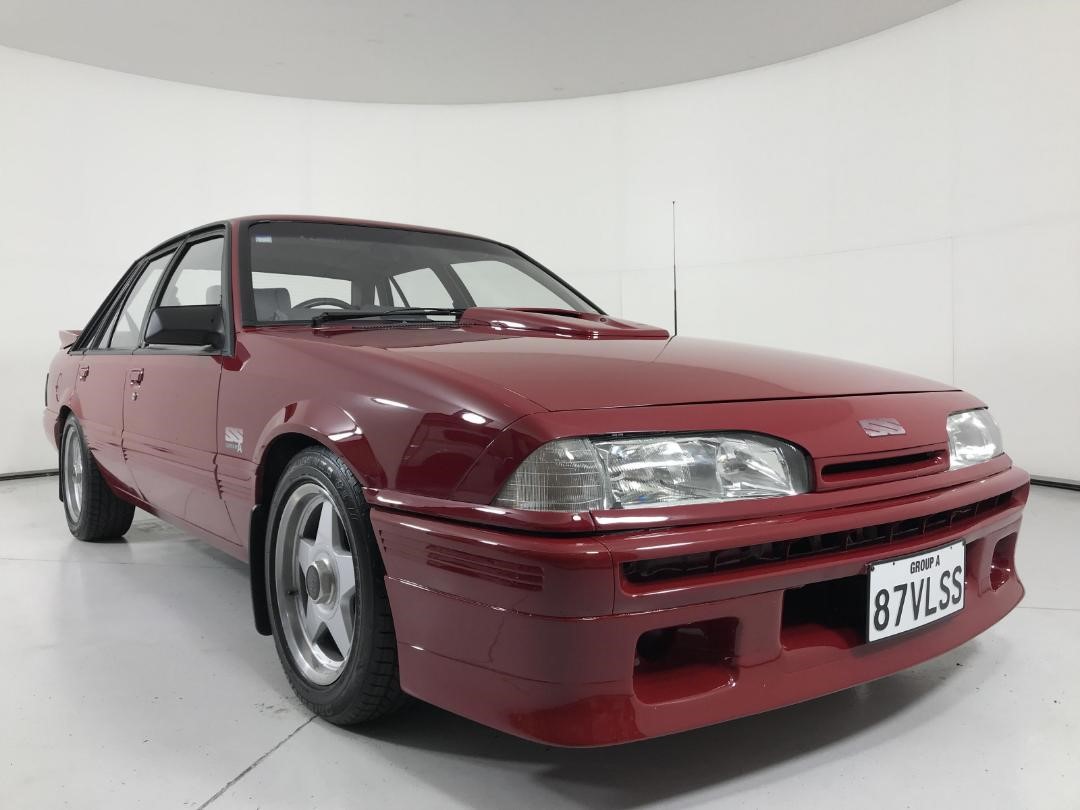
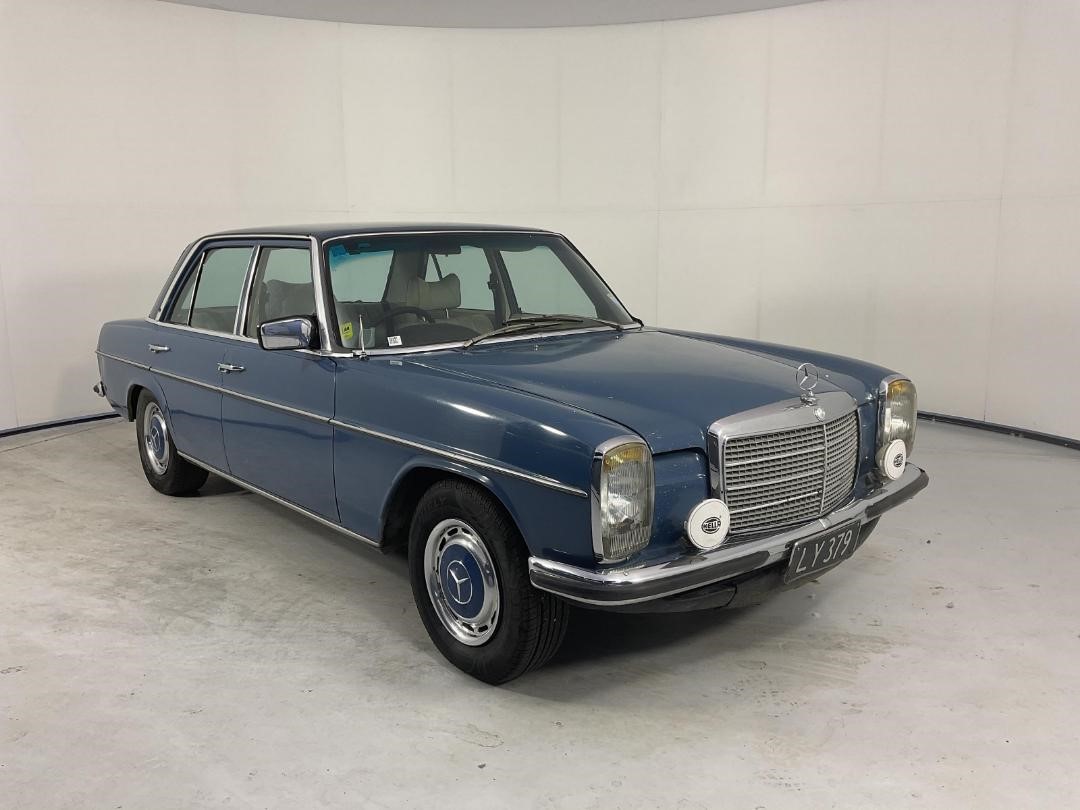
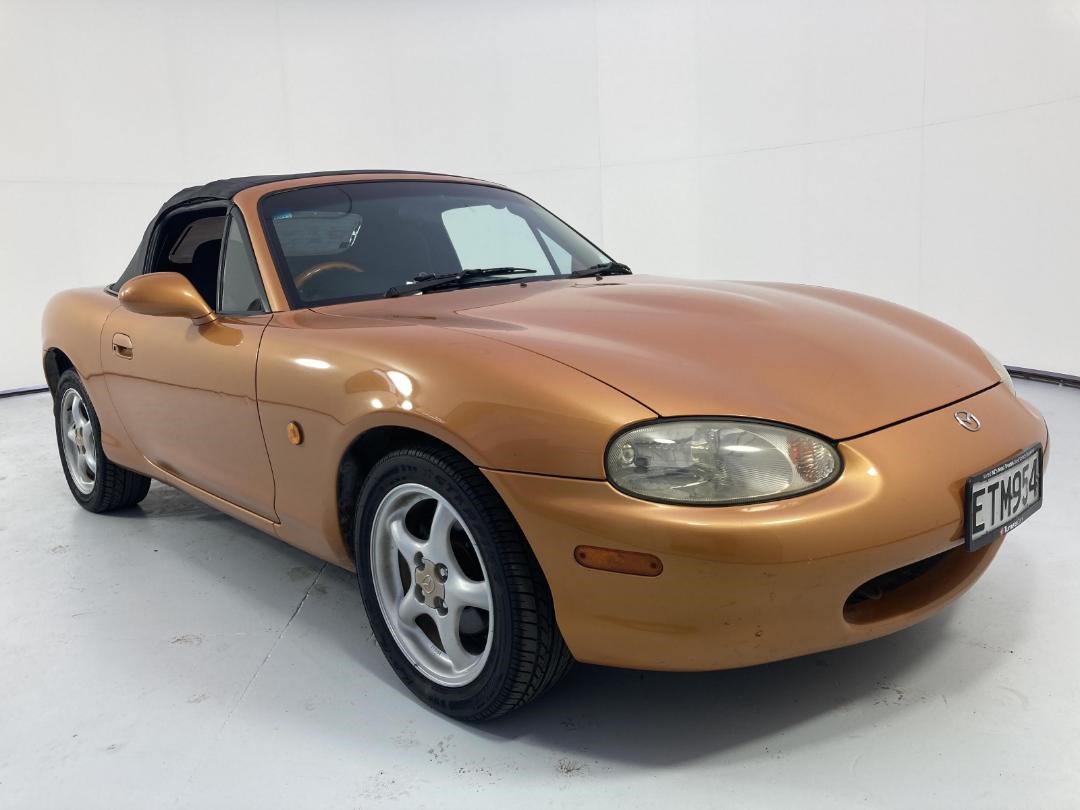
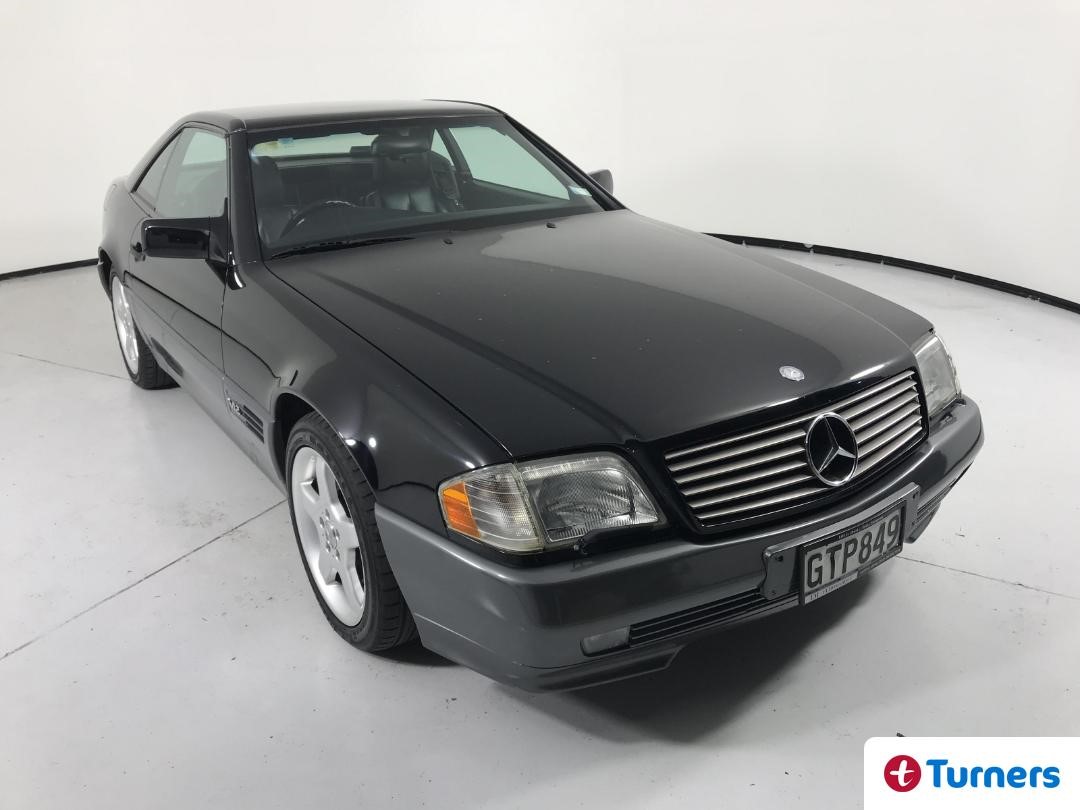
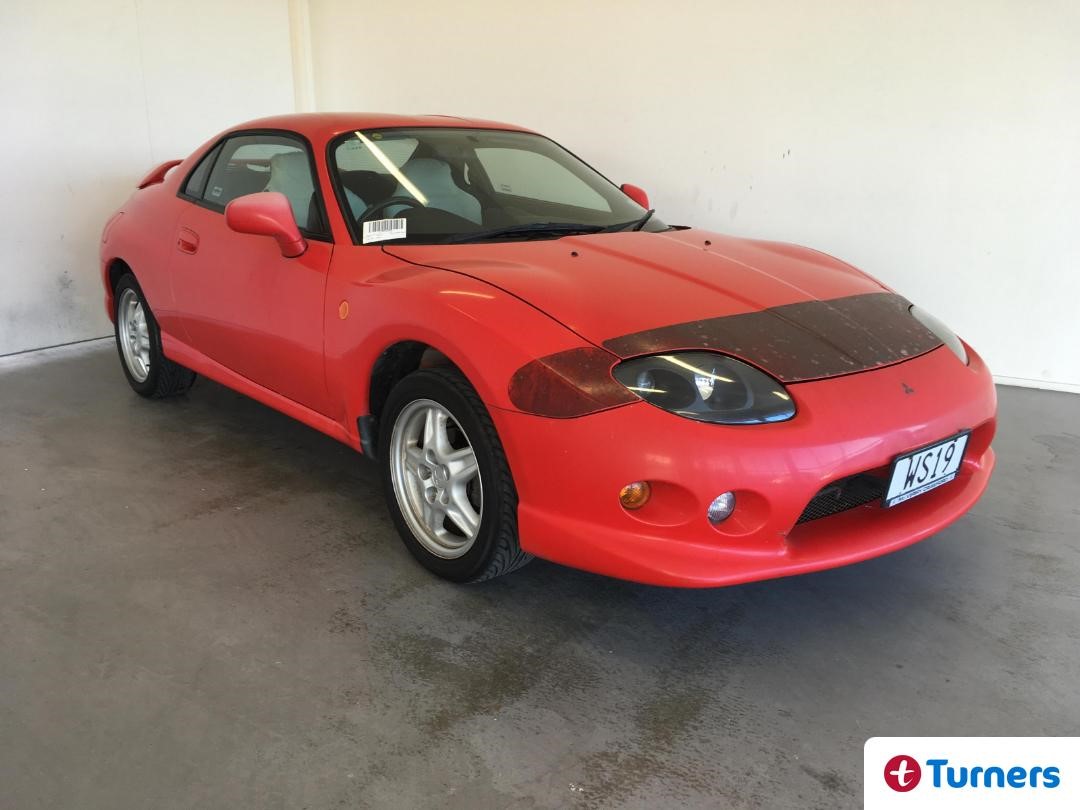
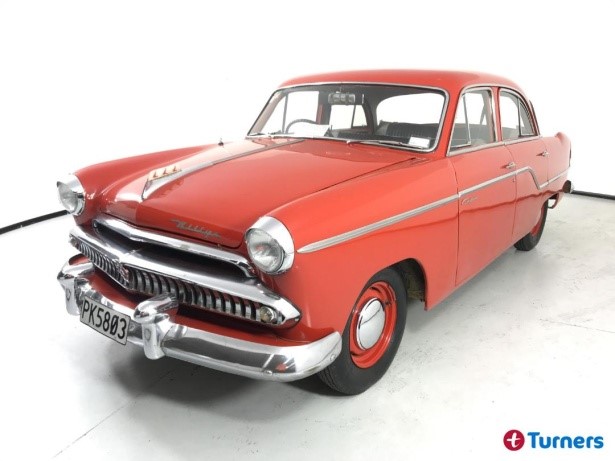
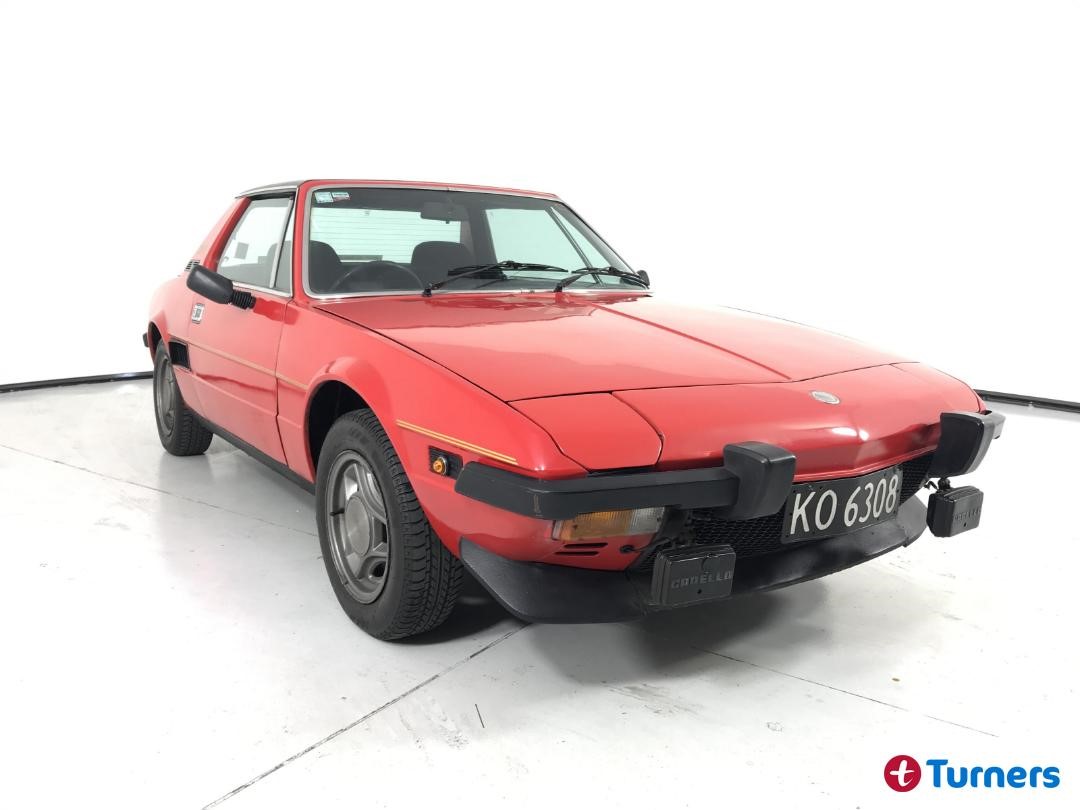
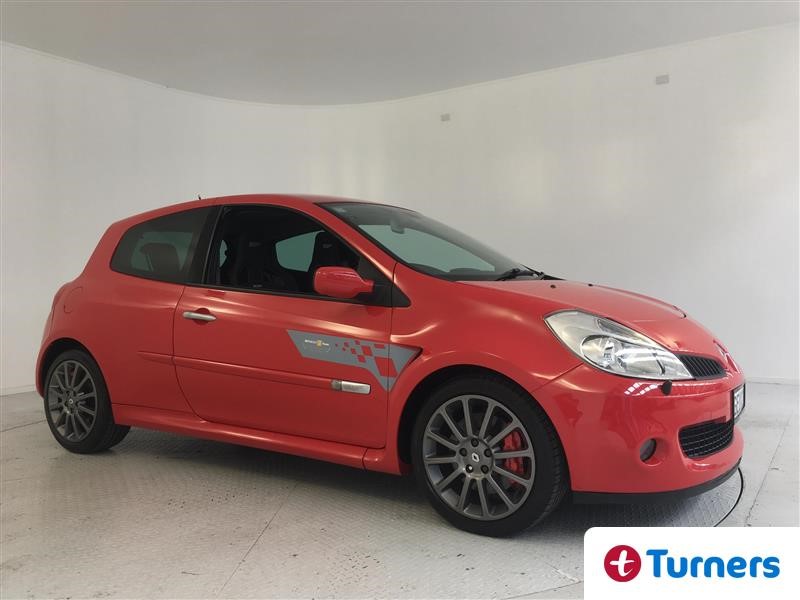
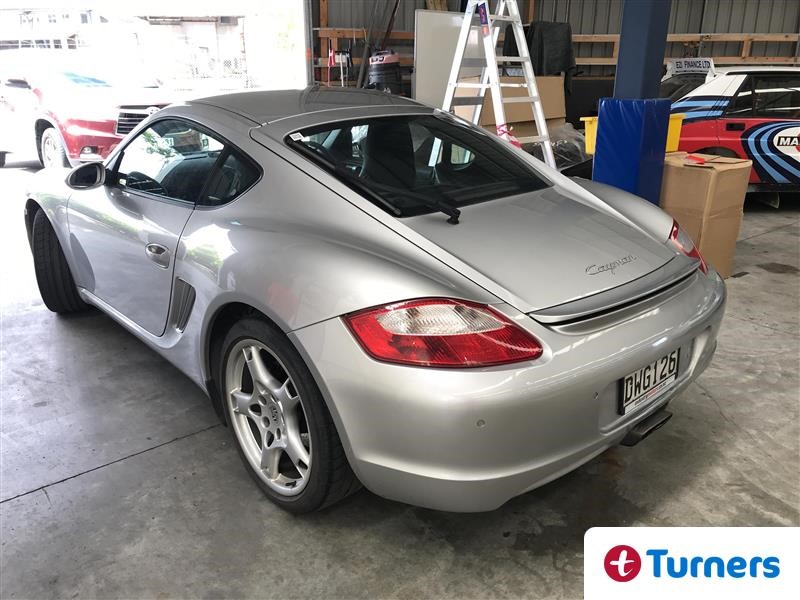
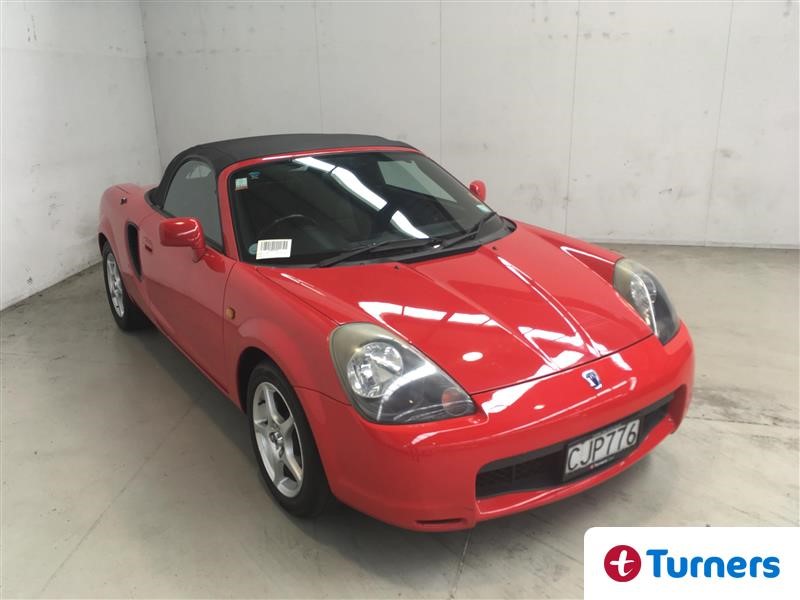
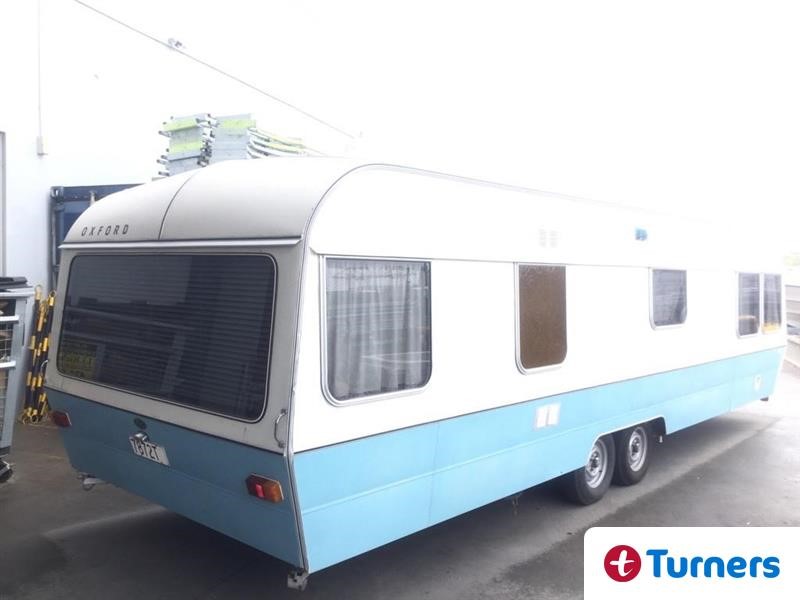
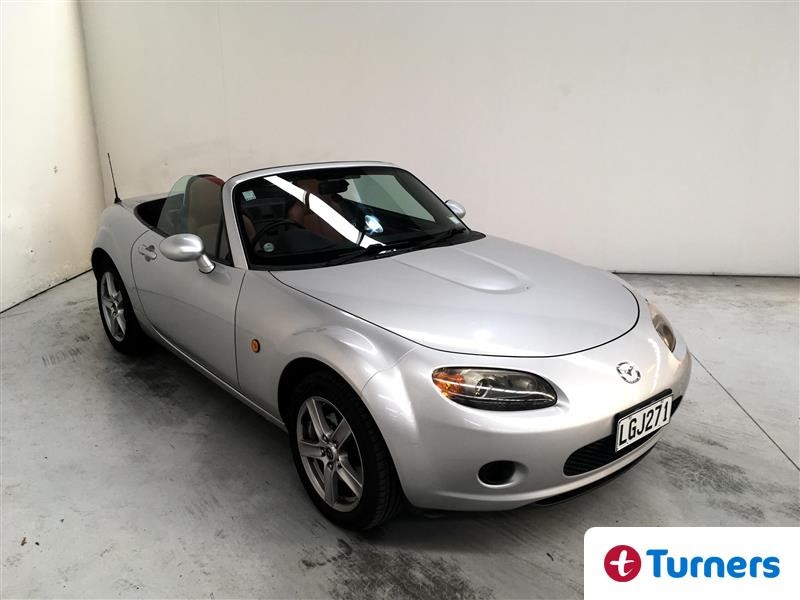
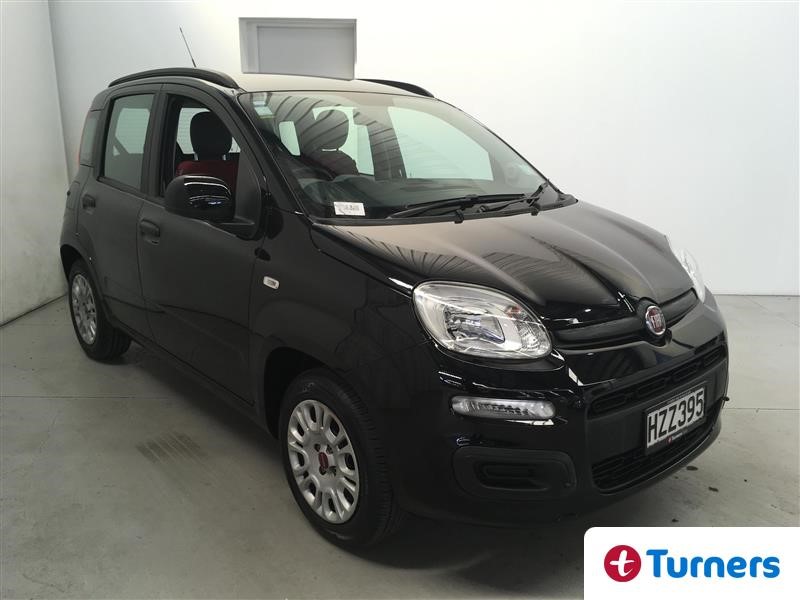
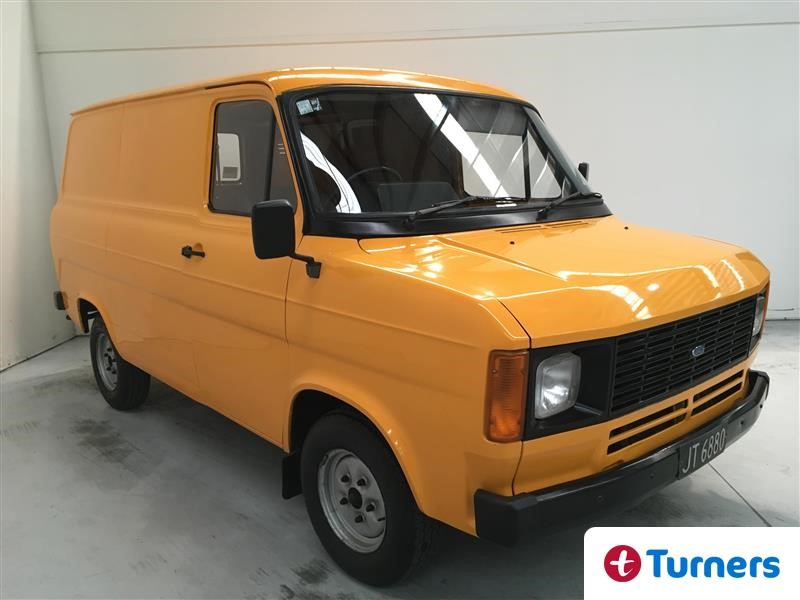
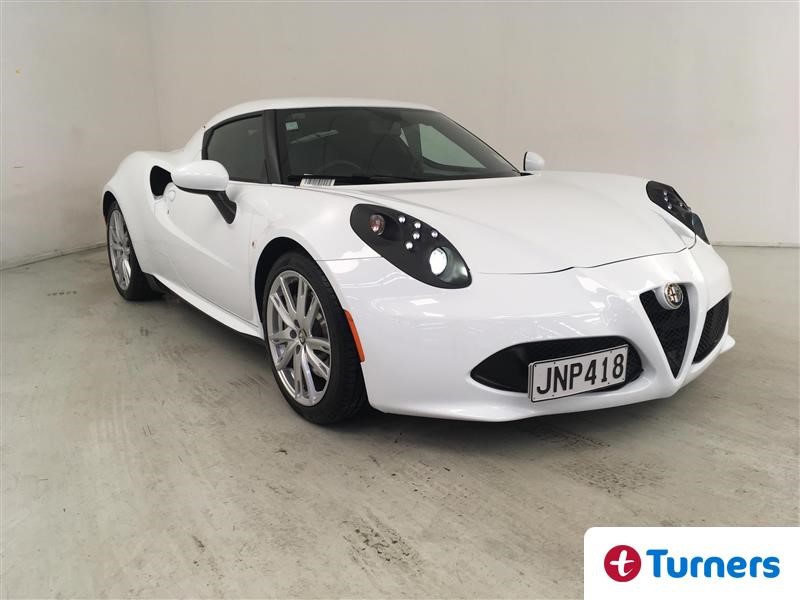
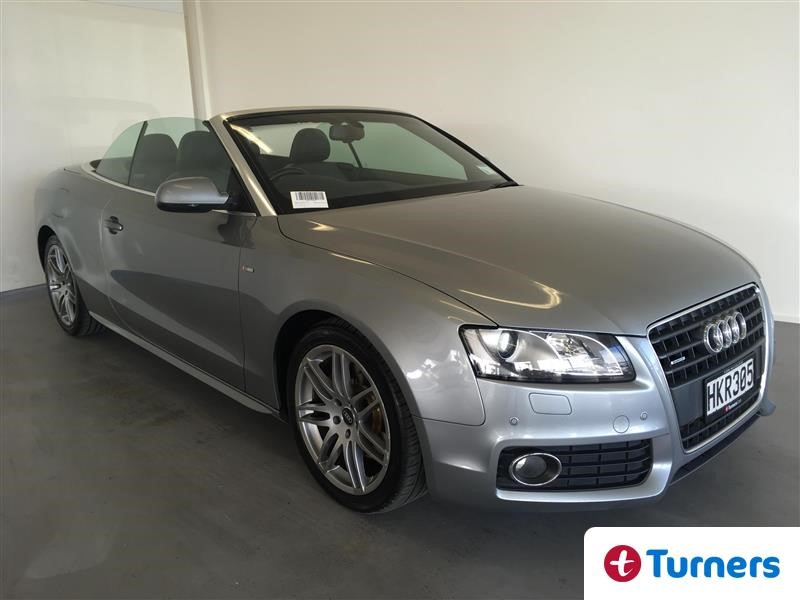
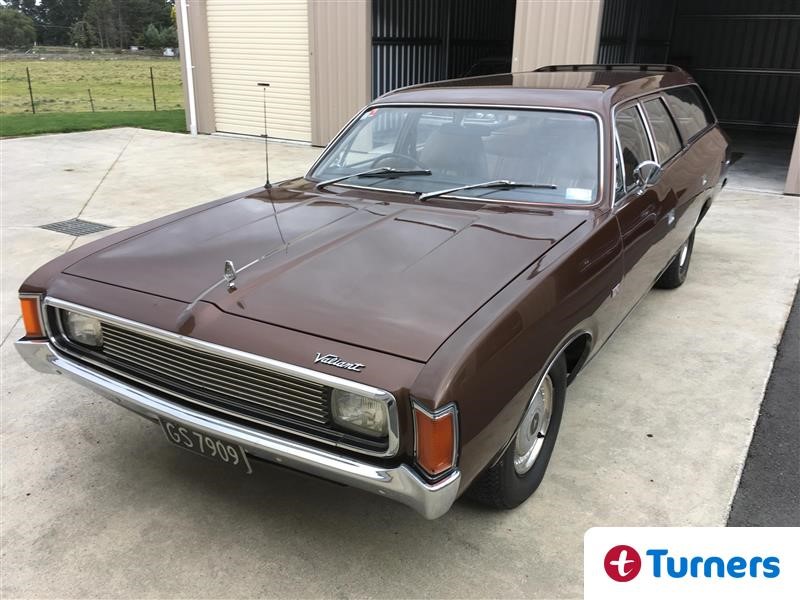
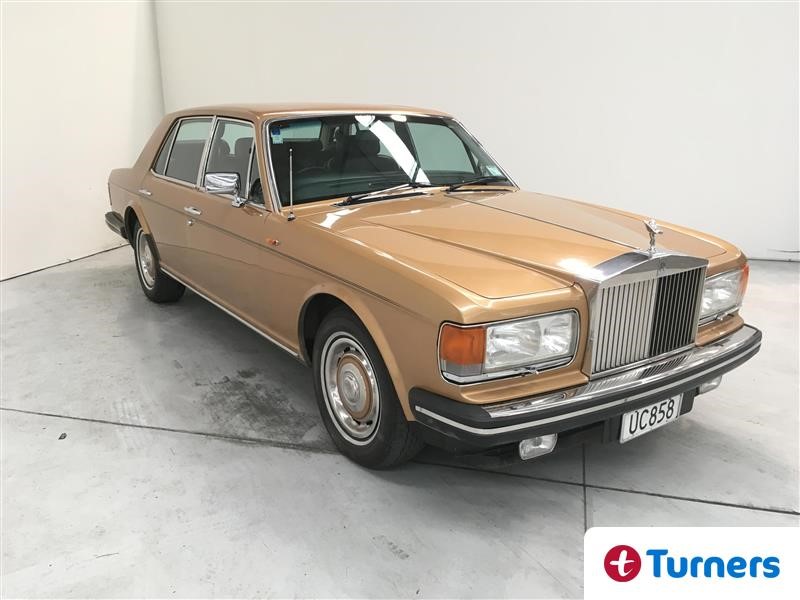
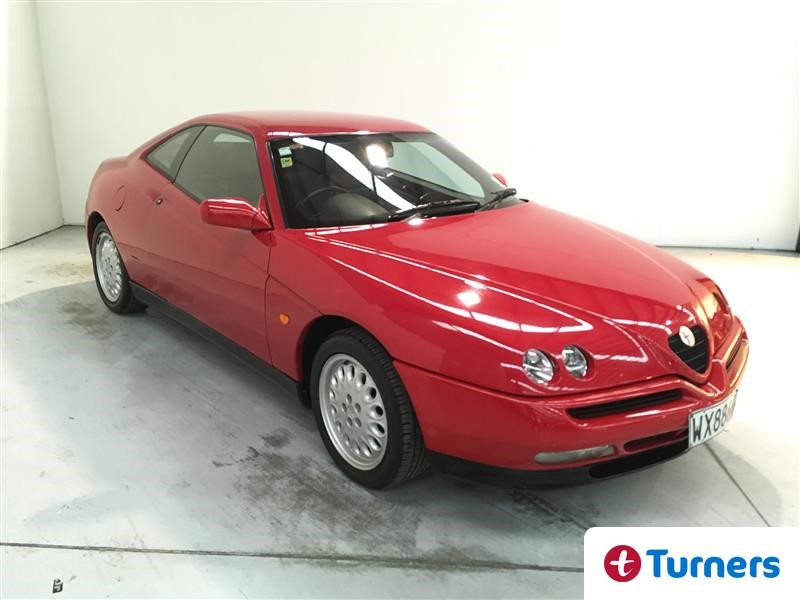
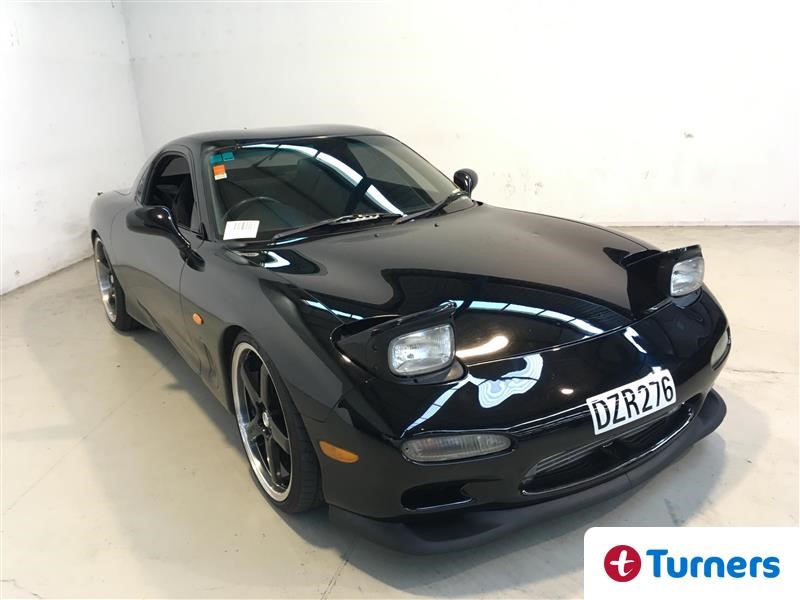
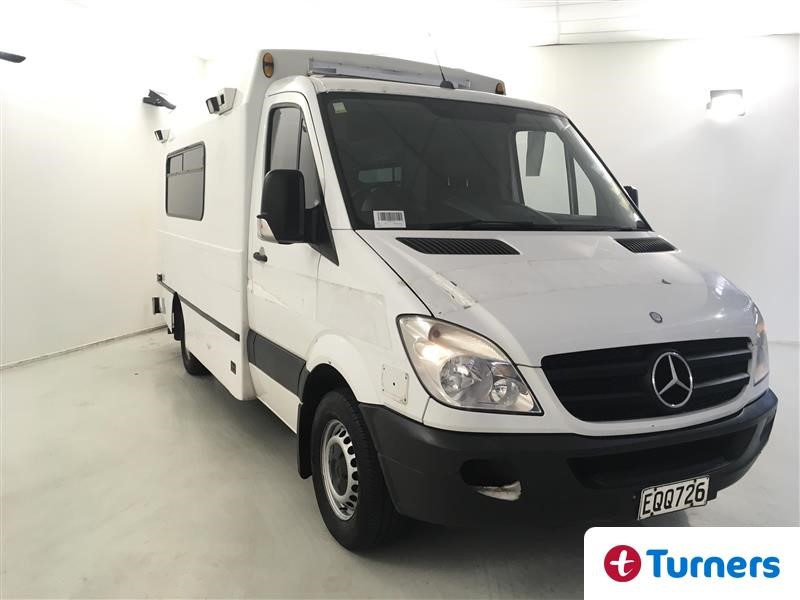
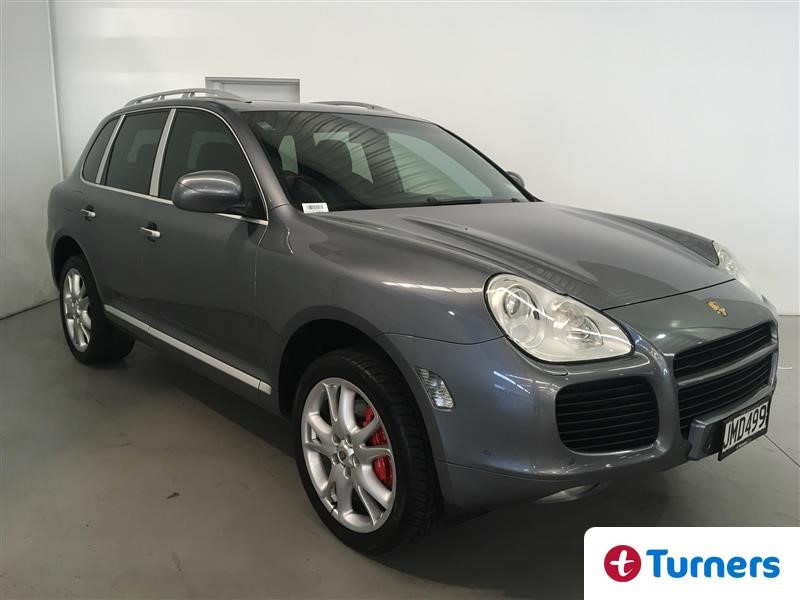
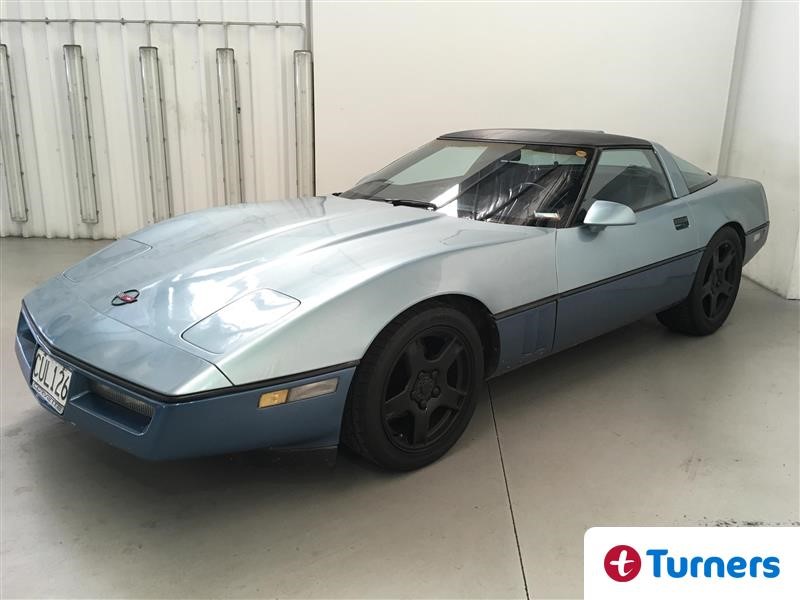
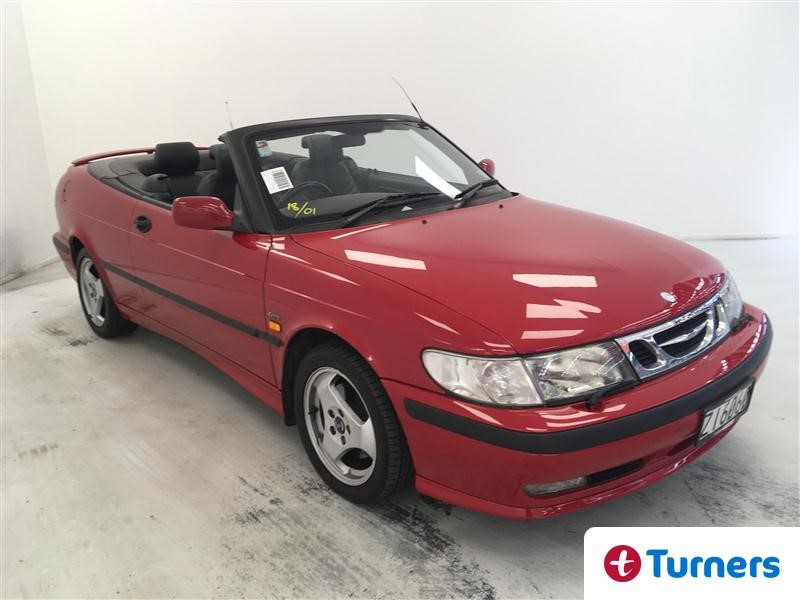
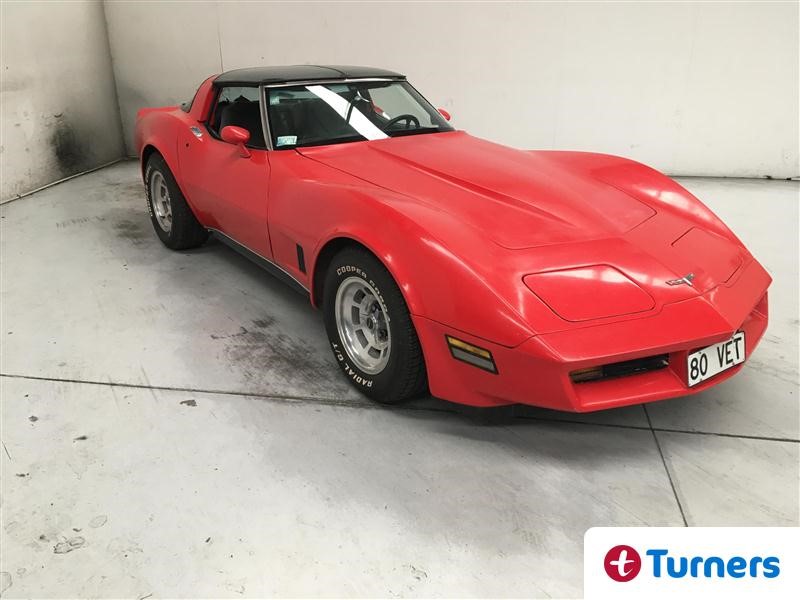
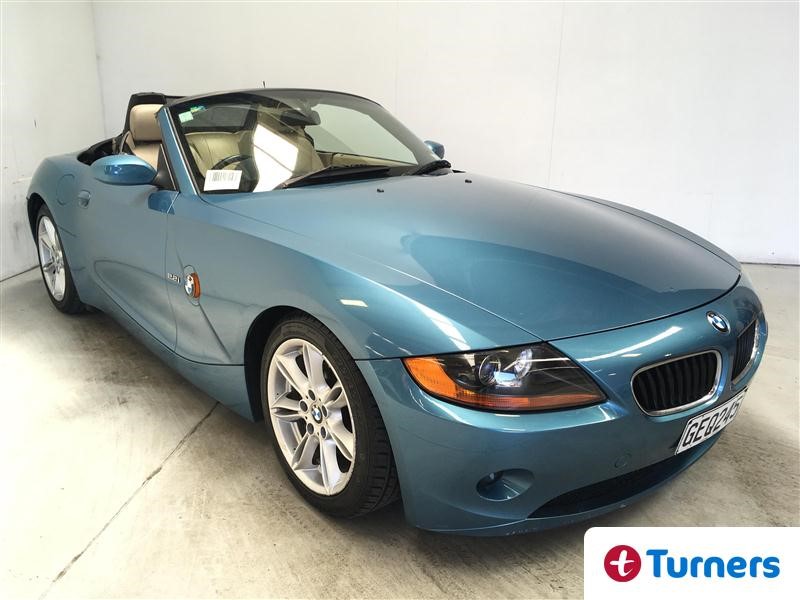
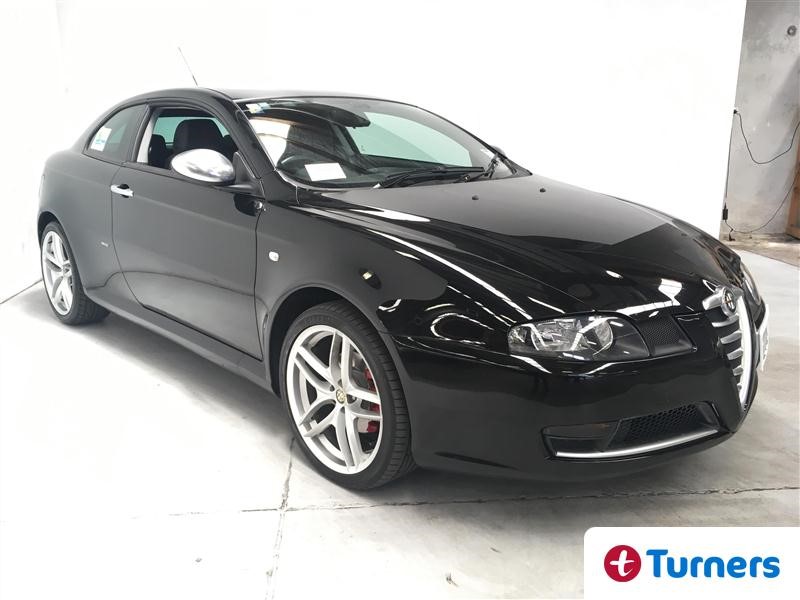
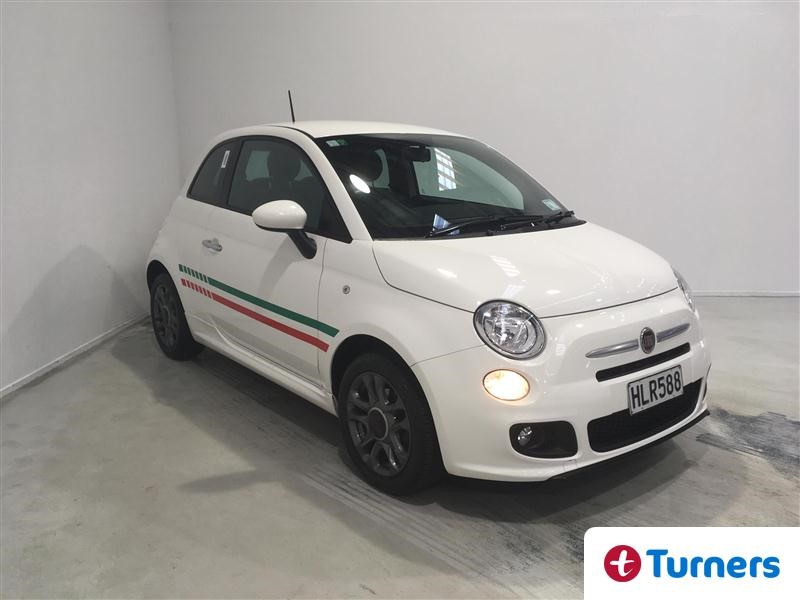
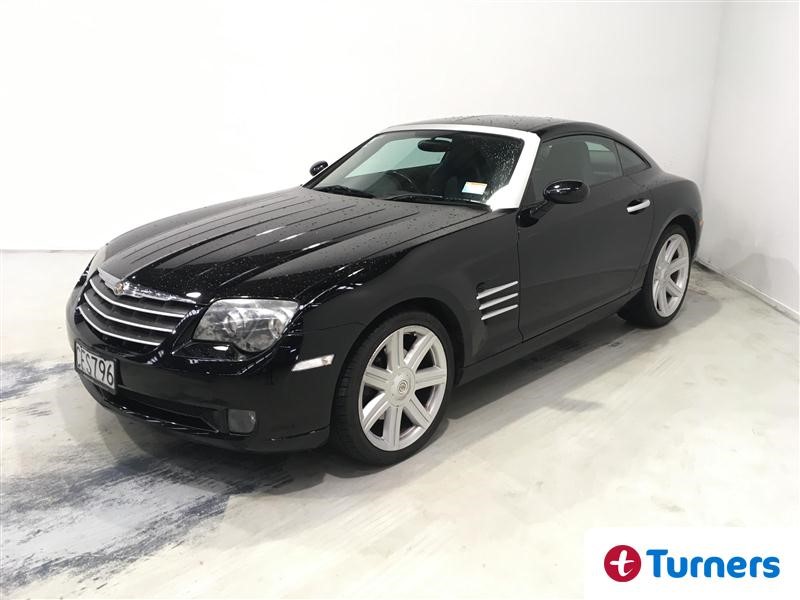
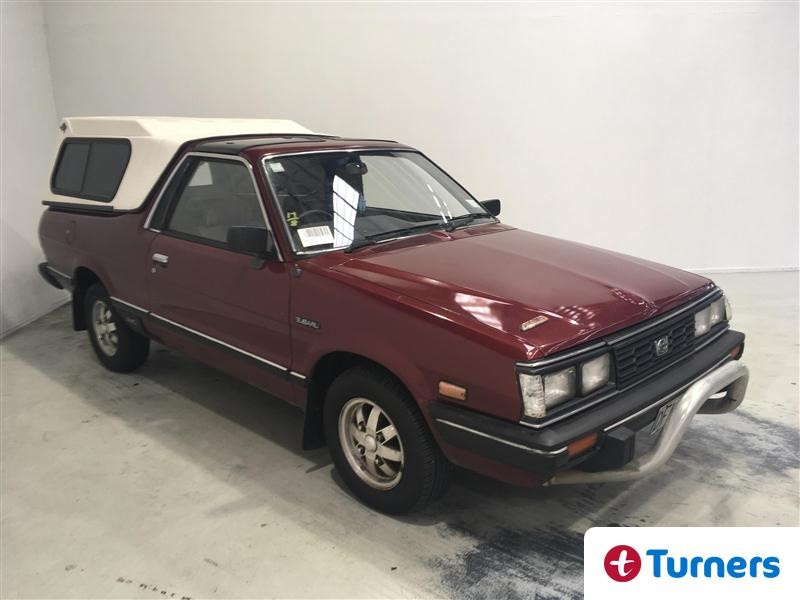
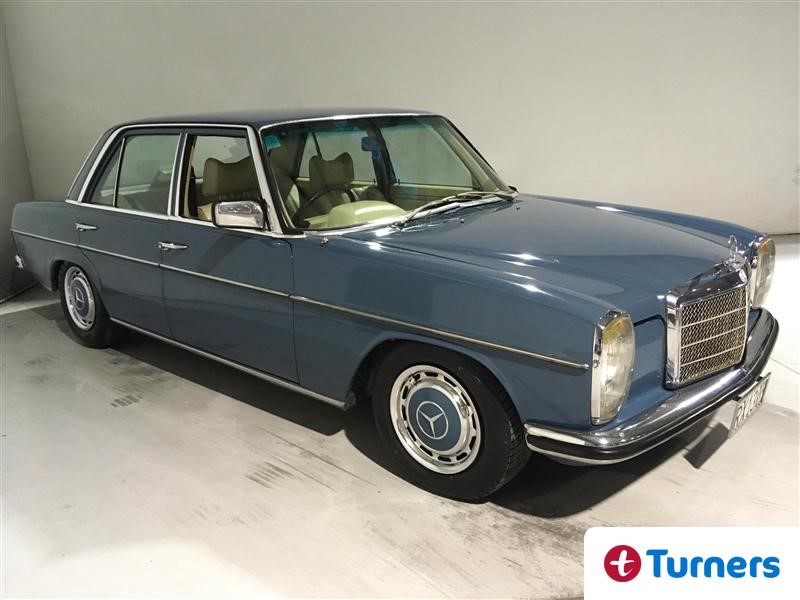
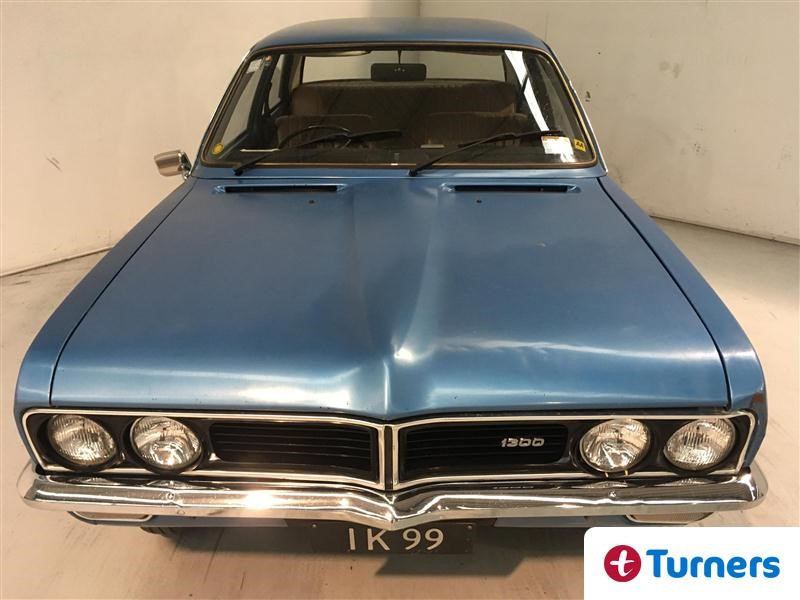
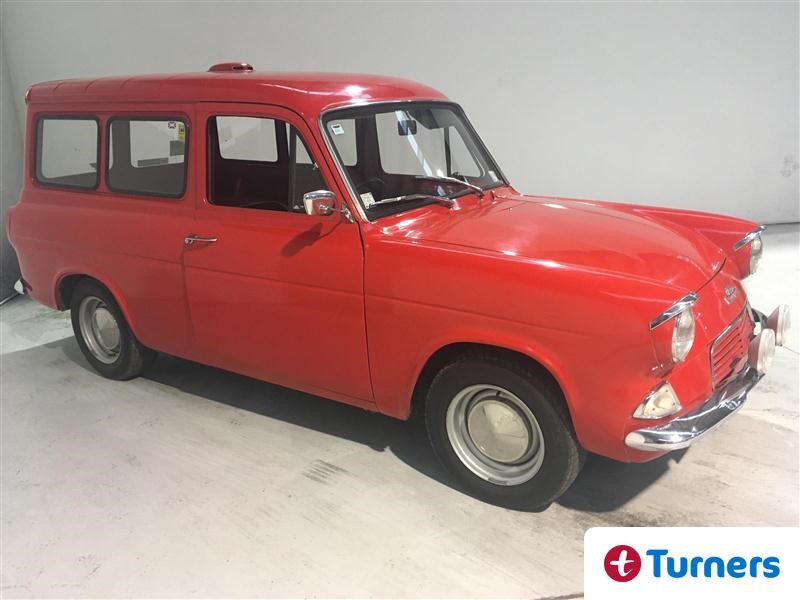
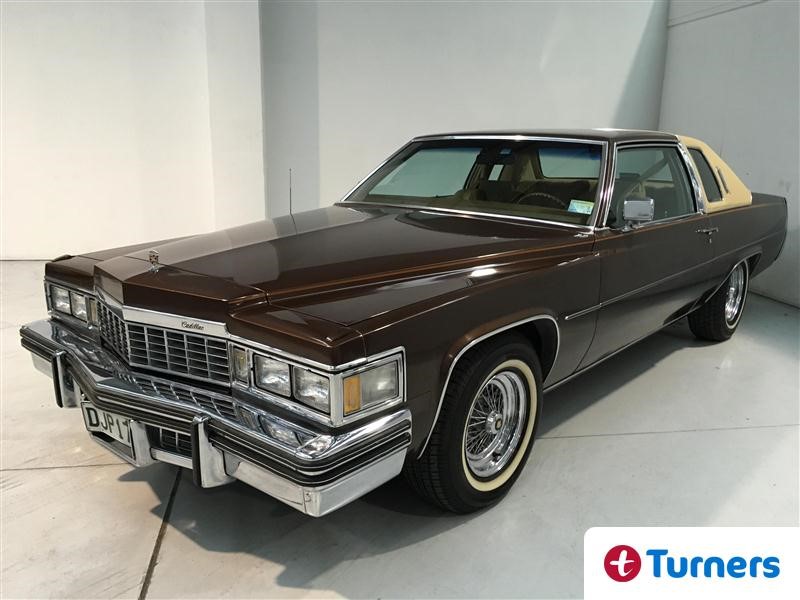
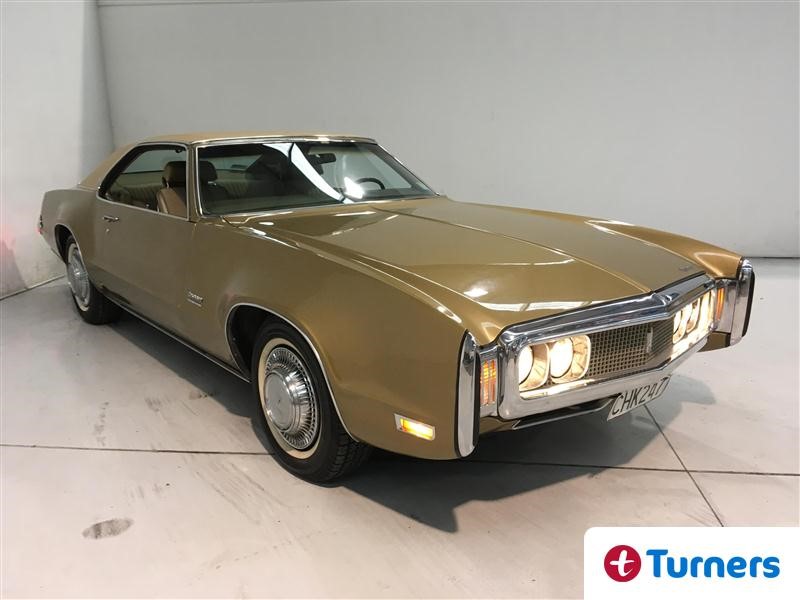
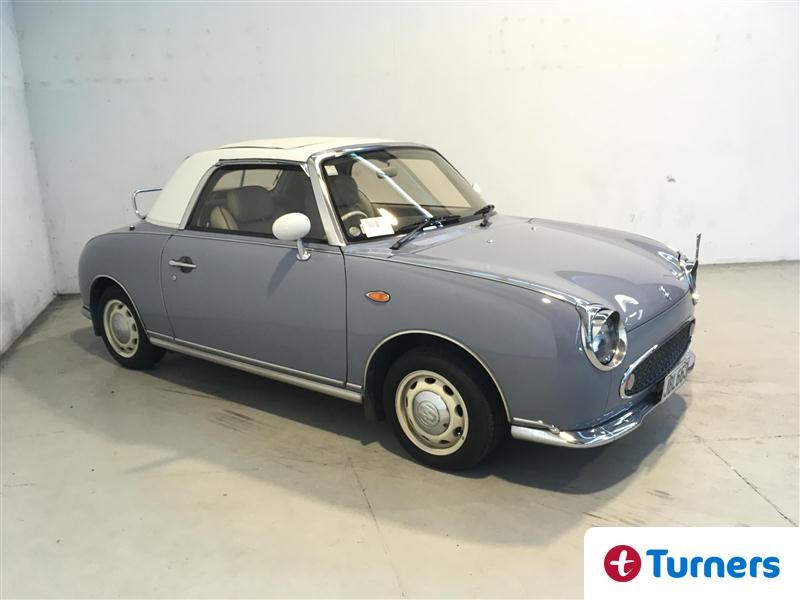
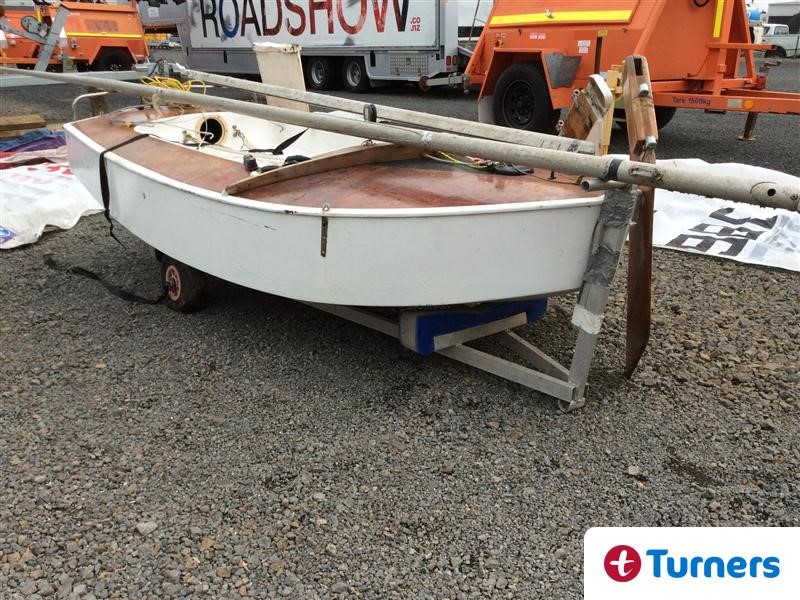
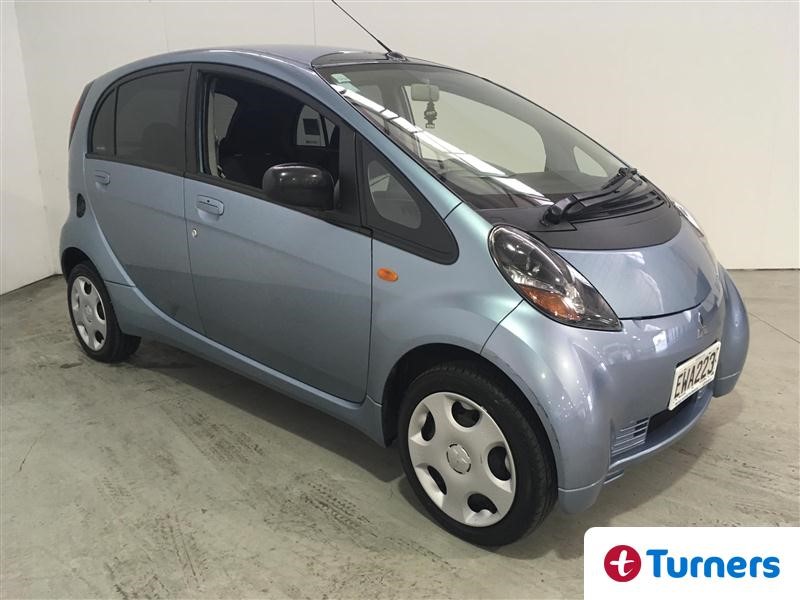
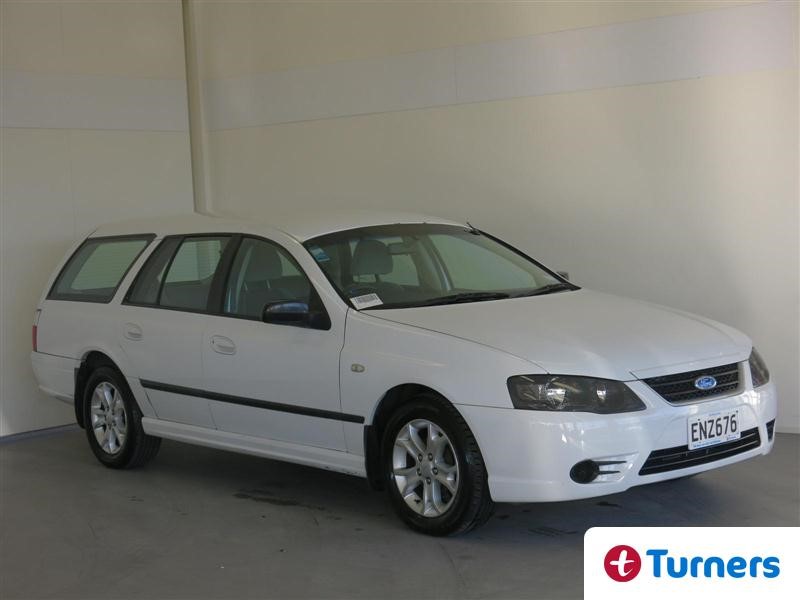
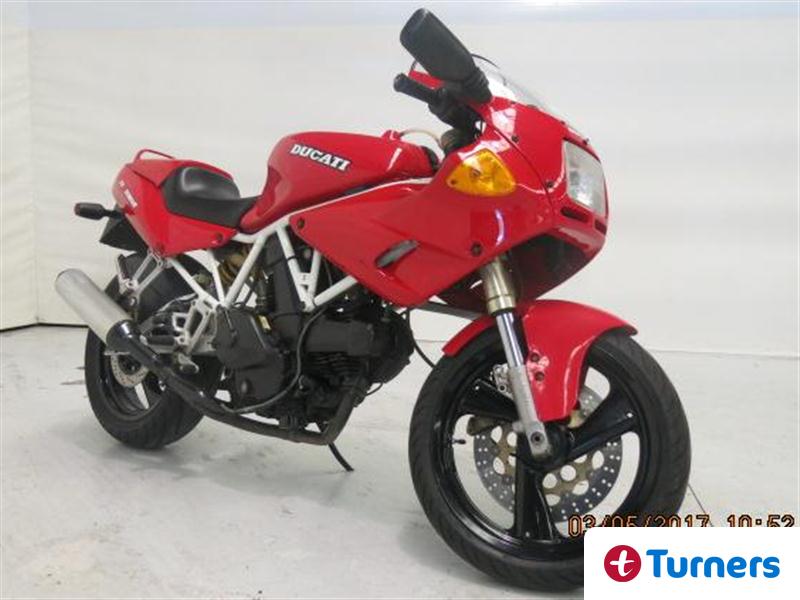
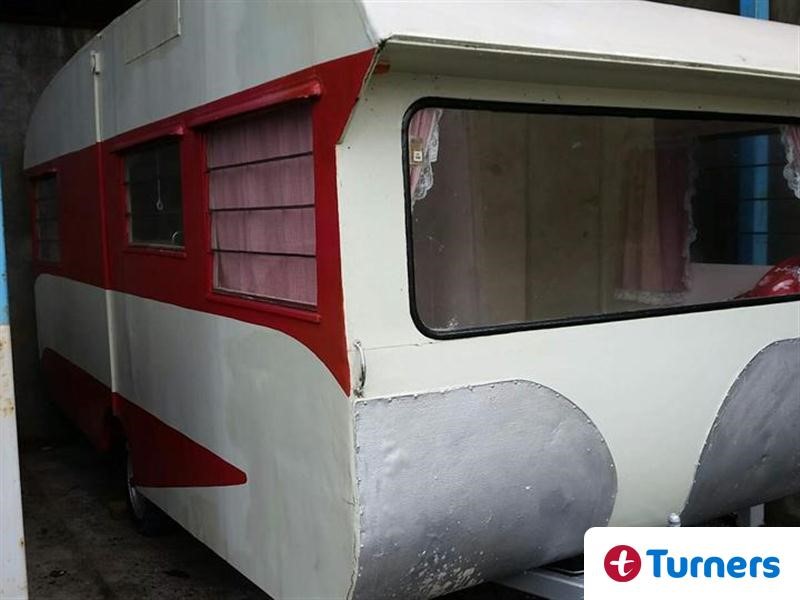
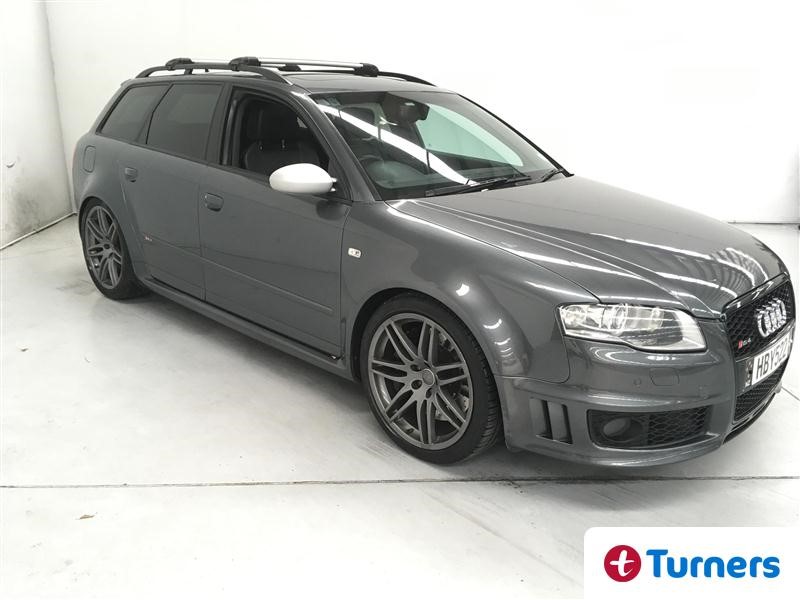
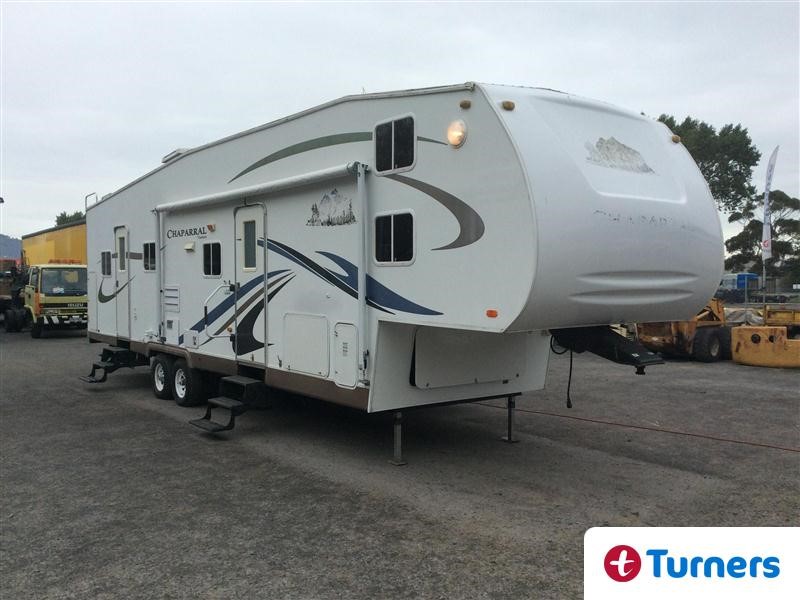
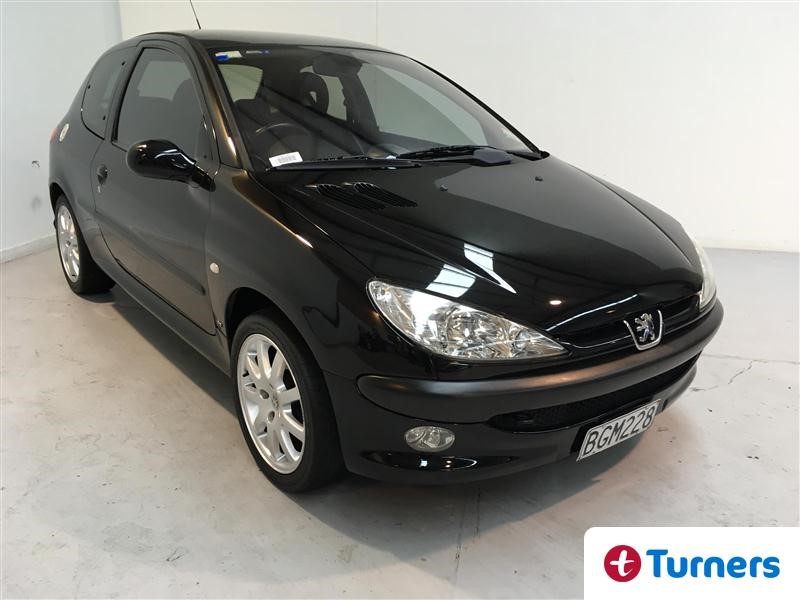
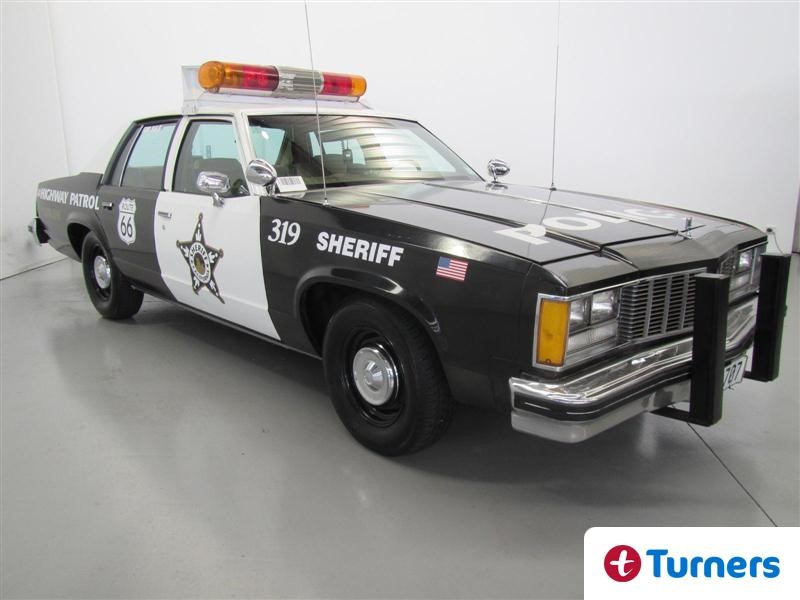
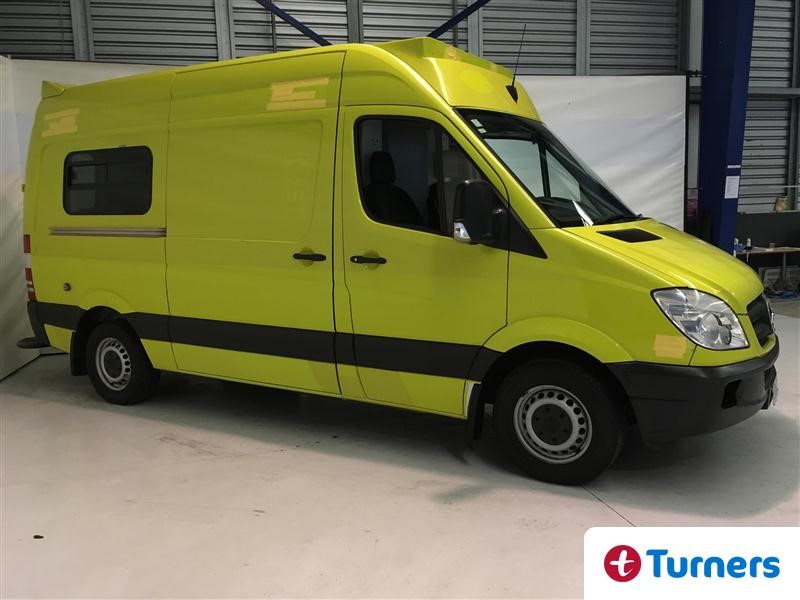
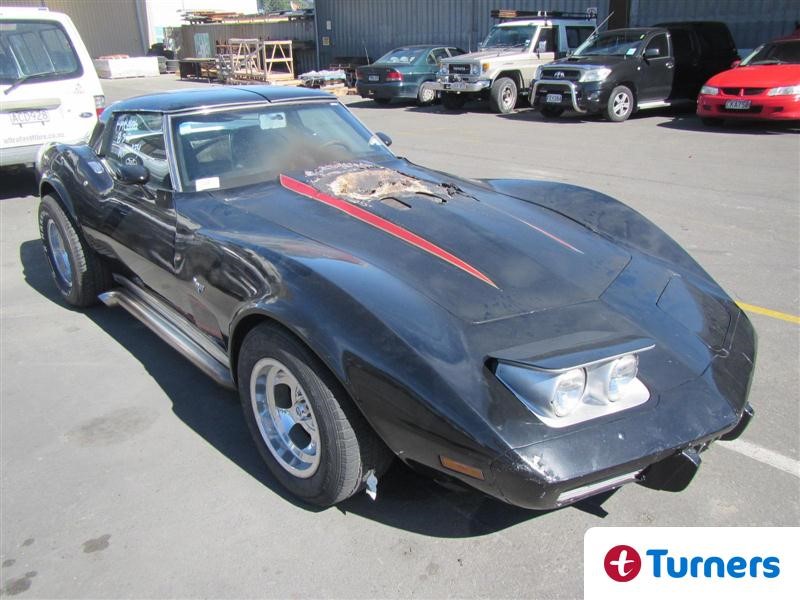
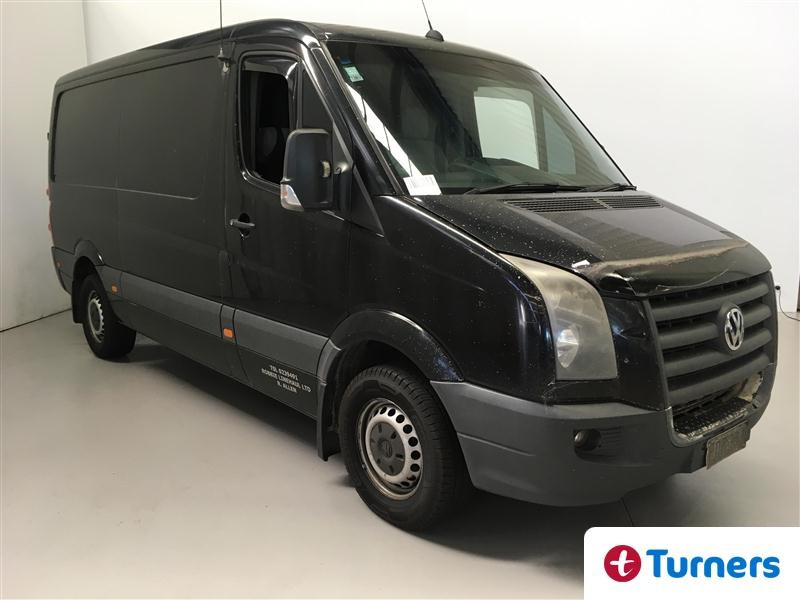
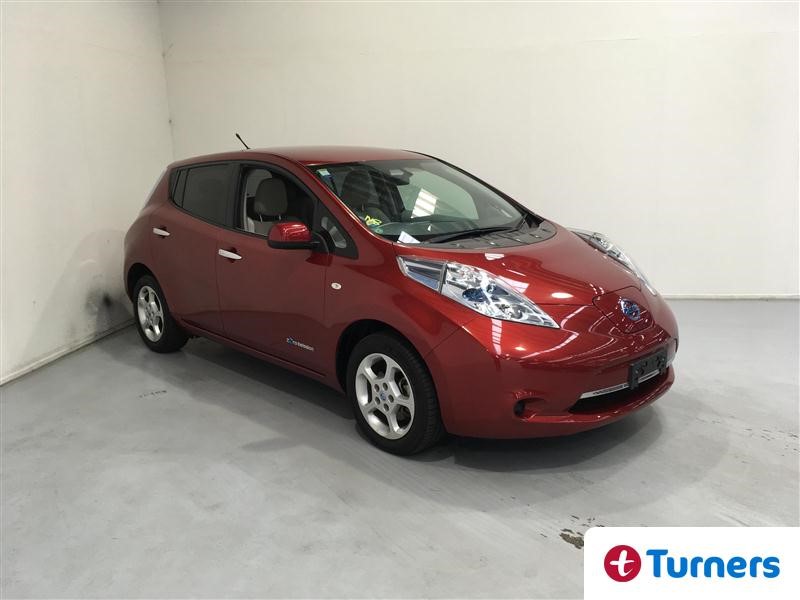
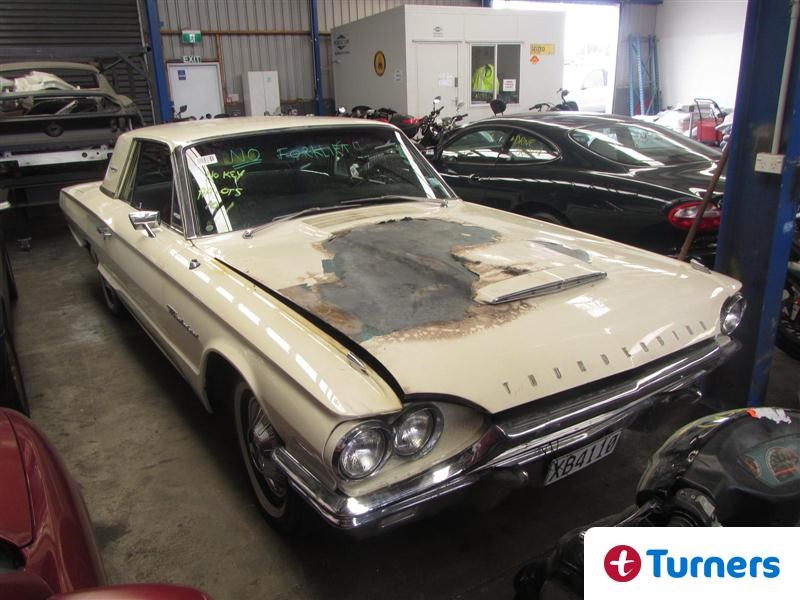
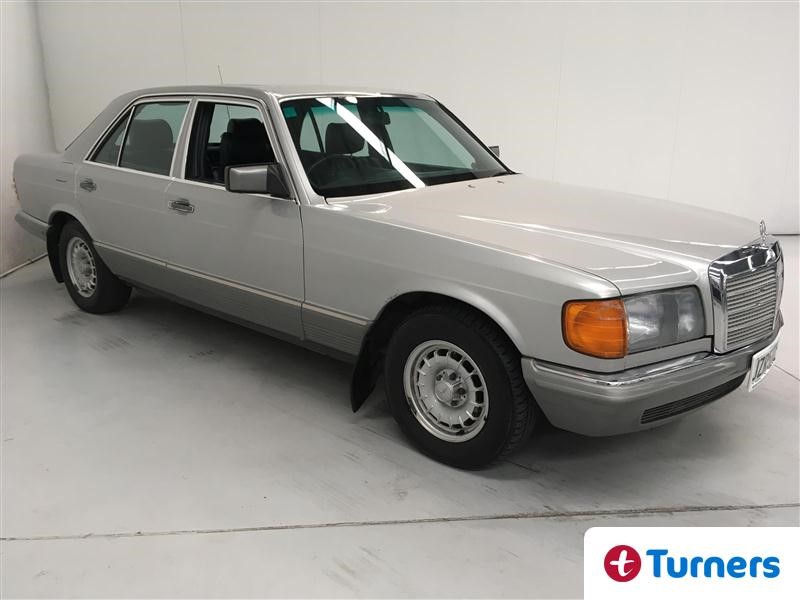
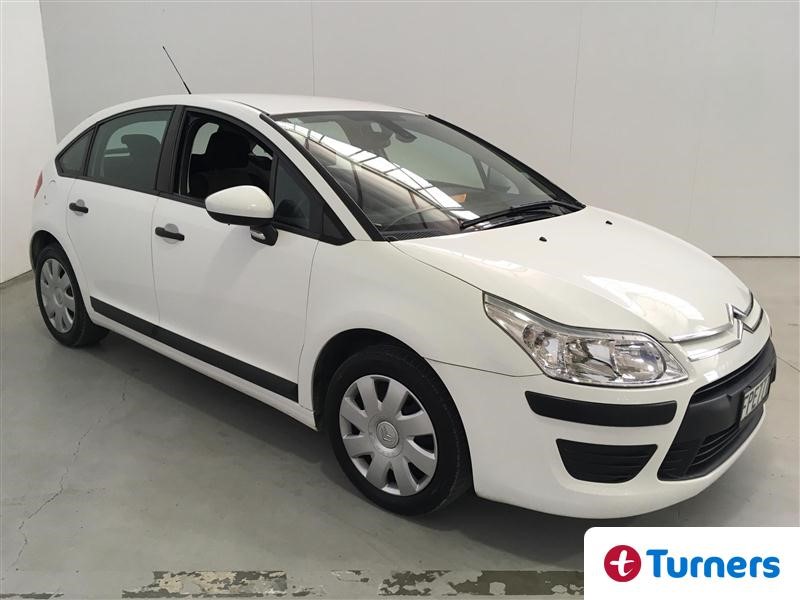
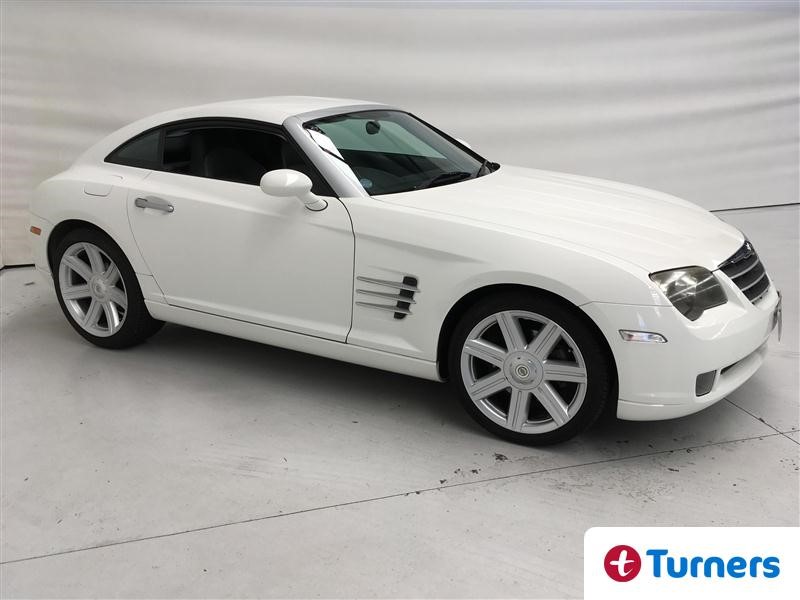
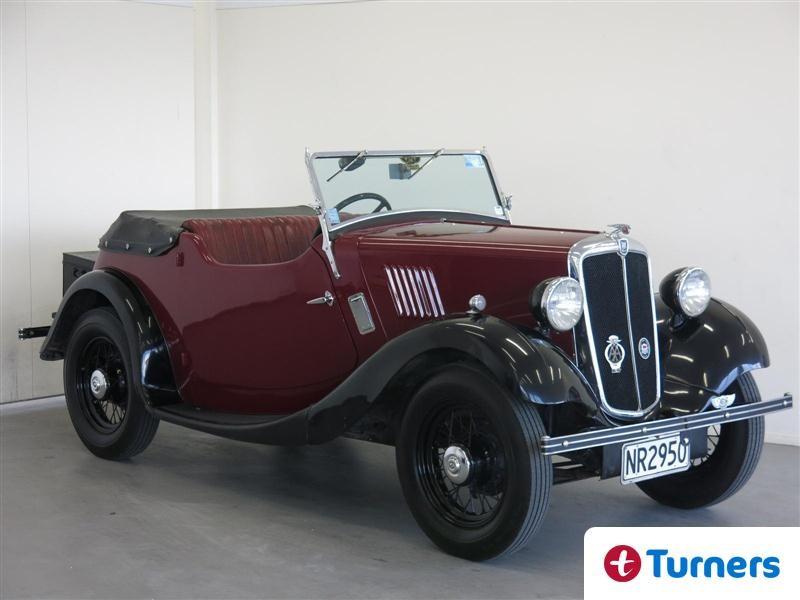
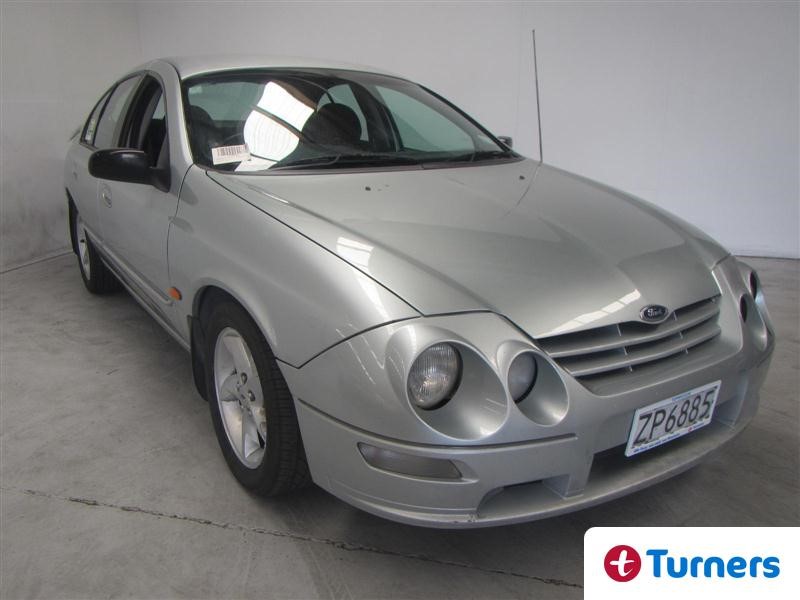
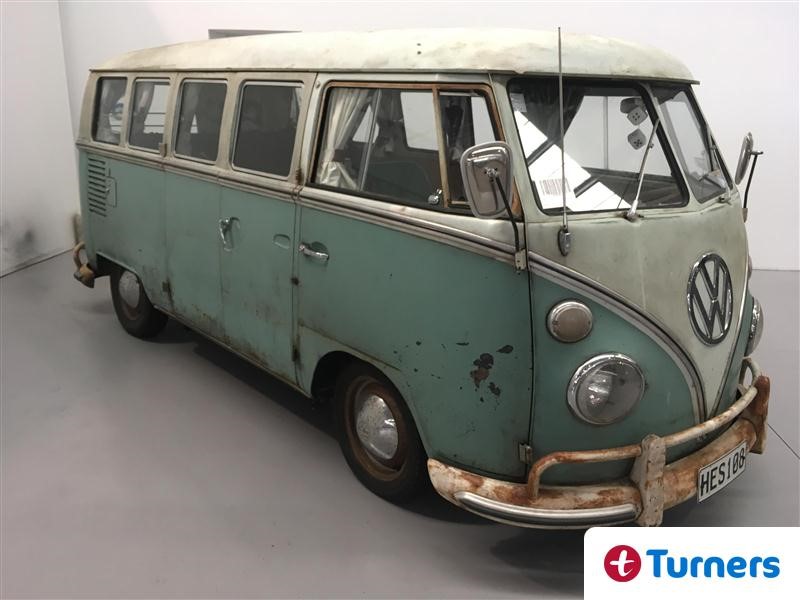
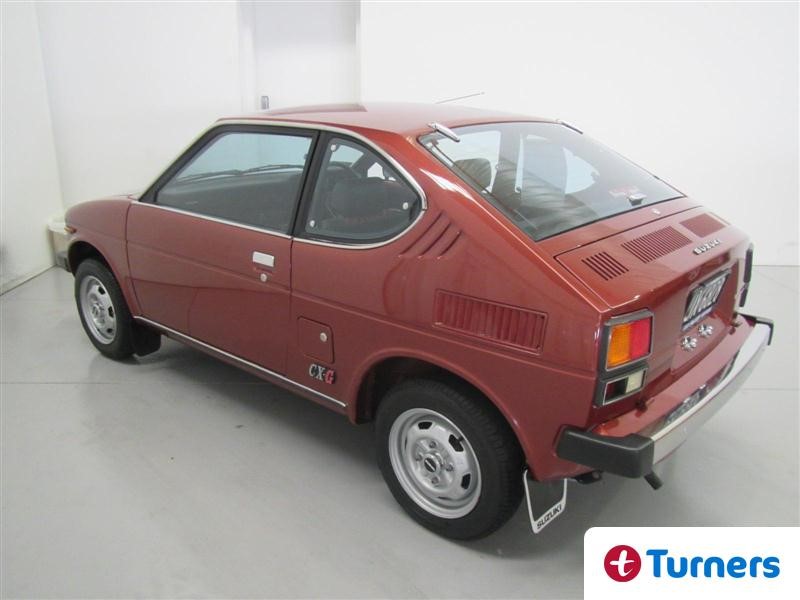
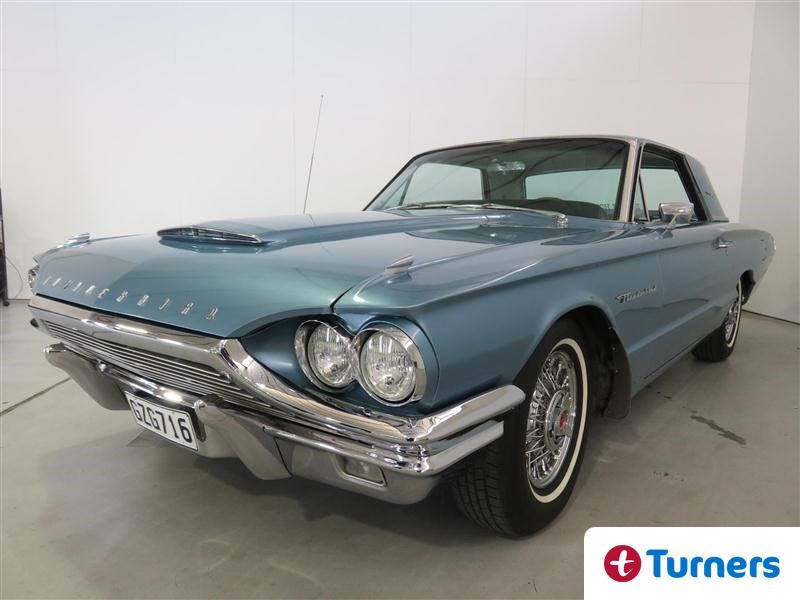
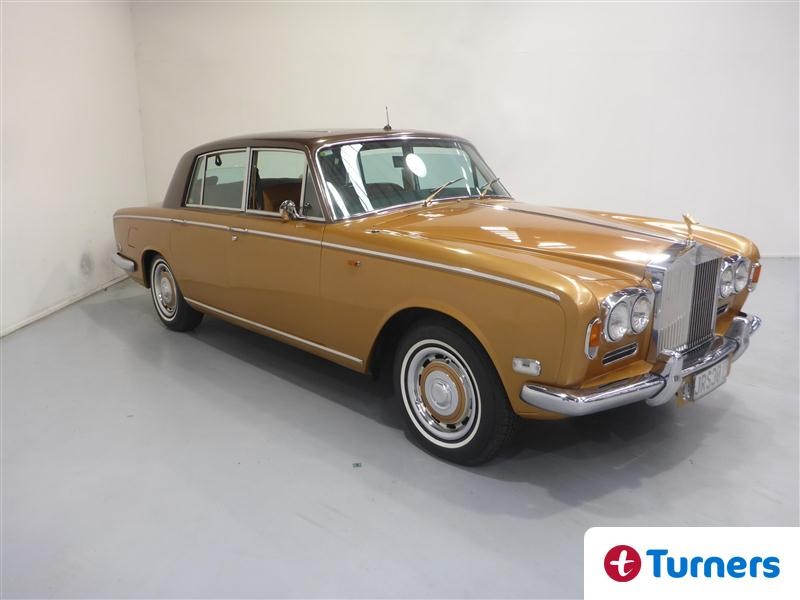
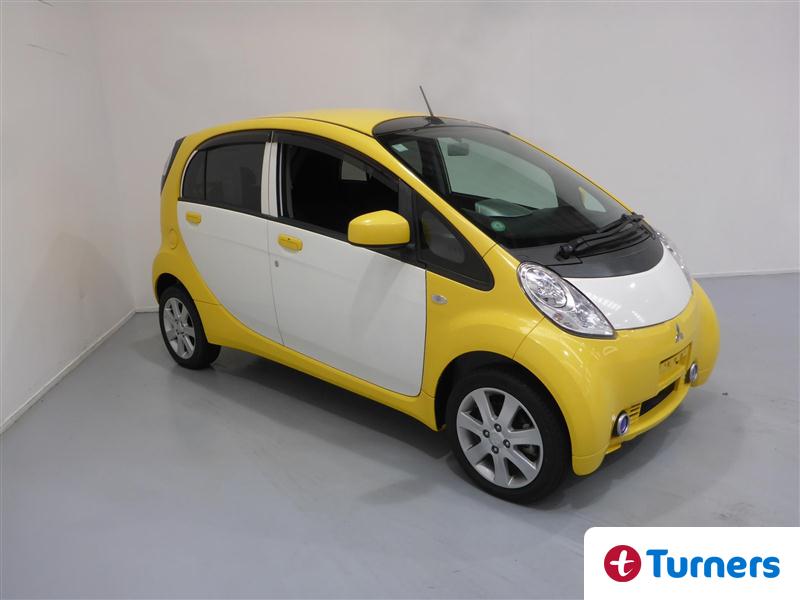
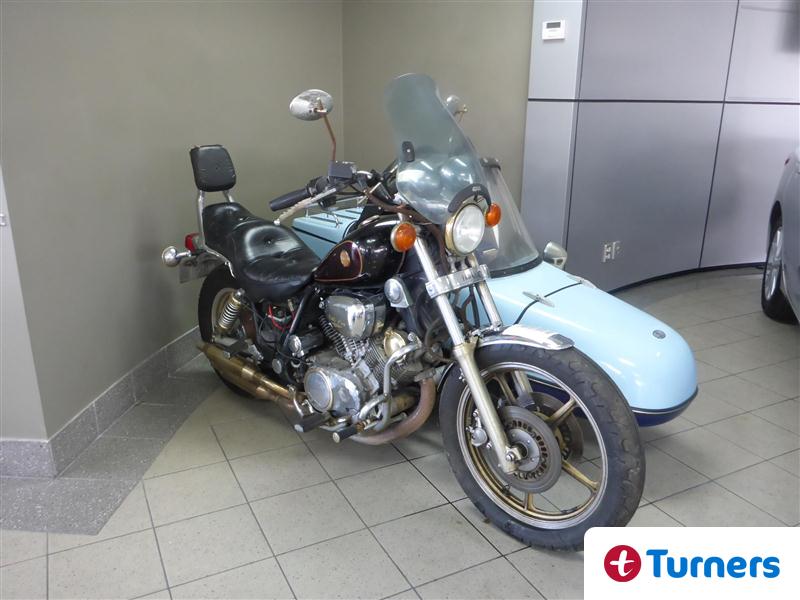
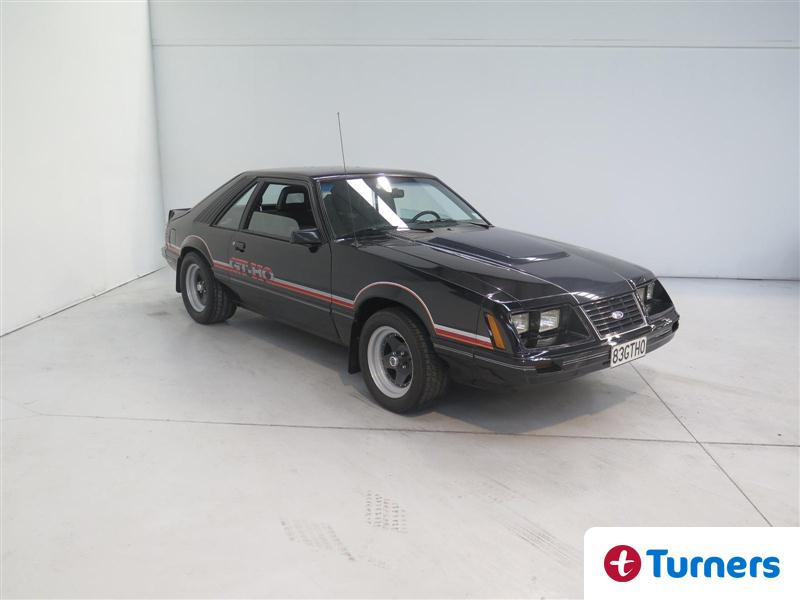
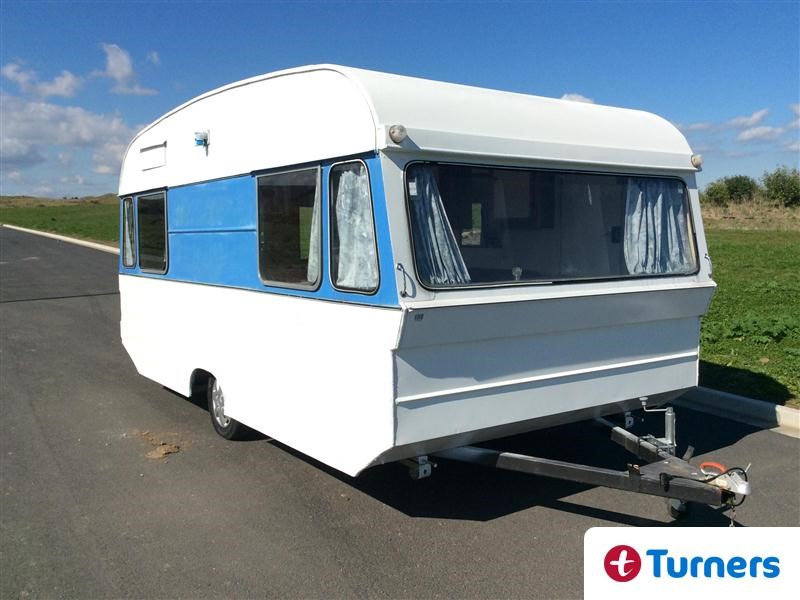
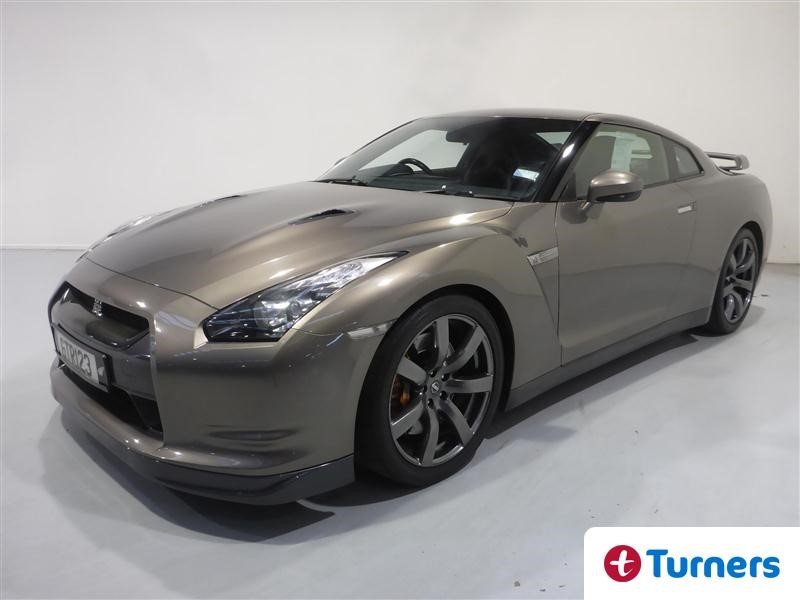
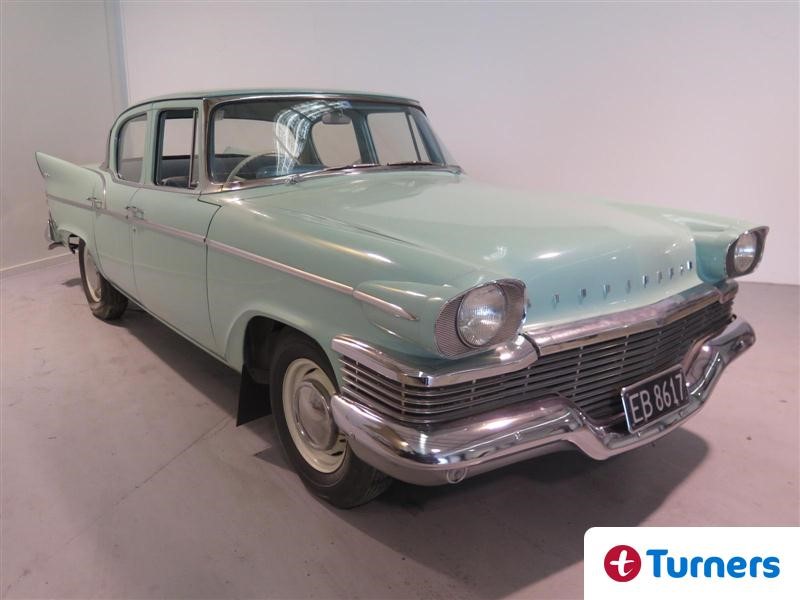
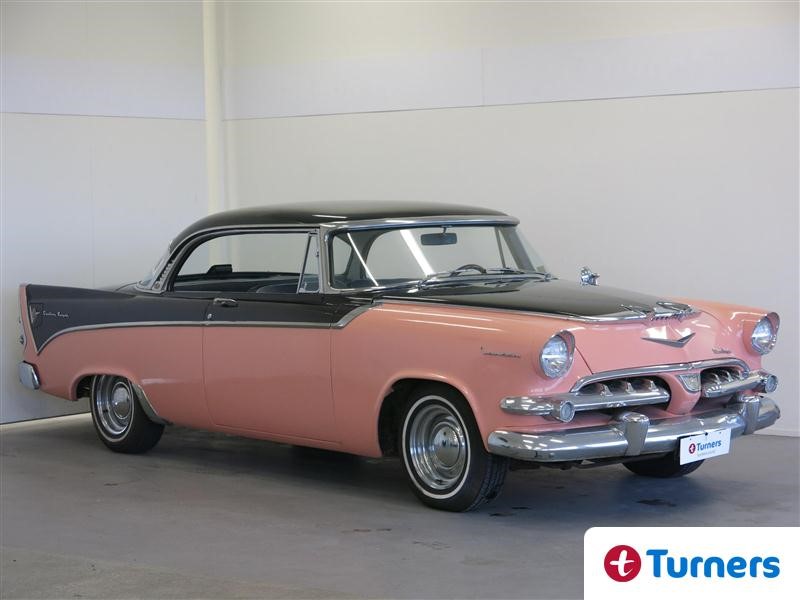
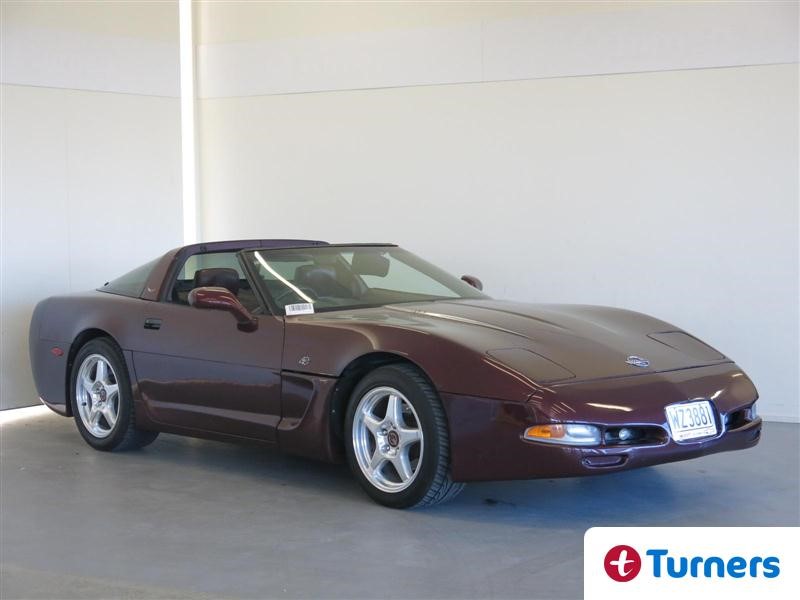
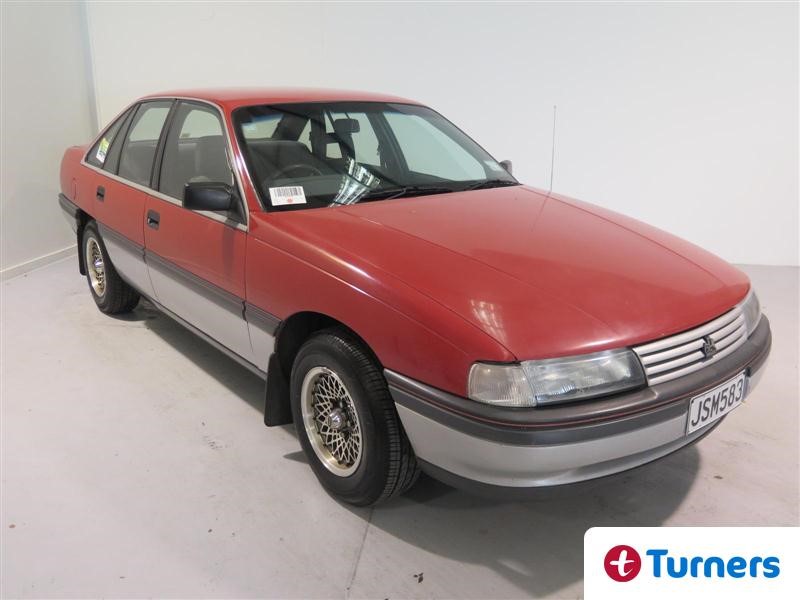
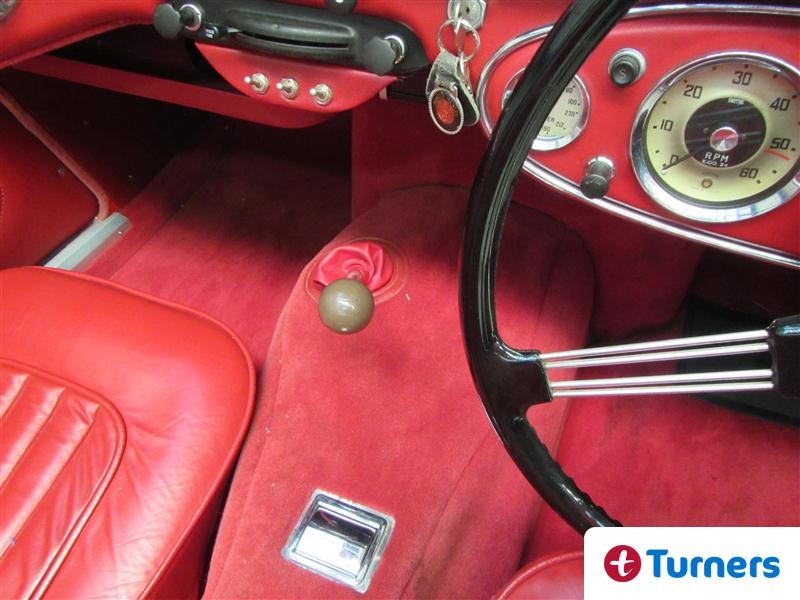
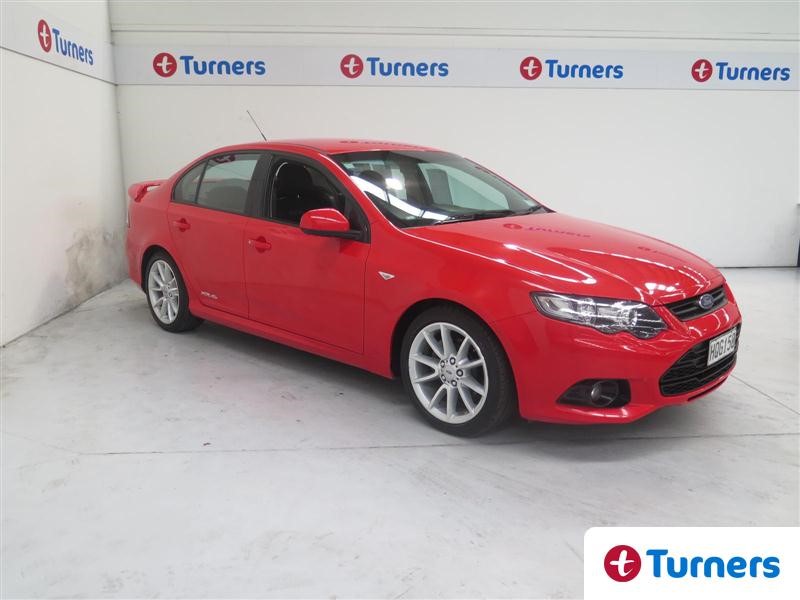
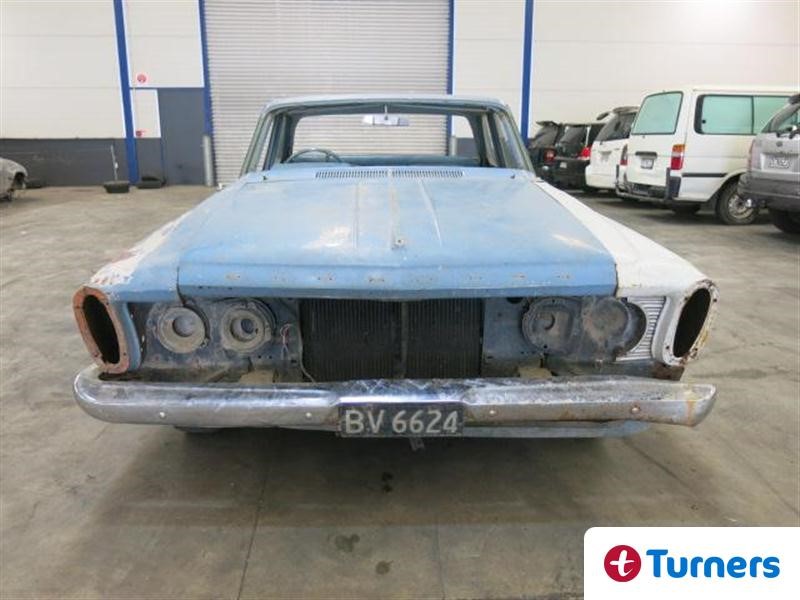
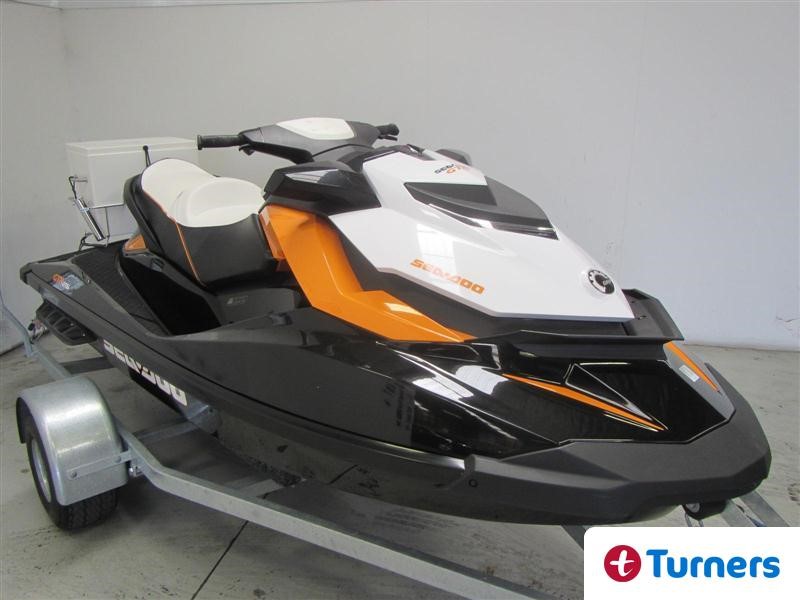
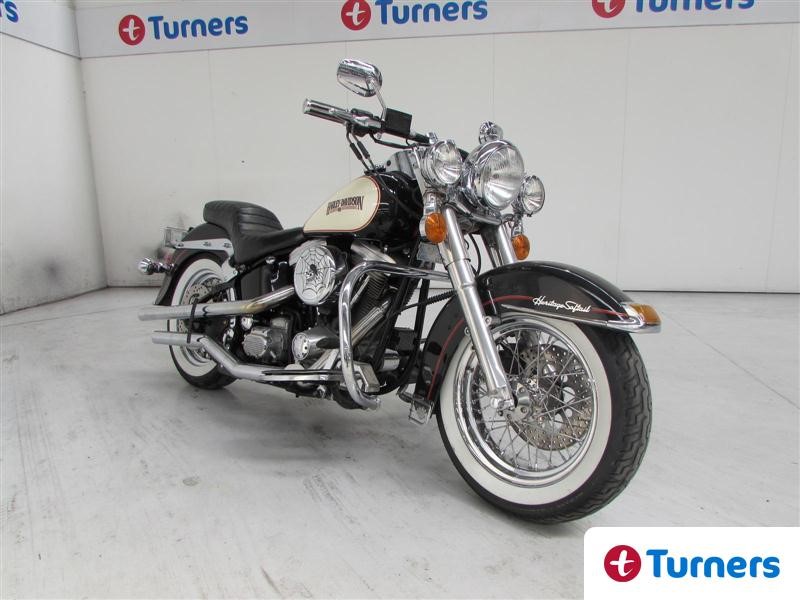
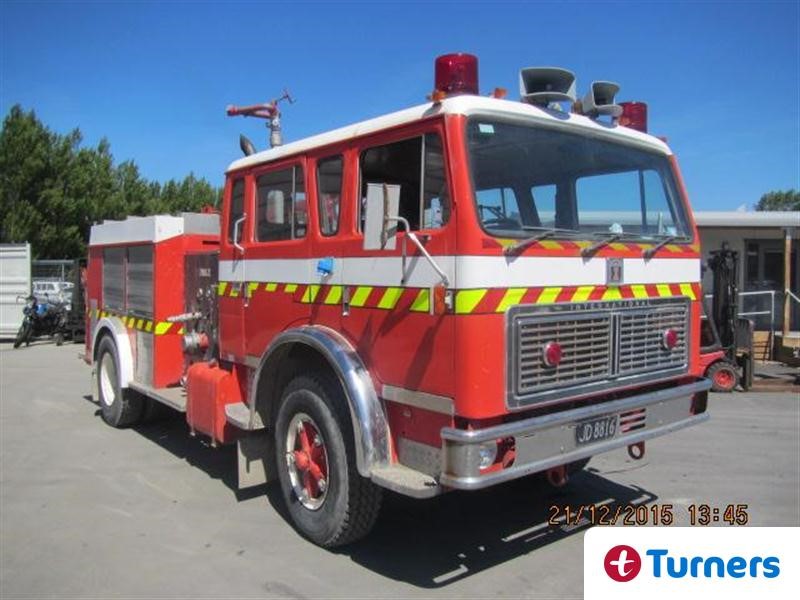
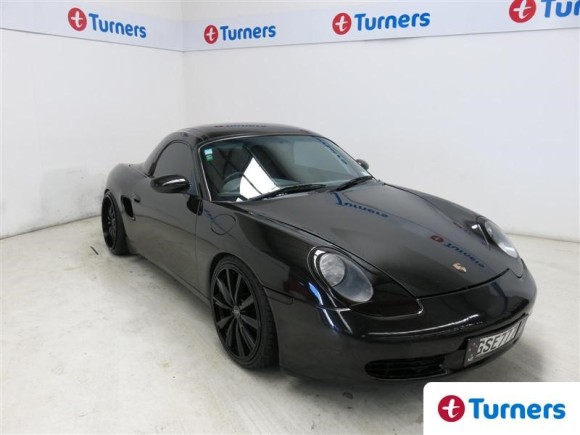
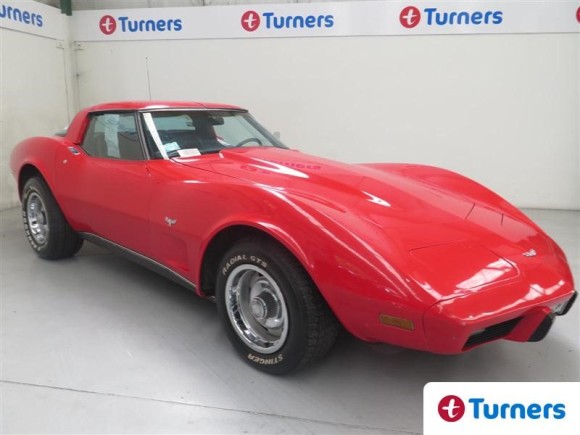
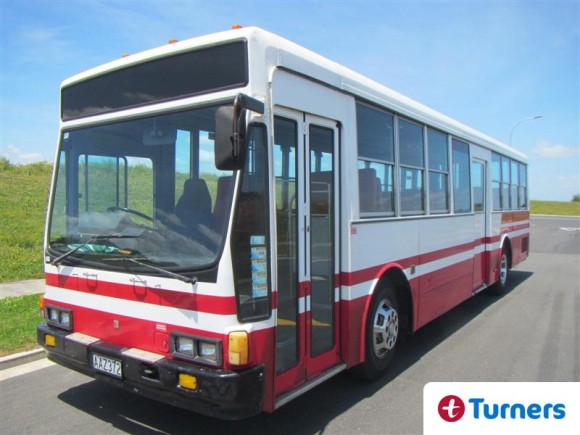
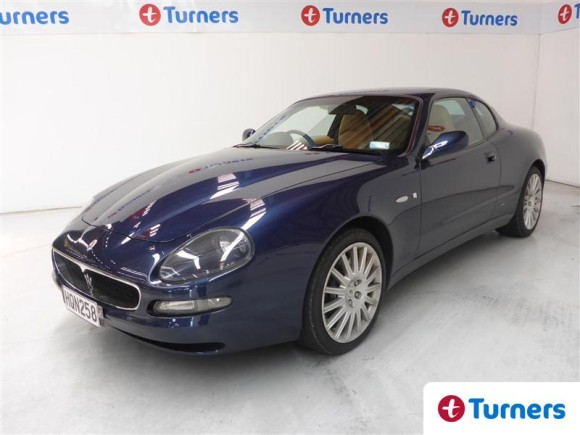
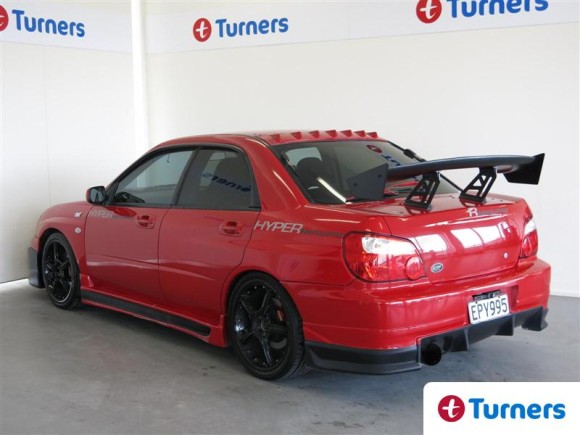
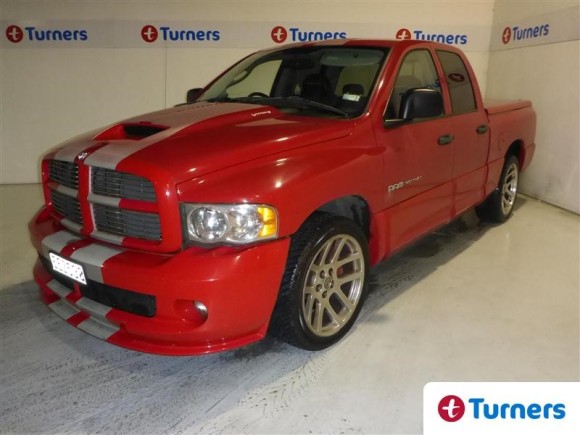
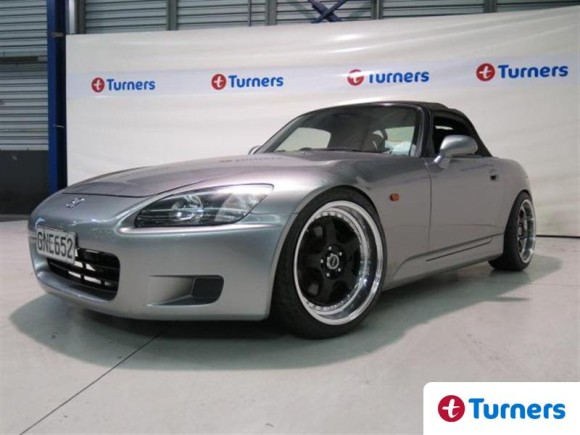
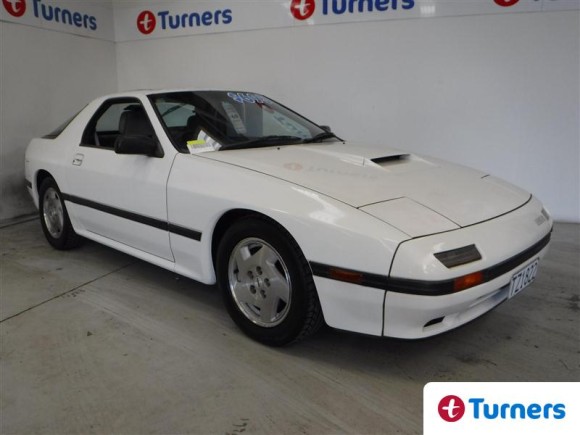
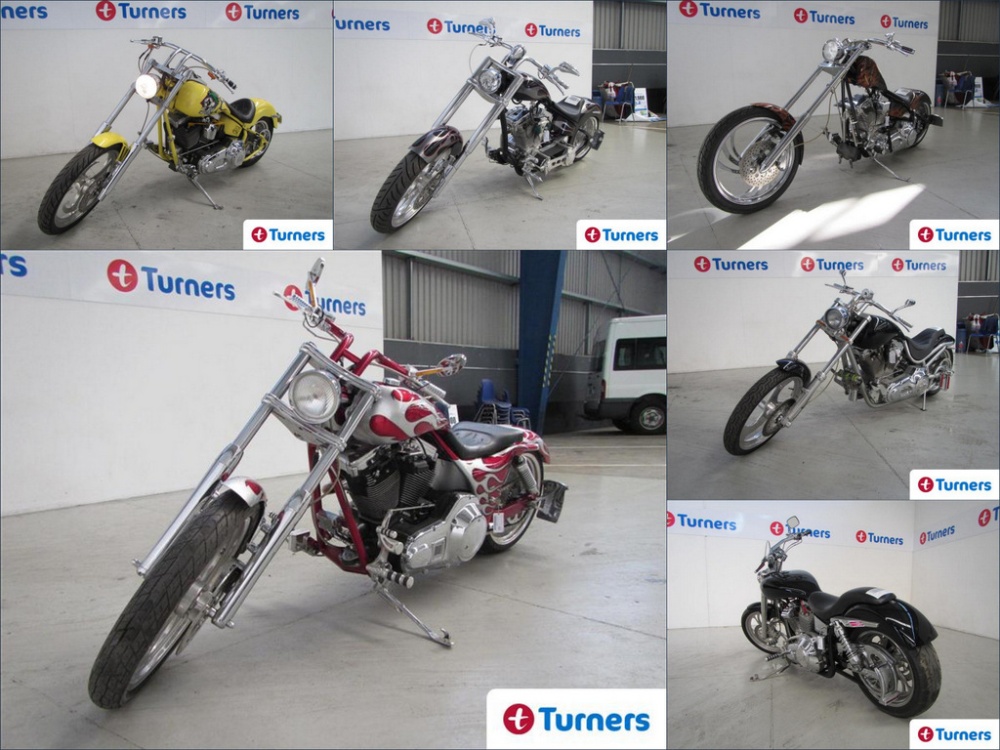
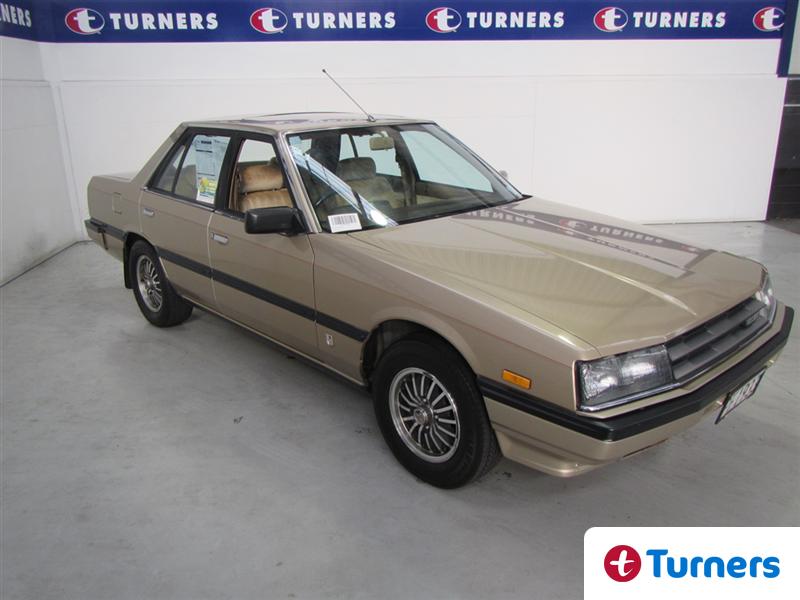
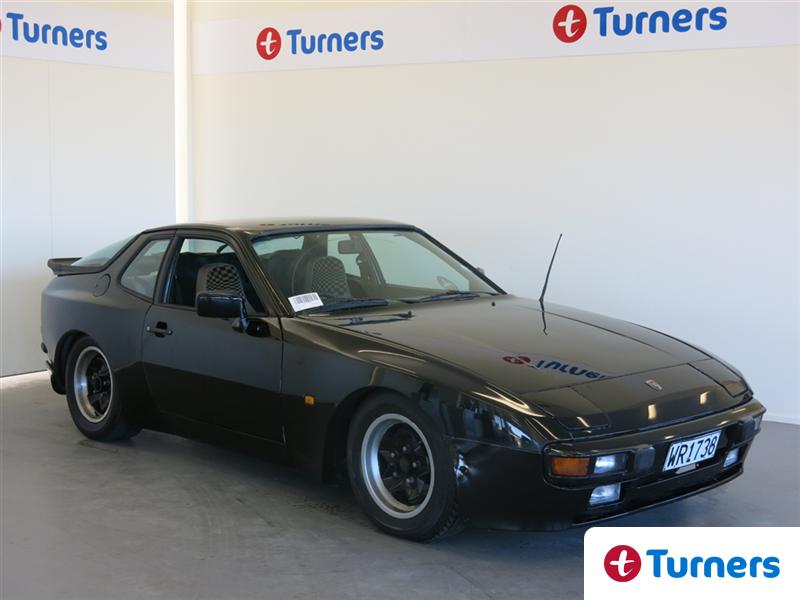
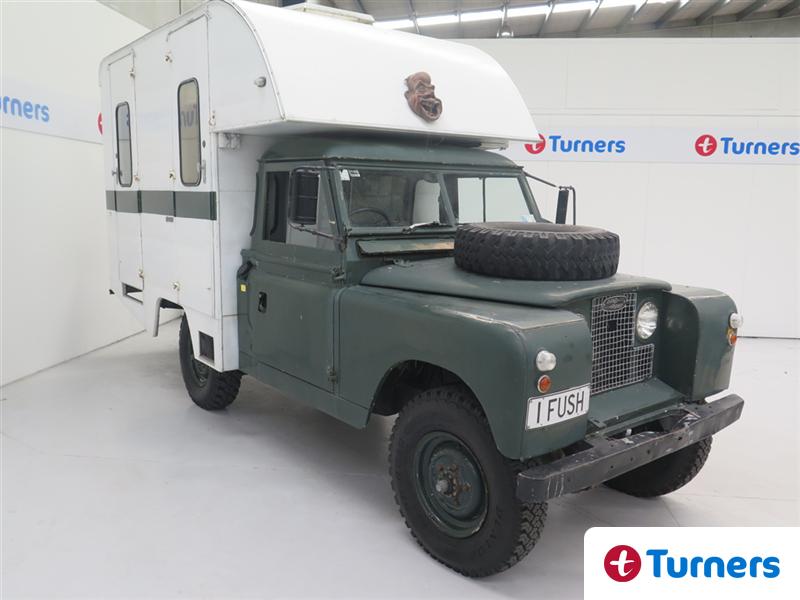
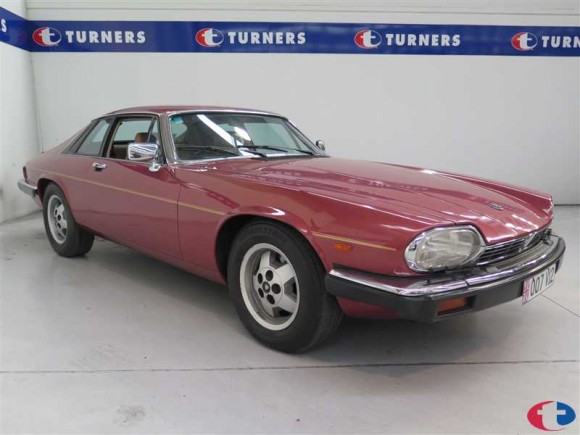
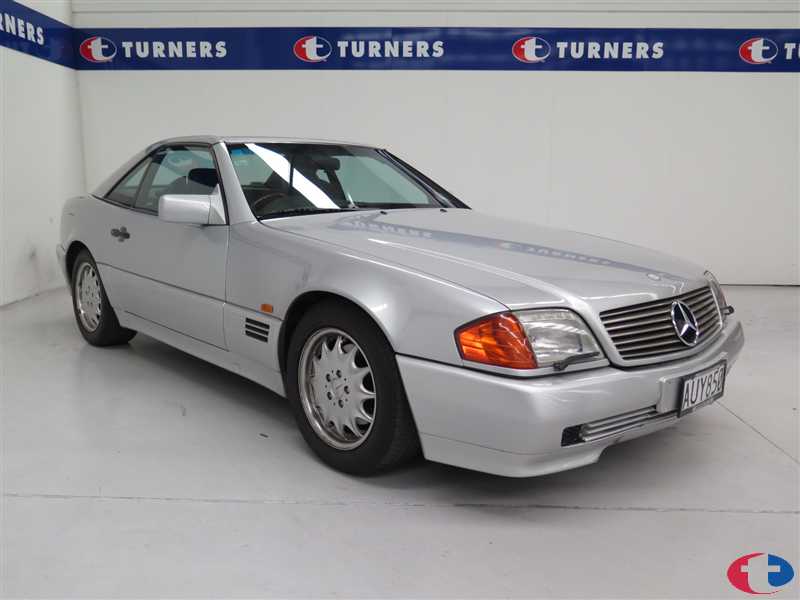
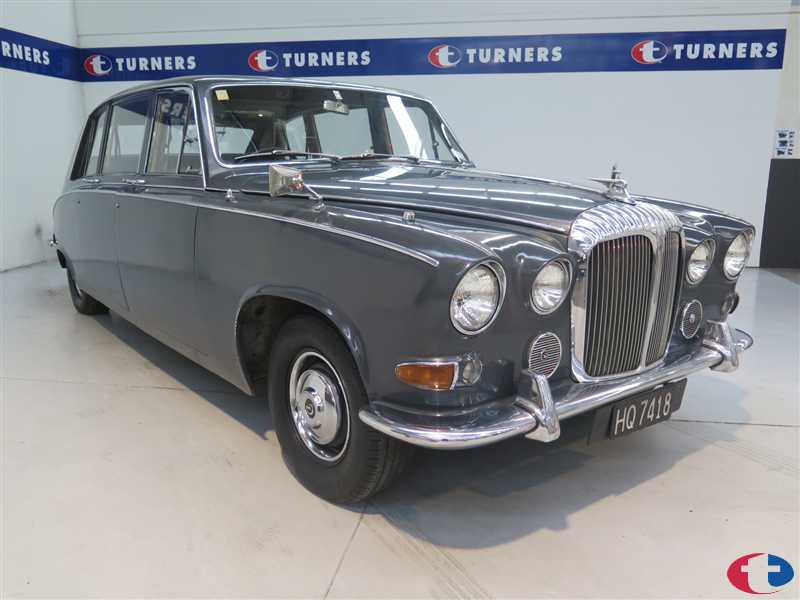
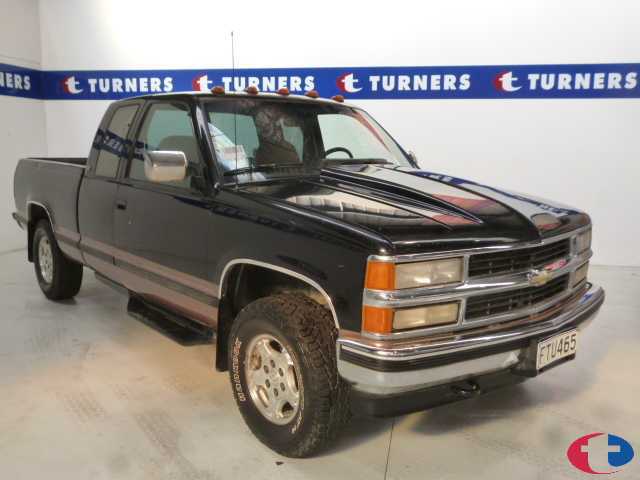
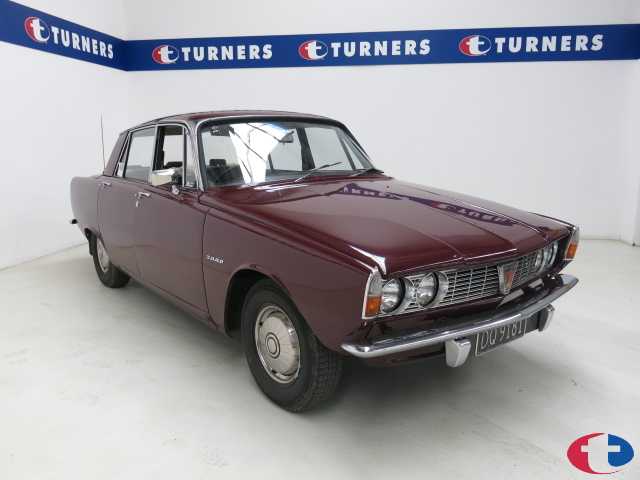
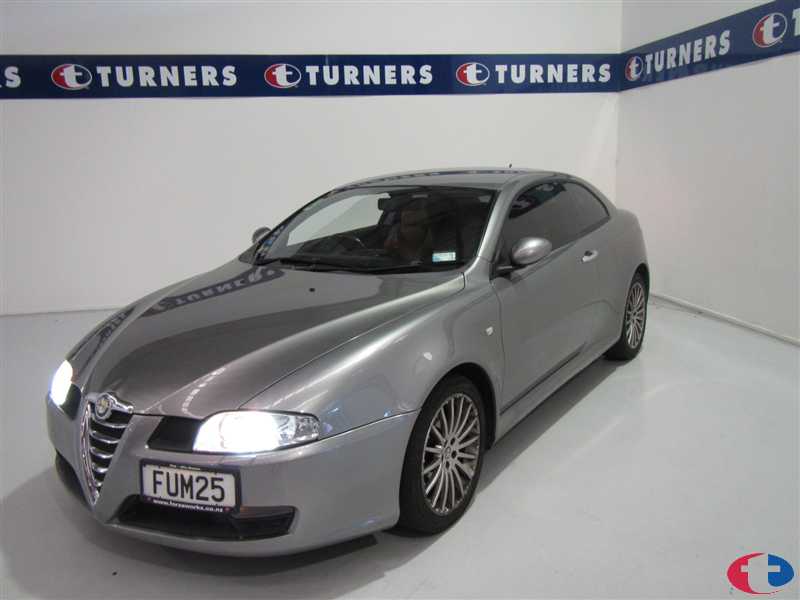
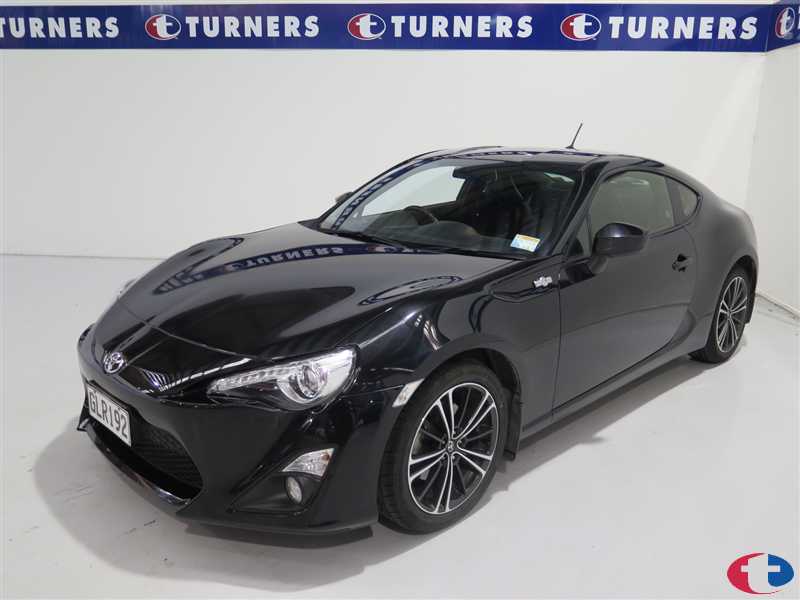
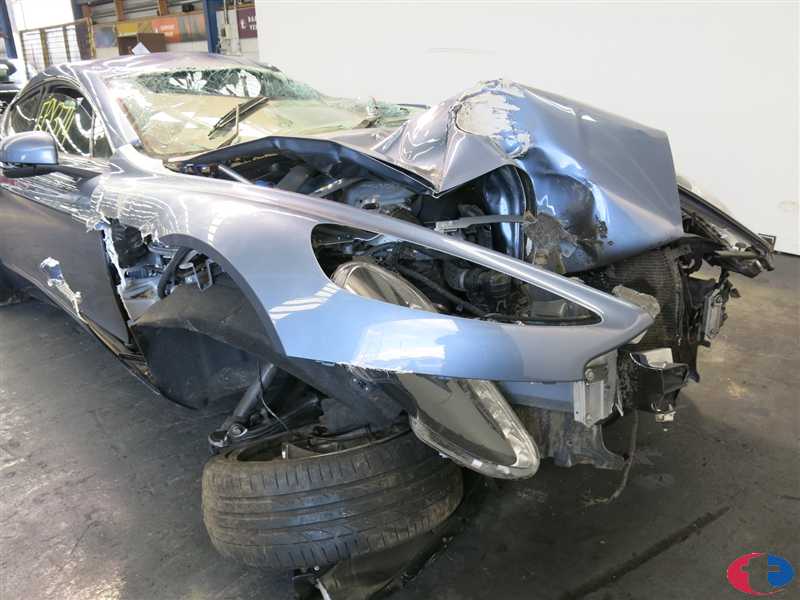
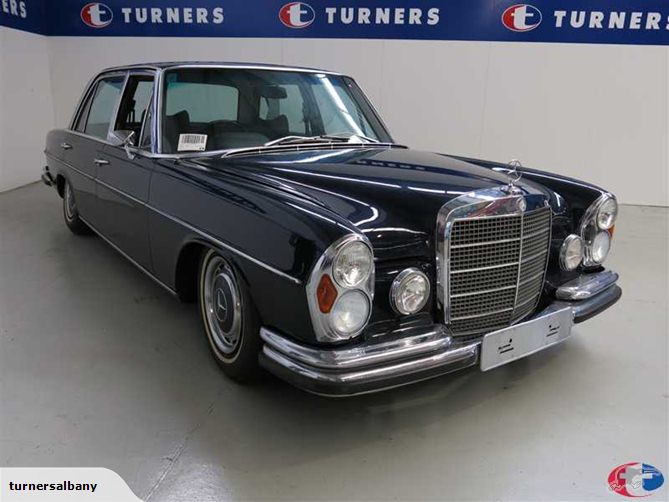
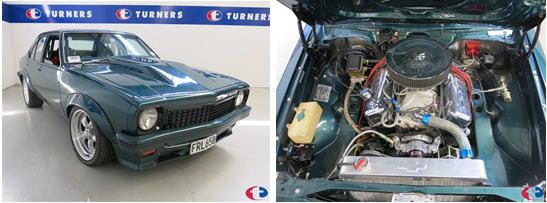
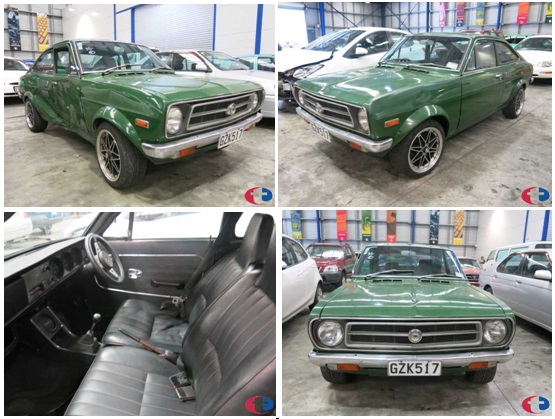
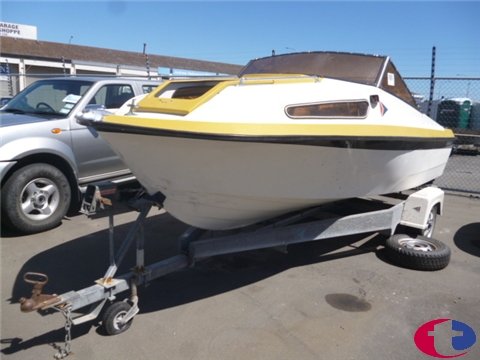
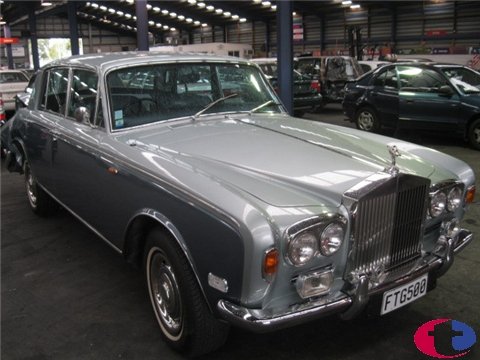
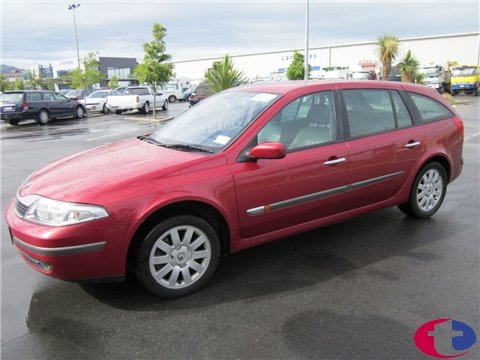
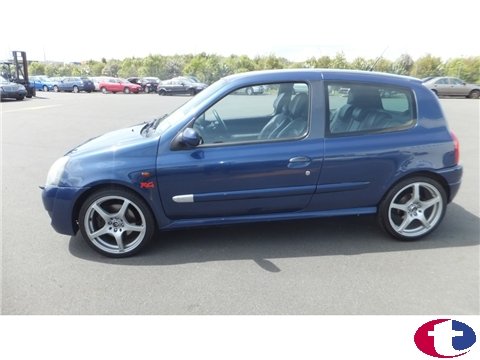
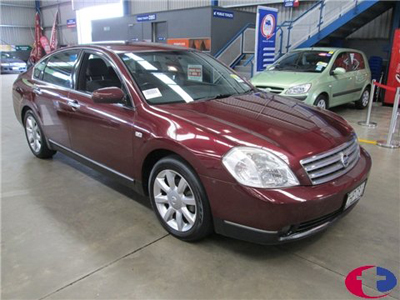
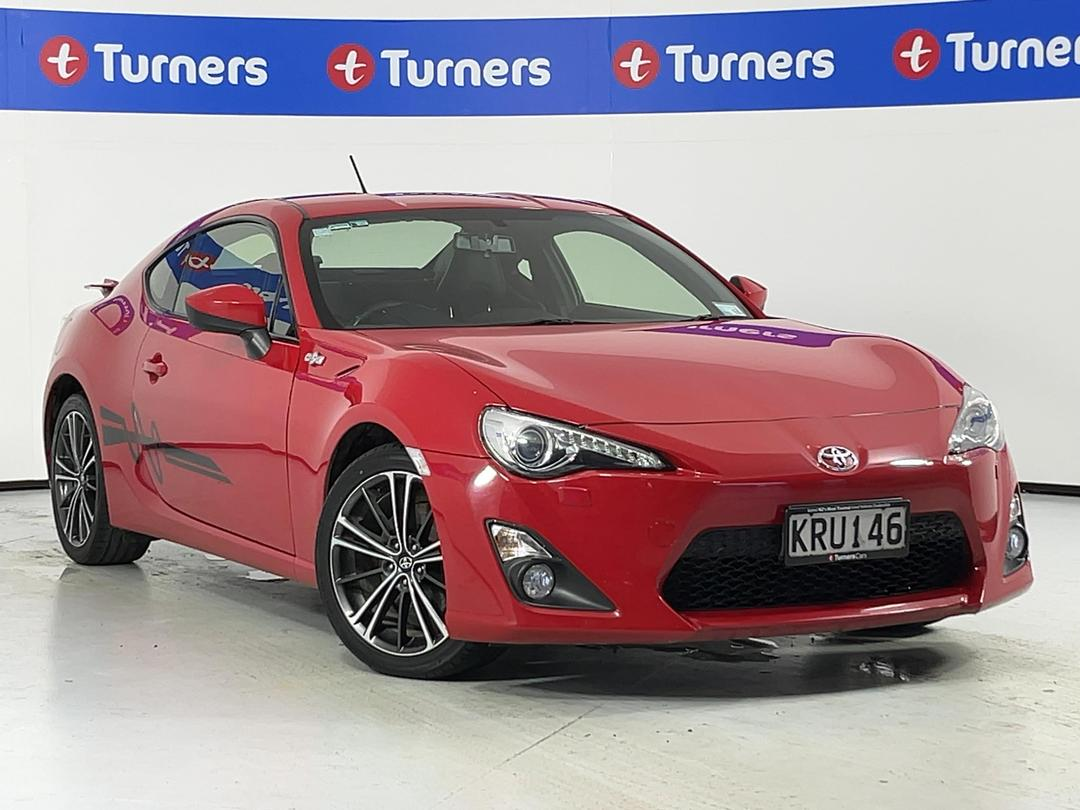
Cycling still images - click to see larger images
Easy to view and switch between two or more simultaneous auction

Start up Guide for Turners Live:
In order to run Turners Live you will need to have or change your computer settings to the following:
Also remember to Register here and add your Credit card so you can bid.
Click here for our step by step help guide
- Web Browsers:
- Internet Explorer
Important Note for IE users: Before calling our Help Line, have you tried adding Turners Live to your trusted site? click here for more info on trusted site

- Mozilla Firefox
Attention all Firefox users: Firefox 3.6 will be compatible on Turners Live from Friday the 29th January 2010. You will need to click on Tools->Add-Ons, then click on the Find Updates button to update the LAILoader
- A broadband internet connection is recommended: If you have a Dial up internet connection the live video of the auction will not be viewable. However you still will be able to hear the auctioneer and bid accordingly.
- Network Firewall: If you are working behind a network firewall you may need to open ports, 6789, 8000, 9192 and port 80 both ways. (Contact your IT department for further assistance)
- Security Software: If you are running security software such as personal Firewall or Antivirus software you may need to temporarily disable it to allow the Turners Live Plug-in to run/Install. AVG is known to have problems with Turners Live. You may need to disable this in order to run Turners Live. For more info on Anti Virus Click Here
- Computer Software: Windows XP or Windows Vista (please note that if your are running on windows vista your may need to disable protected mode on your web browser. To do this you will need to double click on the green tick on the bottom of your web browser, Untick ‘enable web protection’ and restart your web browser)
- Macintosh Computers are not supported
- Java: Try to have the latest version of Java installed. For more information click here
- Sound card and speakers are required
Click here for our step by step help guide
For more information please refer to our FAQ’s (Frequently Asked Questions) click here..
If your system is compatible to run Turners Live please click here to install…
Click here to contact our branches make a phone bid
Need help with Turners Live?
We have a dedicated Turners Live Helpline open from 8.30am – 6.30pm Monday to Friday, and 10am – 3pm on Saturdays. Call 0800 LIVE BID (0800 5483 243) to speak to a technician.
NOTE: If it is after hours and you are unable to place an online bid, the branch holding the auction may be able to provide the alternative of a phone bid service. To arrange this please call the relevant branch prior to the auction beginning. Click here for branch contact details