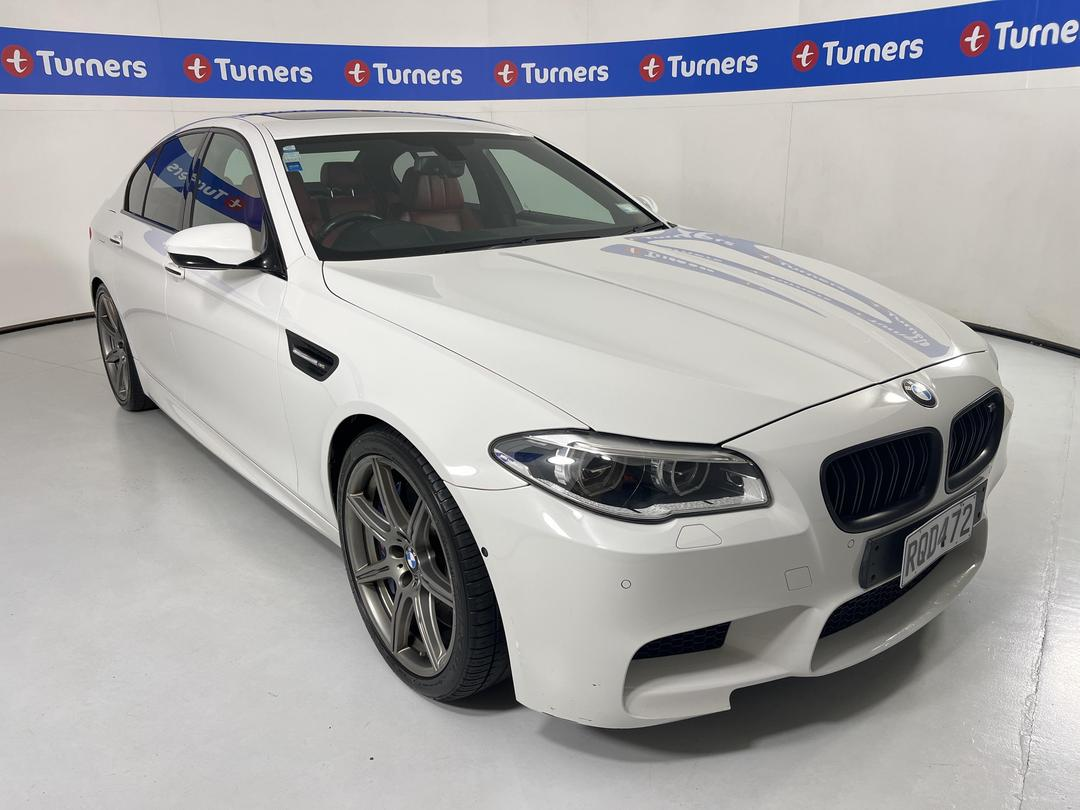
The Family Supercar
May 27, 2026
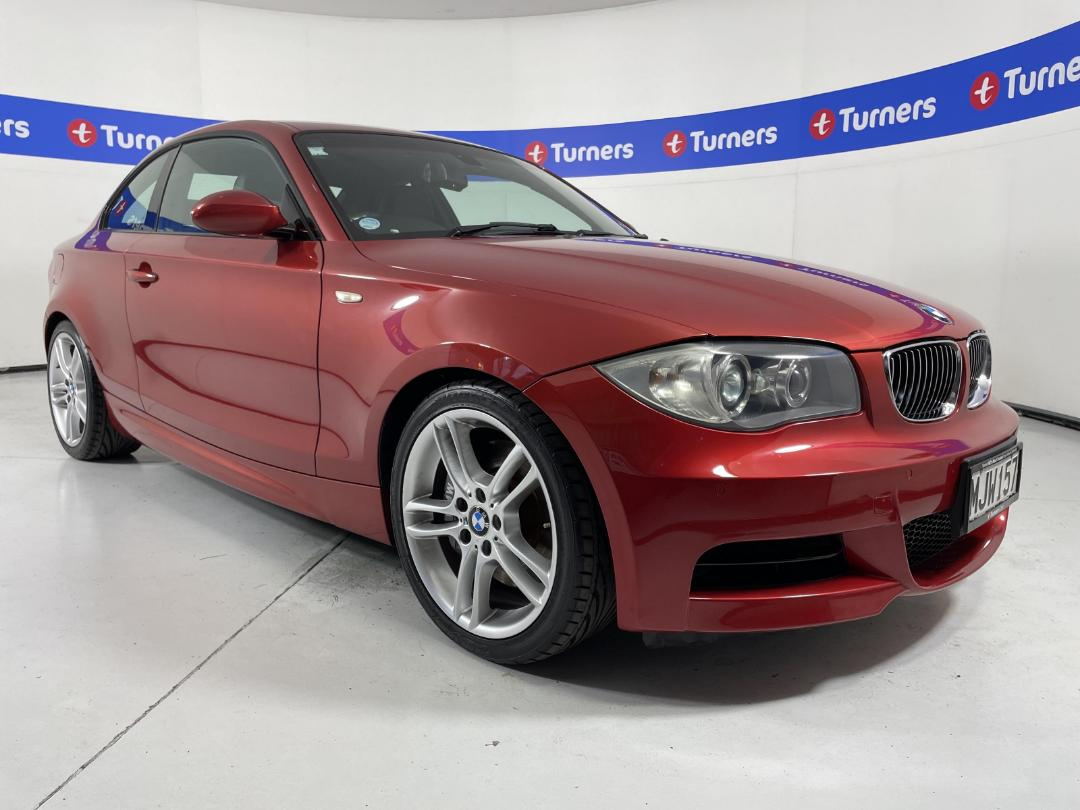
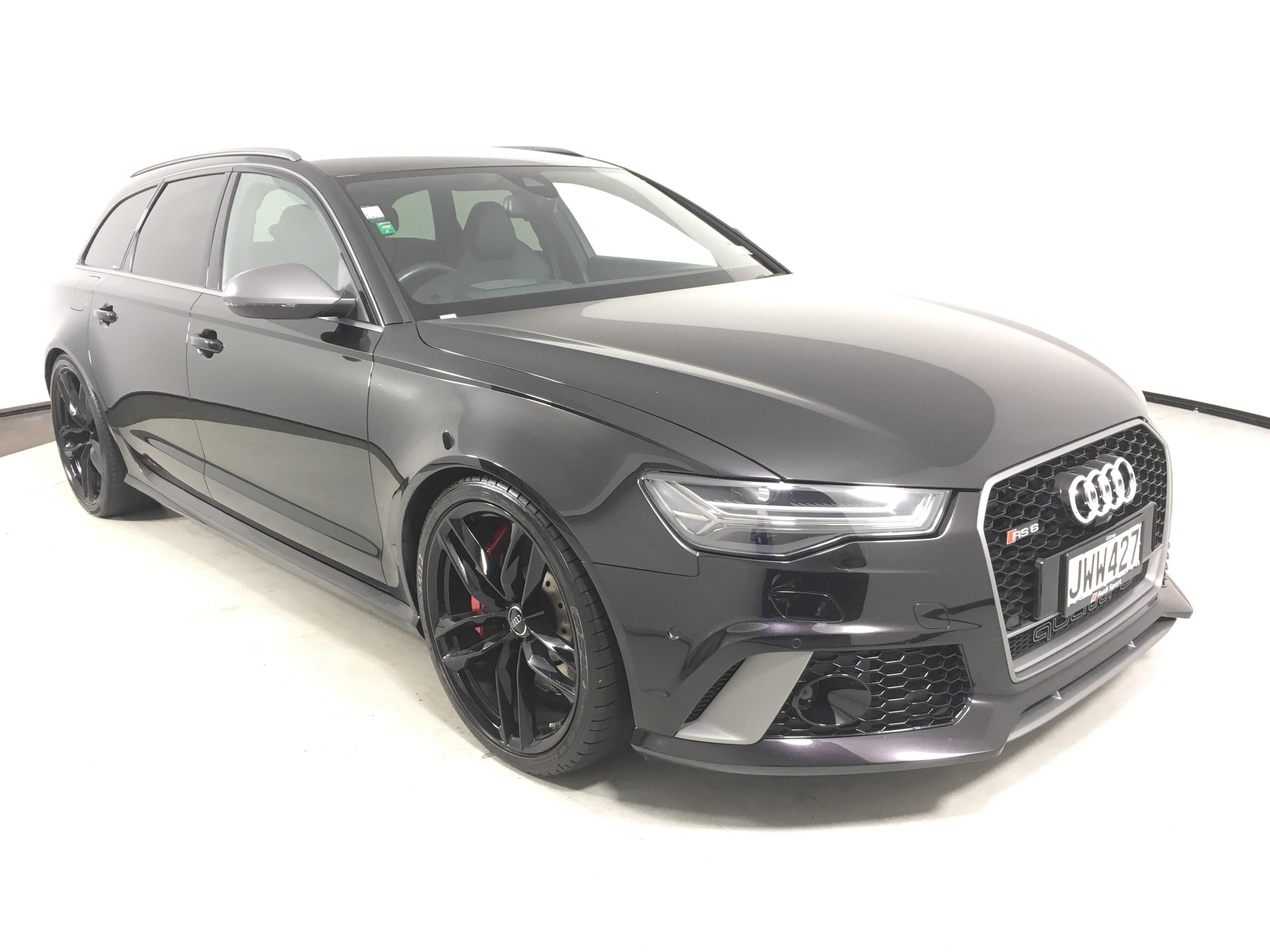
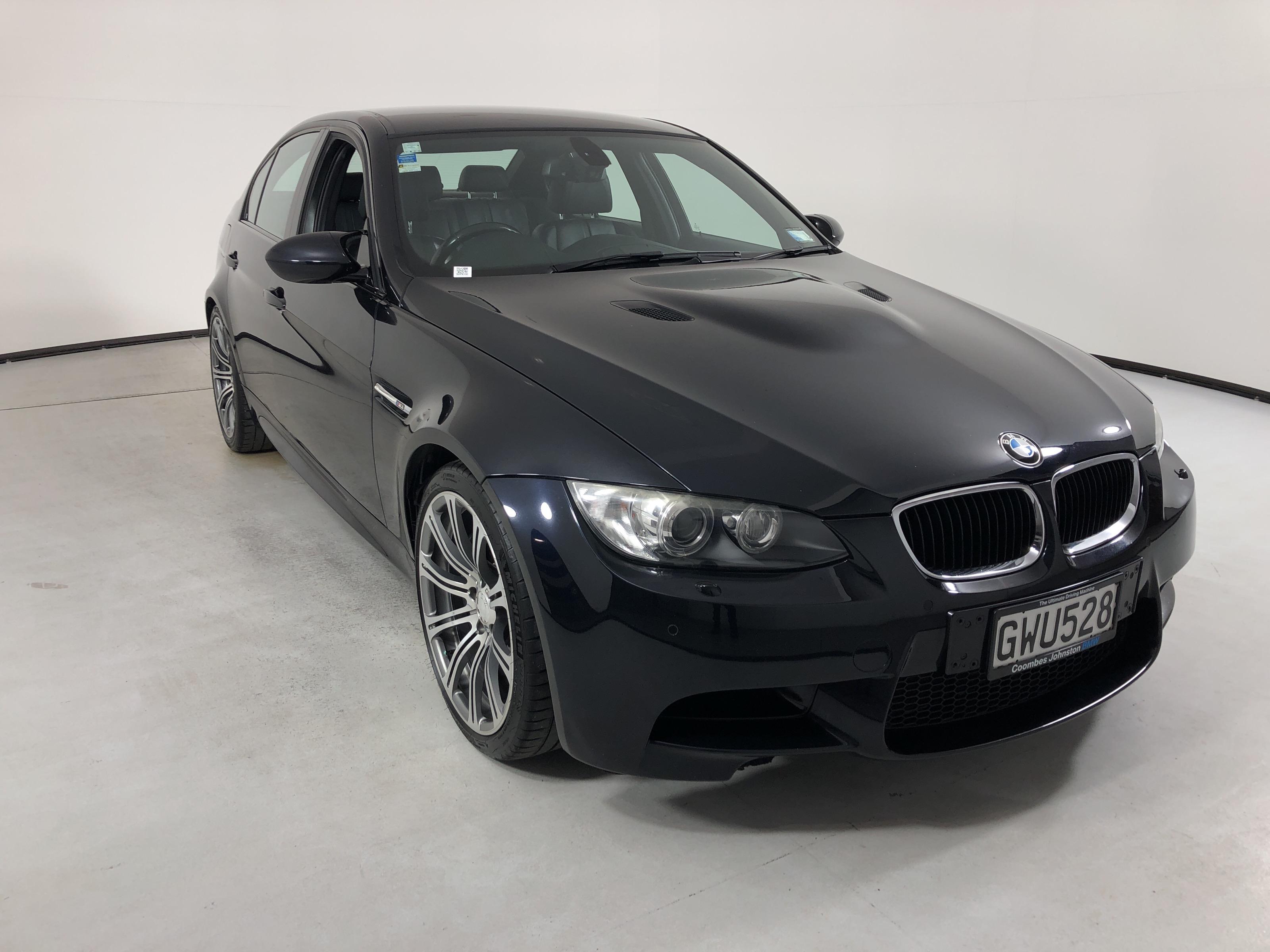
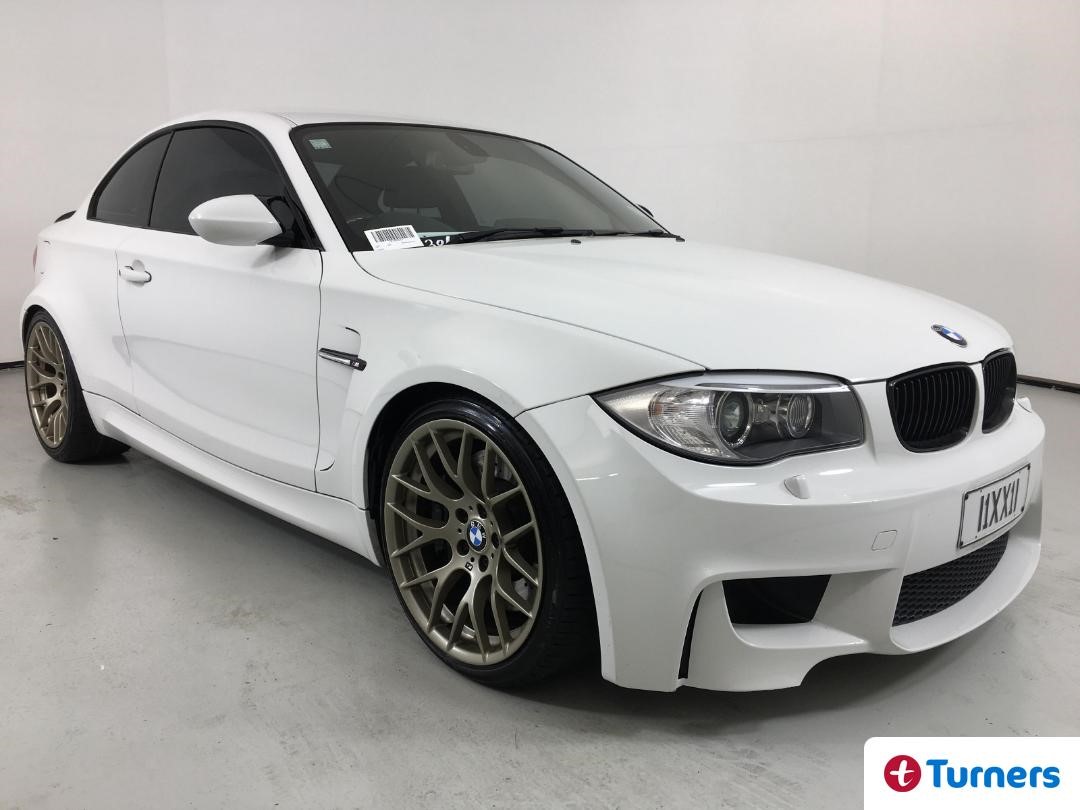
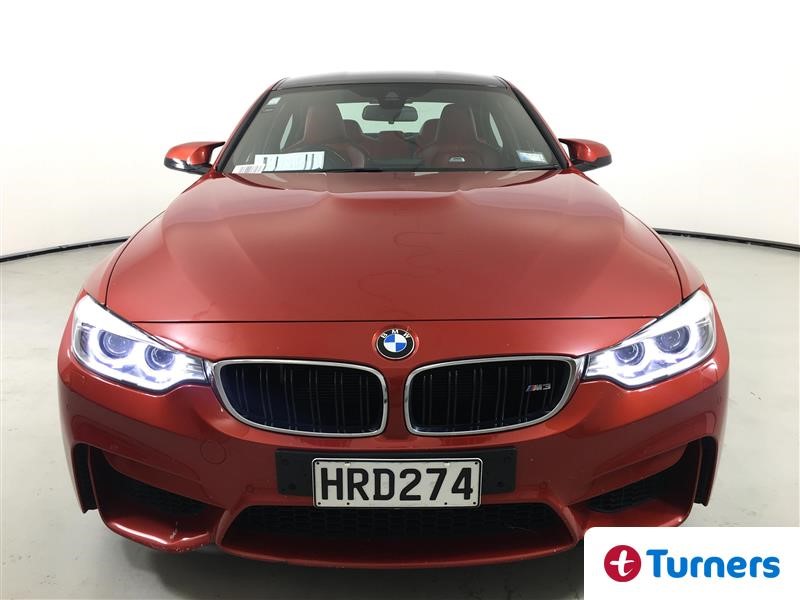
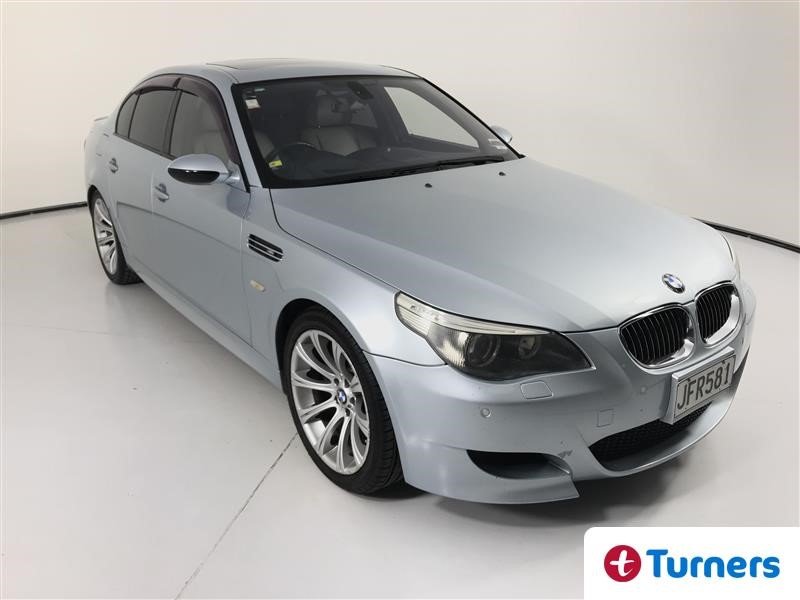
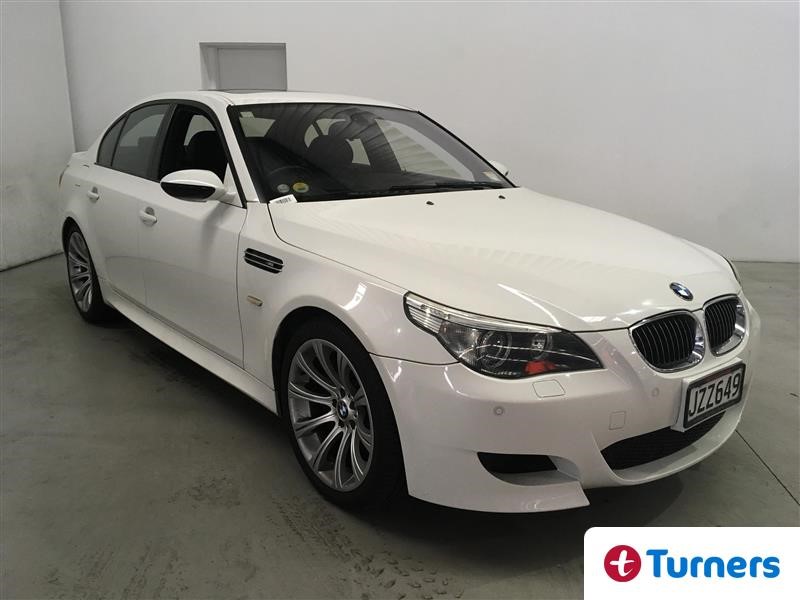
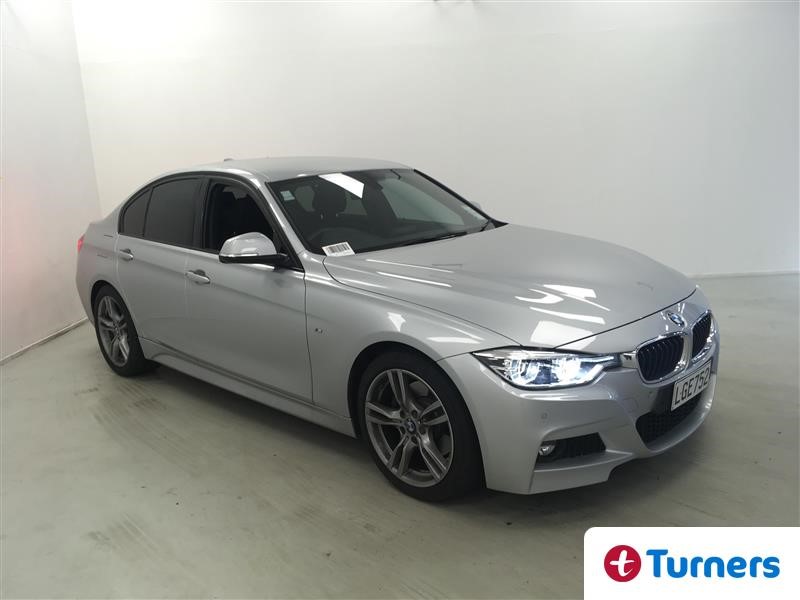
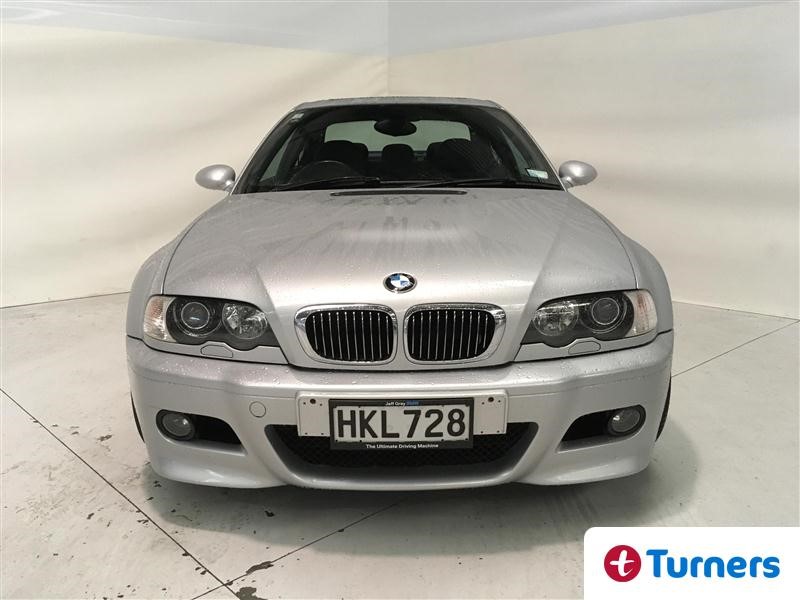
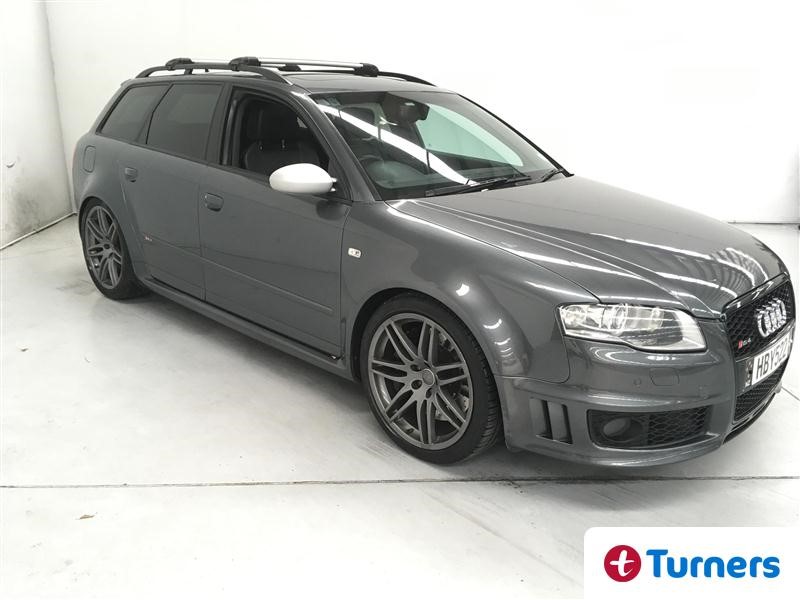
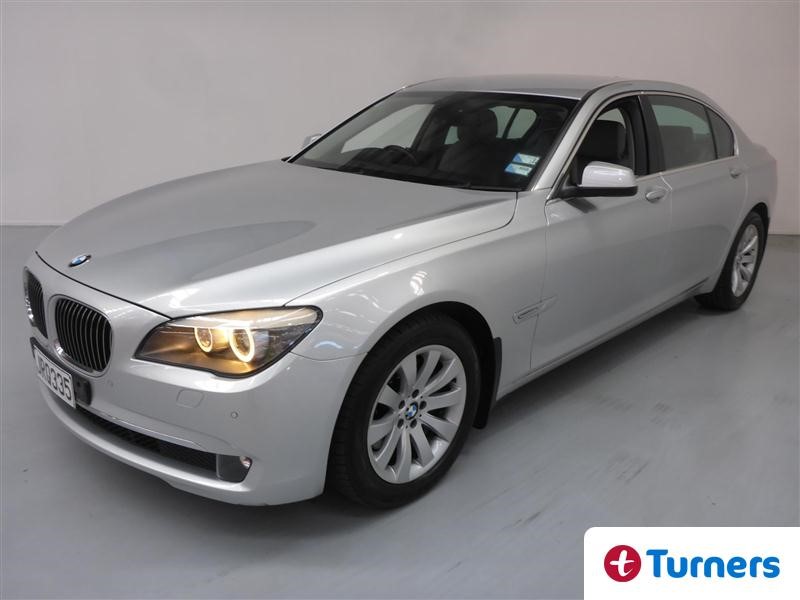
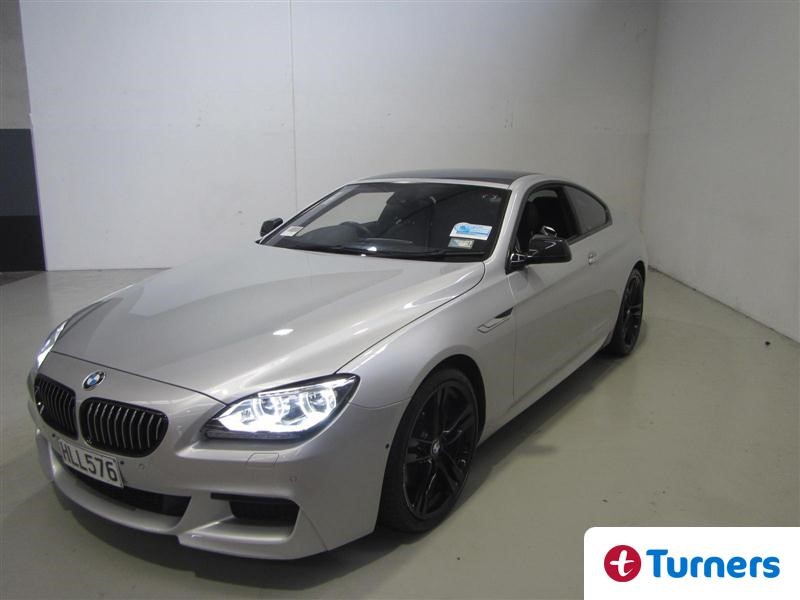
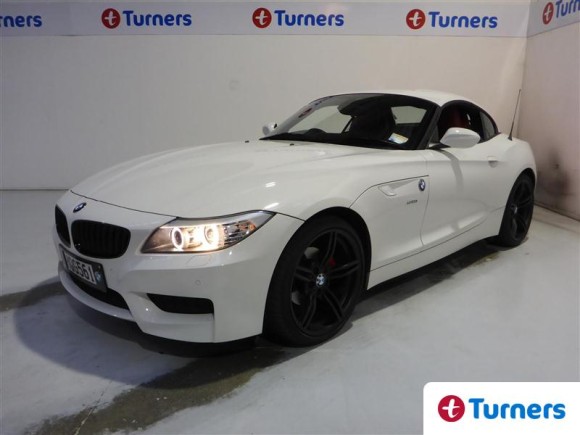
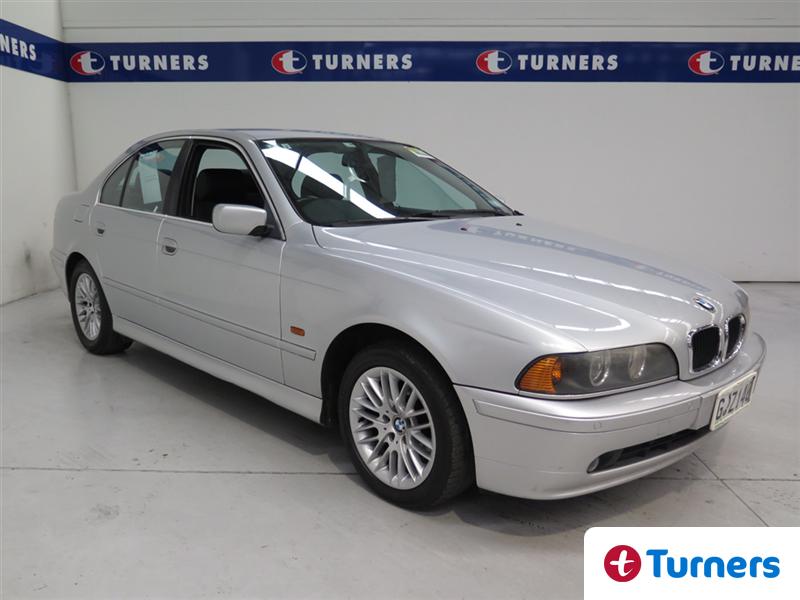
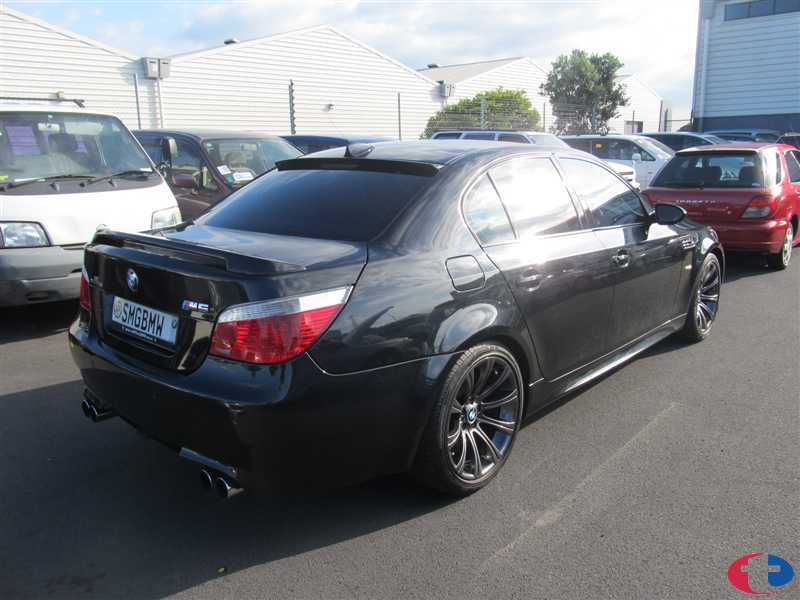
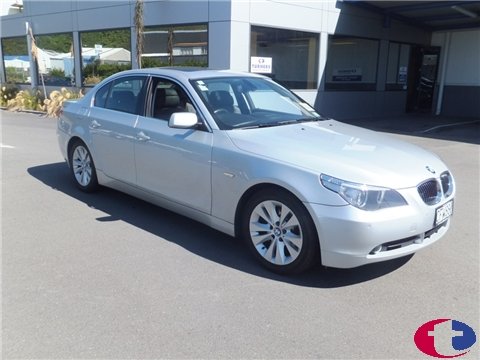
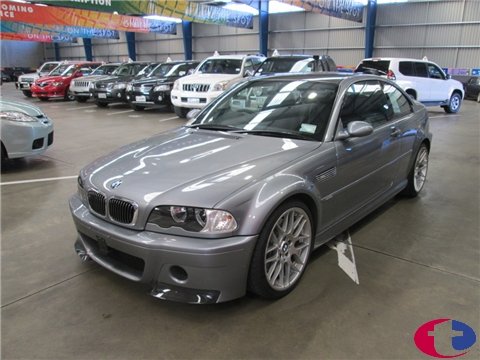
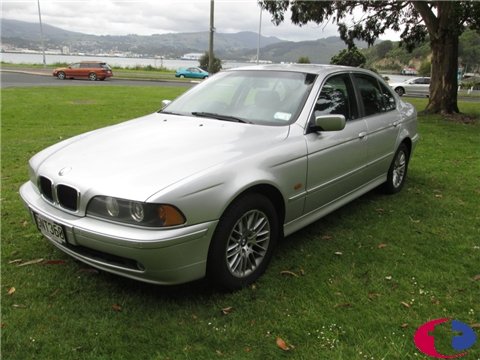
The BMW F10 M5 is a supercar for the whole family at a very un-supercar price. It has an 8 cylinder, twin turbocharged engine that pumps out 550hp with a sub 4.5 second 0-100kph time. But unlike other supercars it also has plenty of room for the kids and a couple of dogs, all of which will be truly excited/terrified every time you hit the loud pedal. All of this with an auction estimate of under $16k. Read on...
Read More